Token HUD Button
An additional button added to the Token HUD which opens up a convenient side menu from which you can quickly update the token image and access various other module features.
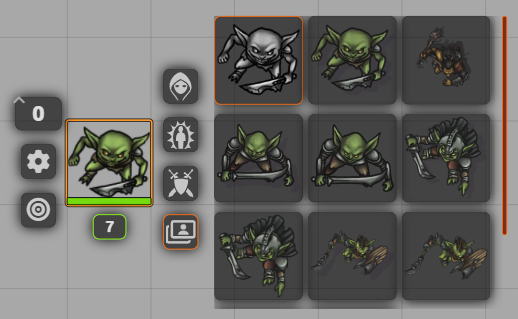
Left-clicking the button will bring up all the images associated to this token immediately to the right as a grid.
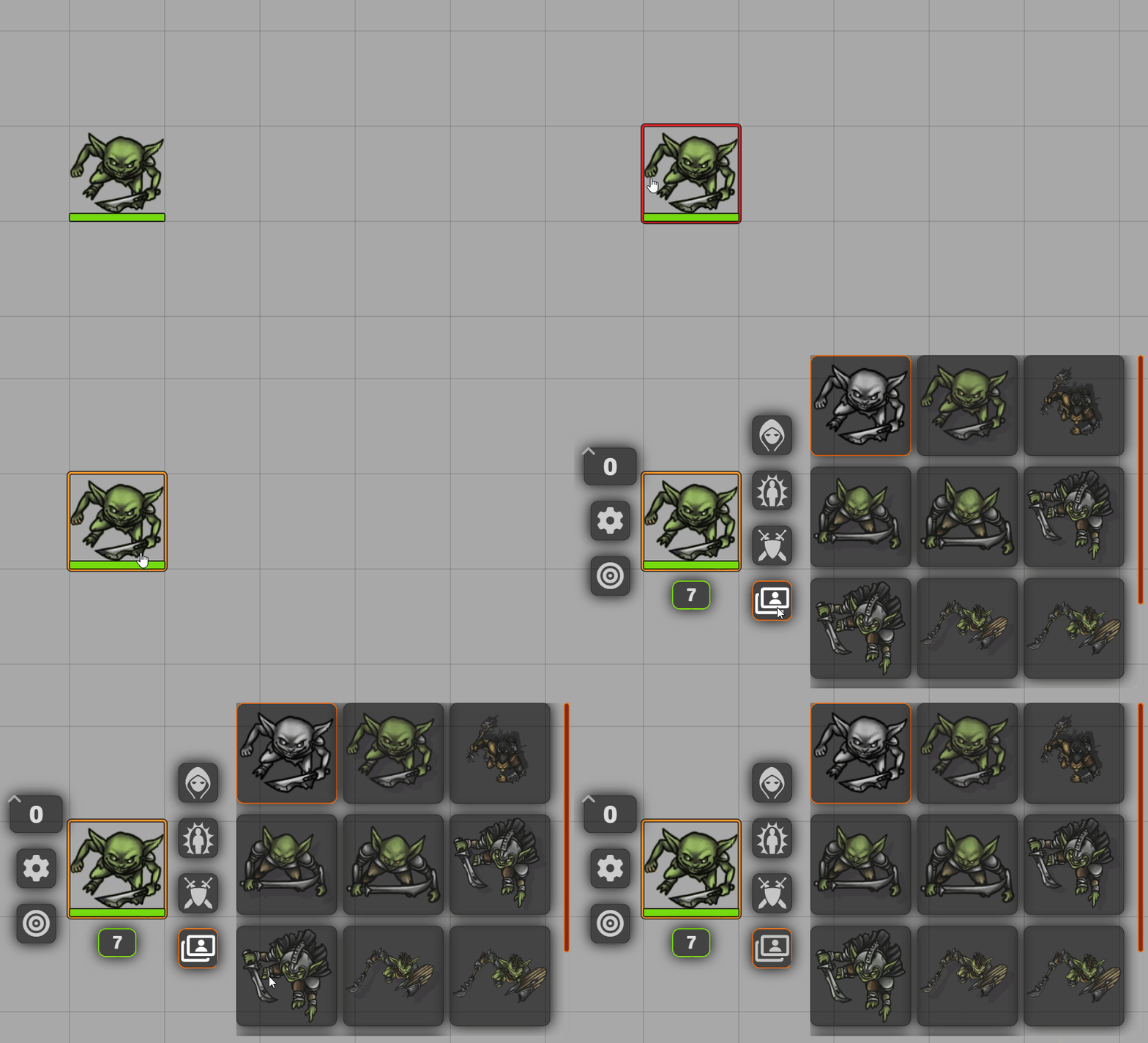
What images get displayed here depends on numerous factors.
By default the module will show the current image assigned to the token (grayed out and unselectable) as well as the ones that the module could find using a search performed using the Token Name (refer to Search Paths settings to configure directories to be searched).
Here's all the methods of assigning images to this menu:
- Current Token Image
- Current token image will be displayed first, grayed out, and unselectable.
- Search Name
- The module will use the
Token Nameas configured on the Token Configuration form to perform an art search on the paths you've configured under Search Paths settings. - Video
- The module will use the
- Share
- TODO
Refer to Token HUD settings and Token HUD Client Settings