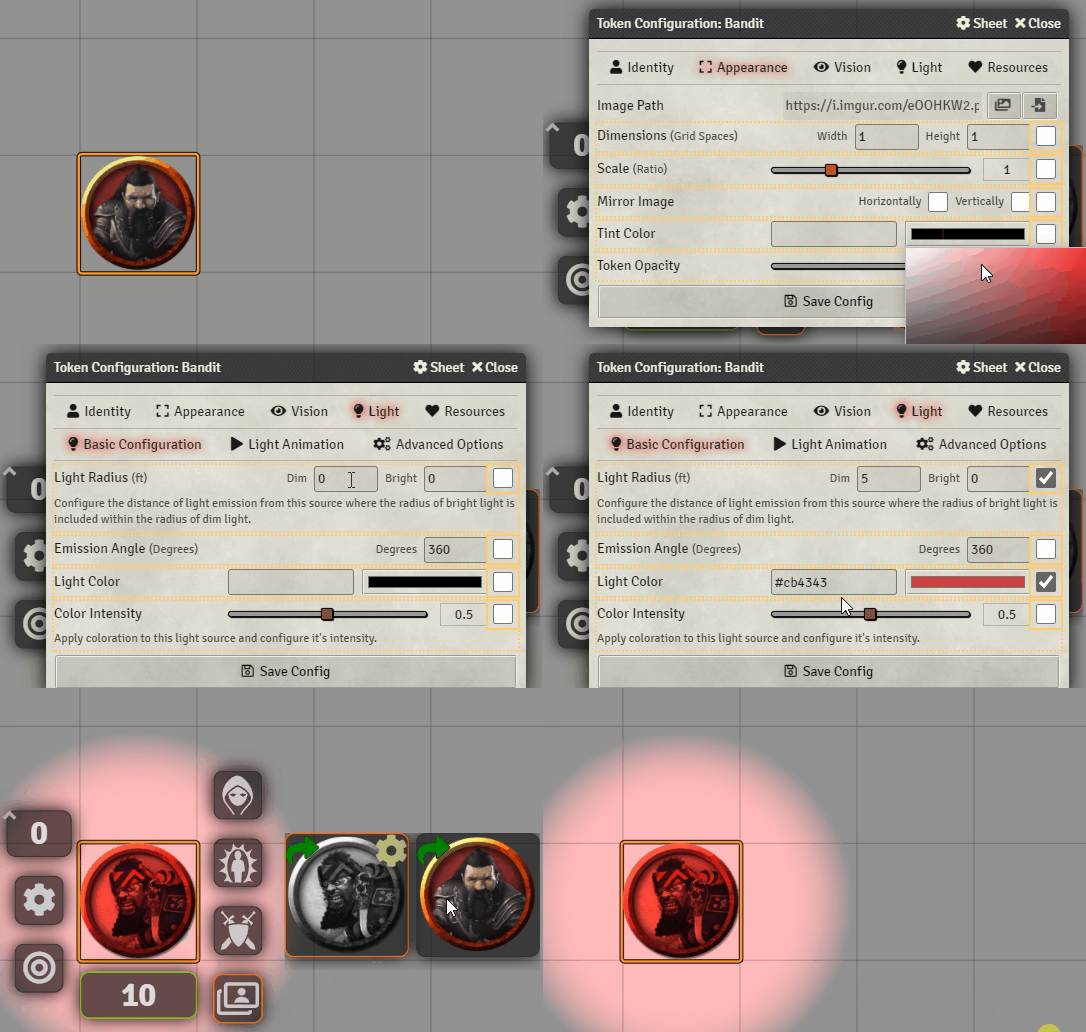
Image Configurations
The module allows to attach configurations to images, which will get applied whenever those images are switched to using the module (Art Select, Token HUD Button, Active Effect Configurations).
Shift+Left-clicking an image on in the Token HUD side menu will open up the following modified configuration window:
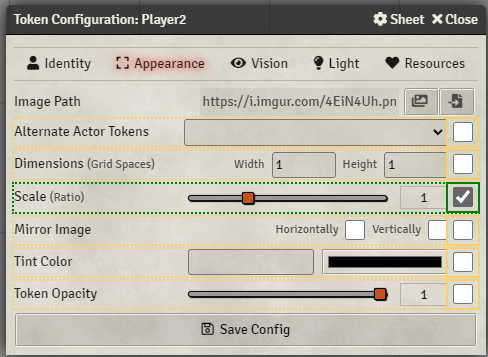
Any field highlighted in green will be attached to the image and will get applied when the token is switched to it.