Misc
Settings that do not fall under any of the other categories.
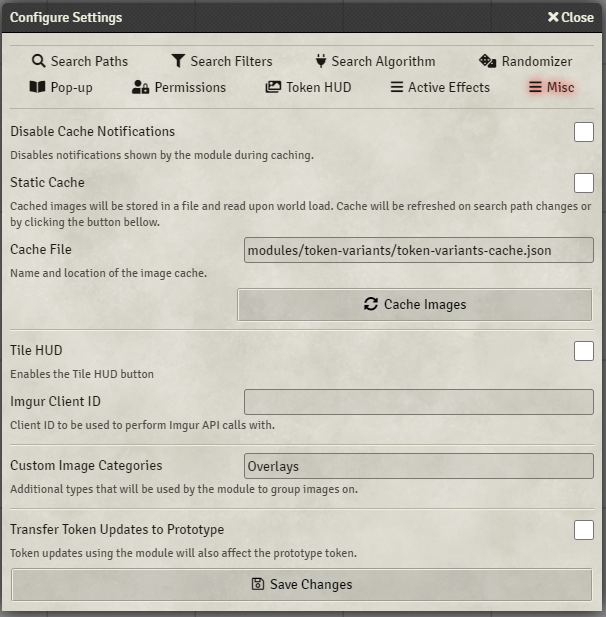
Disables notifications displayed whenever the module performs a caching operation:
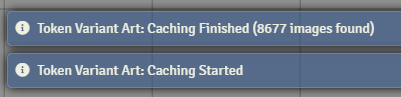
Instead of scanning directories under Search Paths again the module will save the image cache in a file and read it on game load. This can significantly boost the speed at which the module initializes itself, however any changes to the directory structure or additional assets added to it will no longer be detected until a cache operation is triggered manually.
This can be done by either pressing the 'Cache Images' button that you can find under the same settings tab, or by running the following in a macro or console:
game.modules.get("token-variants").api.cacheImages()
Path to the cache file. By default will point to the Token Variant Art module's directory. Updates to the module will overwrite the file unless you change it to point outside of it.
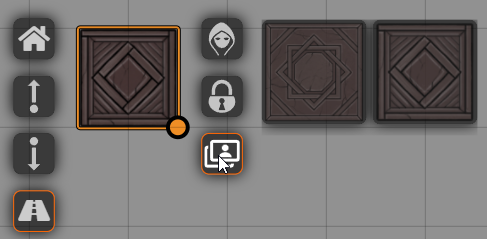
When enabled a button will be inserted into Tile HUD similar to the one provided for the Token HUD:
Imgur gallery links entered under Search Paths by default will use Token Variant Art specific Client ID to perform API calls and retrieve images with. As such you should not be required to setup and enter your own.
However if Token Variant Art Client ID expires and is not renewed in the future this setting is a means to specify your own to make this feature continue working.
A comma separated list of image categories that you will see under Search Paths, Search Filters, and Art Select in addition to the default categories provided by the module.
Any Token updates performed by the module will by default only affect the token on the current scene. This setting allows you to apply these updates to the underlying prototype Token as well.
Some of the practical applications of this are:
- Not needing to re-apply images when placing Tokens for the same actor on different scenes
- As a fix for 'Active Token Lighting' reverting image/configuration changes on game load or Active Effect application