Active Effects
Settings for Custom Active Effect configurations.
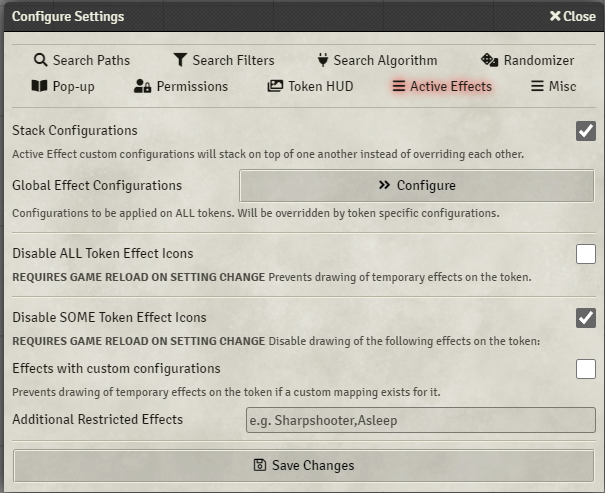
When enabled configurations mapped to Active Effects will stack on top instead of overriding each other if they have differing fields. Any matching field will still be overwritten by the higher priority or more recently applied Active Effect.
Any configuration mapped to an active effect here will be applied to ALL tokens. Mapping defined under the same name for a specific token/actor will override the global ones.
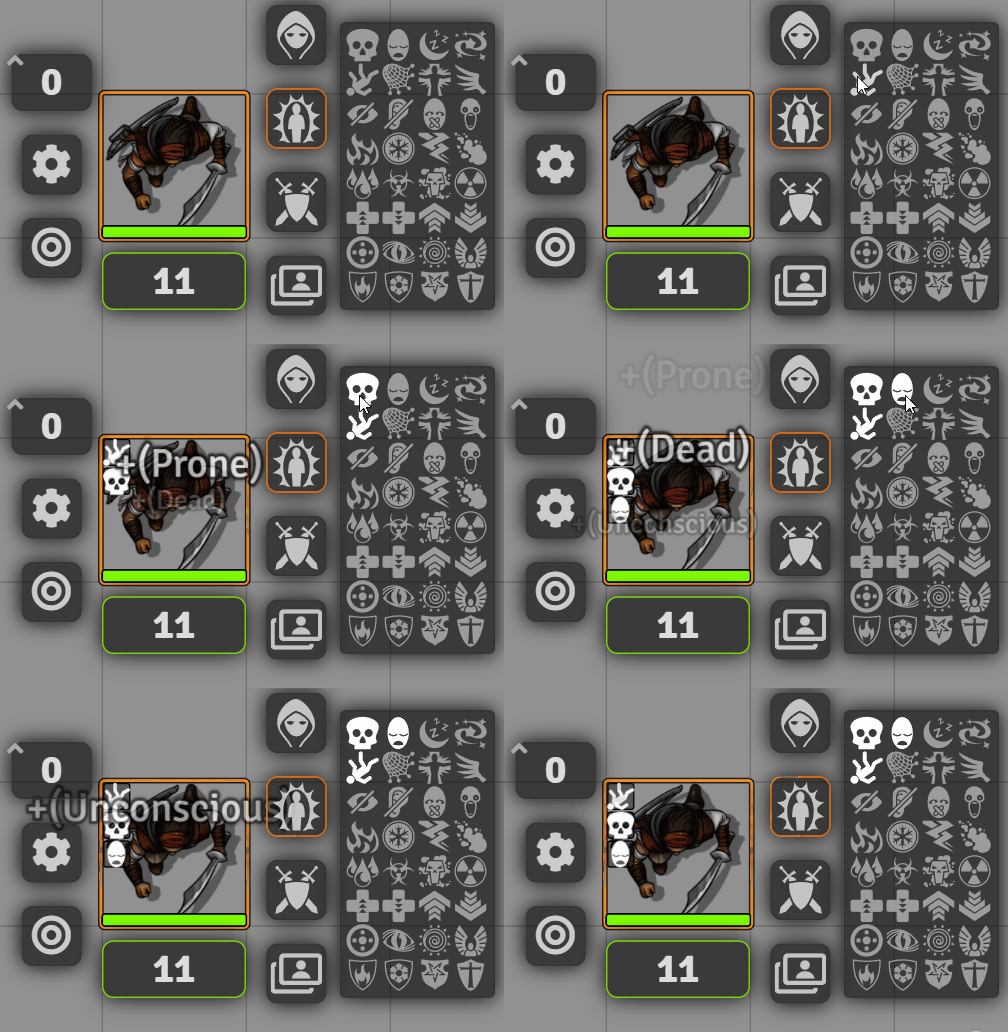
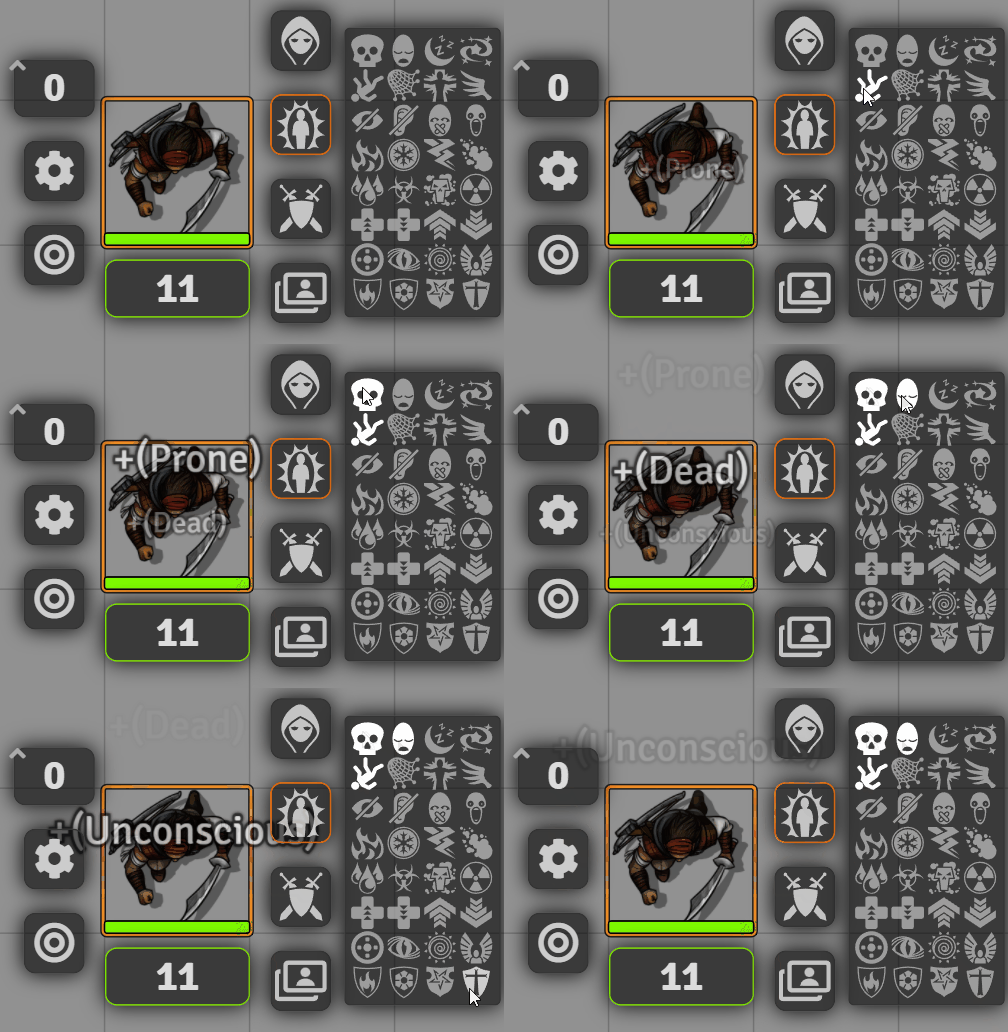
Prevents any Active Effect from being drawn on the token.
Setting disabled:
Setting enabled:
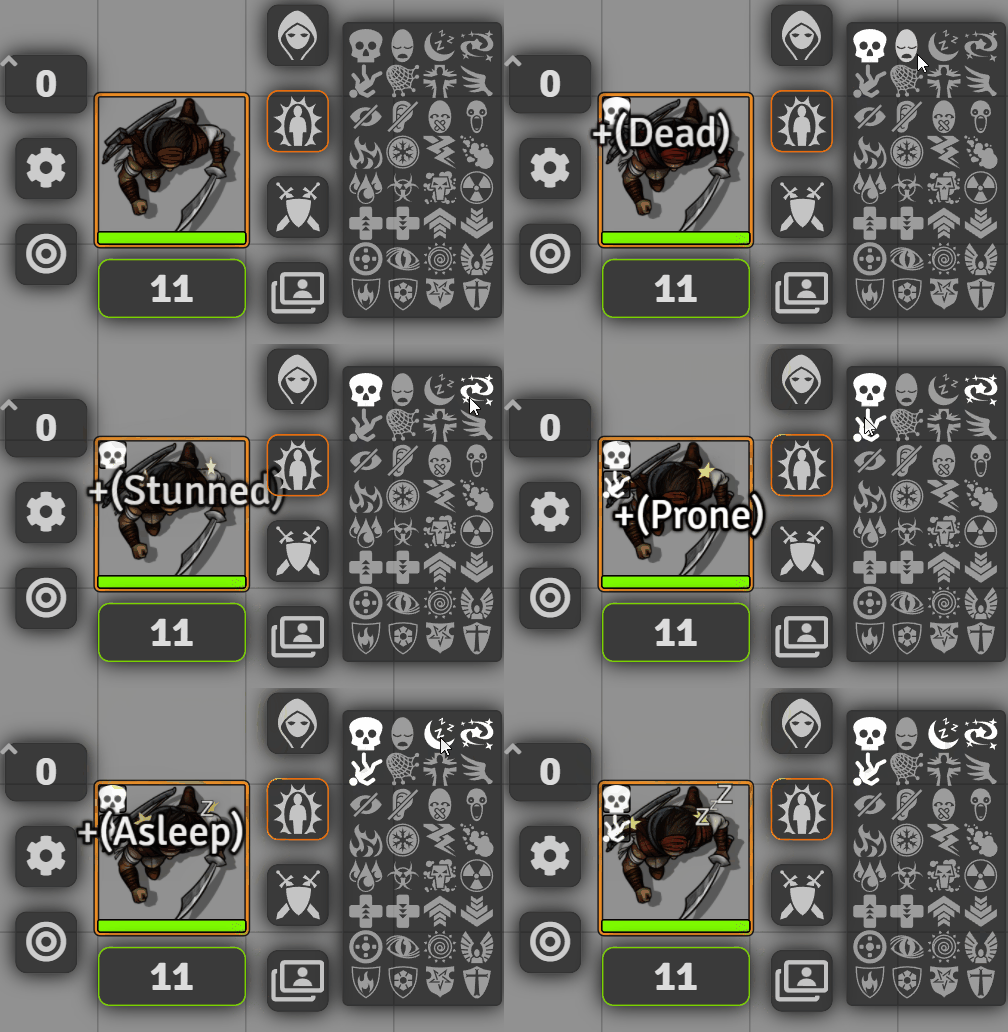
Prevent any effect from Effects with custom configurations and Additional Resticted Effects settings from being drawn on the token.
Effects will not be drawn if a custom mapping exists either globally or for the token.
In the example bellow 'Asleep' and 'Stunned' Active Effects have custom mappings:
A comma seperated list of Active Effect names that should not be drawn on the token.