Add new resolution for banner image and compression for jpg #150
Conversation
This file contains hidden or bidirectional Unicode text that may be interpreted or compiled differently than what appears below. To review, open the file in an editor that reveals hidden Unicode characters.
Learn more about bidirectional Unicode characters


 ghost
assigned
ghost
assigned

Closed

|
Seems like an awesome update for me @armandfardeau !! From a technical point of view, I'd rather have @moustachu's opinion before merging the PR |

Collaborator
Author
|
What's really awesome is the ability to compress jpeg. That's mean better resolution at the same weight. As a reward i suggest a stickers "#portdelaturballe" 😆 |
Sign up for free
to join this conversation on GitHub.
Already have an account?
Sign in to comment


Add this suggestion to a batch that can be applied as a single commit.
This suggestion is invalid because no changes were made to the code.
Suggestions cannot be applied while the pull request is closed.
Suggestions cannot be applied while viewing a subset of changes.
Only one suggestion per line can be applied in a batch.
Add this suggestion to a batch that can be applied as a single commit.
Applying suggestions on deleted lines is not supported.
You must change the existing code in this line in order to create a valid suggestion.
Outdated suggestions cannot be applied.
This suggestion has been applied or marked resolved.
Suggestions cannot be applied from pending reviews.
Suggestions cannot be applied on multi-line comments.
Suggestions cannot be applied while the pull request is queued to merge.
Suggestion cannot be applied right now. Please check back later.
🎩 What? Why?
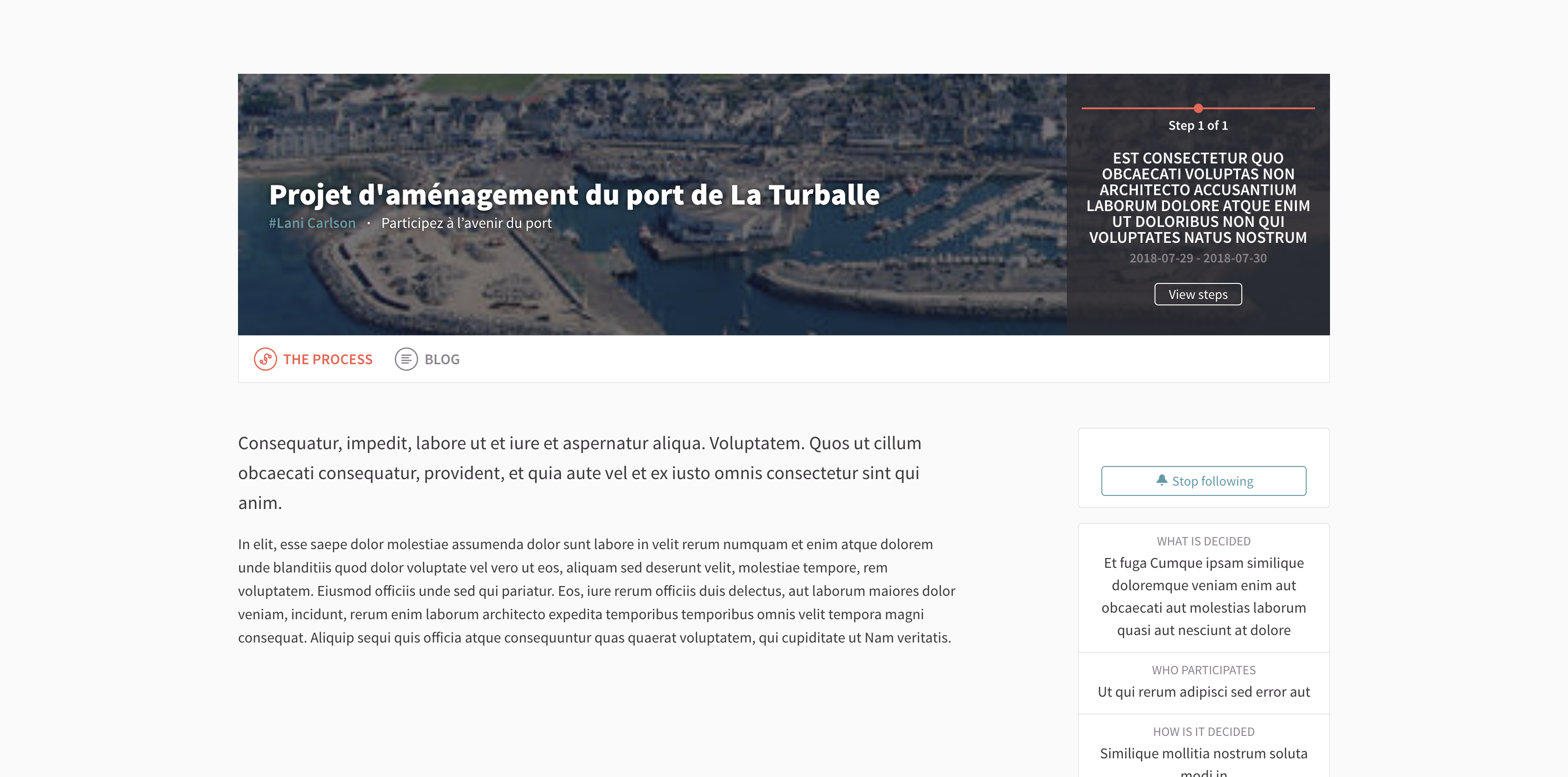
Banner image were low quality because of improper resolution configuration: 1000px x 200px. Causing an unpleasant user experience on high resolution devices (retina screen).
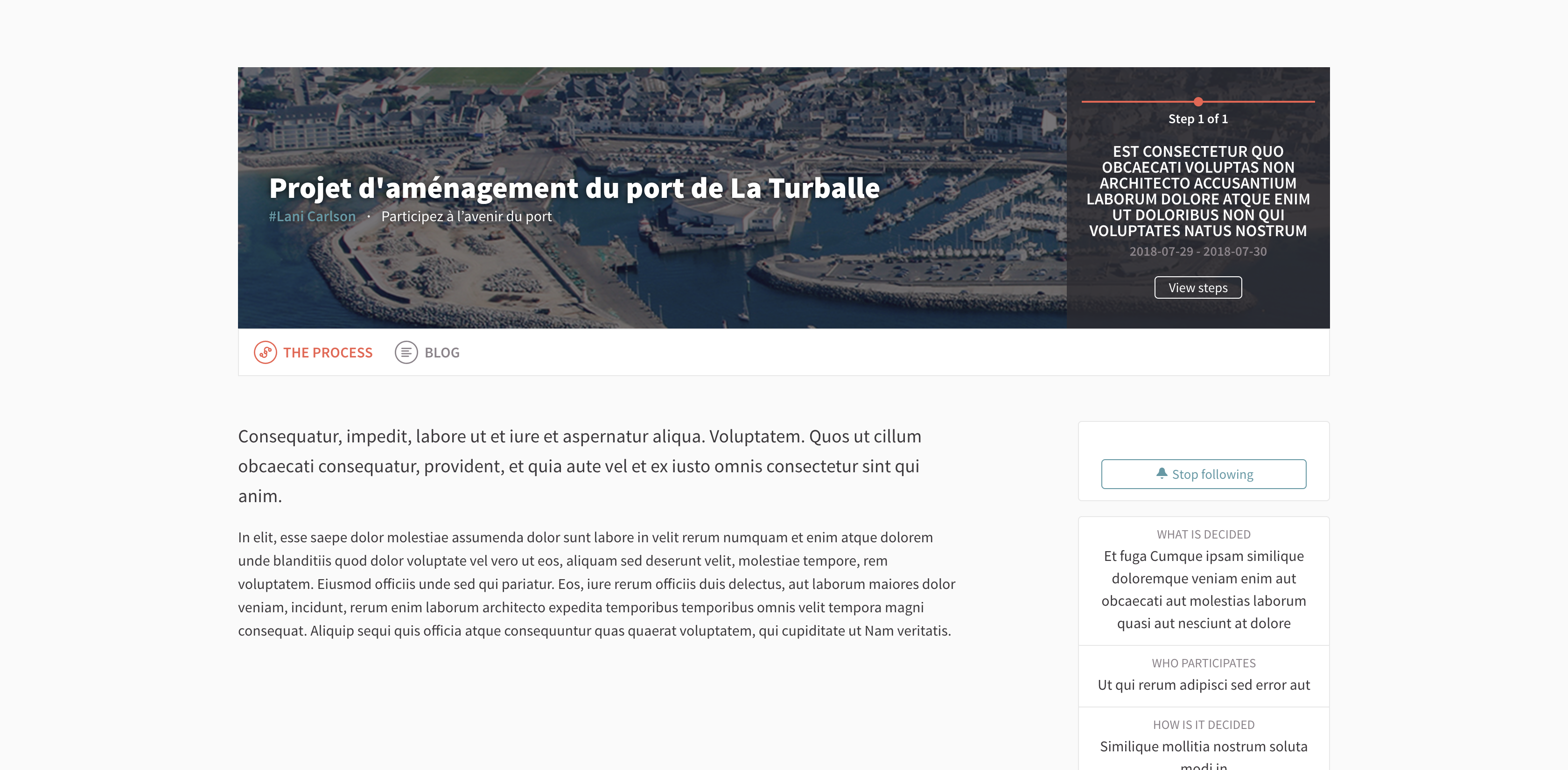
New resolution setting is : 1200px x 600px.
This pull request add a new feature too : ✨ images compression ! ✨
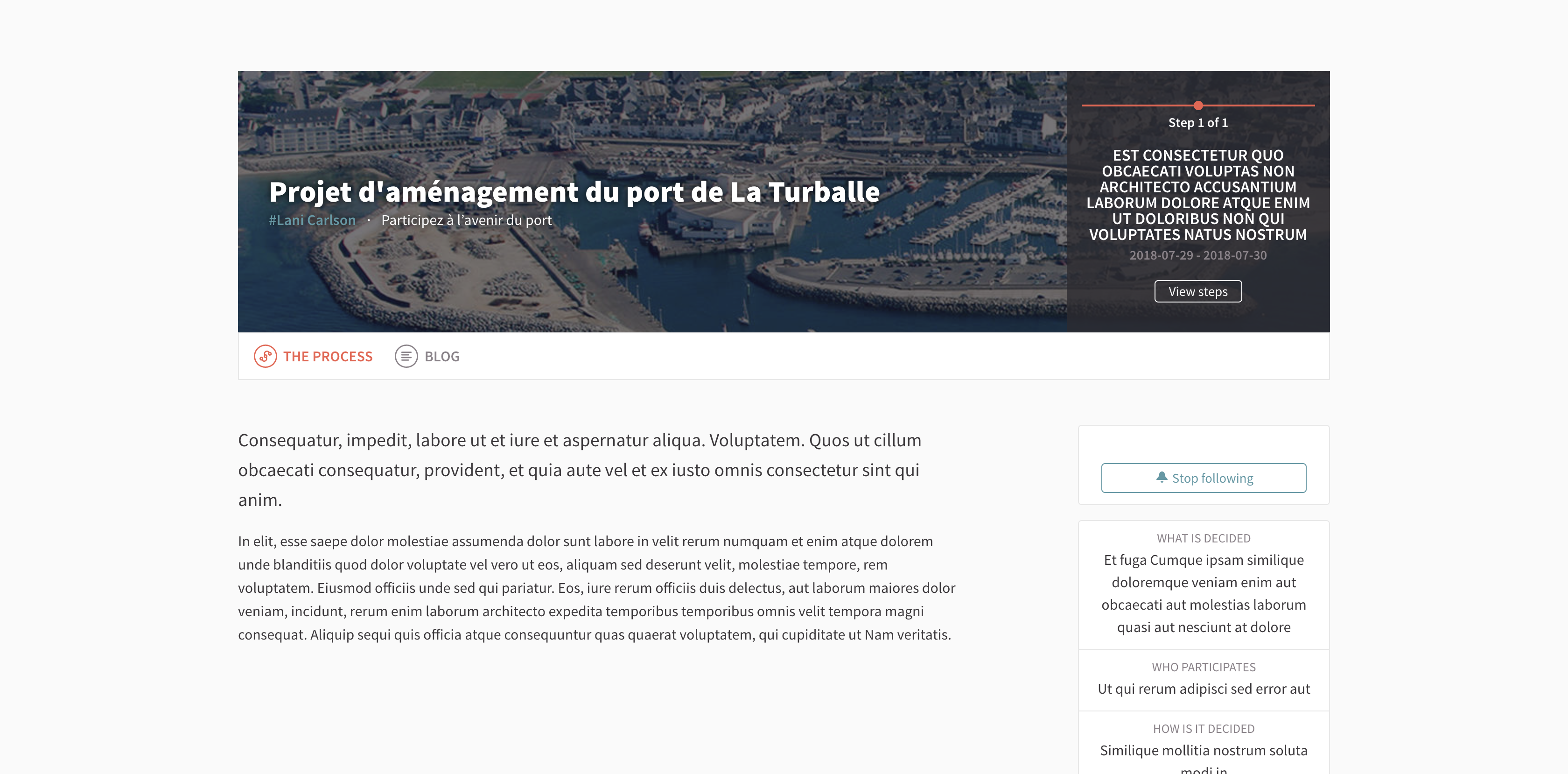
Set on 60 % on banner image to increase performance.
Jpg can be compressed from 50% to 70% without any visual significant difference.
🤔 How to use it:
add
process quality: 60to your uploaderExample:
💯 How to update already existing images?
Open your rails console
rails cpaste the following :
Decidim::ParticipatoryProcess.find_each { |process| process.banner_image.recreate_versions! if process.banner_image? }📌 Related Issues
📷 Screenshots (optional)
Before :
After :
After, with compression enabled :
👻 GIF