
mediasfu-shared is the framework-agnostic WebRTC runtime at the core of the MediaSFU SDK family. It provides shared room helpers, mediasoup signaling, socket management, media state utilities, and TypeScript types for React, Vue, Angular, Svelte, and plain TypeScript. Install with npm install mediasfu-shared.
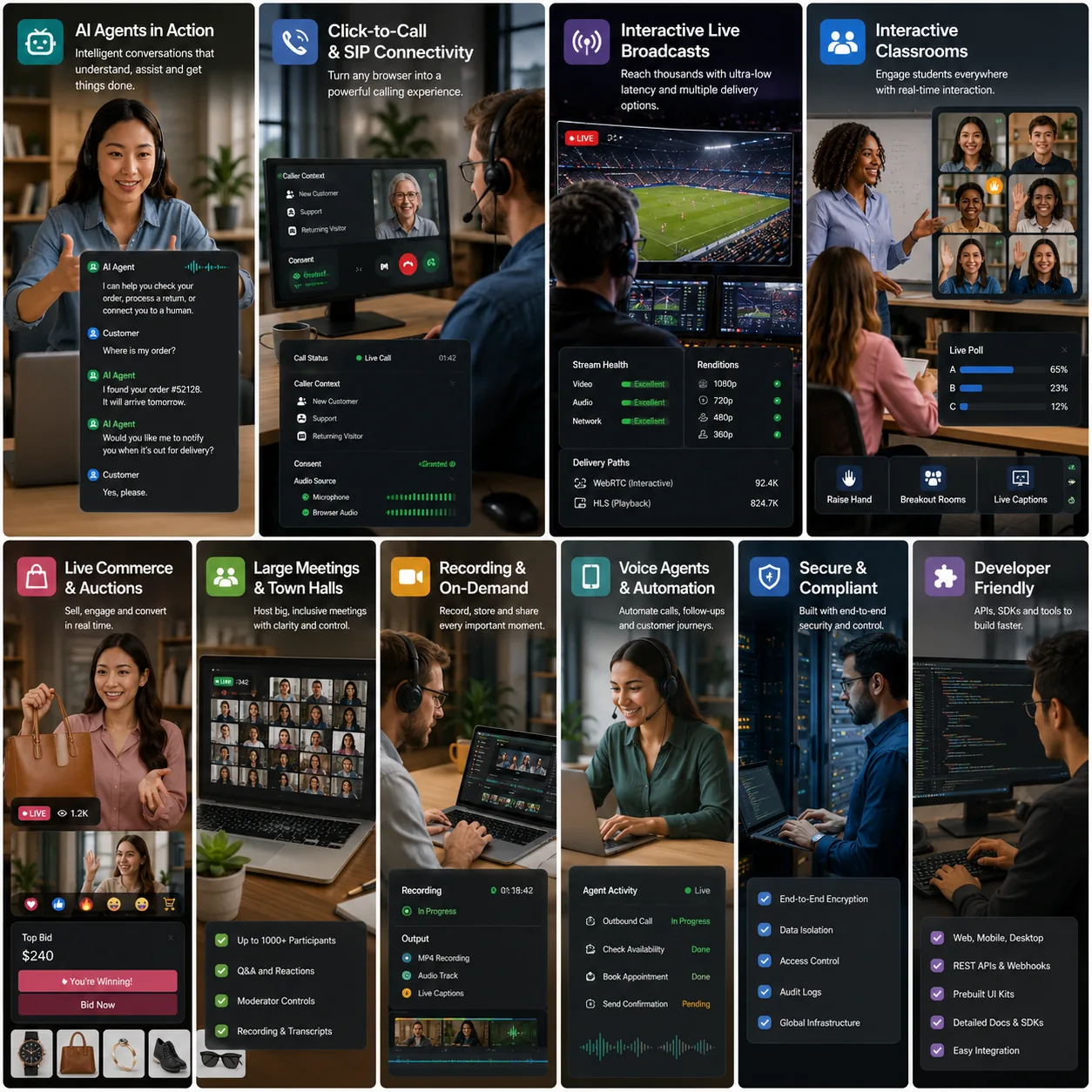
This package exposes framework-neutral room, media, participant, playback, and headless helpers. It does not render a room or provide a framework state controller. Choose a framework SDK when you want prebuilt UI, ModernMediasfuGeneric, UI overrides, or a framework-native headless hook or service.
Use mediasfu-shared when you want to:
- build your own browser client on top of MediaSFU primitives without adopting a framework-specific UI package
- share MediaSFU room, media, and participant logic across React, Vue, Angular, Svelte, or plain TypeScript codebases
- import low-level helpers such as
createRoomOnMediaSFU,joinRoomOnMediaSFU,connectSocket,SocketManager, and the exported consumers, methods, and types entry points
npm install mediasfu-shared mediasoup-client socket.io-clientmediasoup-client and socket.io-client are peer dependencies, so install them in the host app.
The Cloud room helpers target https://mediasfu.com/v1/rooms/ by default.
- Use MediaSFU Cloud when you want managed room creation, signaling, and media routing.
- Use MediaSFU Open when you want your own locally or privately running MediaSFU media server. You install and operate MediaSFU Open, then configure its reachable URL.
In production, create and join rooms through your authenticated backend so the MediaSFU API username and key never enter a browser or mobile bundle. Direct credentials are suitable only for an ignored, private local-development environment.
The following shape belongs in a trusted server process. Validate and authorize the caller, load credentials from server-side environment configuration, and return only the client-safe room/session fields your application needs.
import {
  createRoomOnMediaSFU,
} from 'mediasfu-shared';

export async function createRoomForAuthenticatedUser(userName: string) {
  return createRoomOnMediaSFU({
    payload: {
      action: 'create',
      userName,
      duration: 60,
      capacity: 10,
    },
    apiUserName: process.env.MEDIASFU_API_USERNAME ?? '',
    apiKey: process.env.MEDIASFU_API_KEY ?? '',
  });
}mediasfu-shared exports the framework-independent headless helpers used by the
React Native, Expo, Vue, and Angular adapters. The package does not mount a room
component by itself: pass it the newest parameter bag published by your chosen
framework SDK.
import {
  getCurrentParams,
  getRoomReadiness,
  getLocalVideoStream,
  listParticipantMediaStates,
  runMediaControl,
  type HeadlessParameters,
} from 'mediasfu-shared';

let parameters: HeadlessParameters = {};

export function acceptPublishedParameters(next: HeadlessParameters) {
  parameters = next;
}

export function readRoom() {
  const current = getCurrentParams({ parameters });
  return {
    readiness: getRoomReadiness({ parameters: current }),
    localVideo: getLocalVideoStream({ parameters: current }),
    participants: listParticipantMediaStates({ parameters: current }),
  };
}

export async function toggleMicrophone() {
  return runMediaControl({ parameters, control: 'clickAudio' });
}
Always replace the stored bag when the framework publishes a new one. Do not
hold an earlier snapshot: the SDK reassigns fields as room state changes.
getCurrentParams() is a pure read. getUpdatedAllParams() republishes and
must not be used by render functions, computed values, or polling timers.
The headless barrel also exports media-stream resolution, participant state, permissions, moderation, recording/polls/whiteboard/breakout controls, session extras, playback/viewer capabilities, and media-production helpers. The native entry omits the DOM-only virtual-background pipeline; use the native SDK's platform implementation instead.
For a browser headless wrapper, apply a background after the camera is live and keep rendering the stream returned by the SDK's current parameter bag:
import { applyVirtualBackground, clearVirtualBackground } from 'mediasfu-shared';

await applyVirtualBackground({ parameters, image: '/backgrounds/studio.jpg' });
// On removal, the producer is restored to the raw camera track.
await clearVirtualBackground({ parameters });
The helper uses the same segmentation/compositing contract as the React modal,
isolates processing tracks, and updates virtualStream/processedStream for
the self-view. Native builds intentionally omit this browser-only pipeline.
For lifecycle ownership, media resolution, independent audio rendering, publication scheduling, and teardown guidance, read Building a Headless MediaSFU Wrapper.
mediasfu-sharedexposes the full public runtime surface.mediasfu-shared/consumersis useful when you want consumer/grid helpers only.mediasfu-shared/methodsis useful when you want action utilities and room helpers.mediasfu-shared/typesis useful when you only need TypeScript contracts.
- Shared/headless guide: HEADLESS_GUIDE.md
- Changelog: CHANGELOG.md
- Main developer docs: https://mediasfu.com/documentation
- API Sandbox: https://mediasfu.com/sandbox
- Secure backend proxy guide: https://mediasfu.com/docs/usage/secure-backend-proxy/
- MediaSFU Open / CE: https://github.com/MediaSFU/MediaSFUOpen
Generate package-local API docs with:
npm run build-docs| Package | Framework | npm |
|---|---|---|
| mediasfu-reactjs | React 18/19 | npm install mediasfu-reactjs |
| mediasfu-vue | Vue 3 / Composition API | npm install mediasfu-vue |
| mediasfu-angular | Angular 17/18/19 | npm install mediasfu-angular |
| mediasfu-reactnative | React Native | npm install mediasfu-reactnative |
| mediasfu-reactnative-expo | Expo | npm install mediasfu-reactnative-expo |
| What you see | Likely cause | What to do |
|---|---|---|
| "Unable to connect. Check your credentials and try again." | The room service rejected the credentials, or your create/join backend returned an error. | Check the API username and key on your server, and make sure your create/join adapters pass the room service's response through. For MediaSFU Open, confirm that localLink points to a server the client can reach. |
| The camera or microphone never starts | A browser page is not a secure context, or a device permission was denied. | On the web, serve the app over HTTPS (or localhost during development). On iOS and Android, declare camera and microphone permissions and grant access in the device settings. |
| "You must turn on your video before you can start recording" | The recording is set to capture video while your camera is off. | Turn the camera on first, or switch the recording to audio only. The same applies to audio recordings and the microphone. |
| "You can only re-configure recording after pausing it" | Recording settings are locked while a recording is running. | Pause the recording, change the settings, then resume. |
| "You cannot turn off your camera while recording video…" | Turning the camera off would interrupt the recording. | Pause or stop the recording first. |
| A message ending in "Access denied by host." | The host has restricted that action for participants. | Ask the host to change the participant's permissions. |
| "Screen share is not allowed when whiteboard is active" | Screen sharing and the whiteboard cannot run at the same time. | Close the whiteboard, then start screen sharing. |
- GitHub issues: https://github.com/MediaSFU/MediaSFU-Shared/issues
- Email: info@mediasfu.com
Host exits still end the room by default. To leave while keeping the room, timer, and other participants active, pass endRoomOnHostExit: false:
await confirmExit({ socket, member, roomName, endRoomOnHostExit: false });
await leaveRoom({ parameters, endRoomOnHostExit: false });
The host can later rejoin with the normal room credentials. Never expose production API credentials in a client application; use your backend room proxy outside local development.
MIT. See LICENSE.
Camera simulcast is disabled automatically for chat rooms and rooms with a configured capacity of exactly two. This uses the room's configured capacity, not the number of participants currently connected. Larger rooms retain simulcast unless simulcastOff: true is supplied.
Single-encoding mode uses the full-resolution camera layer and preserves its bitrate and frame-rate limits. Screen-sharing and audio encodings are unchanged. Enabling recording no longer adds a 20% camera bitrate or initial-bitrate uplift.
The server's join-response capacity takes precedence. For servers that omit it, supply roomCapacity: 2 as a client-side hint. Programmatic room creation also uses noUIPreJoinOptions.capacity as the hint. This option does not change server-side capacity or authorization.
updateRoomParametersClient({ parameters, simulcastOff: true, roomCapacity: 2 });