
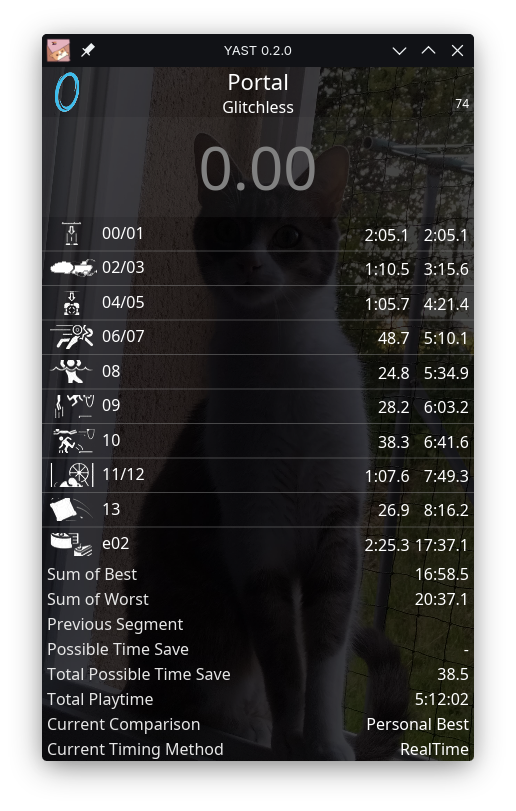
YAST (Yet Another Speedrunning Timer, "fast" and "yyna" combined) is a native multi-platform timer based on livesplit-core.
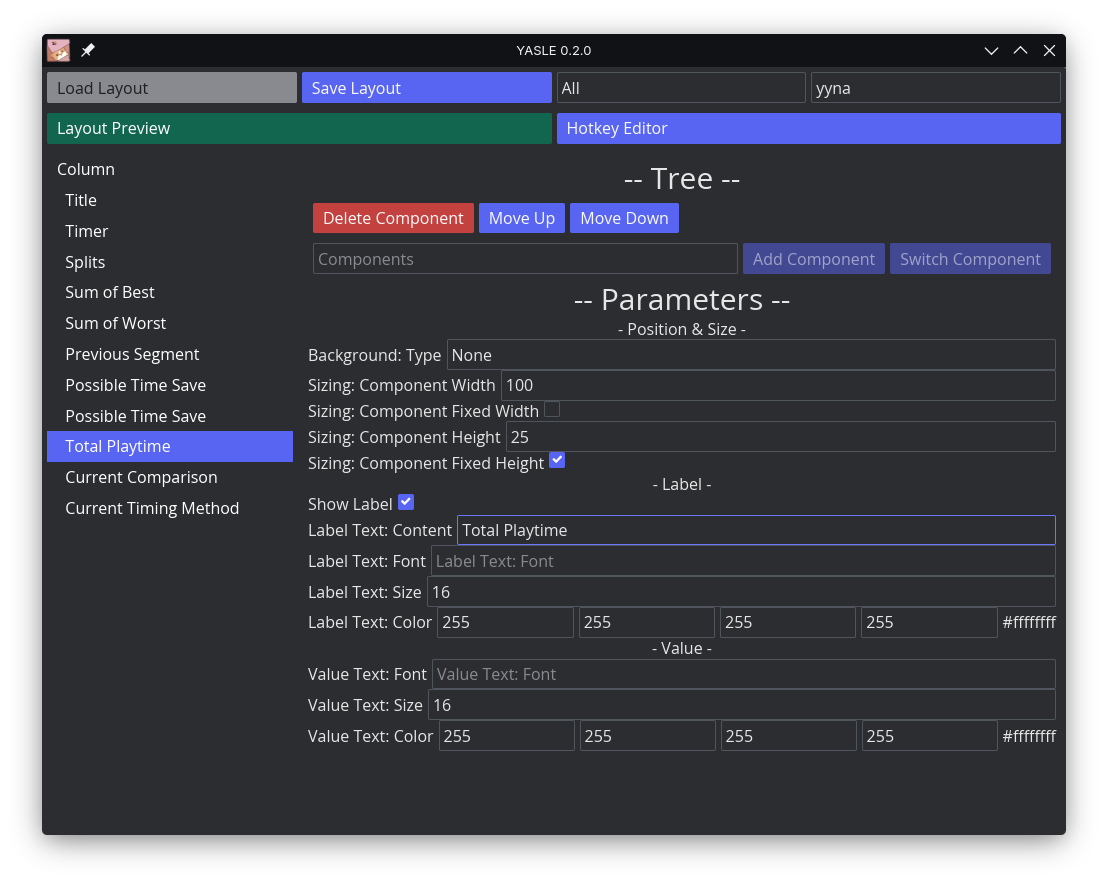
YASLE (Yet Another Speedrunning Layout Editor) is YAST's layout editor.
YAST and YASLE form the YASX ecosystem, your multi-platform speedrunning timer!
Sapho, YAST's mascot, was drawn by @sacha_bnk. Check them out!
Warning
YASX is in alpha!
This means major changes could occur to the Layout Lua API, which means:
- as a user, components may break when upgrading the YASX-ecosystem.
- as a developer, you may have a fix your components on new updates.
- Cross-platform timer based on LiveSplit through livesplit-core
- Interoperability for splits with LiveSplit and LiveSplit One
- Increase of options for Layout placements, through the power of Iced widgets
- Ease of development for Layout through Lua scripting
✅ = ok, ⌛ = untested,
- ✅ Cross-platform
- ✅ Linux
- ✅ X11
- ✅ Wayland
- ✅ Windows
- ✅ MacOS
- ✅ Linux
- ⌛ Interoperable with LiveSplit One
- ✅ Base splits
- ⌛ Autosplitting
- ✅ Global Hotkeys
- ✅ Scripting for Layout components
- ✅ Layout Editor
- 🔴 Layout Converters
- 🔴 LiveSplit
- 🔴 LiveSplit One
- 🔴 Splits Editor (use LSO Web until then)
Important
I'm looking for package maintainers to put the YASX ecosystem on their favorite PMs!
If you wish to inform me of such, please contact me through email
or other means!
Thank you so much!
Warning
I currently cannot provide Mac builds
because I couldn't get myself to download Xcode and I am a diehard Linux user.
You will need to build it yourself for Macs.
Head over to the releases, find your operating system, and off you go!
Don't know what your operating system is? Here is a list to help you figure it out:
- Windows 64-bit:
x86_64-pc-windows-gnu - Linux 64-bit:
x86_64-unknown-linux-gnu
Is your operating system not listed here? Are you struggling to make the YASX ecosystem run on your machine?
You may look into building it from source yourself.
You need to run YAST and YASLE as a user in the input group for global hotkeys to work.
Running as root is not recommended.
You need to allow keyboard accessibility to YAST and YASLE, through System Preferences > Security & Privacy > Privacy >
Accessibility.
If you are running them in a terminal, allow your terminal instead.
todo!()
See the troubleshooting wiki page!
You will need to install Rust.
git clone https://github.com/yynaa/yast
cd yast
cargo build --release -p yast
cargo build --release -p yasle
# you can now find yast and yasle in target/release/yas[x]You may find information on components and libraries on the wiki pages related to both.
Wiki: Developing Components
Wiki: Developing Libraries
Thank you for your interested in contributing! You may find architecture & rationale information on the contributing wiki page!