


Development board for Xbox One / Xbox Series consoles, based mostly on blurry PCB images.
Allows for POST-Code monitoring (via I2C) and reading flash via SPI.
On some development kits, there are more features available.
See Functionality for more infos
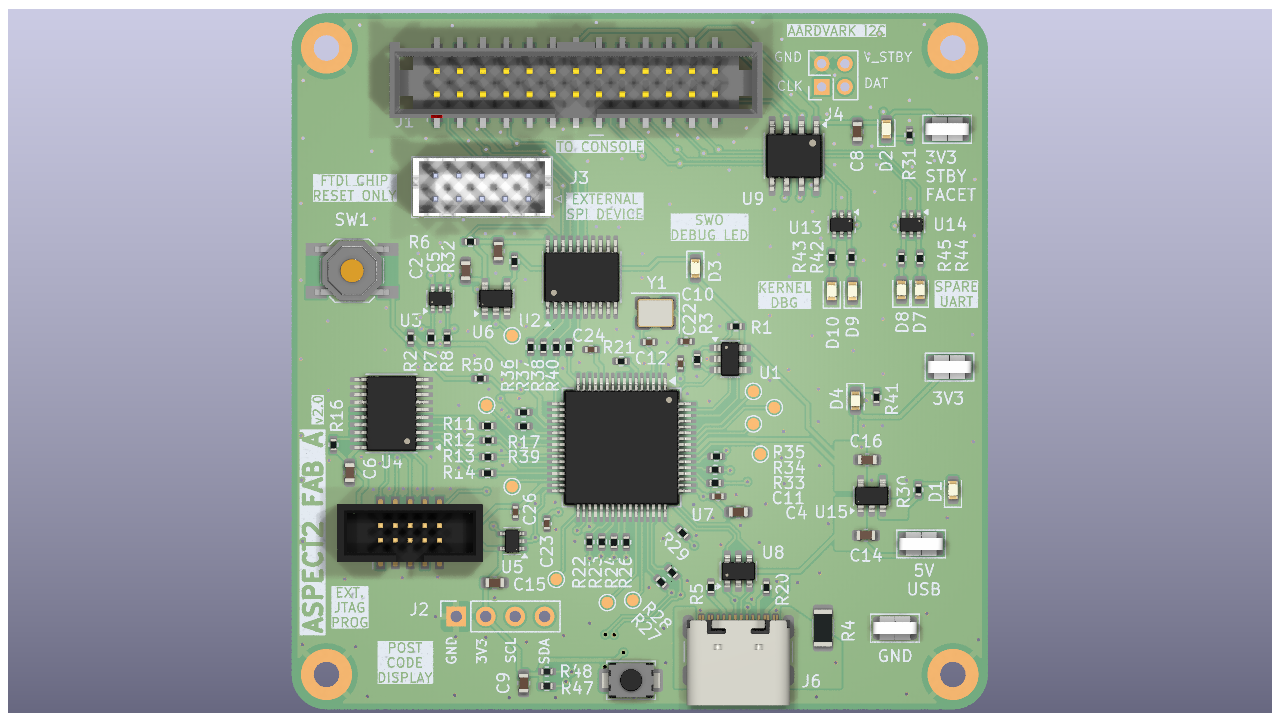
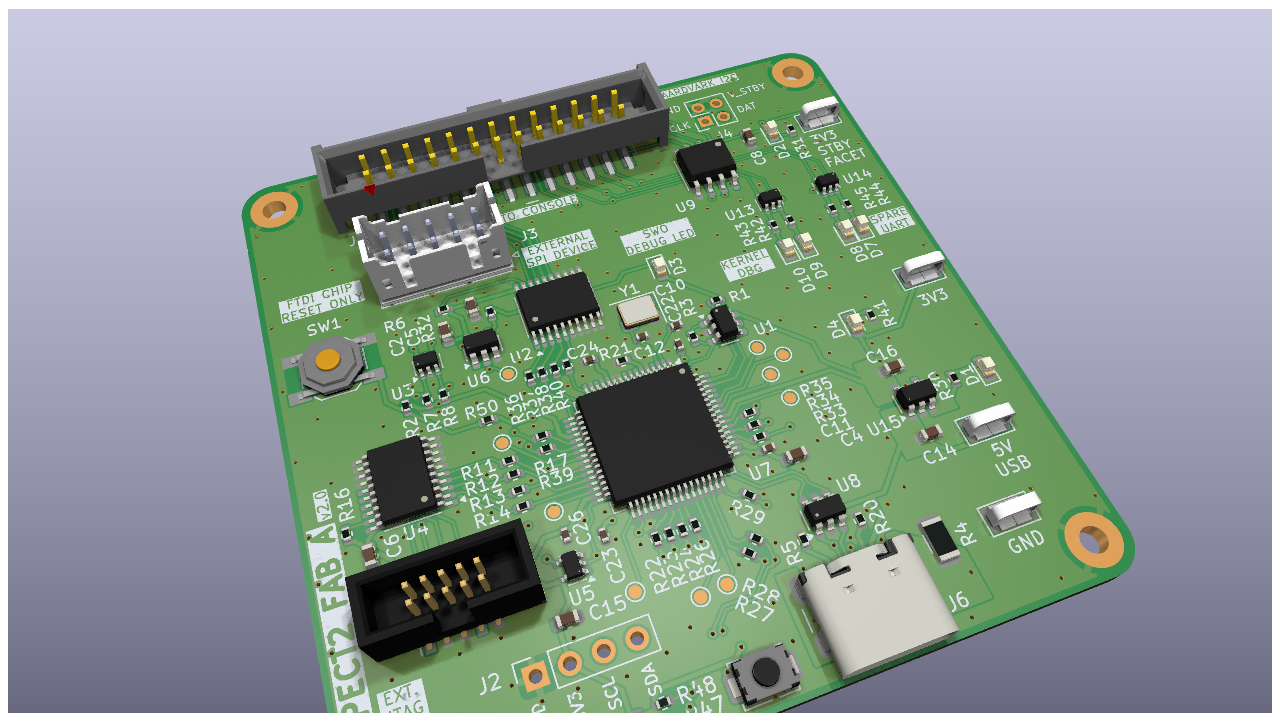
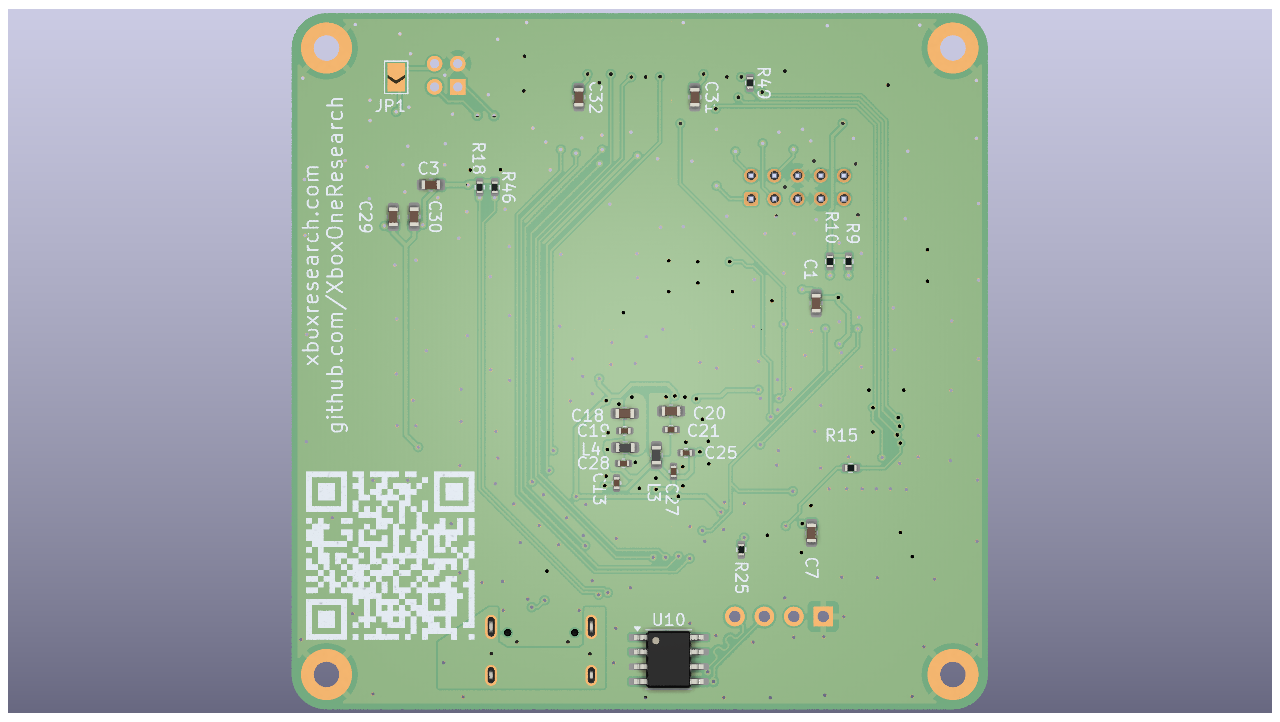
This repo contains:
- KiCad files for the PCB / schematics
- EEPROM template for FT_PROG
- STM32 firmware
| Functionality | Description | Tested / Working | Notes |
|---|---|---|---|
| SPI | Reading eMMC flash | ✅ | Could also support reading SPI NOR on series-family |
| POST | POST-Code display | ✅ | STM32 renders codes to OLED display |
| JTAG | Southbridge JTAG | ✅ | Devkit exclusive |
| I2C | SMBus communication | ❌ | Requires bitbanging driver @ libaspect2 (TODO) |
| SWO | ARM Single-Wire-Output | ❌ | No success, Devkit exclusive (?) |
| UART (KRNL) | Kernel Debugging | ✅ | Devkit exclusive |
| UART (SMC) | SMC/SB Debugging (?) | ❌ | No success, likely Devkit exclusive |
- Devkit exclusive: Requires specific flavor of bootloaders or certain Certificate capabilities.
There are two main repos with support software for this board.
- dsmc-rs - A windows x64 tool that makes use of a proprietary DLL to read flash via SPI. Also supports reading Expected1SMCBLDigest from flash controller.
- libaspect2 - Attempt at an open source library
|- Main Aspect2 PCB
├── eeprom
│   ├── Greybull_FabD+.xml - FT Prog template (official on-board FACET)
│   └── Facet2_fabA+.xml - FT Prog template (derived from onboard FTDI dump)
├── firmware - STM32 firmware
├── lib - additional KiCad symbols / footprints
- 4 Layer board (for impedance control) - 1.6mm thickness
- Stackup:
- F.Cu: Signal
- In1.Cu: Power (GND)
- In2.Cu: Power (GND)
- B.Cu: Signal
This PCB was designed with the target stackup of JLC04161H-3313 (JLCPCB). See JLCPCB - Impedance.
Generally, Github Pages hosts the most up-to-date manufacturing files. These are also available for download on the Releases-page.
Here is a list of the most important ones.
- Bill of materials (BOM): ibom (Interactive HTML), HTML, CSV
- Schematic: PDF
- Datasheets: Here
We recommend JLCPCB, due to the specific Layer-Stackup that was used.
JLCPCB MFG files
- KiCad 9.0
- KiCad JLCPCB tools extension (for looking up / syncing JLCPCB part#)
Before being able to communicate with the device, programming eeprom or regular usage, drivers need to be installed!
- Windows x64
- FTDI Drivers
- FT_PROG (Programming eeprom only)
- Download & install drivers
- Download & open FT Prog
- Connect Aspect2 board
- Click "Scan & Parse" to enumerate connected device (Magnifying glass icon or "Devices -> Scan & Parse")
- Right-click on the found device, hit Apply template
- Choose Facet2_FabA+.xml
- Click Program (Lightning bolt icon or "Devices -> Program")
- Click Program-button in the dialog box
- Click Close-button, close FT Prog tool
- Re-plug Aspect2 board
See firmware/ for build & flash instructions.
@emoose @OGXHarcroft @cactusduper @TorusHyperV @ShadowLAG @billy @craftbenmine @DonyPS3 @flynnyfoo @jacksomness @Pheeeenoom and everybody else helping and testing along the way
- AssemblerGames - first mentioning of FACET2 PCB
- FACET on xosft wiki - Technical documentation of FACET port
- POST code on xosft wiki - Original MAX6958A circuit and error codes
- POST code database