Section Bloc is a lightweight VS Code extension that lets you create custom, foldable code sections using @section: comments.
🔗 View on GitHub
- ✅ Create foldable code sections with
@section:and@endsection - ✅ Customizable background and text colors for section headers
- ✅ Inline gutter icon on section lines
- ✅ Command to insert new section blocks from the command palette
Just add this in your code:
// @section: Initialization
console.log("Start");
// @endsection
Then click the folding arrow on the left to collapse or expand the block.
Works with many comment syntaxes: //, #, <!-- -->, /* */, etc.
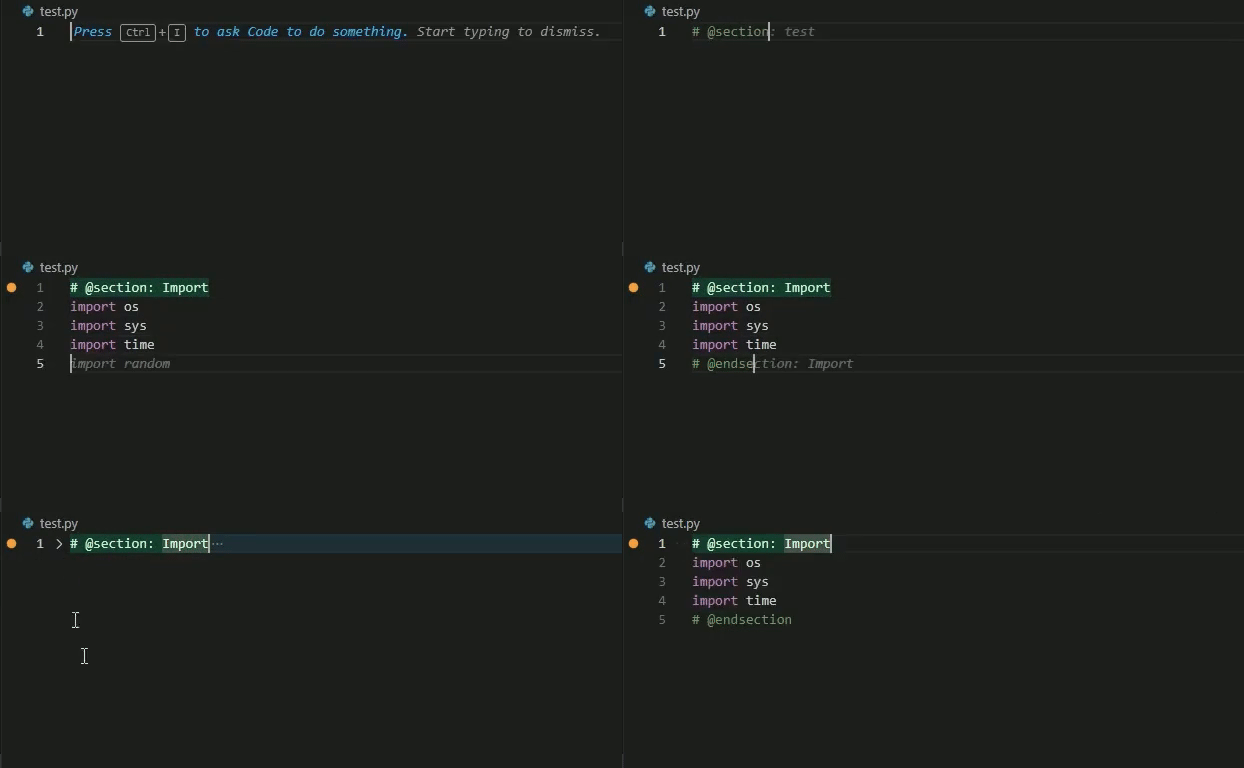
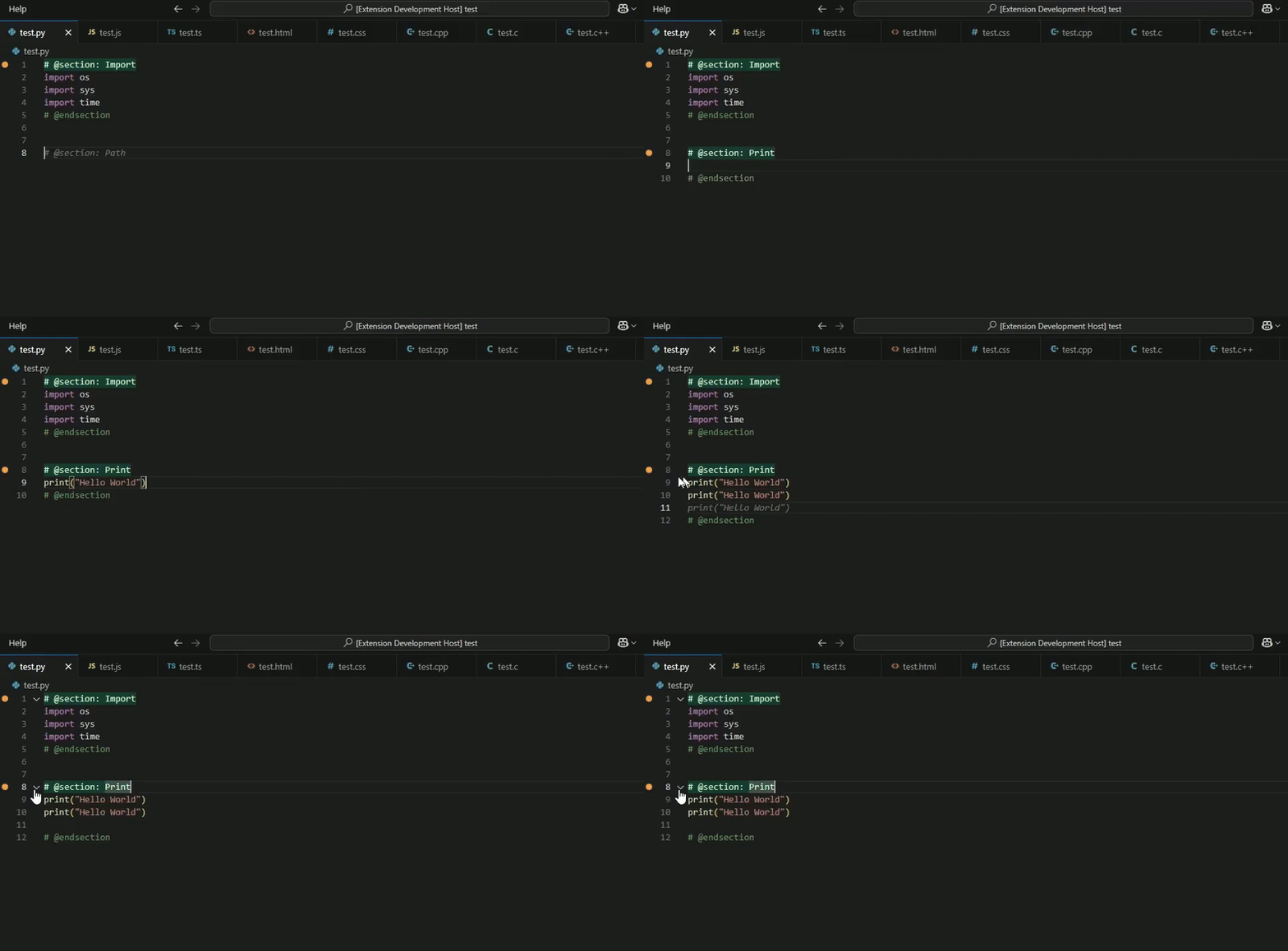
To quickly insert a new section block:
- Press
Ctrl+Shift+P(orCmd+Shift+Pon Mac) - Run: Section Bloc: Insert Section
- Enter a name like
Import,Auth, orDebug - The section will be inserted with the right comment style for your language
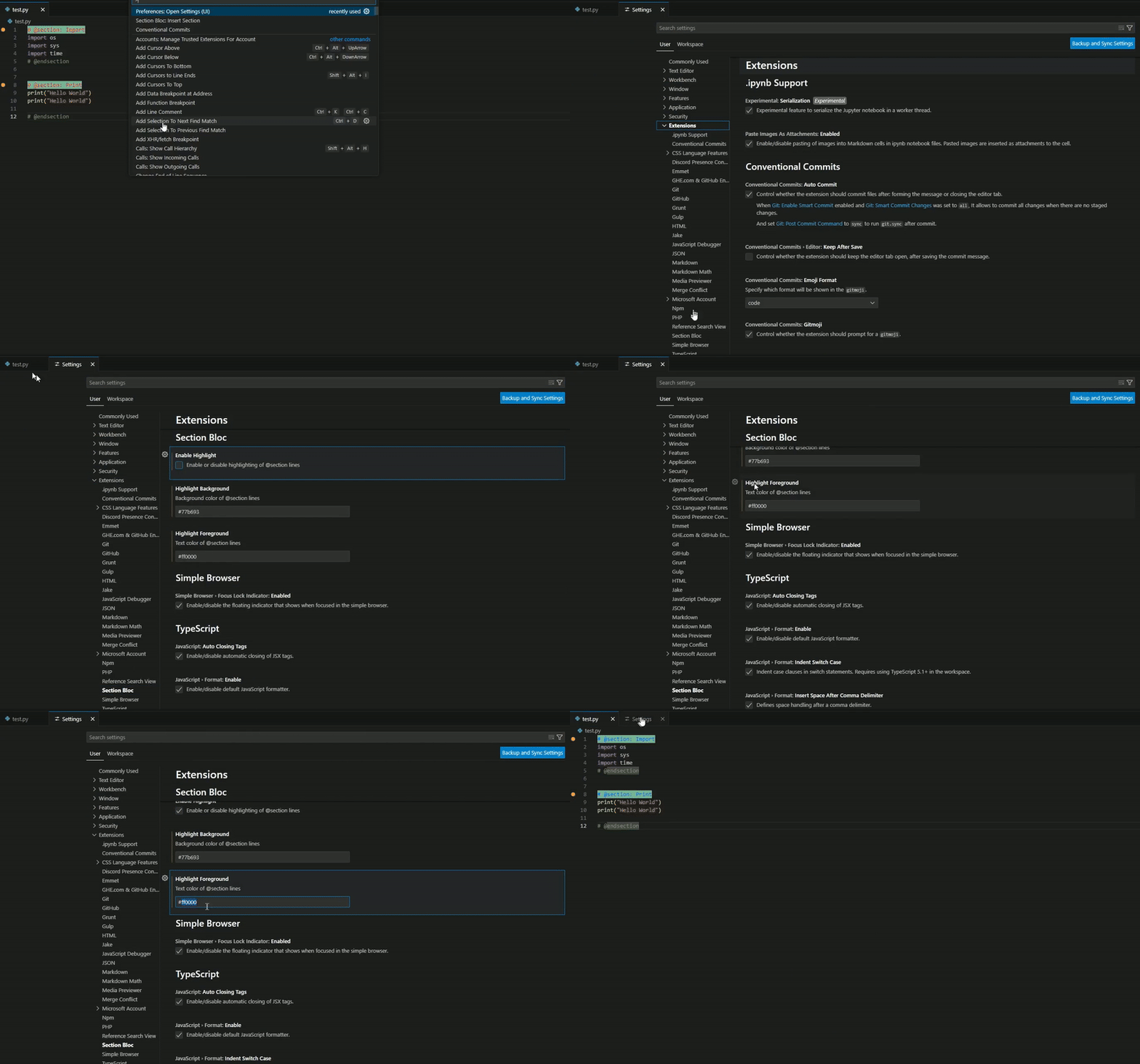
You can configure section highlighting colors from VS Code settings.
- Press
Ctrl+Shift+P(orCmd+Shift+Pon Mac) - Search
Section Bloc - Change:
- Enable Highlight ✅
- Highlight Background 🎨
- Text Color 🖊️
Section Bloc supports the following languages:
- Python
- JavaScript
- TypeScript
- HTML
- CSS
- PHP
- C++
- C
- Java
- ShellScript
- JSONC
- XML
- YAML
- Markdown
You can install Section Bloc in two ways:
-
🔗 From the VS Code Marketplace:
https://marketplace.visualstudio.com/items?itemName=apouuuuuuu.section-bloc -
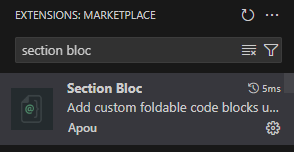
🧩 Directly from the Extensions panel in VS Code:
- Open VS Code
- Go to the Extensions tab (
Ctrl+Shift+X) - Search for
Section Bloc - Click "Install"

MIT – Do whatever you want 😄
Created with ❤️ by Apouuuuuuu