



Oasis-themed dotfiles for Arch Linux and Hyprland using Quickshell.

Watch the full showcase with sound
An Arch Linux desktop on Hyprland, driven from the keyboard with vim binds and modes; no need for a mouse.
- Hyprland, configured in Lua, with HyprVim for Vim-modal window management and which-key hints.
- A Quickshell desktop shell: per-monitor bars, popups, notifications, pickers, a workspace overview, a Settings panel and the lock screen.
- It comes in swappable styles, from a clean modern look to multiple different retro gaming eras.
- Oasis color themes across everything.
- A greetd login screen that reuses the lock screen's look, with tuigreet as a fallback.
Note
Managed with GNU Stow; packages live under home/.
Requirements: Arch Linux and a Hyprland build with the Lua config API (the hl global) and the start-hyprland launcher. The current hyprland package from the Arch repos, which the installer pulls in, provides both. The Quickshell config is tested with Quickshell 0.3.1; the installer warns when qs is older.
Manage your GUI, TUI, and everything in-between with just a keyboard and vim modes/motions.
Oasis brings Vim to Hyprland with HyprVim and takes it even further beyond with virtual cursors, mouse emulation, and full keyboard navigation. Every menu, picker, and setting is accessed and controlled by vim modes/binds.
Even the screenshot/video recorder/color picker can be steered with nothing but your keyboard.
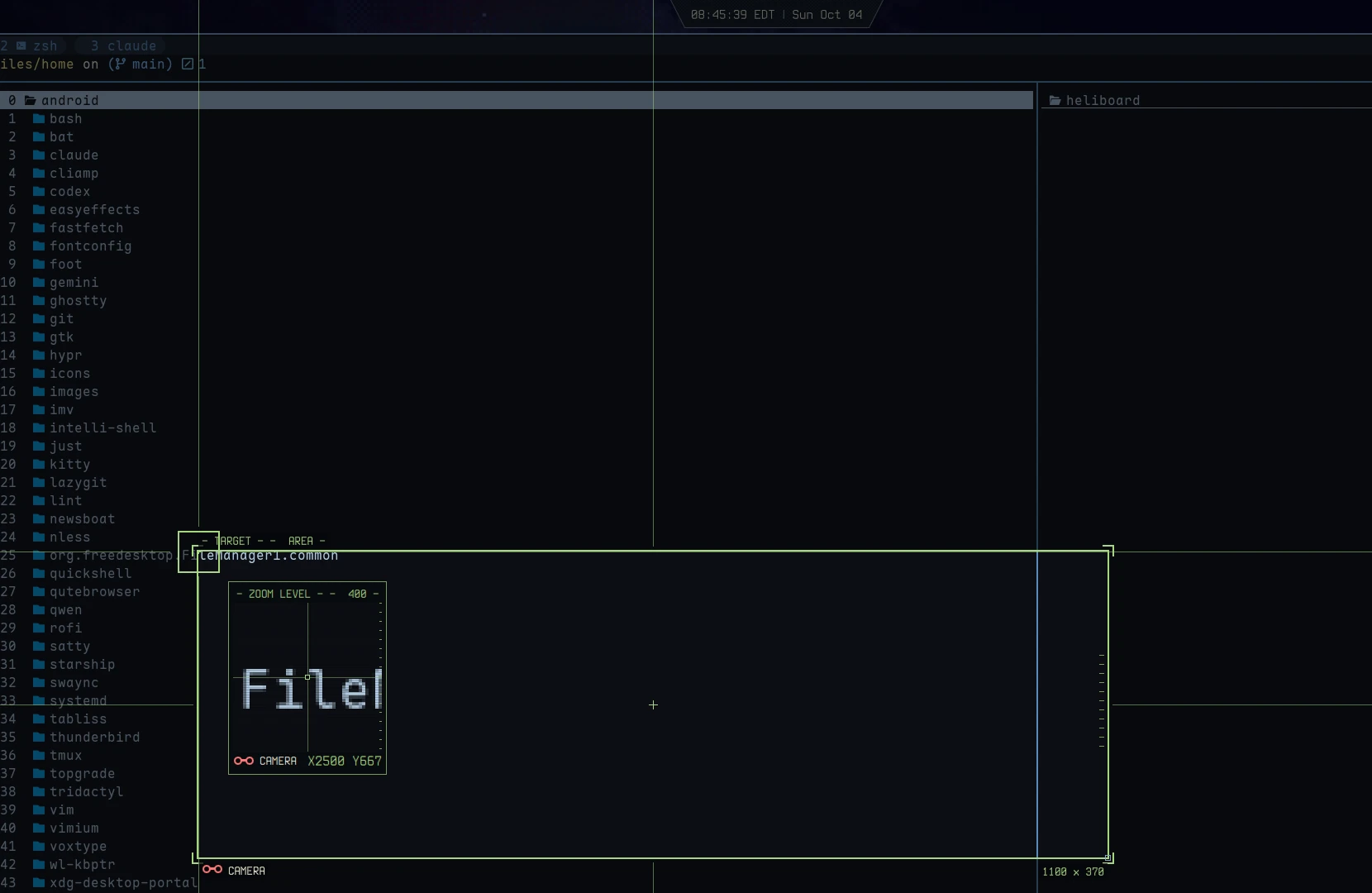
Screenshot region selector: move, anchor and resize with hjkl, zoom with i/o
Learn the keybinds like you do in NeoVim with which-key upon submap entry. Search/run any keybind with SUPER + /:
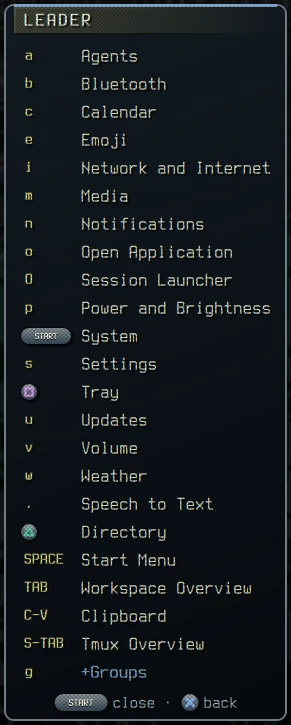 Which-key Submaps list their keys (PSX style) |
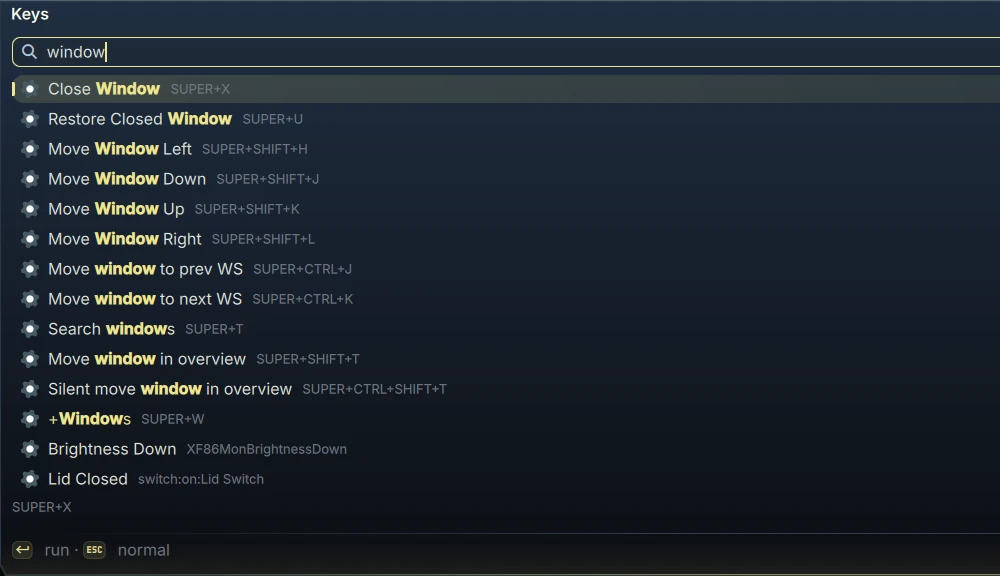 Keybind Search/Run SUPER + / fuzzy-searches binds in the mode you are in and runs the one you pick |
And control Hyprland via :, like Vim's Command Mode:
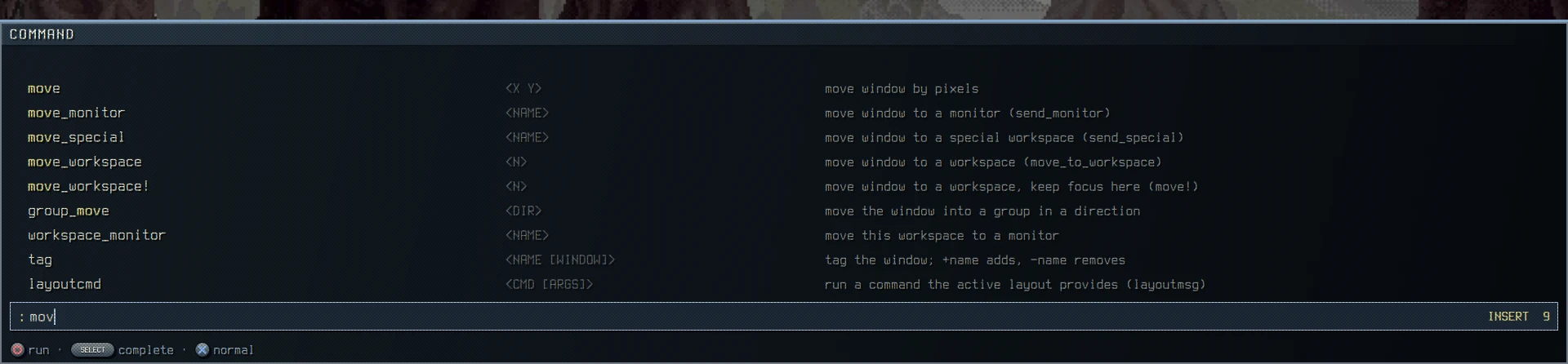 HyprVim Command Mode with fuzzy completion |
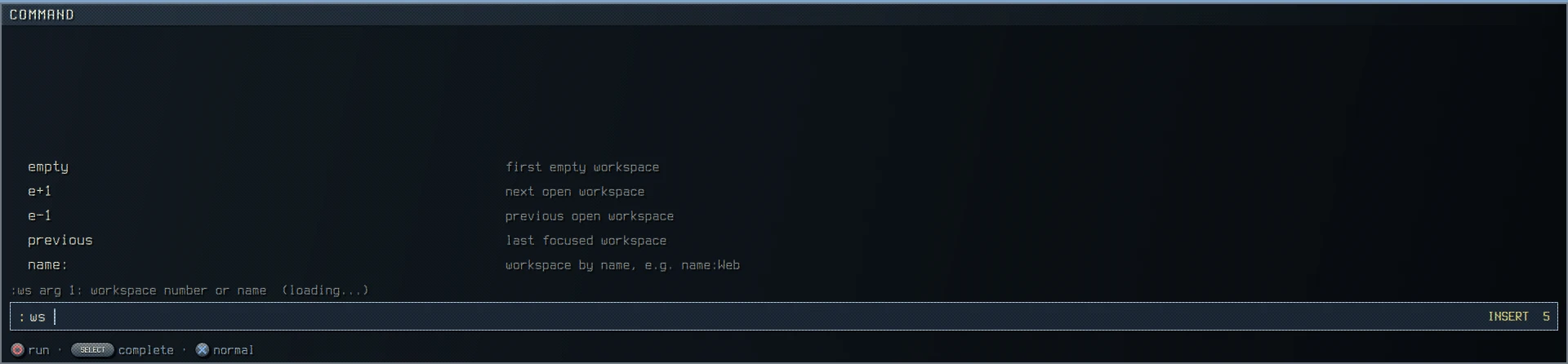 Includes flag hints to teach arguments as you use |
- Mouse from the keyboard:
SUPER + Centers the Cursor submap:hjklmoves the pointer (SHIFTfor fast,CTRLfor single pixels),SPACEclicks,e/yscroll, andfortdrop wl-kbptr hint labels on screen to click anything in a couple of keystrokes. - Screen sharing: the share picker opens the workspace overview with only shareable windows, so you pick a window, a whole monitor (
s) or a region (r) by keyboard. - Scrolling capture: grab a page longer than the screen and OCR it to text in one pass.
- Displays: arrange monitors in Settings with
hjkl, with a countdown that reverts anything you don't confirm.
Pick from over 15 different styles including
Oasis,Modern,NeoVim, and more.
Powered by the Oasis colorscheme palettes from NeoVim, also includes over 15 different styles to choose from in combination.
Styles transform the appearance of the bar, popups, menus, pickers, fonts, sounds, transitions, and the lock screen too. Every sound can be swapped for your own: see Custom sounds and music.
Pick a style in Settings > Style (SUPER + SPACE then S) and it swaps live.
Note
Styles include: Oasis, Modern, Neovim, Terminal, CRT, NES, Game Boy, SNES, PSX, FF7, GoldenEye, PS2, TIE Fighter, Half-Life, Metroid and Reticle.
Just a few example bars:
| Oasis Default |
 |
| Modern Rounded |
 |
| Neovim Lualine-style |
 |
| Metroid Combat visor |
 |
| PSX Retro PSX |
 |
Just a few example weather modules:
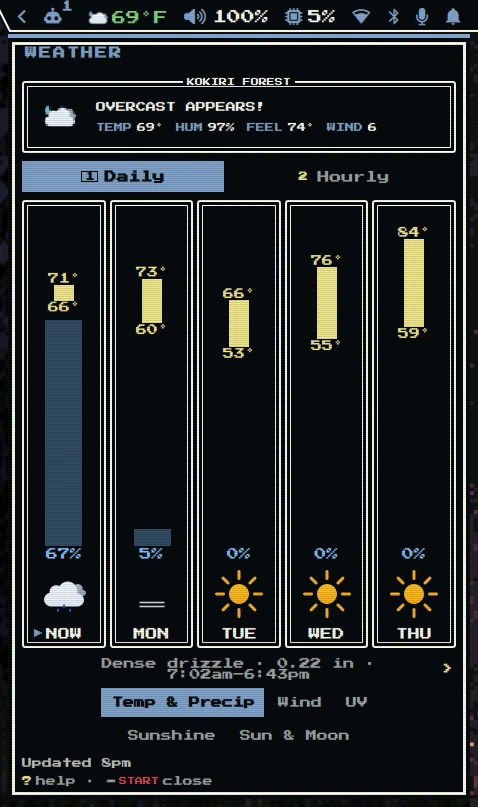 NES Dragon Quest bars |
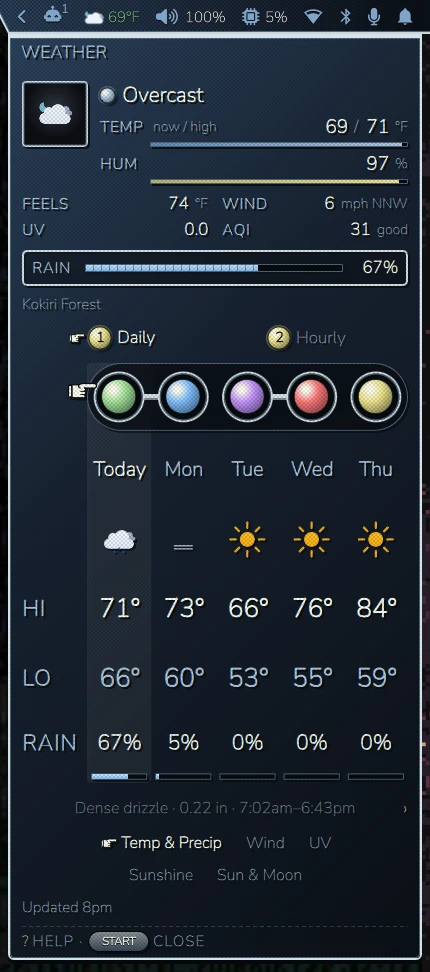 FF7 Materia orbs |
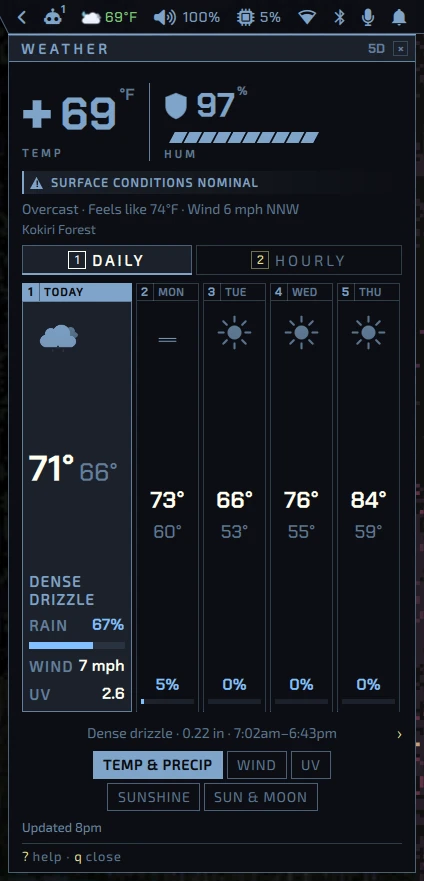 Half-Life HEV suit readout |
🌤️ The weather popup in every other style
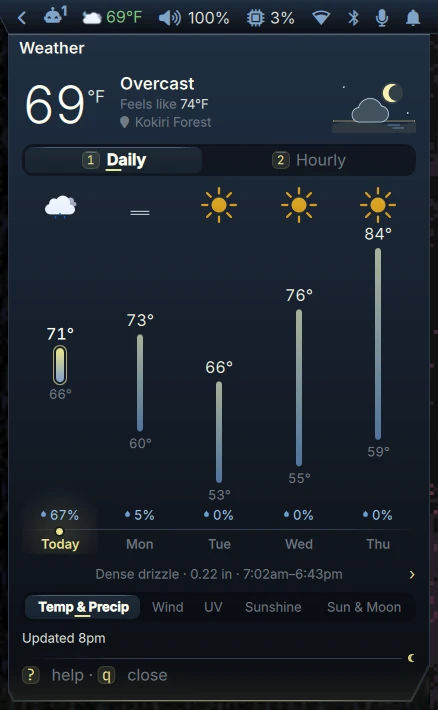 Oasis |
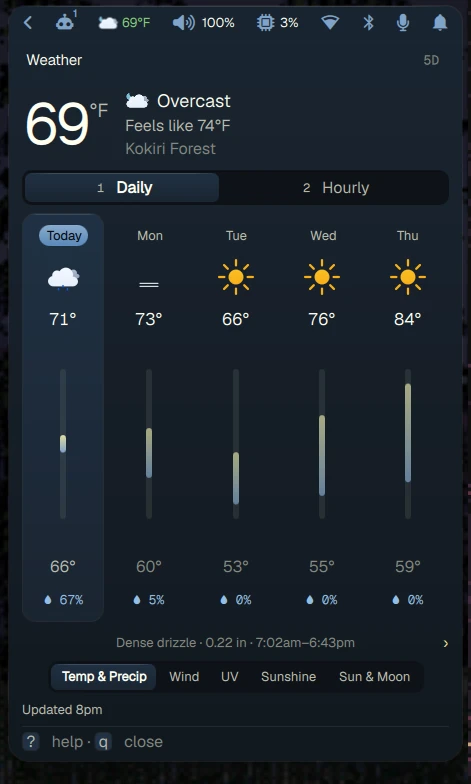 Modern |
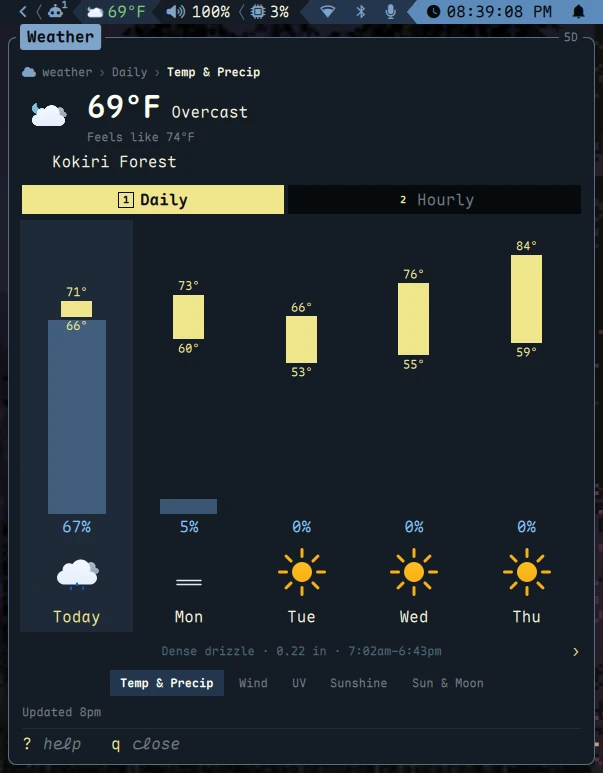 Neovim |
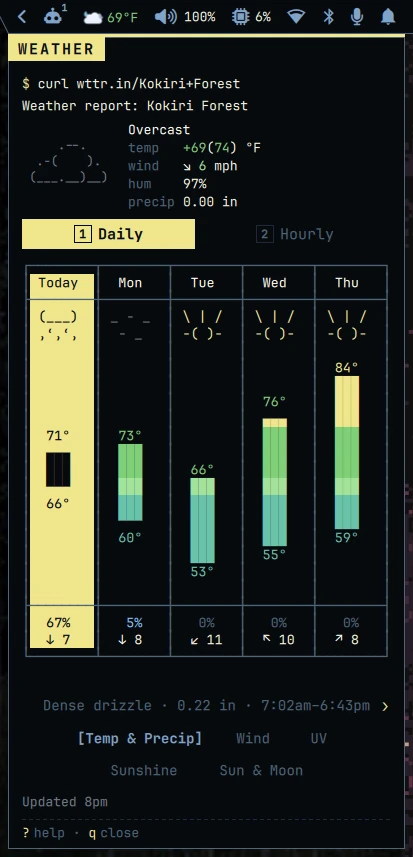 Terminal |
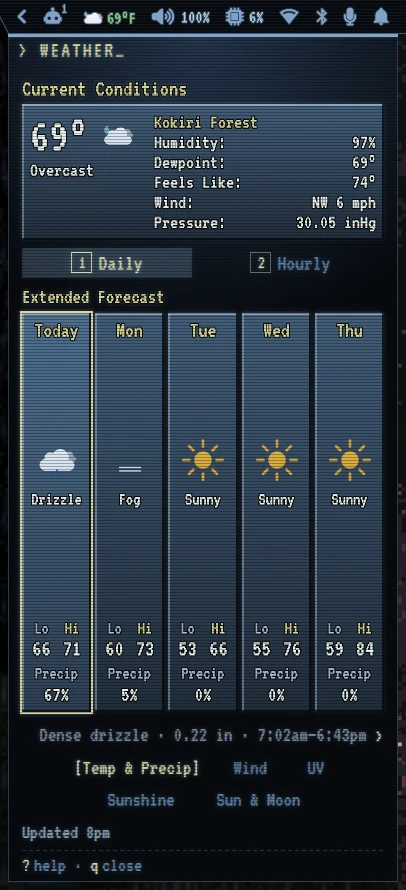 CRT |
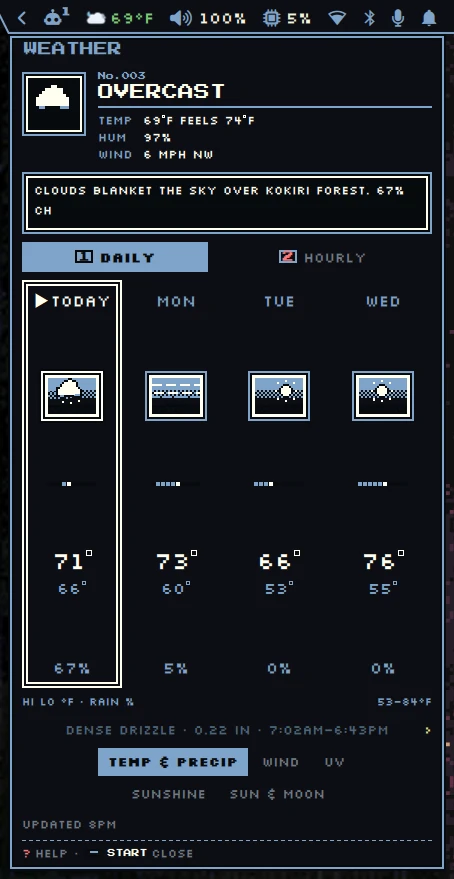 Game Boy |
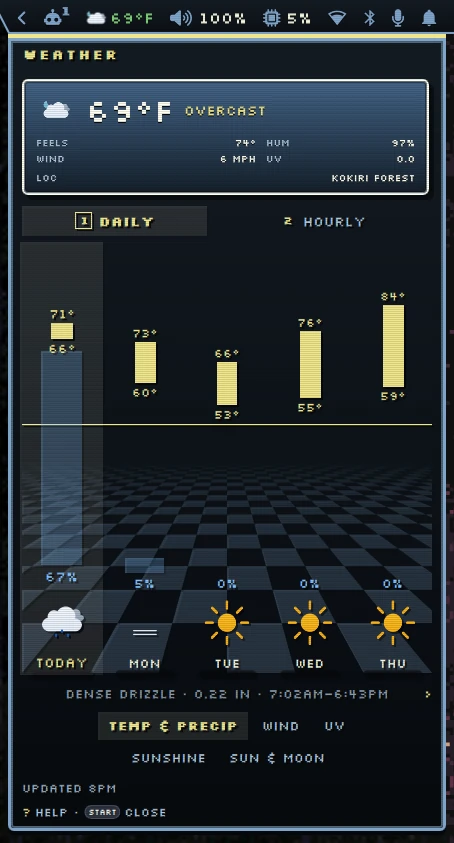 SNES |
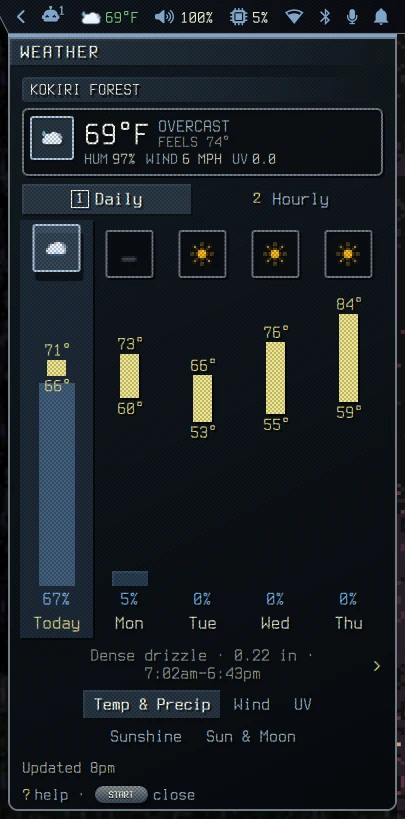 PSX |
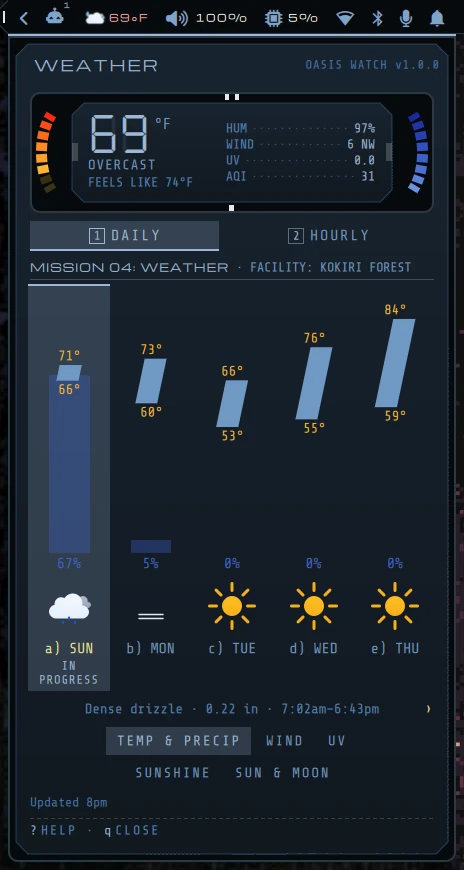 GoldenEye |
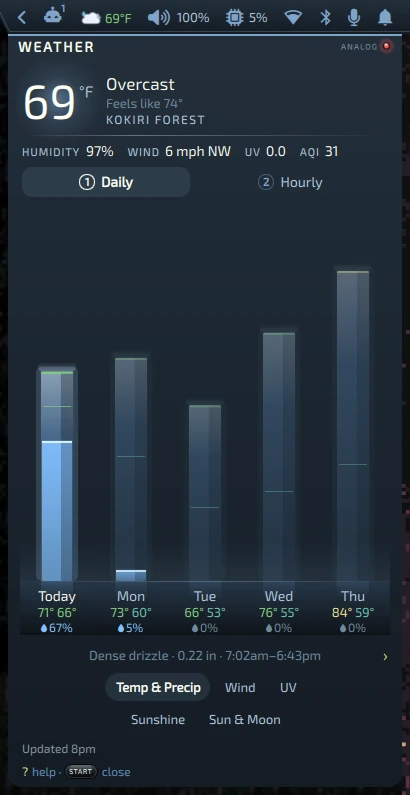 PS2 |
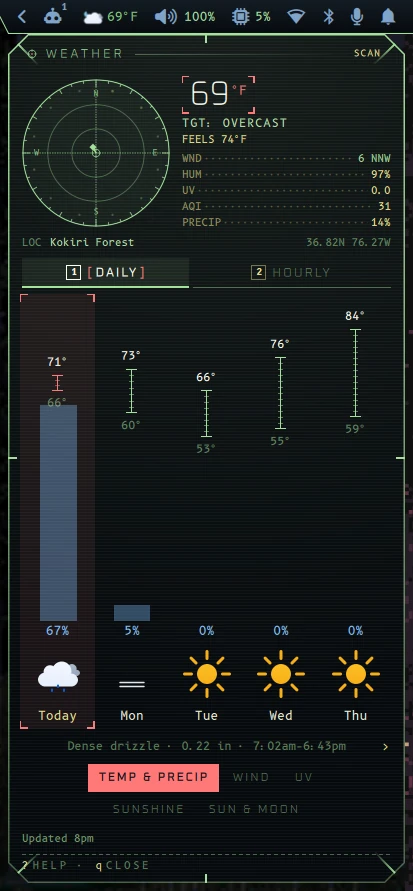 TIE Fighter |
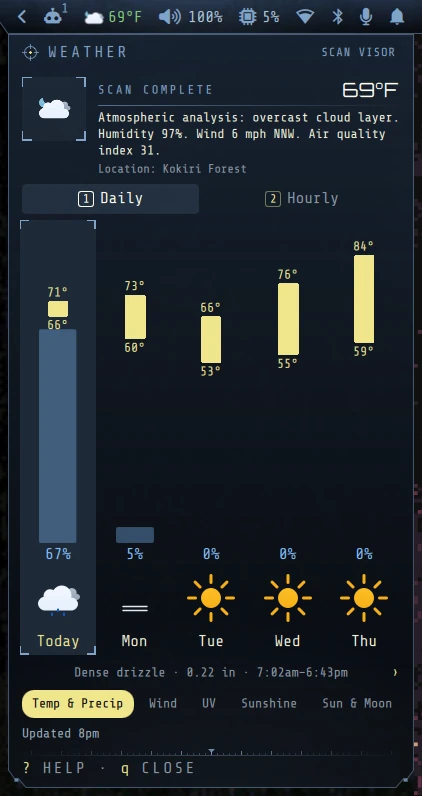 Metroid |
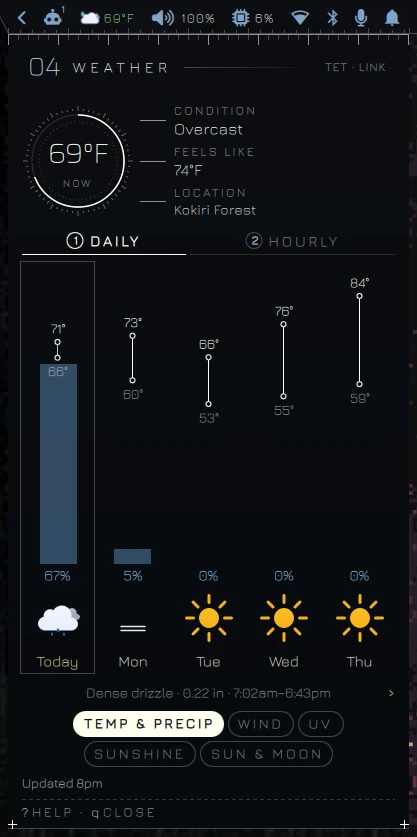 Reticle |
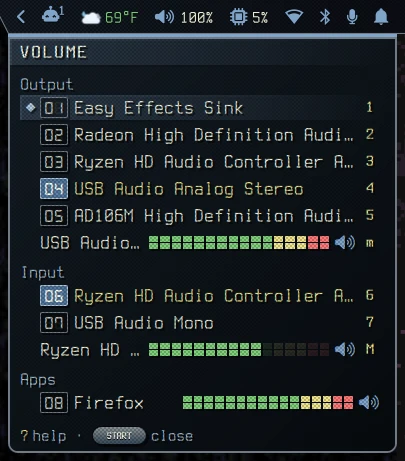
The volume mixer in three styles:
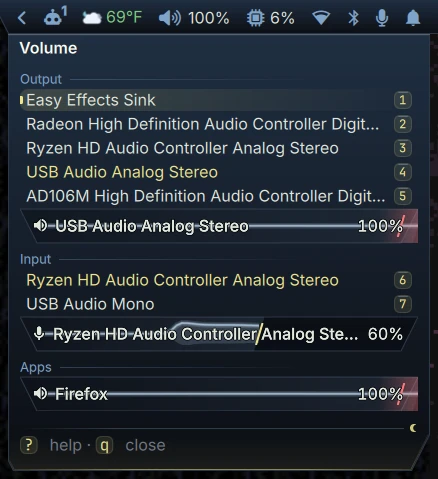 Oasis |
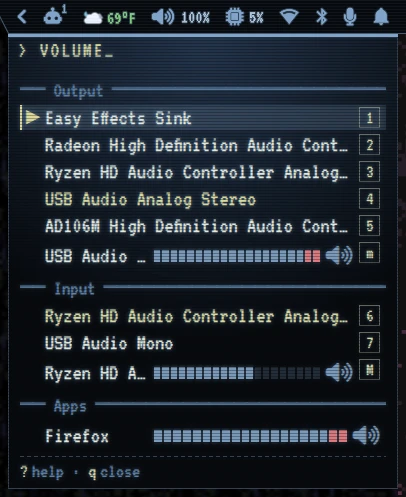 CRT |
 PSX |
Styles influence every popup. Each card below shows a different popup and a different style.
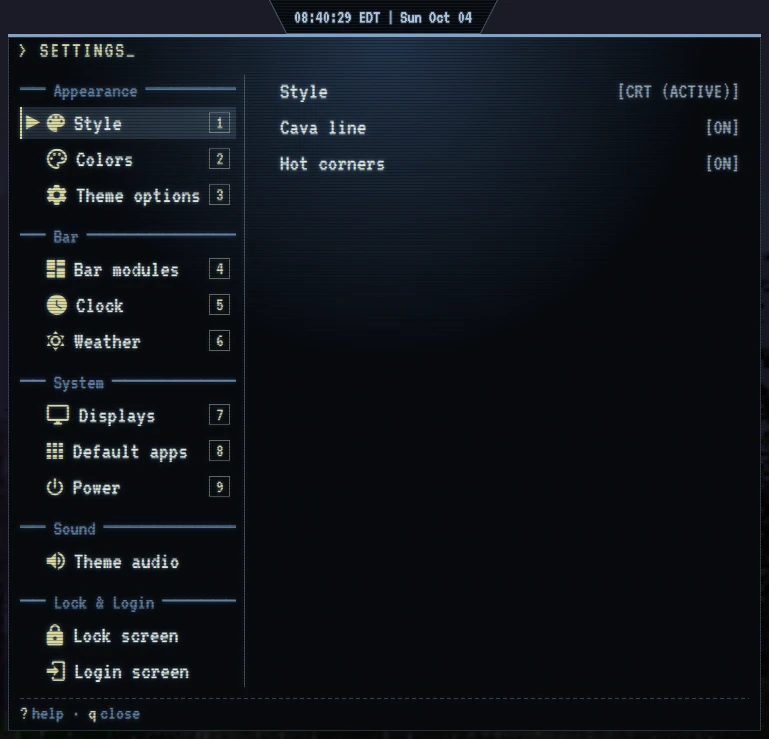 Settings (CRT) Settings menu: styles, colors, bar, displays, apps, power, etc |
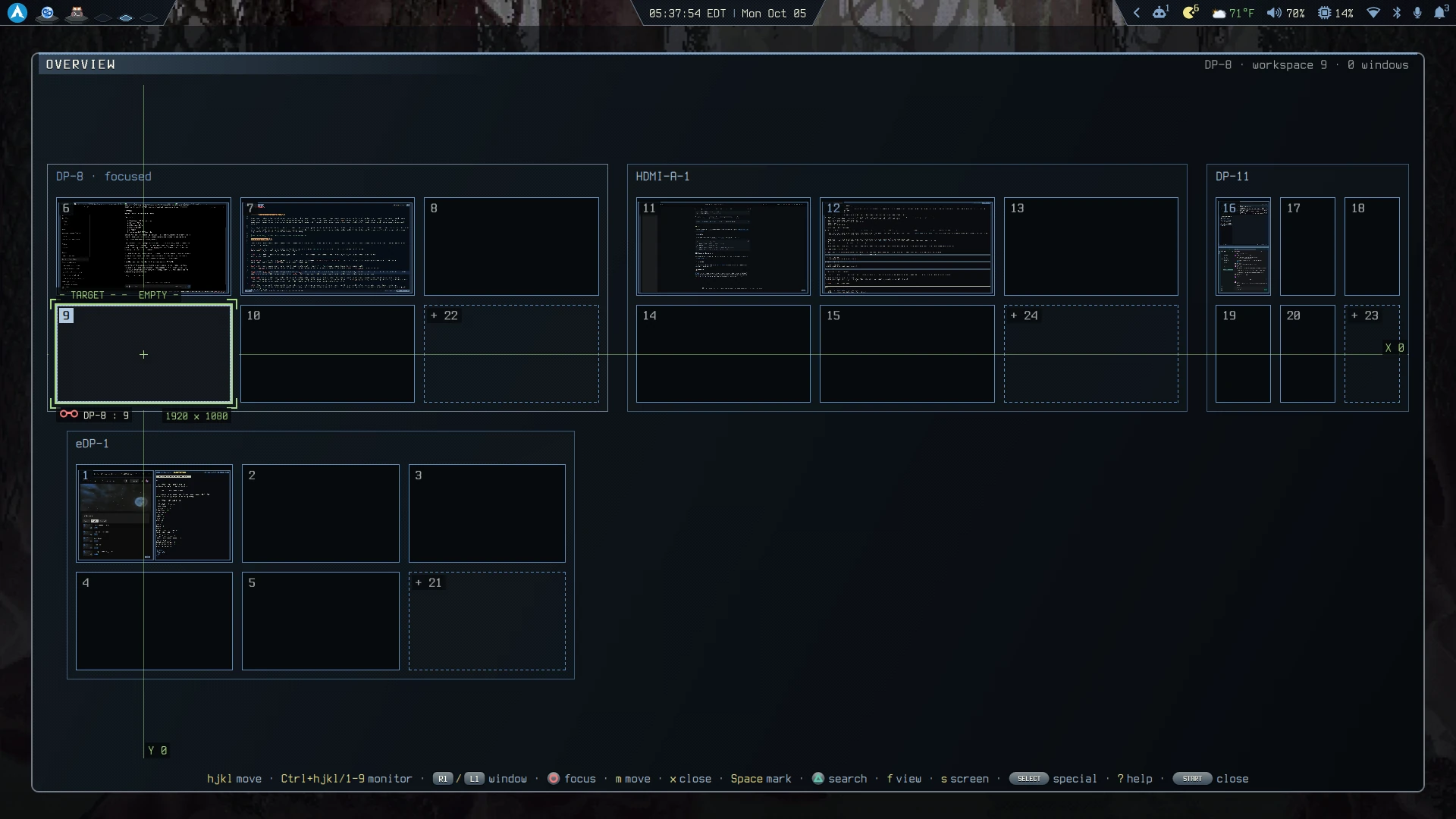 Workspace Overview (PSX) Monitors and workspaces selected via Metal Gear scope |
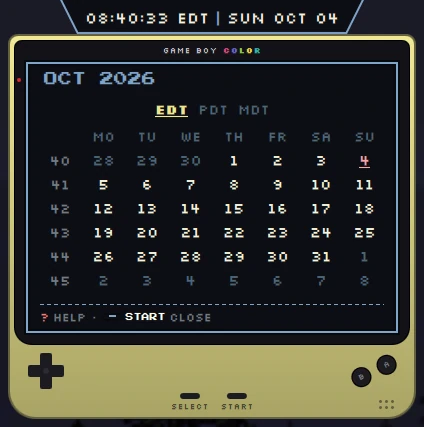 Calendar (Gameboy) Calendar inside a Game Boy screen with time zones |
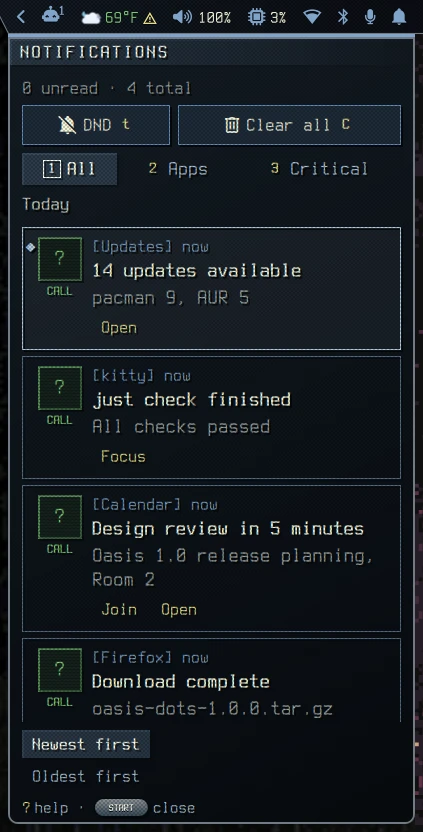 Notifications (PSX) History with Do Not Disturb, filters and inline actions like Join, Open and Focus |
Each style can bring its own lock screen, and the login screen reuses it. The skins are Oasis Gear Solid 2, The Legend of Oasis, Final Fantasy VII, GoldenEye 007 (the pause watch), CRT terminal and TIE Fighter.
Password entry works like Vim. While nothing is typed you are in NORMAL mode, where h/j/k/l move through a skin's menus. i or any other printable key starts typing and shows -- INSERT -- bottom-left; Esc on an empty password goes back to NORMAL.
 Oasis Gear Solid 2 Title, menu, options, memory card load, then a wrong password and a retry |
 The Legend of Oasis The sky runs from night to dawn, then file select, options, and a wrong password before the retry |
🍭 More lock screens
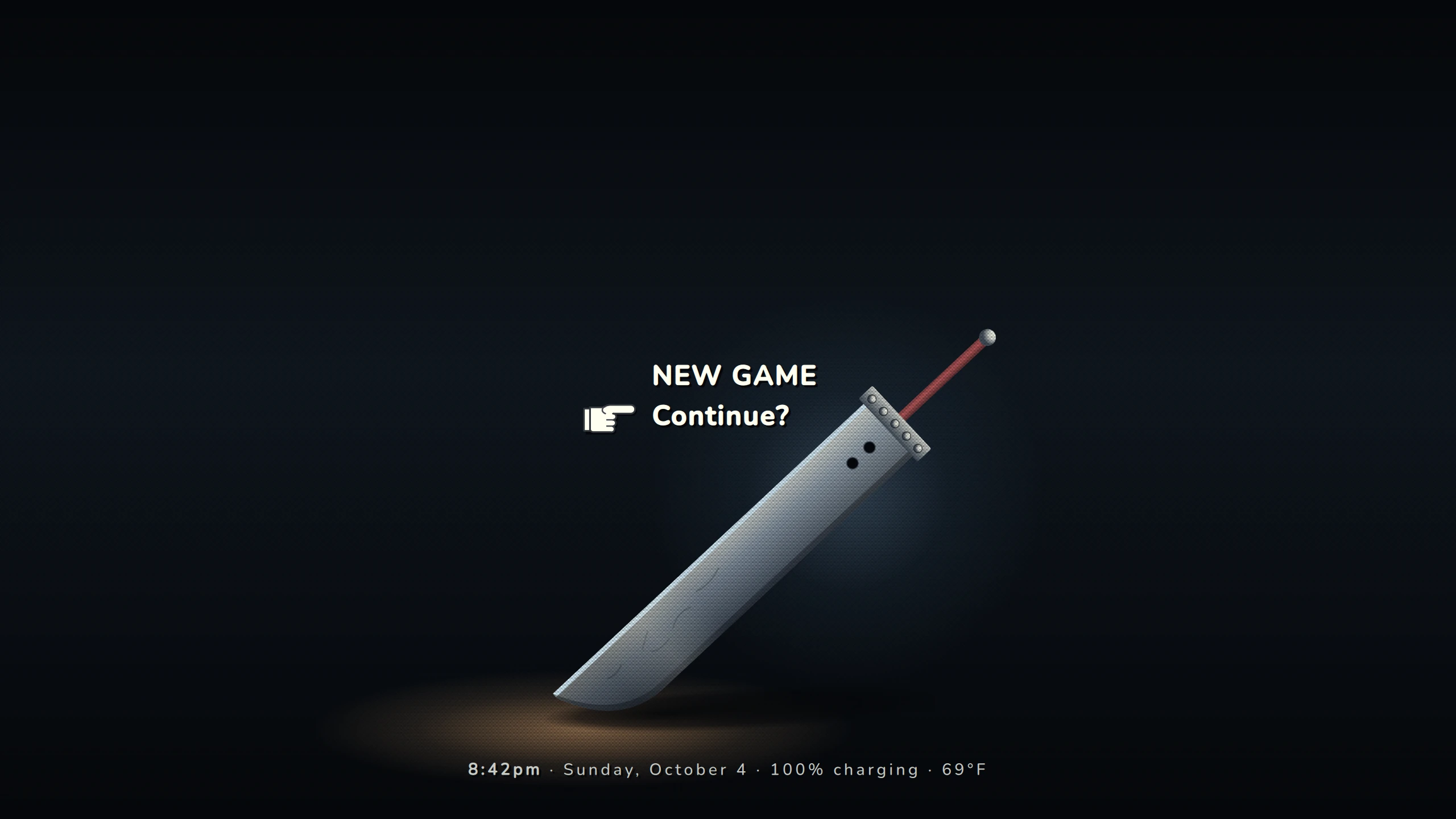 Final Fantasy VII New Game, Continue? |
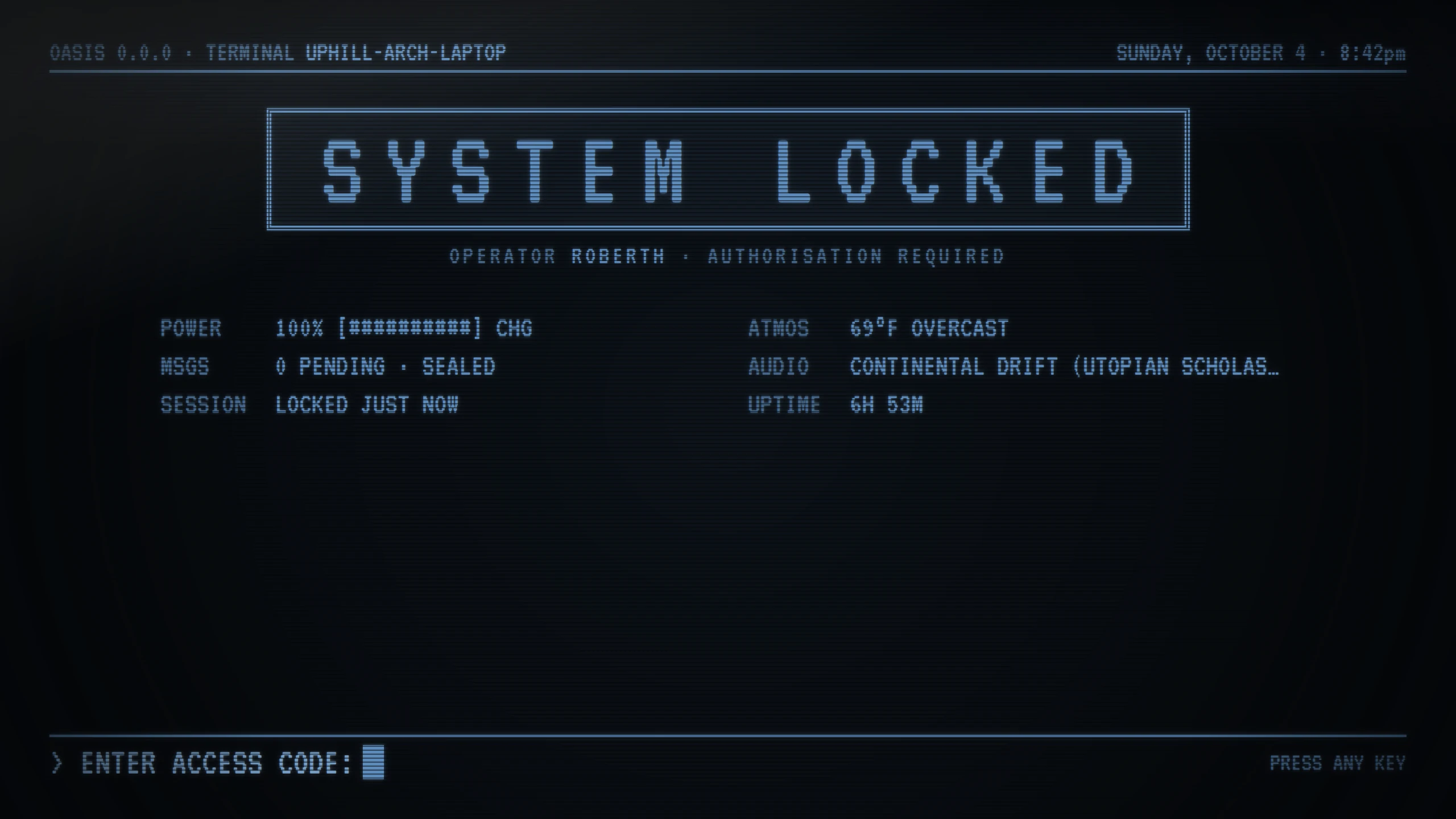 CRT terminal A phosphor system lock |
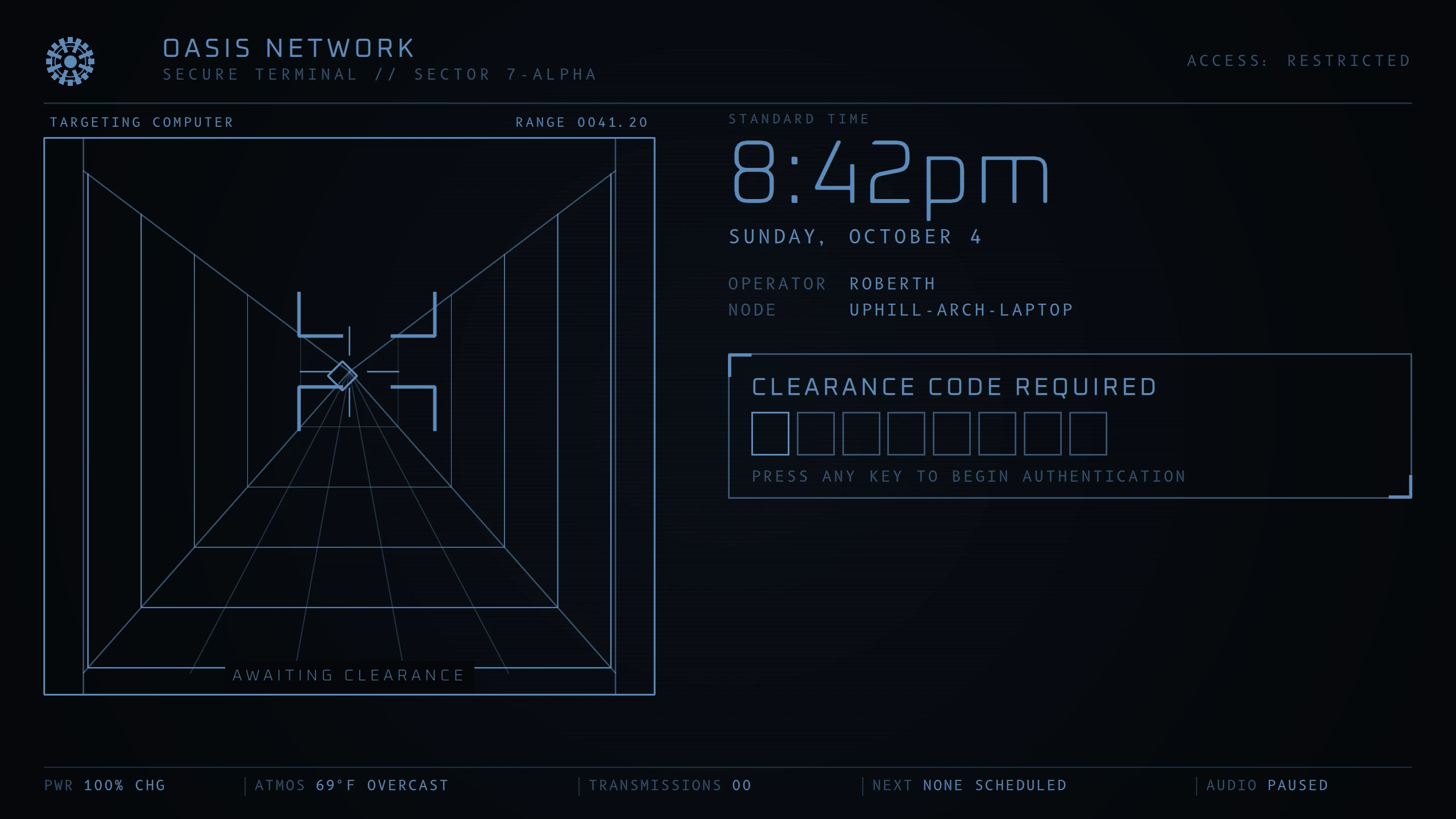 TIE Fighter Targeting computer and clearance code |
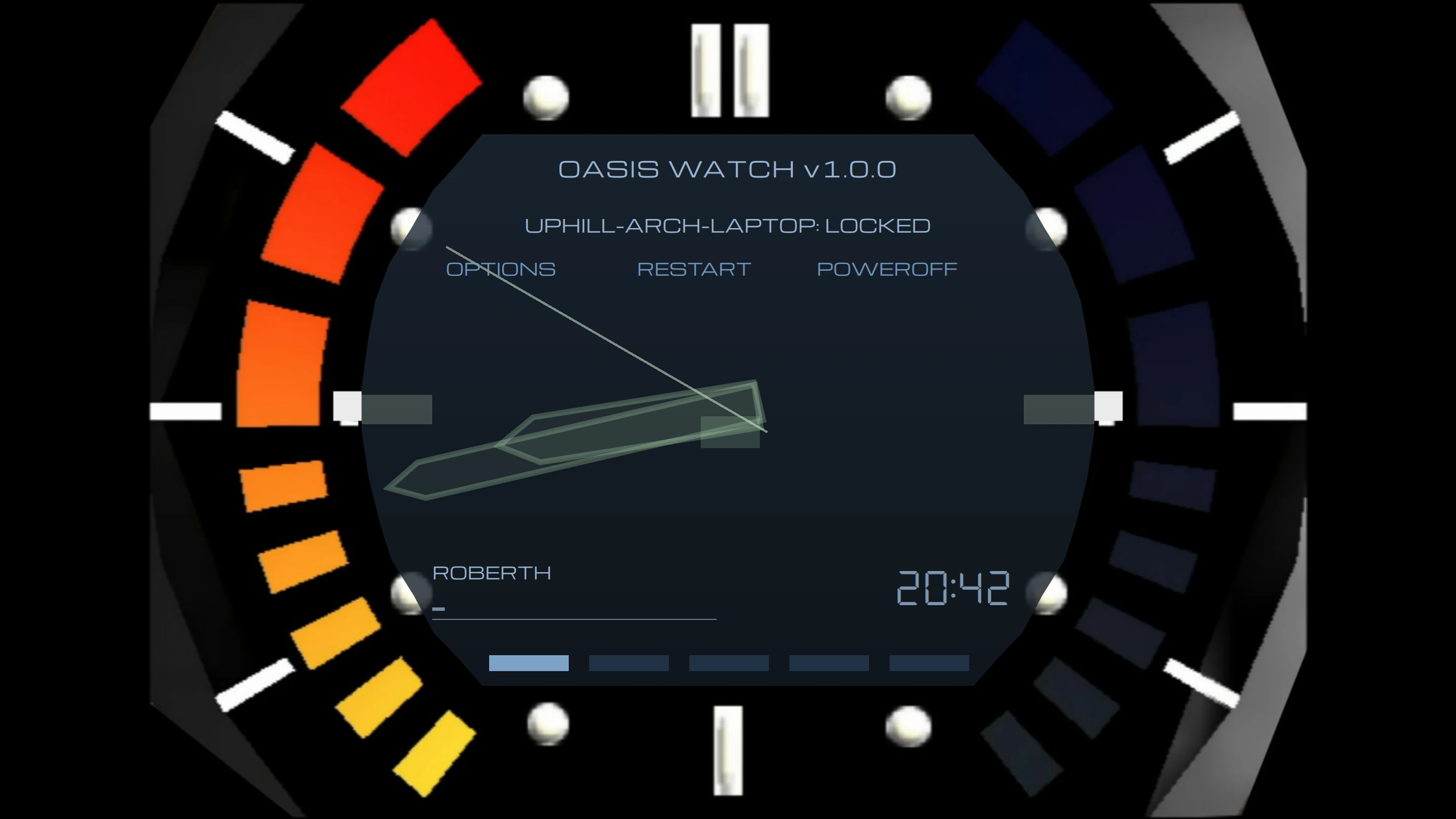 GoldenEye 007 The pause watch, raised on the arm before you type |
The wallpaper picks itself by the season, the time of day and the current weather from the bar. Sort your own art into <Season>/<Period>/<Weather>/ folders, such as Fall/Evening/Rain, and on a rainy fall evening each monitor has a 60% chance (weather_chance) of a rainy fall evening scene. No images ship with this repo; see the wallpaper extension to set up a collection.
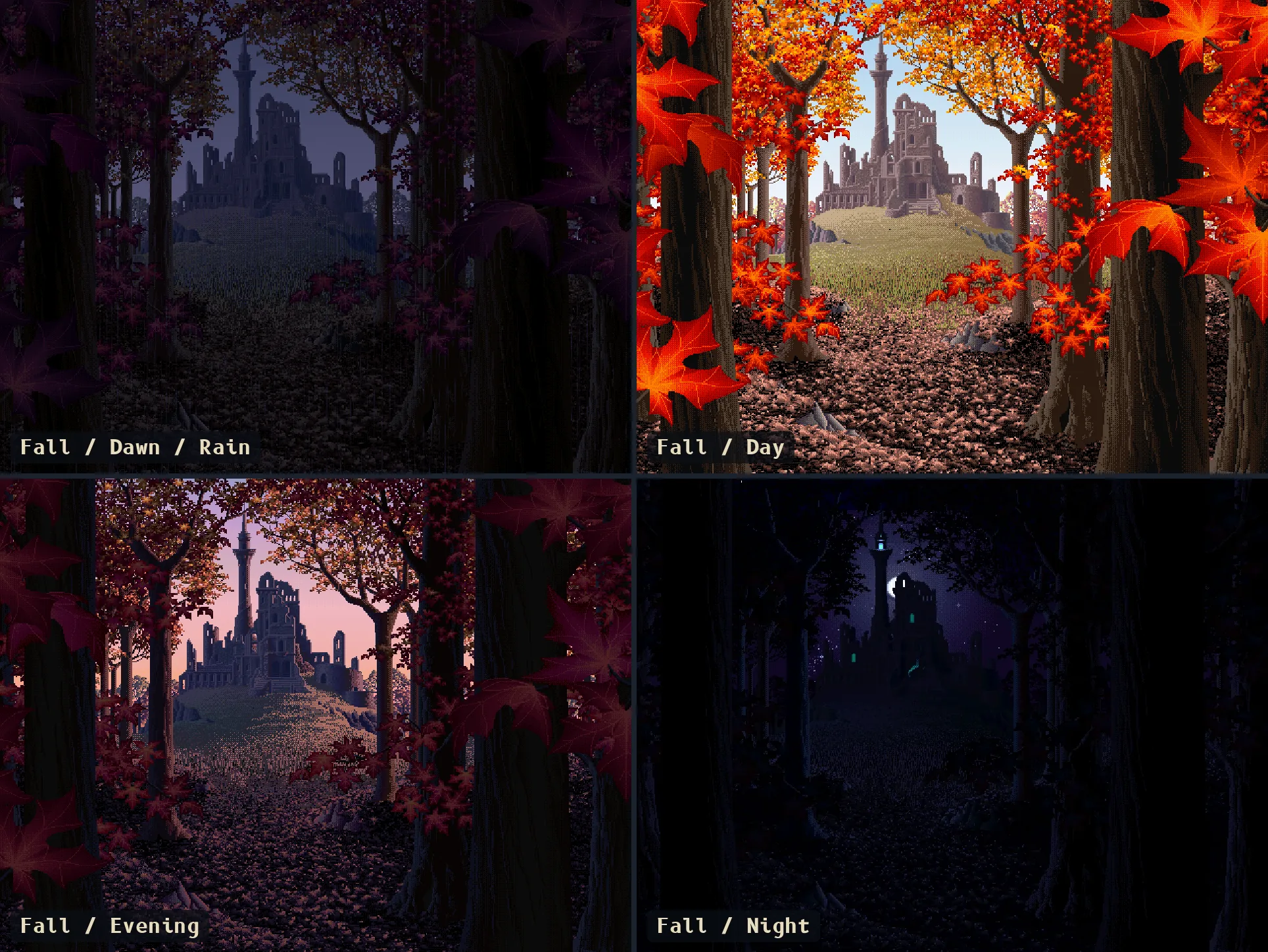
Haunted Ruins by Mark Ferrari
Clone the repo to ~/dotfiles; topgrade's git step pulls it from there. ~/.config/hypr and ~/.config/quickshell are symlinks into this checkout, so keep it in place and do not move or delete it after installing (uninstall.sh also expects it at ~/dotfiles).
git clone https://github.com/uhs-robert/oasis-dots.git ~/dotfiles
cd ~/dotfiles
./install.sh        # full install (Arch only)
./install.sh -m     # minimal (skip AUR, Rust, system files and services)
./install.sh --server # headless: shell/CLI/dev packages and configs only
./install.sh -y     # auto-confirm all prompts
./uninstall.sh      # remove symlinks
Installs system packages, AUR packages, fonts, and dev tools, then stows dotfiles into ~/. Prompts for optional components (greetd, Steam, Nvidia, dev runtimes).
When it finishes, reboot. Without greetd you can instead log out and run start-hyprland from a TTY, unless you installed Nvidia drivers or xone.
What the installer touches outside your home directory
It uses sudo for these; the flags in brackets skip them.
- Packages through pacman and paru [
--no-aurfor paru], therustuptoolchain with both stable and nightly [--no-cargo] and the latest Maple Mono NF release, unpinned, in/usr/local/share/fonts. /etc:vtrgb-oasis,keyd/default.confand two pacman hooks;/usr/local/binand/usr/local/share/betterbird-autoconfigfor the voxtype GPU and Betterbird autoconfig helpers, which also patch/opt/betterbirdwhen it exists [--no-system-files]./root: links root's.zshrc,.zsh_plugins.txt, Neovim and Yazi config to yours, and addsyazi-rootand a/usr/local/sbin/yaziwrapper, after a prompt [--no-system-files].- greetd, after a prompt:
/etc/greetd,/etc/tuigreet,/usr/local/bin/tuigreet-oasis, the Quickshell greeter in/etc/greetd/quickshell,/usr/local/bin/qs-greeterand/var/lib/qs-greeter, then enablesgreetd[--no-services]. Save a picture as~/.facefirst and it becomes your avatar on the login screen. - Your login shell is changed to zsh, and
keydandpower-profiles-daemonare enabled [--no-services]. - Steam, after a prompt: native Steam enables
[multilib]in/etc/pacman.confand runs a fullpacman -Syu, Flatpak Steam installsflatpakand adds a system-wide Flathub remote; the optional xone driver builds a DKMS kernel module [--no-services]. - Nvidia drivers, after a prompt [
--no-services]. - voxtype adds you to the
inputgroup [--no-services]. - An SSH server, after a prompt that
-ynever answers: installstailscaleandopenssh, adds/etc/ssh/sshd_config.d/10-tailnet-only.conf(key login only, no root, Tailscale addresses only) and enablestailscaledandsshd[--no-services]. Run it later withjust ssh-server.
If stow reports a conflict with an existing file, the installer shows stow's error and carries on; move the conflicting files aside and run just stow <package>. Never use stow --adopt, which moves your files into the repo.
Flags: --no-aur, --no-cargo, --no-system-files, --no-services, --dev, --server.
--server is for headless machines: it installs the [CORE] [SYSTEM] [CLI] [DEV] sections of packages/arch.ini plus [SHELL] [CLI] from packages/arch-aur.ini, stows the [SERVER] list from packages/stow.ini, and skips fonts, Rust, greetd, and the desktop services.
| Key | Does |
|---|---|
SUPER + SPACE |
Leader: a which-key menu of everything; SPACE then opens Start, S Settings |
SUPER + / |
Search and run the keybinds of the mode you are in |
SUPER + O |
Apps picker |
ALT + TAB |
Workspace overview, move around with hjkl. Press ? for help. |
SUPER + V |
HyprVim NORMAL mode for moving windows and workspaces; SUPER + ESCAPE leaves it |
The Hyprland README and the Quickshell README have the rest. To rebind anything, see Changing keybinds.
Some configs live in their own repositories, listed in packages/repos.ini: Oasis themes (oasis.nvim), HyprVim, keeptabs, rob-bin, the qutebrowser site styles, and the Neovim config. The installer clones them into repos/ inside this checkout (gitignored) and the dotfiles reference them from there, so nothing depends on where you keep your code.
./install.sh           # clone read-only copies into repos/ over HTTPS
./install.sh --dev     # clone into ~/Development over SSH and link repos/ to them, for editing
just repos             # set up repos/ only, without the full install (accepts --dev)
just update-repos      # pull the copies in repos/ (linked dev clones are skipped)
topgrade runs just update-repos as a custom command, so a normal topgrade keeps the repos current. HyprVim's own updater is turned off because its clone tracks main and is pulled the same way.
Forks can change the dev directory (default ~/Development) and the GitHub owner that --dev clones over SSH (default uhs-robert) with GITHUB_DIR and GITHUB_ORG, either in the environment (GITHUB_DIR=~/src ./install.sh --dev) or in an ignored install.local at the repo root holding plain GITHUB_DIR=... and GITHUB_ORG=... lines. The environment wins over the file.
A repo that already exists under ~/Development/<section>/<name> is always linked rather than cloned again. ~/.local/share/dotfiles/repos points at repos/ for shell and Hyprland configs that need a fixed path.
To use your own Neovim config, set NVIM_CONFIG_REPO to owner/name or a git URL before installing. An existing ~/.config/nvim is never replaced.
NVIM_CONFIG_REPO=you/nvim ./install.shIf you don't want to install the full dotfiles then you may also manually stow the individual packages that you want. Theme files, HyprVim and the qutebrowser styles are symlinks into repos/, so run just repos first to set those up (see External Repos).
stow -d home <package>     # deploy a package
stow -d home -D <package>  # remove a package
The git package reads your [user] block from ~/.config/git/identity, which is gitignored so each machine can use its own address. ./install.sh prompts for it when missing; to write it by hand:
printf '[user]\n\tname = NAME\n\temail = EMAIL\n' > ~/.config/git/identityPlugin management with ya pkg and a root Yazi that stays in sync with your keymap. See home/yazi/.config/yazi/README.md.
Common tasks are wrapped in a justfile (run with just). With just, you can just run:
just                  # list recipes
just stow <package>   # symlink one package
just unstow <package> # remove one package's symlinks
just install          # run install.sh
just uninstall        # run uninstall.sh
just sync-root-yazi   # regenerate root's Yazi keymap from the user's
just update-repos     # pull the external repos cloned into repos/
just ssh-server # opt in to an SSH server reachable only over TailscaleVim-style keybindings for Betterbird through the tbkeys add-on, with a Neovim compose bridge. See home/thunderbird/README.md.
Configs you import into other apps by hand, and companion setups that live in their own repositories. None of them are stowed.
| Tool | Extra |
|---|---|
| HeliBoard | oasis-termux/extras/heliboard |
| Tabliss | extras/tabliss |
| Termux | oasis-termux |
| Vimium | extras/vimium |
GPL-3.0. Bundled third-party pieces keep their own licenses: the fonts in the Quickshell config (SIL Open Font License, see its fonts/README.md), the weather icons (MIT, see assets/weather/LICENSE), the Bibata cursor themes (GPL-3.0), and the vendored tmux and Yazi plugins and flavors (see each one's own files).