JavaScript: Kickoff React
Kickoff React is a simple set of functional React components which can be used as syntactic sugar for Kickoff markup in React components.
In other words; it aliases <div> elements with the corresponding Kickoff class, so you can render things like <Grid /> and <Column />.
There's no reason you need to use this to use Kickoff with React. You can render exactly the same content using className manually.
For now, the library is not published on NPM. In order to use it, you will need to clone a local copy and link it to your project.
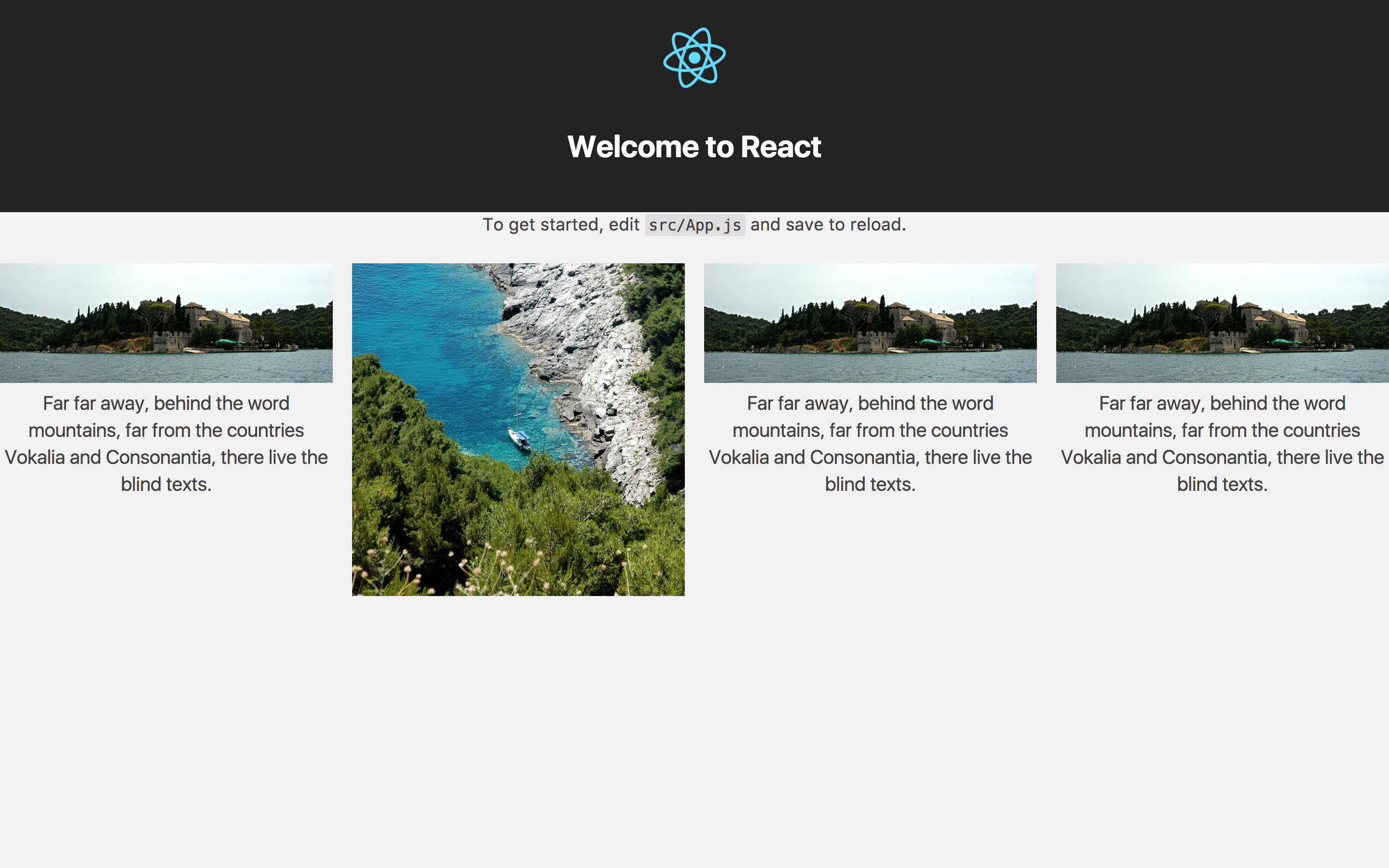
import React from 'react'
import { Column, Grid } from 'kickoff-react'

const ExampleGrid = () => <Grid gutter='gutter' stack='mid'>
  <Column span={3}>
    ...
  </Column>
  <Column span={3}>
    ...
  </Column>
  <Column span={3}>
    ...
  </Column>
  <Column span={3}>
    ...
  </Column>
</Grid>

export default ExampleGrid
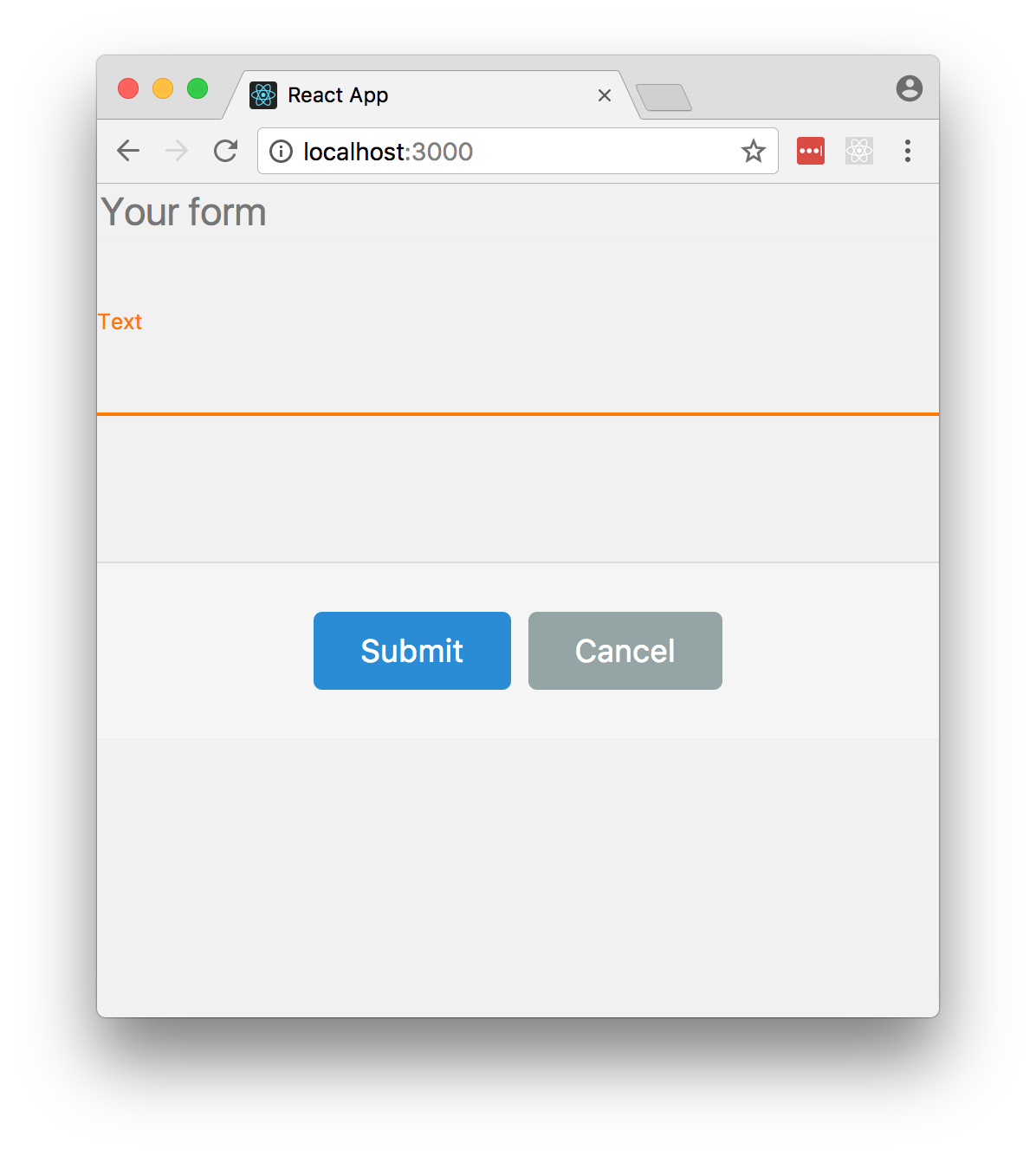
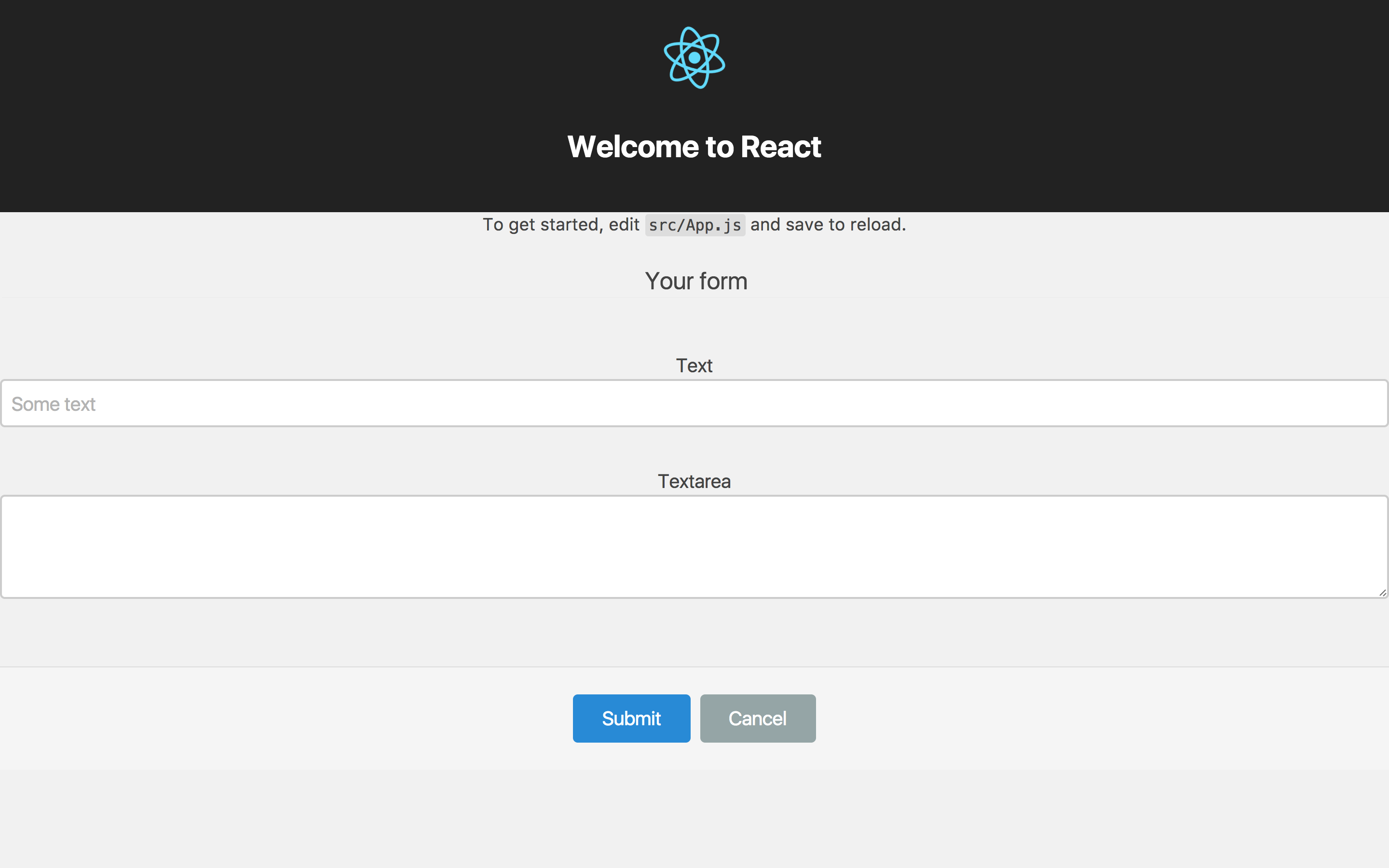
import React from 'react'
import { Actions, Button, Control, Fieldset, Form, Input, Label, Legend, Textarea } from 'kickoff-react'

const ExampleForm = () => <Form>
  <Fieldset>
    <Legend>Your form</Legend>
    <Control>
      <Label for='text'>Text</Label>
      <Input id='text' placeholder='Some text' required />
    </Control>

    <Control>
      <Label for='comments'>Textarea</Label>
      <Textarea id='comments' rows={3} cols={50} />
    </Control>
  </Fieldset>

  <Actions>
    <Button primary type='submit' value='Submit' />
    <Button type='reset' value='Cancel' />
  </Actions>
</Form>

export default ExampleForm
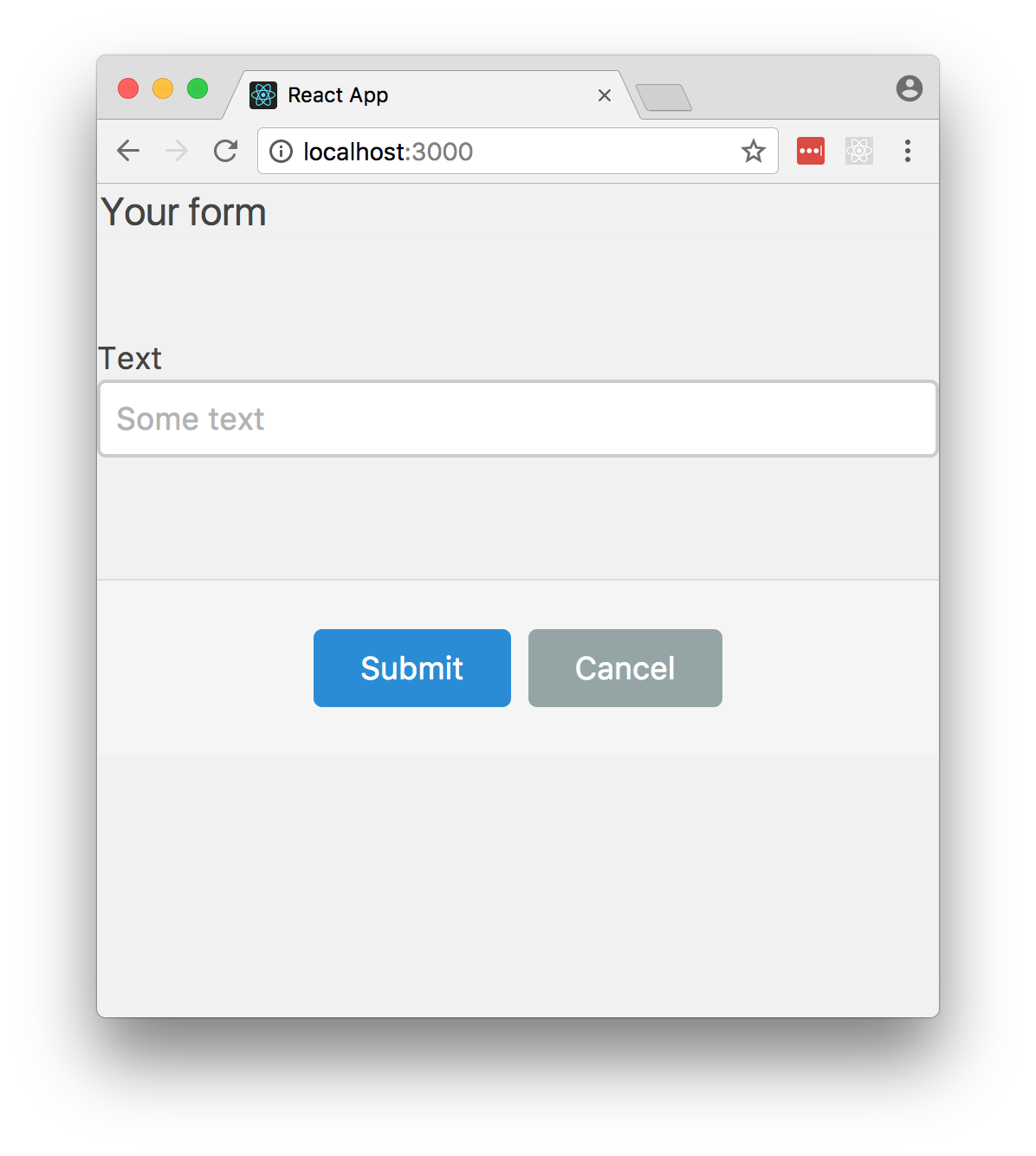
- You can change the theme by change the theme for
<Forms />by changing the@importline and adding an extramaterialprop - Unlike ordinary Kickoff, you do not need to worry about changing the
<Form />markup. This is handled for you when you include the extra prop.
@import "form-theme-standard";
<Form>
  ...
</Form>
@import "form-theme-material";
<Form material>
  ...
</Form>