A command-line script to guide you through the process of releasing a new version of your Python package on PyPI.
The goal is not having to remember and manually type the different release steps and checks.
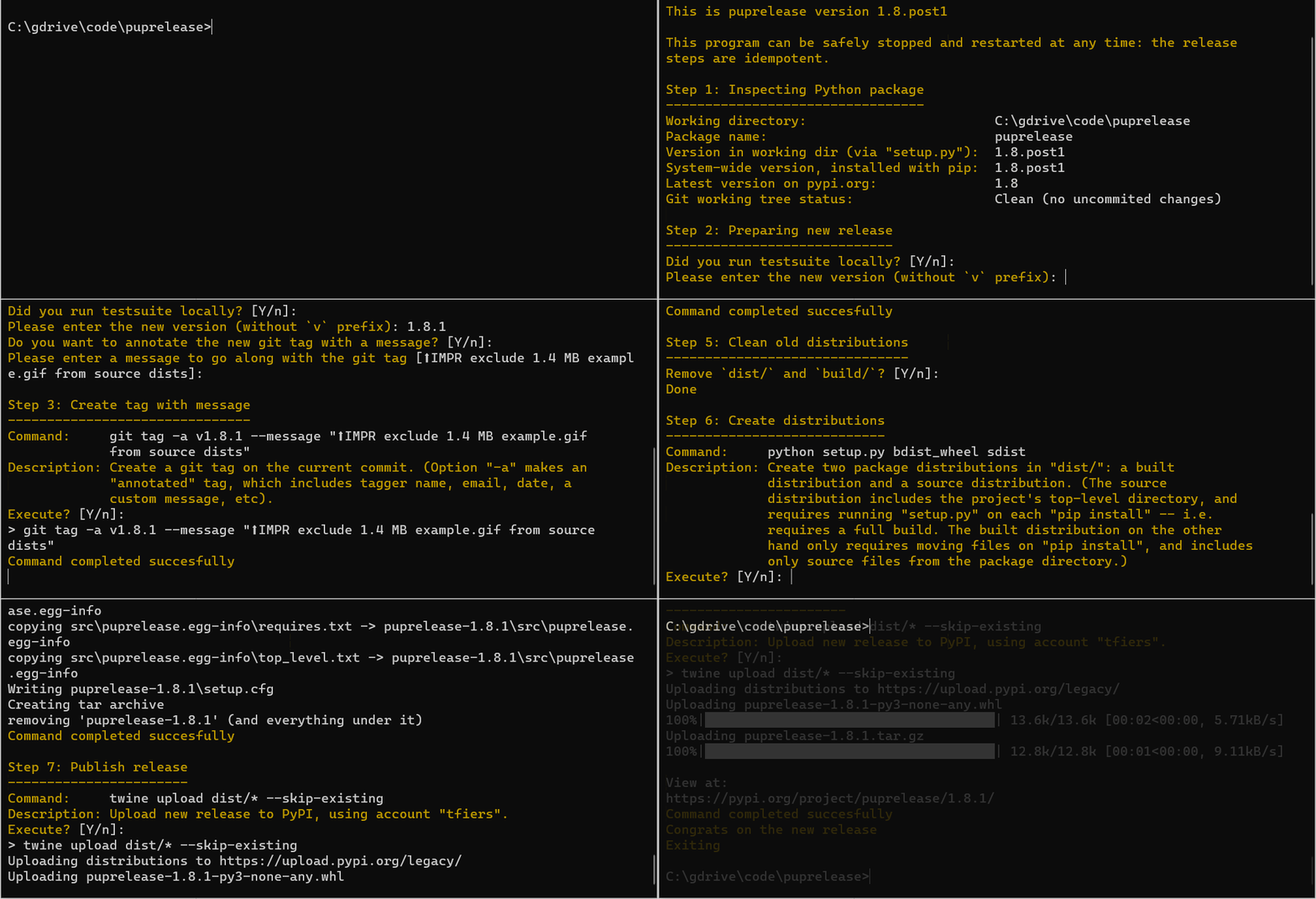
Screencast of making a new release with pup:
$ pip install puprelease
This will get you the


To update an existing installation to this version, use pip install -U puprelease.
In the root directory of the package you want to release a new version of
(i.e. where your setup.py file is located), run:
$ pup
Then follow along with the program.
I recommend using git tags as the single-source-of-truth for package versions.
To do this, add the following lines to your setup.py, replacing the
version=... argument of the setup() call:
setup(
    ...
    setup_requires=["setuptools_scm"],
    use_scm_version={
        "version_scheme": "post-release",
        "local_scheme": "dirty-tag",
    },  # Example configuration.
        # See the docs [*] for other options.
)
[*] setuptools_scm documentation.
Then call pup, which will take care of the rest, for each new release.
Also, check-out semantic versioning.