Sample images
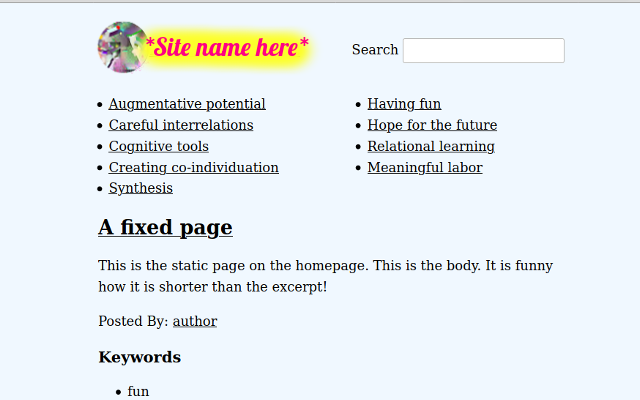
The homepage contains two sections: one with static articles to give 'structure' to the site and less of a 'total wiki' feel and then beneath those few static articles (whose excerpts can practically function as homepage content if desired), a series of featured and important articles can appear. This allows for what is featured on the homepage to easily be changed as per changing needs.
For collaborative communal sites, this means that member content can also appear on the homepage.
Note that the excerpts that appear on the homepage can be quite substantial and even use HTML formatting.
Finally, the search function is prominent because as content increases, this function assists with the further finding and interrelating of site content. The search function is also useful for sites with dozens of members as it enables location of author content (which is also linked to by clicking on an author link within an individual article). This theme is currently being used on two sites with over 150 members each.
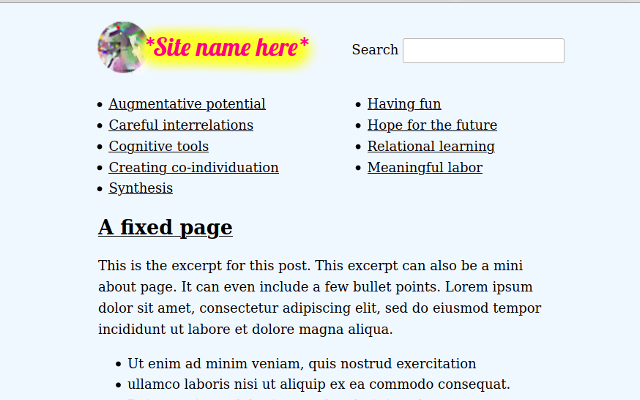
Clicking on the categories - always visible at the top of all pages on the website - it is possible to view all related articles. Note that articles can be posted to two categories, which promotes relational thinking.
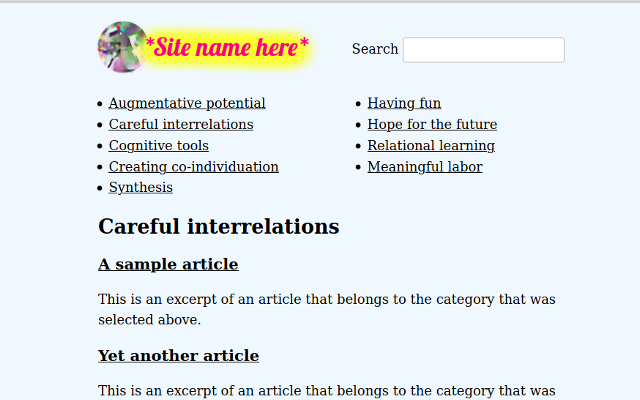
Clicking on an article opens up the page featured below. Note that the update to the theme now includes a section of links to 15 related articles (based on category) beneath the key words. Also not featured in these images are the comment boxes which can be activated on any page apart from article list pages (homepage, author pages, category pages).