🪄 Automatically convert a PDF into a fillable form.
💻 Hosted Models (detect.semanticdocs.org) | 📄 CommonForms Paper | 🤗 Dataset | 🤗 FFDNet-L | 🤗 FFDNet-S
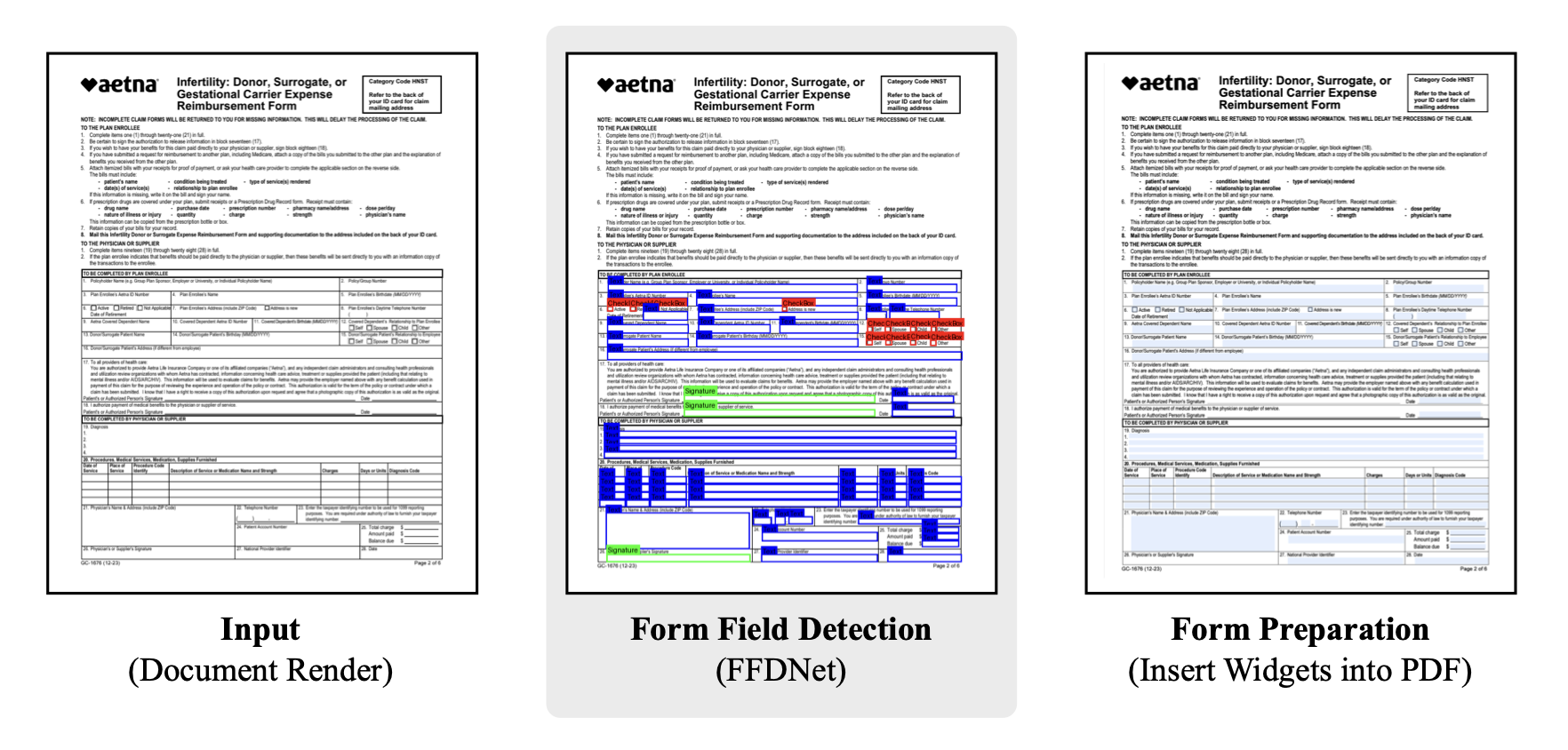
This repo contains three things:
- the pip-installable
commonformspackage, which has a CLI and API for converting PDFs into fillable forms - the FFDNet-S and FFDNet-L models from the paper CommonForms: A Large, Diverse Dataset for Form Field Detection
- the preprocessing code for the CommonForms dataset, which is hosted on HuggingFace: https://huggingface.co/datasets/jbarrow/CommonForms
CommonForms can be installed with either uv or pip, feel free to choose your package manager flavor:
uv pip install commonformsOnce it's installed, you should be able to run the CLI command on ~any PDF.
The simplest usage will run inference on your CPU using the default suggested settings:
commonforms <input.pdf> <output.pdf>
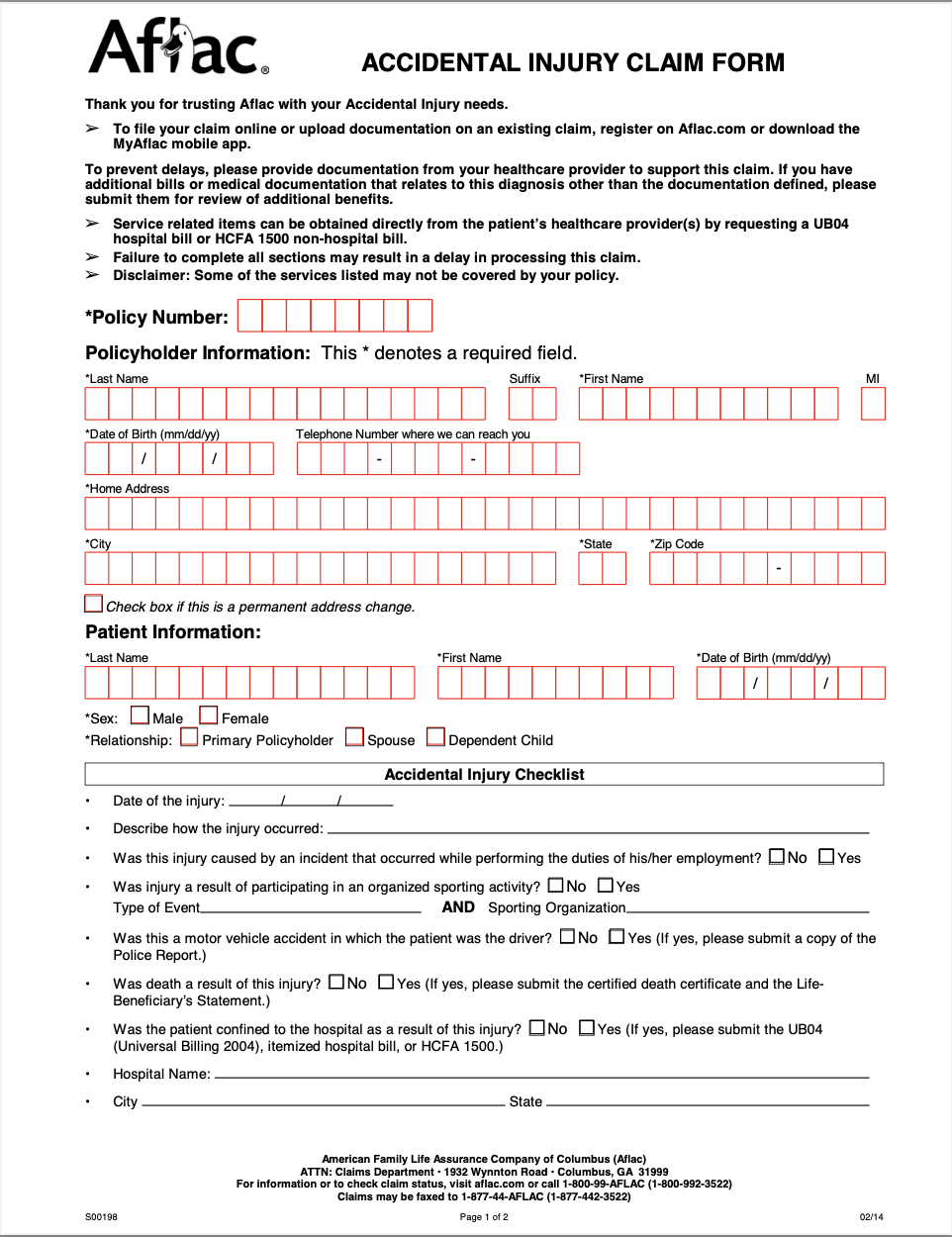
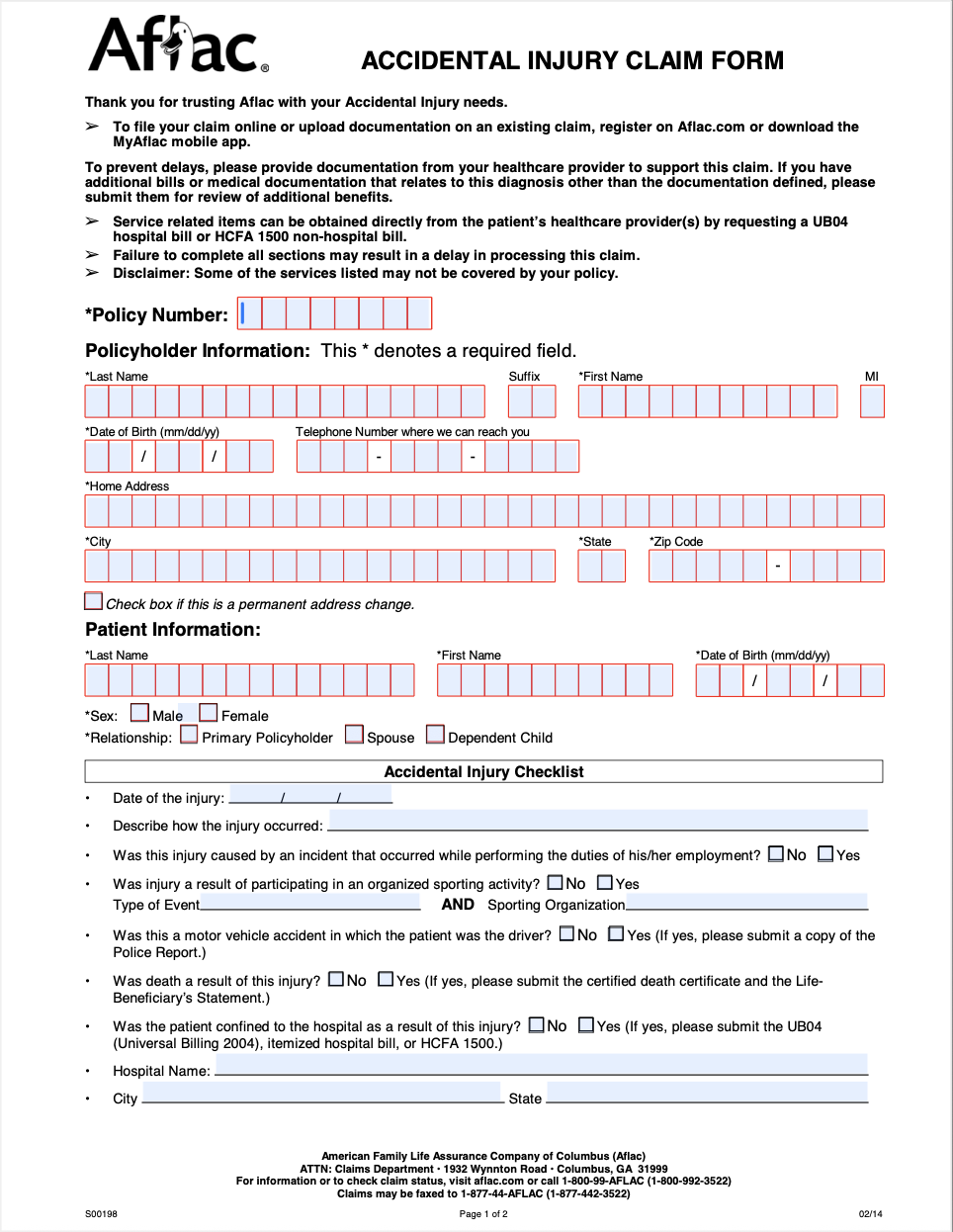
| Input | Output |
|---|---|
 |
 |
| Argument | Type | Default | Description |
|---|---|---|---|
input |
Path | Required | Path to the input PDF file |
output |
Path | Required | Path to save the output PDF file |
--model |
str | FFDNet-L |
Model name (FFDNet-L/FFDNet-S) or path to custom .pt file |
--keep-existing-fields |
flag | False |
Keep existing form fields in the PDF |
--use-signature-fields |
flag | False |
Use signature fields instead of text fields for detected signatures |
--device |
str | cpu |
Device for inference (e.g., cpu, cuda, 0) |
--image-size |
int | 1600 |
Image size for inference |
--confidence |
float | 0.3 |
Confidence threshold for detection |
--fast |
flag | False |
If running on a CPU, you can trade off accuracy for speed and run in about half the time |
In addition to the CLI, you can use
from commonforms import prepare_form

prepare_form(
    "path/to/input.pdf",
    "path/to/output.pdf"
)
All of the above arguments are keyword arguments to the prepare_form function.
For fine-tuned control over field detection, use the interactive web interface:
streamlit run streamlit_app.pyThe Streamlit app provides:
- Adjustable confidence threshold - Lower the confidence score if desirable fields aren't detected
- Visual field selection - Preview detected fields on each page and choose which ones to make fillable
- Interactive editing - Uncheck fields you don't want to include in the final PDF
This is especially useful when the default settings miss important form fields or detect unwanted elements.
🚧 Code for dataset prep exists in the dataset folder.
If form fields aren't being detected:
- Use the Streamlit app to adjust the confidence threshold (try lowering from 0.3 to 0.1-0.2)
- Visually inspect detected fields and manually select which ones to include
- For better accuracy, use
--model FFDNet-Linstead ofFFDNet-S
If you use the tool, models, or code in an academic paper, please cite the CommonForms paper:
@misc{barrow2025commonforms,
  title        = {CommonForms: A Large, Diverse Dataset for Form Field Detection},
  author       = {Barrow, Joe},
  year         = {2025},
  eprint       = {2509.16506},
  archivePrefix= {arXiv},
  primaryClass = {cs.CV},
  doi          = {10.48550/arXiv.2509.16506},
  url          = {https://arxiv.org/abs/2509.16506}
}
If you use it in a non-academic setting, please reach out to the author (joseph.d.barrow [at] gmail.com)! I love to hear when people are using my work!