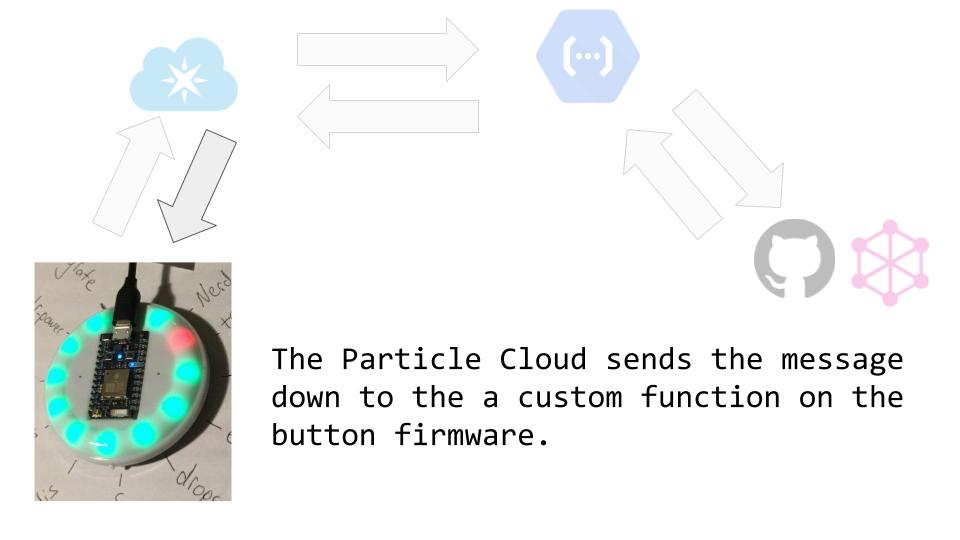
The repository contains code used to create Internet Button projects.
This repository is structure to hold multiple project that can switched between buttons.
This project from 2016 illuminated the LEDs at random. Each time an LED turned on it had a variable percentage chance of being blue or red.
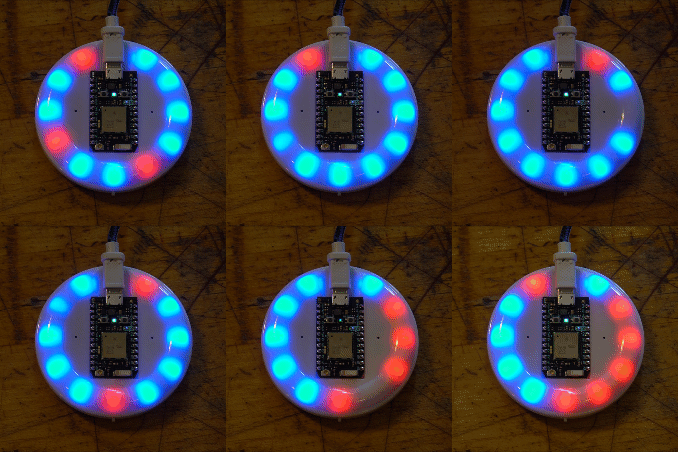
Watch this YouTube Video from @fauxalgore for a full explanation.
The source code used in this video is in button_fte.
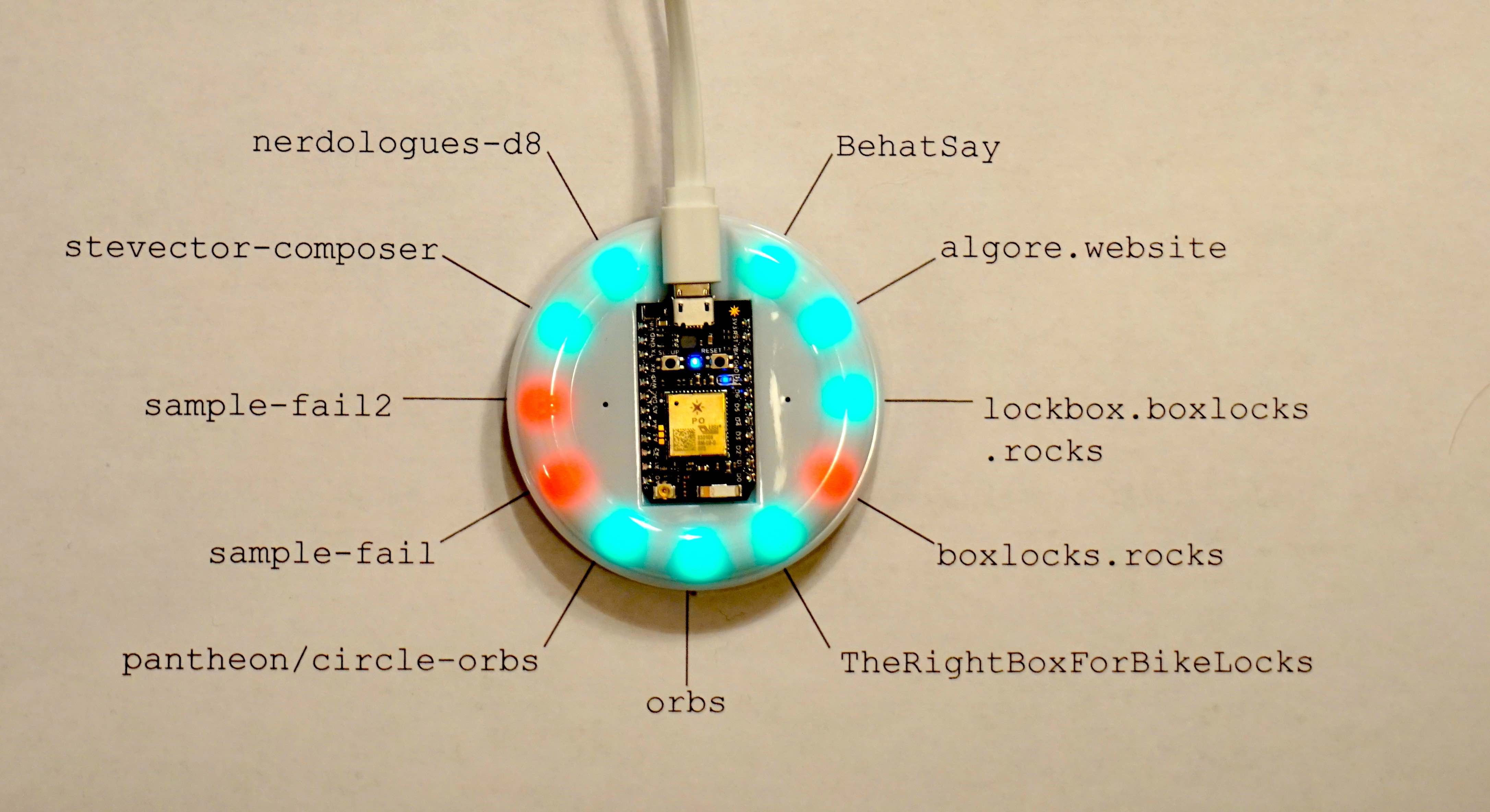
This project displays the commit statuses of the default branch of a set of repos.
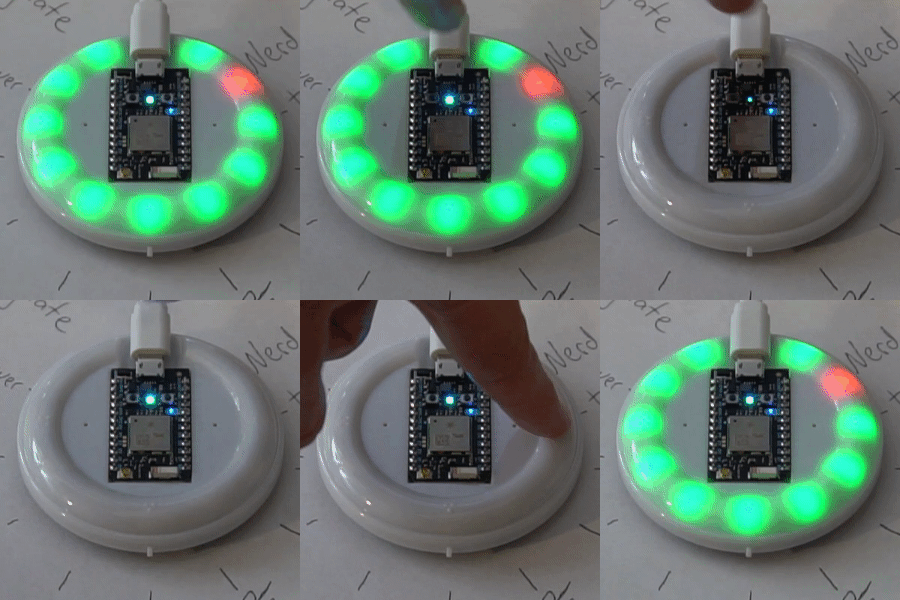
The LEDs light up after button 2 is pressed.
It only takes one or two seconds but a lot happens in that time. There are six main steps.
The firmware at button/src/IbOmni.ino publishes many events to the Particle Cloud. This event, the pressing of button 2, has a Particle webhook connected to it.
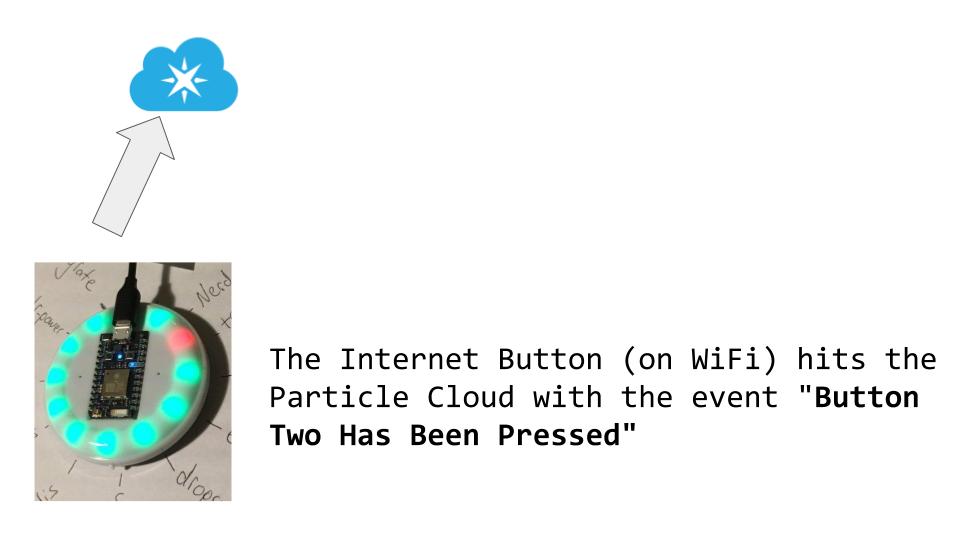
The Particle Cloud can GET or POST to arbitrary URLs in response to events.
The URL in this case is a Google Cloud function.
The JavaScript code for the Google Cloud Function is stored in gcp-serverless/ci-status-reporter.
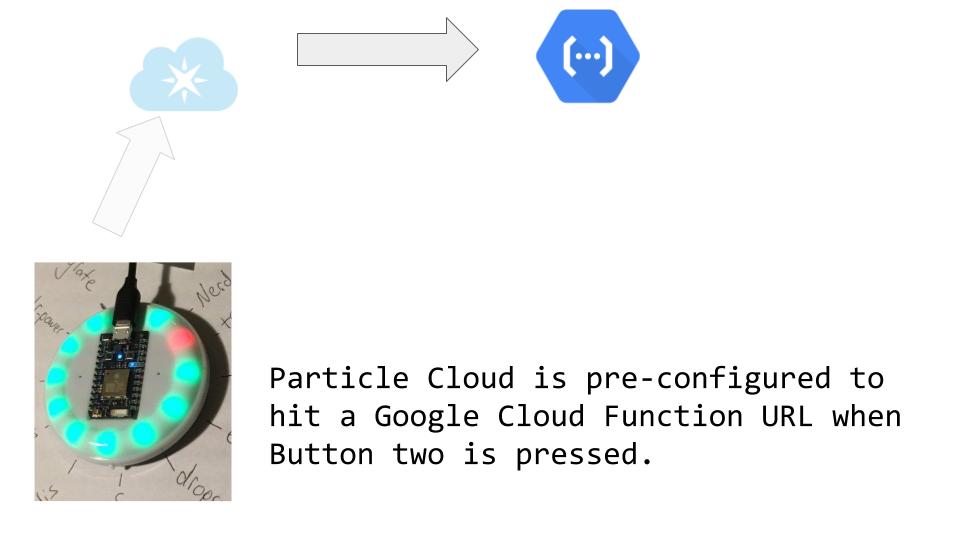
The JavaScript running on Google Cloud (stored in gcp-serverless/ci-status-reporter) then uses the graphql-got library to ask GitHub for the respostory statuses.
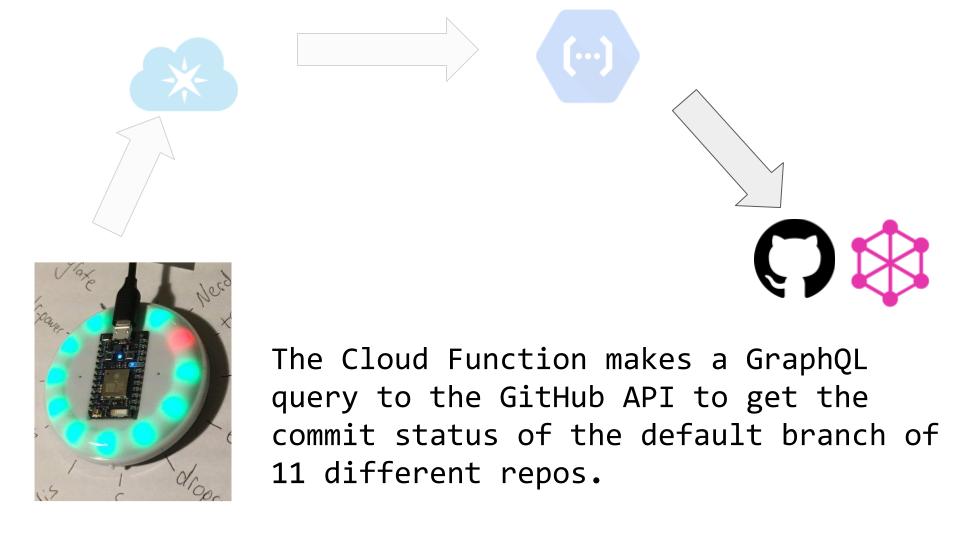
The response from GitHub looks something like this (but with 11 nodes instead of 1):
{
  "search": {
    "edges": [
      {
        "node": {
          "nameWithOwner": "stevector/nerdologues-d8",
          "defaultBranchRef": {
            "target": {
              "status": {
                "state": "SUCCESS"
              }
            }
          }
        }
      }
    ]
  }
}
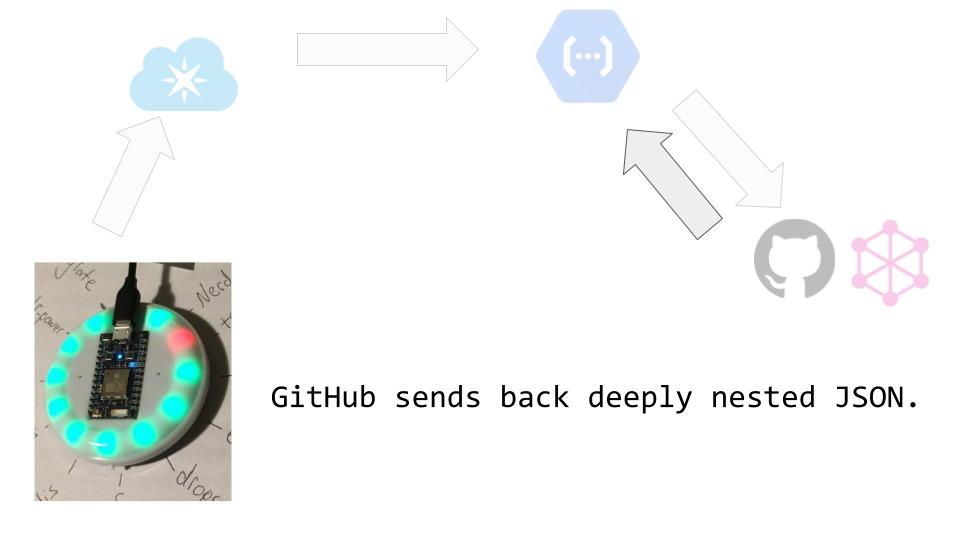
The Google Cloud Function uses got to send a POST to https://api.particle.io/v1/devices/' + deviceId + '/circleCi'.
In that URL deviceId is a unique identifier for the button to be illuminated and circleCi is the name of the function to call on the button.
The body of the POST contains the a pattern like g,r,g,g,g,g,g,g,g,g,g, to be parsed by the button.
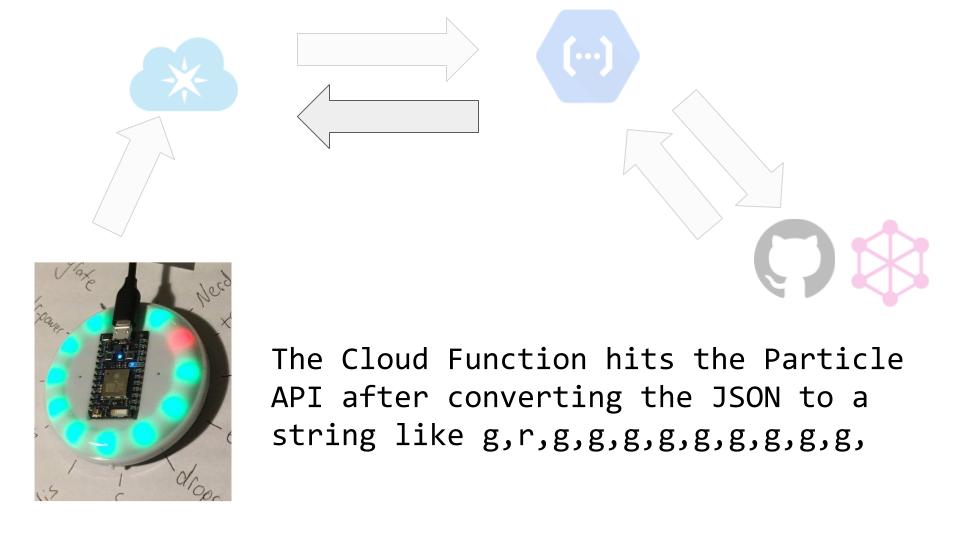
The function circleCi parses the string of comma-separated rs and gs.