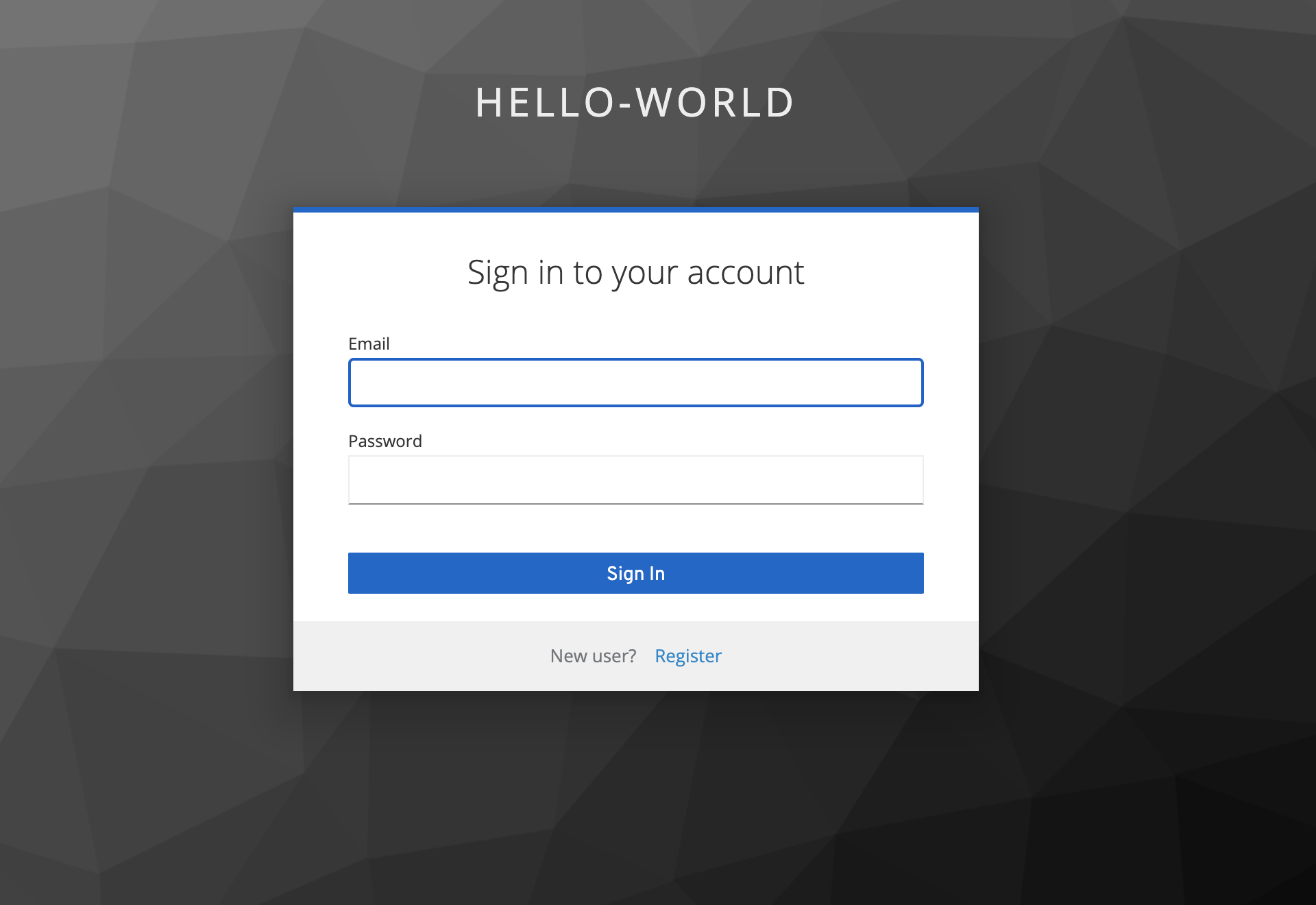
This is a simple example of using keycloak to build an authentication system for a python flask application
git clone this repo
To start keycloak service
./run_keycloak.sh
Keycloak server should be visible at http://localhost:8080/auth/admin
To start flask server, start another terminal
cd api
python -m venv venv
source venv/bin/activate
python -m pip install -r requirements.txt
cd ..
./run_api_server.sh
Python flask server should be visible at http://localhost:5000/
Visit keycloak at http://localhost:8080/auth/admin
Enter the username and password from ./run_keycloak.sh
You should now be able to see the realm Master.
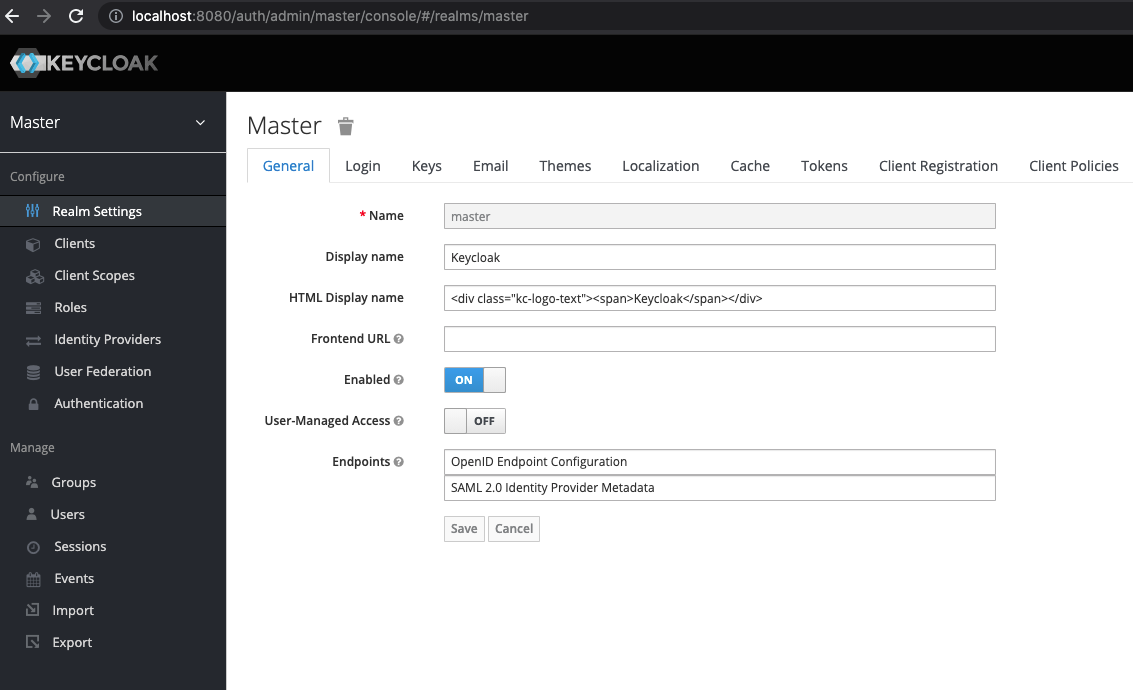
Create a new realm for your app called hello-world and hit Create

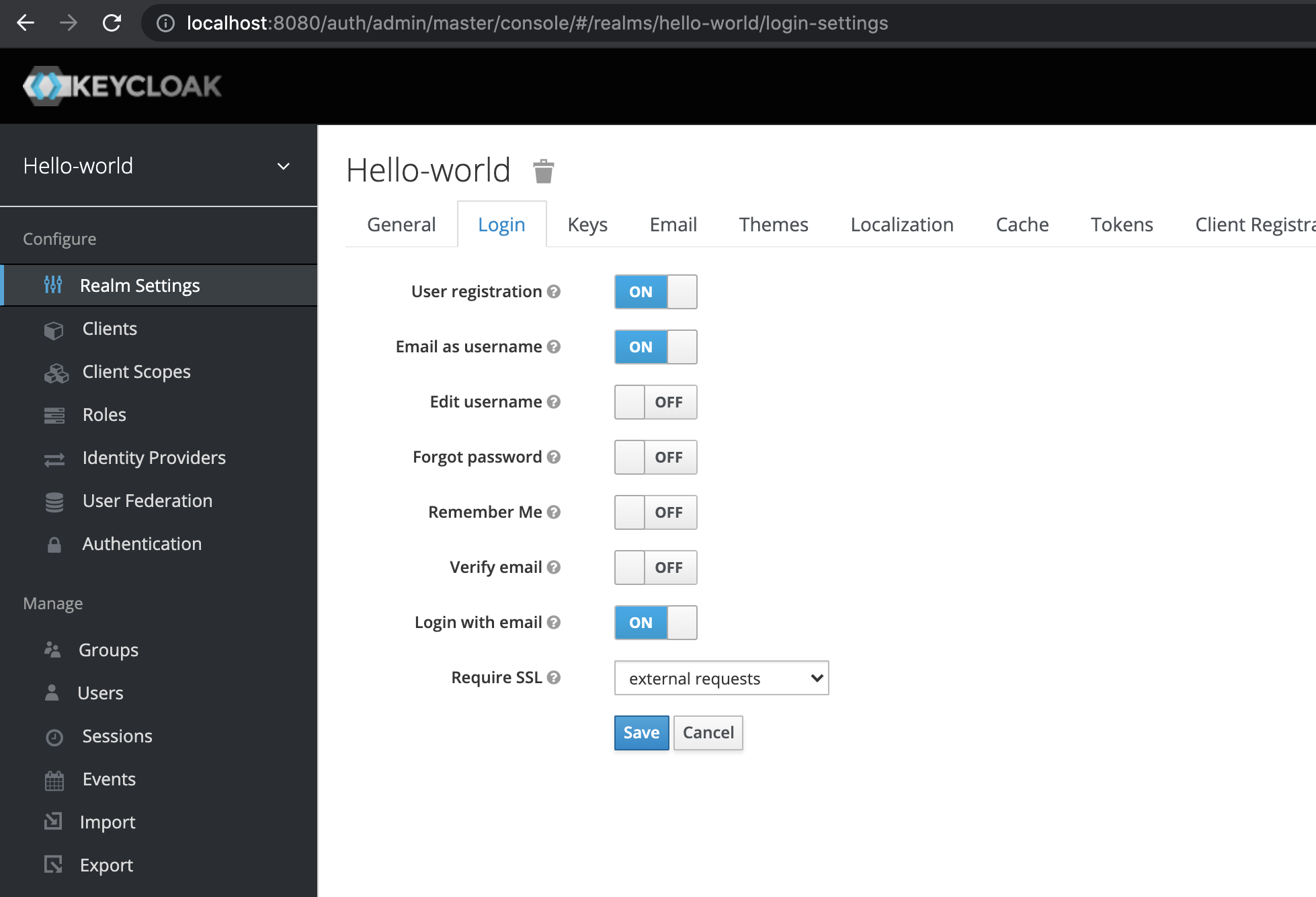
Enable User Registration and Email as username
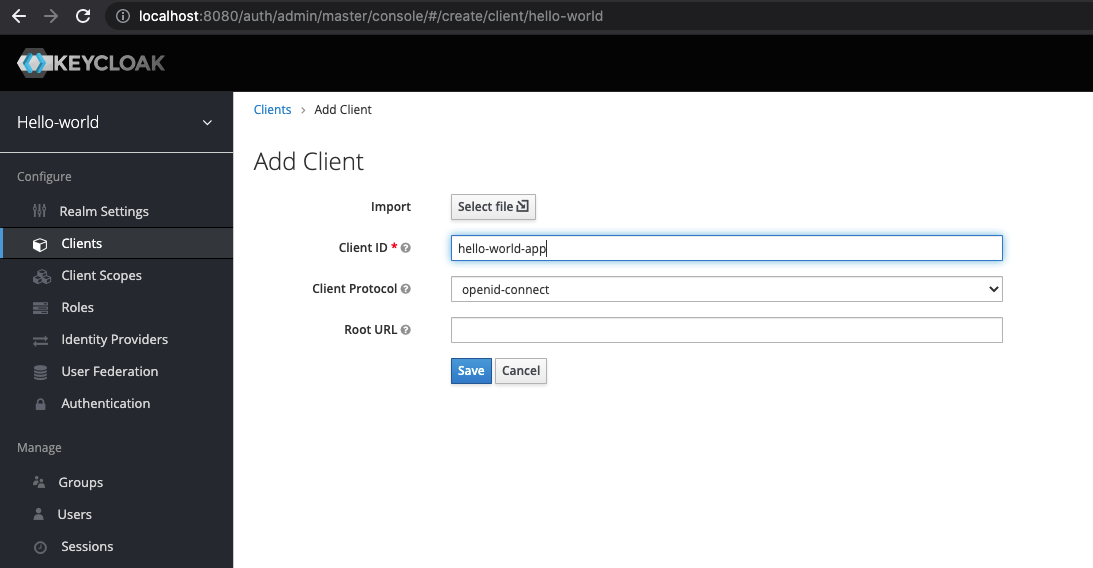
In this new realm, create a new client with the name hello-world-app

Make access type confidential for this client

Set Root URL, Valid Redirect URIs and Web Origins to appropriate urls
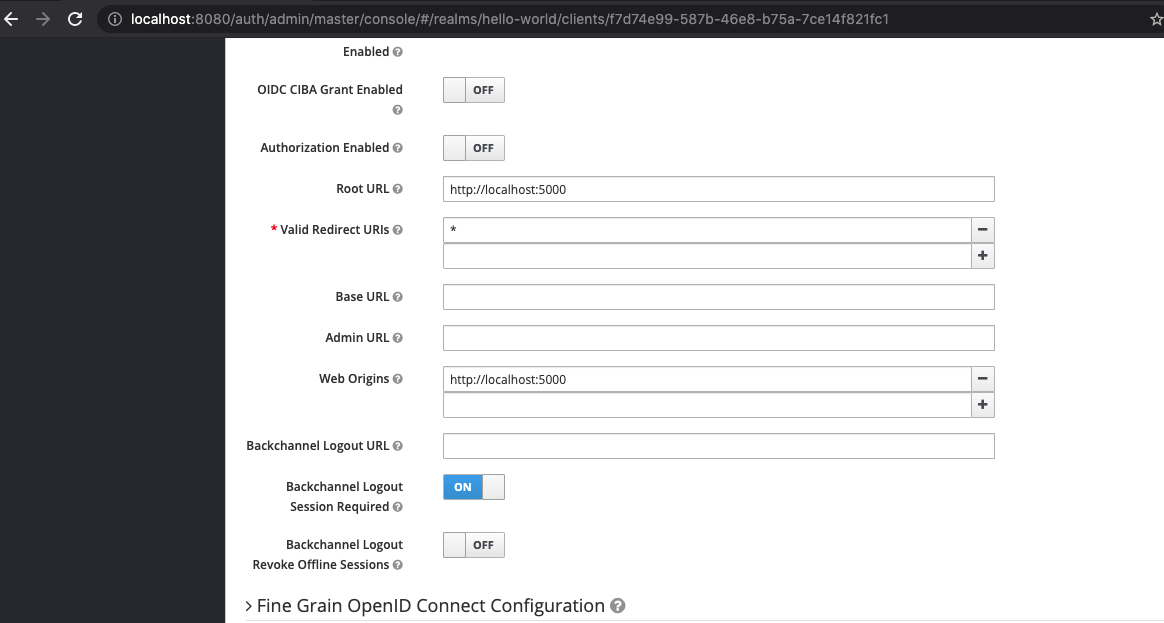
Don't forget to click Save at the bottom
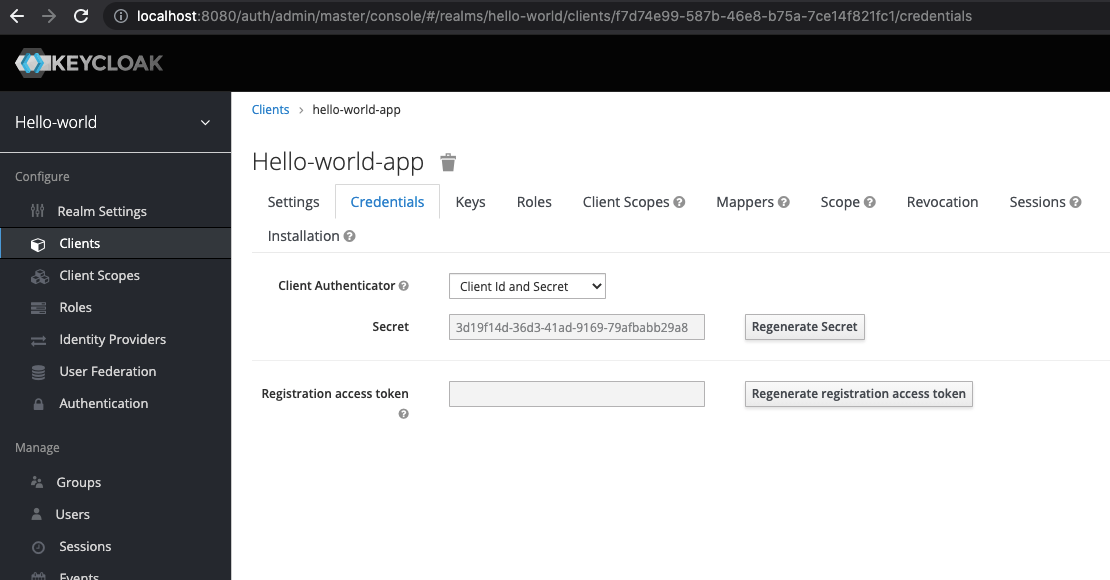
Get the client id and secret for hello-world-app. The client id is exactly the name of the client hello-world-app. The client secret is generated as shown in the screenshot below.
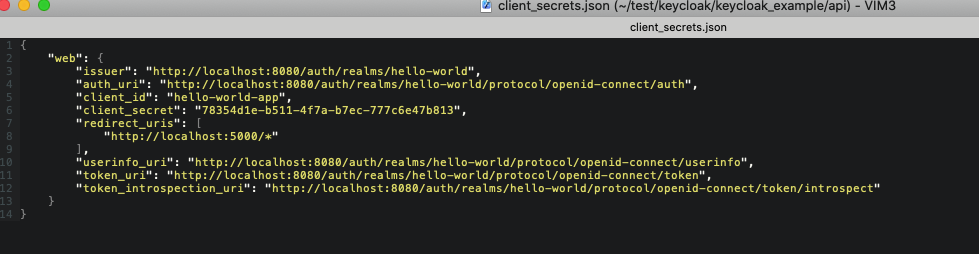
Open the file client_secrets.json in an editor. Insert the client id and secret into this file.
Rerun ./run_api_server.sh. Now visit localhost:5000 and click on Log in
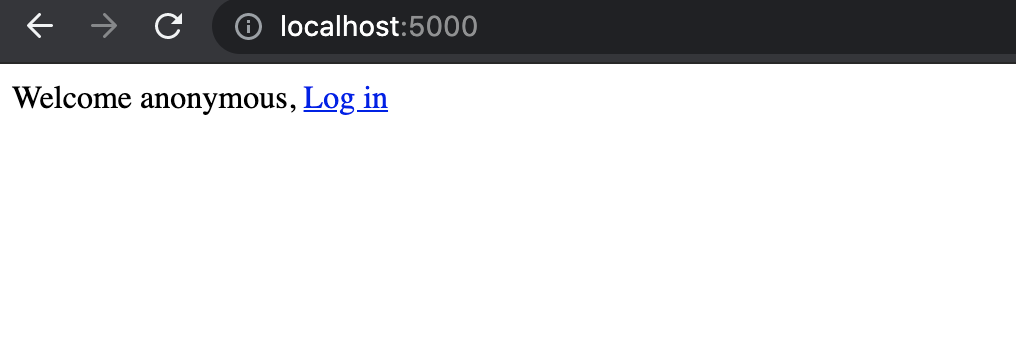
You should now be able to register and user and log in with that user