

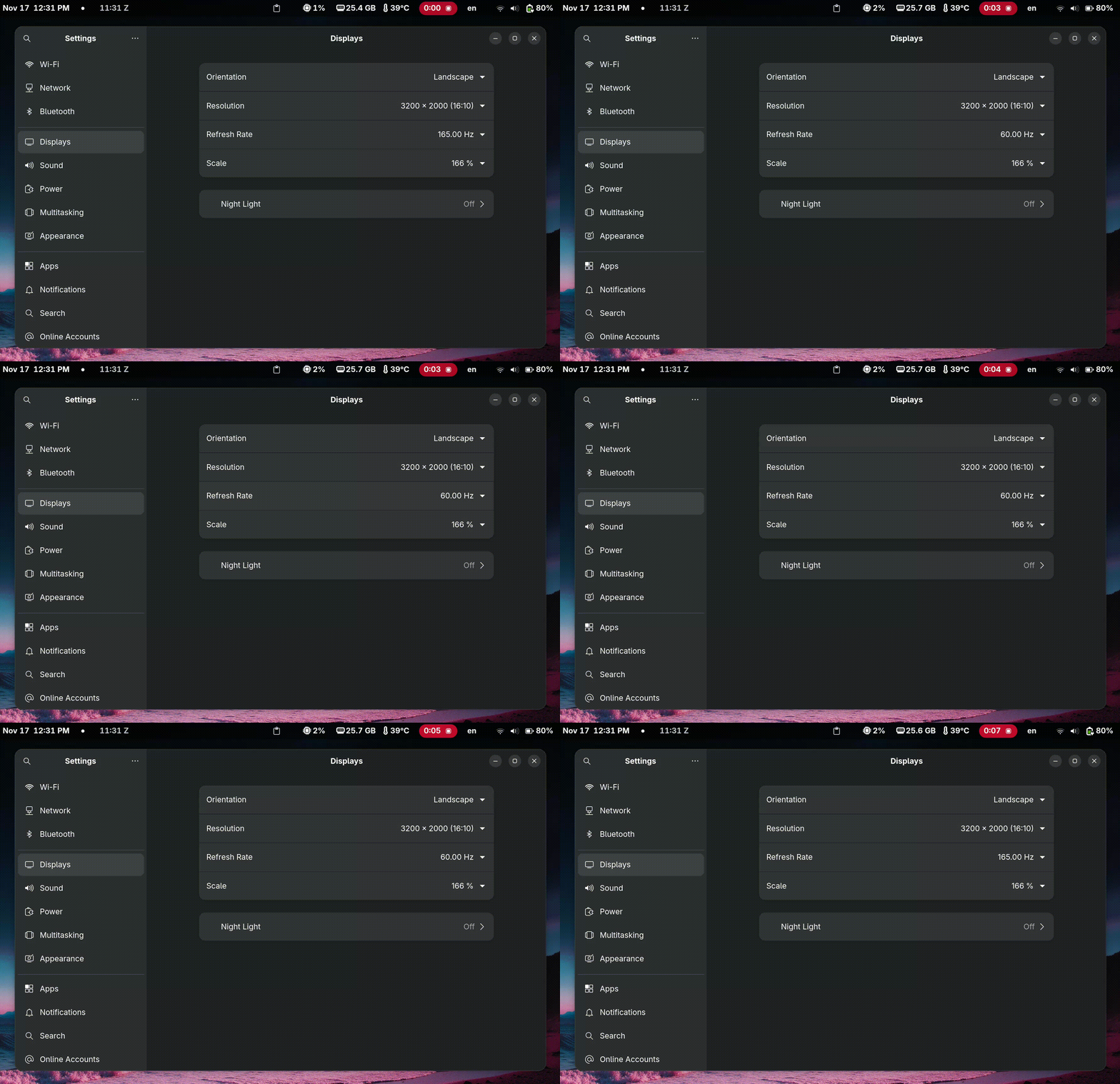
Change the refreshrate of your linux (gnome w/ wayland) laptop when (un)plugging the AC power connector.
Warning
It's not my problem if your system breaks or this doesn't work
sudo dnf copr enable eaglesemanation/displayconfig-mutter
sudo dnf install displayconfig-mutter
Then run the following command to get the the display id (connector) of your screen:
displayconfig-mutter listshould return something along the lines of
┌───────────┬────────┬──────────────┬────────────┬──────────────┬─────────────────────┬─────┬─────┐
│ Connector │ Vendor │ Product name │ Resolution │ Refresh rate │ Scaling             │ VRR │ HDR │
├───────────┼────────┼──────────────┼────────────┼──────────────┼─────────────────────┼─────┼─────┤
│ eDP-1     │ CSW    │ MNG007ZA1-3  │ 3200x2000  │ 60           │ 166.66666269302368% │ No  │ No  │
└───────────┴────────┴──────────────┴────────────┴──────────────┴─────────────────────┴─────┴─────┘
In this case, my monitor is eDP-1.
Here, you configure your desired connector (aka, your display), the framerate for when your laptop is unplugged (LOW_HZ) and the framerate for when AC is connected (HIGH_HZ).
cat > ~/.config/rr-autoswitch.env <<'EOF'
CONNECTOR=eDP-1
LOW_HZ=60
HIGH_HZ=165
EOFcat > ~/.local/bin/rr-watch-ac.sh <<'EOF'
#!/usr/bin/env bash
set -euo pipefail
[ -f "$HOME/.config/rr-autoswitch.env" ] && source "$HOME/.config/rr-autoswitch.env"
CONNECTOR="${CONNECTOR:-eDP-1}"
LOW_HZ="${LOW_HZ:-60}"
HIGH_HZ="${HIGH_HZ:-165}"
apply_rr() {
local hz="$1"
displayconfig-mutter set --connector "$CONNECTOR" --refresh-rate "$hz"
}
on_battery_now() {
busctl get-property org.freedesktop.UPower /org/freedesktop/UPower org.freedesktop.UPower OnBattery \
| grep -q 'true'
}
if on_battery_now; then apply_rr "$LOW_HZ"; else apply_rr "$HIGH_HZ"; fi
dbus-monitor --system "type='signal',sender='org.freedesktop.UPower',\
interface='org.freedesktop.DBus.Properties',member='PropertiesChanged',\
path='/org/freedesktop/UPower'" \
| while read -r line; do
if grep -q "OnBattery" <<<"$line"; then
# tiny debounce so we read the new state
sleep 0.3
if on_battery_now; then apply_rr "$LOW_HZ"; else apply_rr "$HIGH_HZ"; fi
fi
done
EOFchmod +x ~/.local/bin/rr-watch-ac.shcat > ~/.config/systemd/user/rr-autoswitch.service <<'EOF'
[Unit]
Description=Auto-switch monitor refresh rate on AC/battery (Wayland/GNOME)
After=graphical-session.target
Wants=graphical-session.target
[Service]
EnvironmentFile=%h/.config/rr-autoswitch.env
ExecStart=%h/.local/bin/rr-watch-ac.sh
Restart=always
RestartSec=1
[Install]
WantedBy=default.target
EOFsystemctl --user daemon-reload
systemctl --user enable --now rr-autoswitch.service