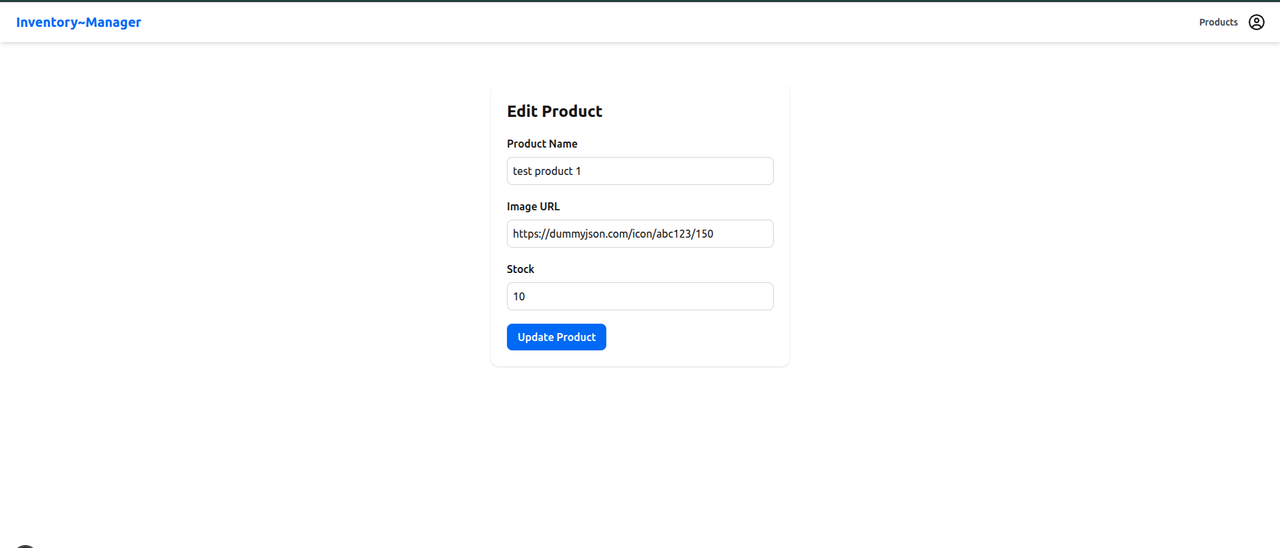
An end-to-end Inventory Manager web application built with the MERN stack:
- Frontend: Next.js, Tailwind CSS, Redux Toolkit (RTK Query)
- Backend: Express.js, MongoDB (via Mongoose), JWT Authentication
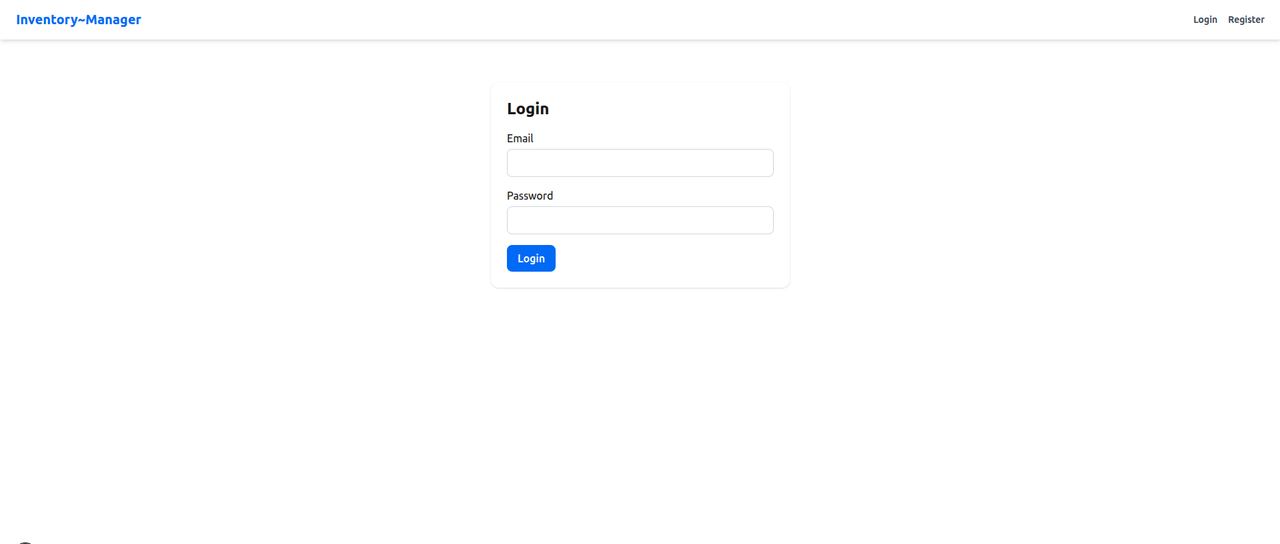
✅ User Registration & Login
✅ JWT-based Auth with Protected Routes
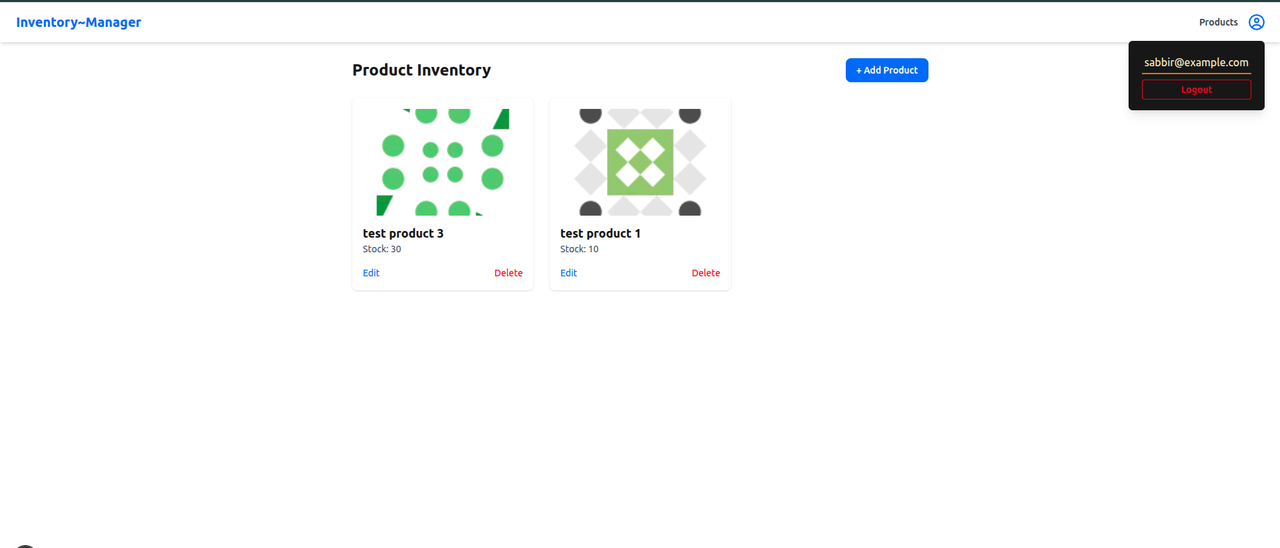
✅ Product CRUD (Add, View, Edit, Delete)
✅ Global State Management with Redux Toolkit
✅ RESTful API with Node.js + Express
✅ MongoDB Atlas Integration
| Layer | Technology |
|---|---|
| Frontend | Next.js, Tailwind CSS, Redux Toolkit, RTK Query |
| Backend | Express.js, MongoDB, Mongoose |
| Auth | JWT, bcrypt |
| Deployment | netlify (Frontend), render (Backend) |
| Optional | Cloudinary, React Hook Form, Toast Notifications |
inventory-manager/ ├── backend/ # Express API with MongoDB ├── frontend/ # Next.js + Tailwind frontend ├── README.md # Root readme (this file)
git clone https://github.com/sabbirhossainc/inventory-manager.git
cd inventory-managercd backend
npm install- Create a .env file:
PORT=5000
MONGO_URI='mongodb+srv://sabbir_inventory:mADOlMLOskRektvq@inventorycluster0.ppfk6vj.mongodb.net/?retryWrites=true&w=majority&appName=inventoryCluster0'
JWT_SECRET='02a248d30f34db1ec4bdb57799e86d20d85613155fb7b7cd210e3331c0701f850baa610ea8096cadb78ad6bb877cd3d300194dfaaef479a9a8108168e15aaa41'- Run the backend:
npm run devcd ../frontend
npm install- Create a .env.local file:
NEXT_PUBLIC_API_BASE=http://localhost:5000/apiEmail: test@example.com
Password: 123456
POST /api/auth/login
Content-Type: application/json

{
  "email": "test@example.com",
  "password": "123456"
}POST /api/auth/register
{
"name": "Test User",
"email": "test@example.com",
"password": "123456"
}- Run the frontend:
npm run dev✨ Login Page
📦 Product Dashboard
📝 Add/Edit Product Forms