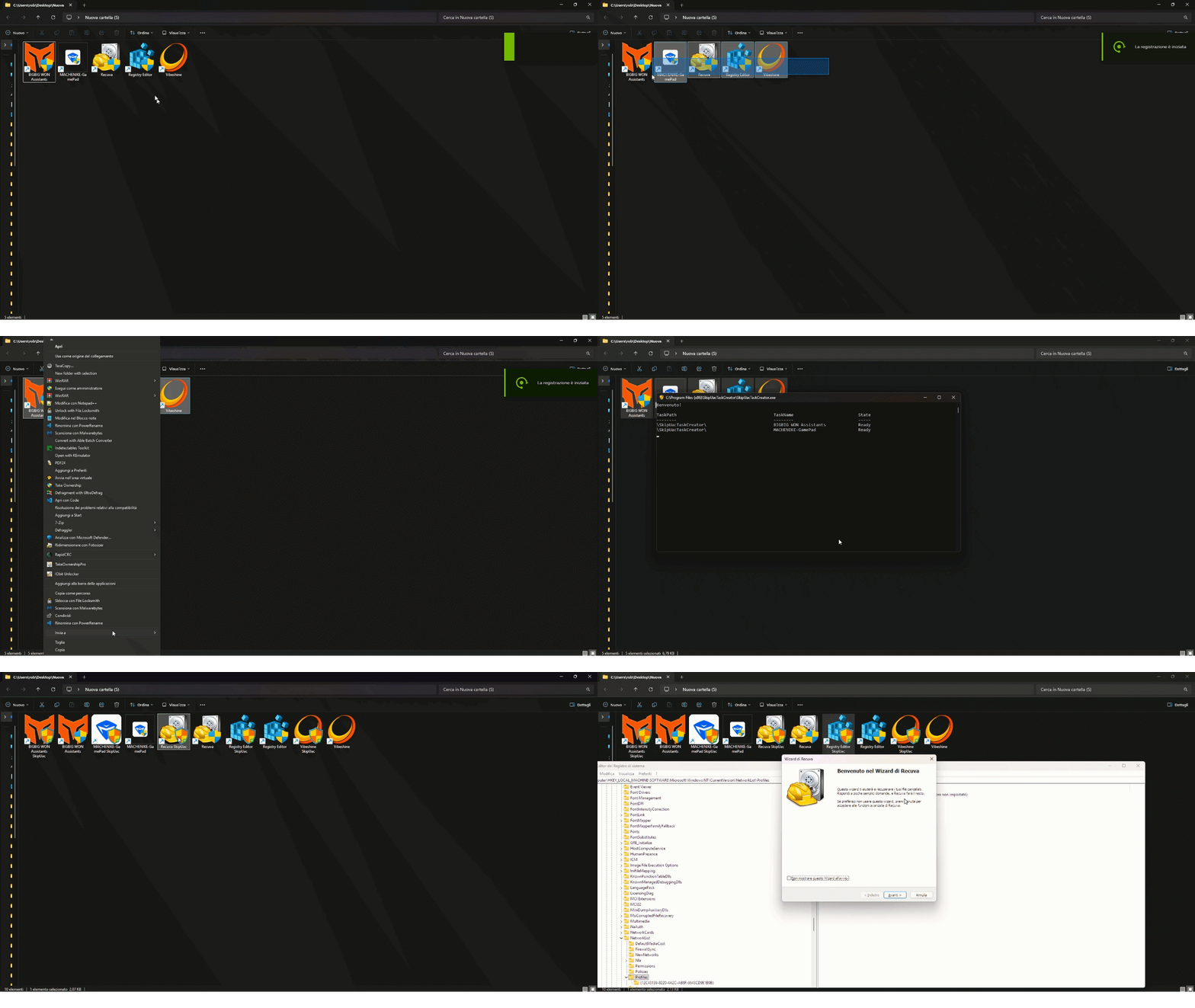
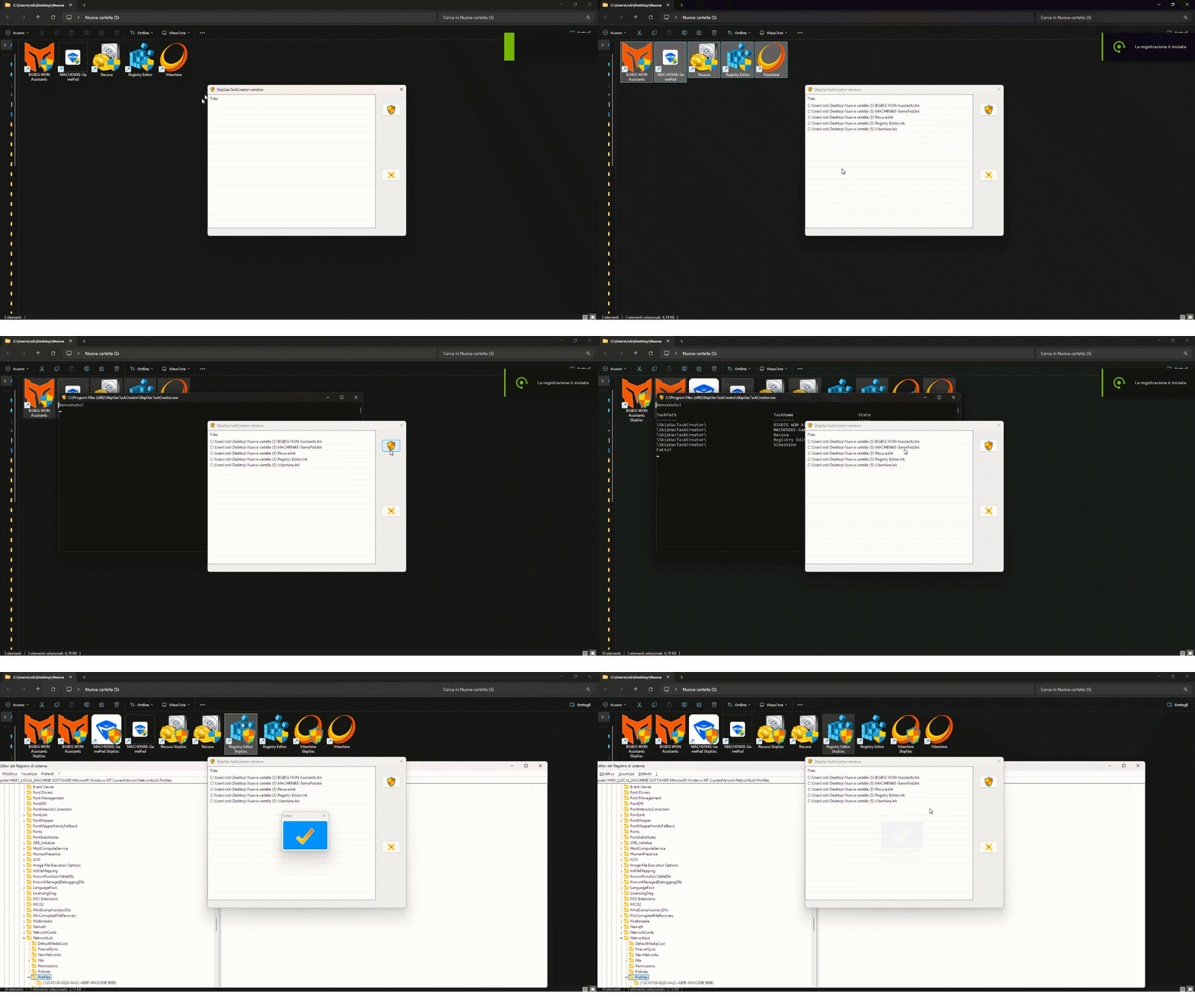
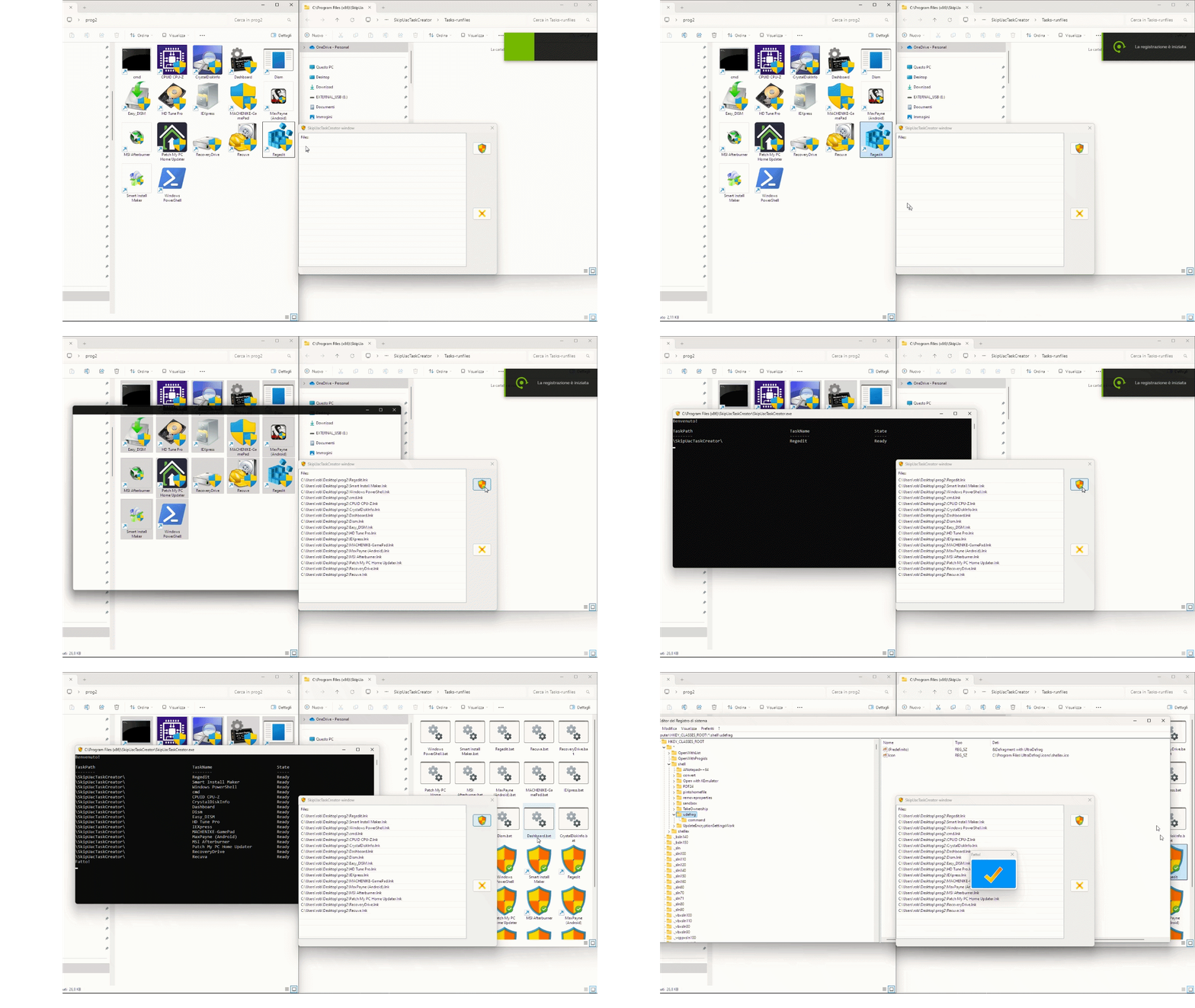
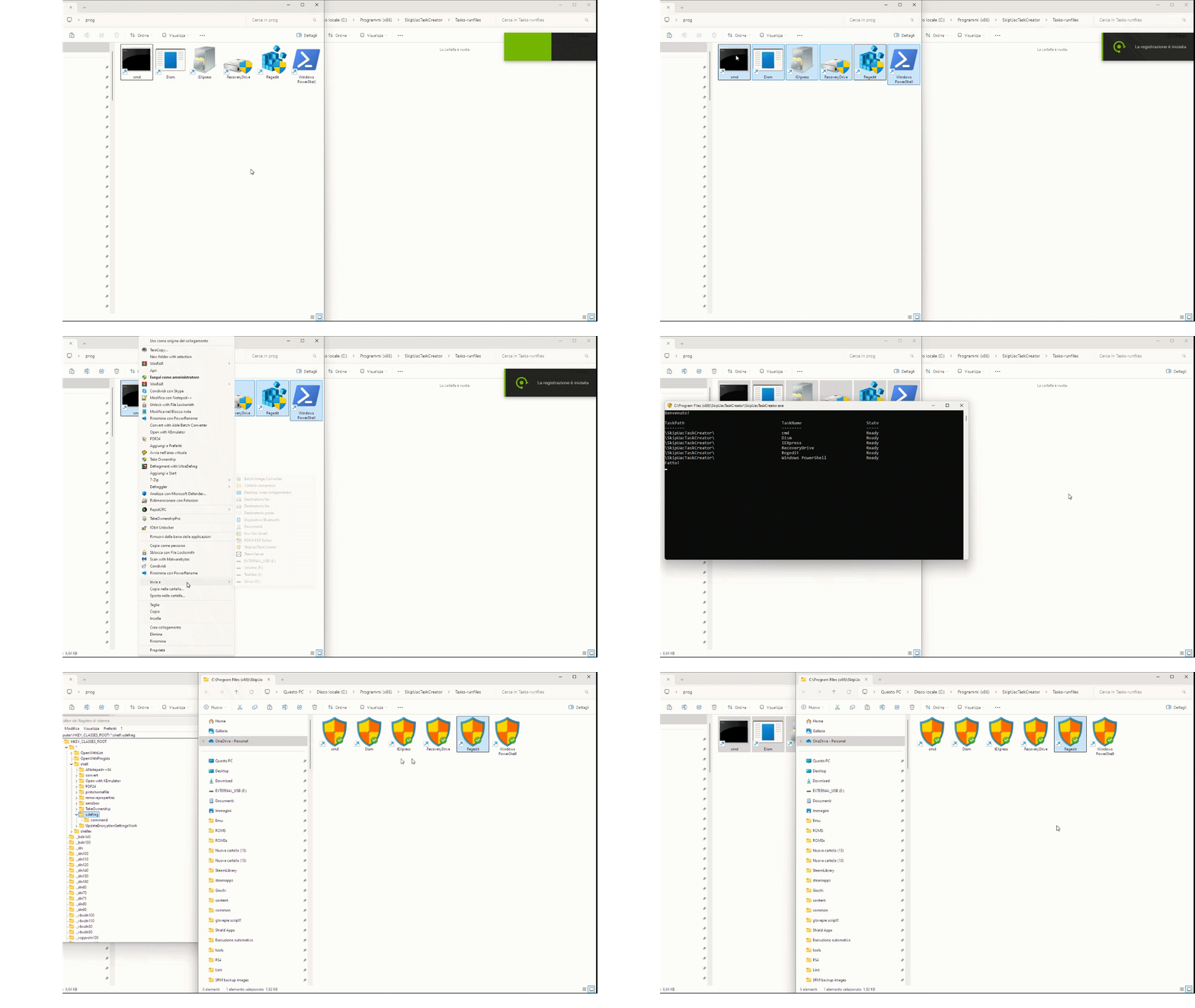
✨ Create elevated tasks with just one click and run your programs without seeing the UAC prompt!

"SkipUacTaskCreator", also known as SUTOCC (SkipUacTaskOneClickCreator), lets you easily create administrator tasks for Windows Task Scheduler, so you can run programs that require elevated privileges without the UAC confirmation window.
- ⚡ The program doesn't trigger any UAC prompt when creating tasks! 💪
- 📁 Multi-file support: select and process a large number of programs at once.
- 🧠 Easy to use and super fast: just a click and you're done.
- 📂 Flexible shortcut creation: create the LNK in the program's folder, a predefined folder, or both.
- 🖼️ Icon blending (Badgifying): overlay the
SkipUacTaskCreatorbadge on the original program icon in the bottom-right corner. - ✏️ Custom suffix: optionally append a string to the LNK name.
- 🖱️ Context menu: Select files > Right-click > "Send to" →
"SkipUacTaskCreator" - 🪟 Main window: Launch
SkipUacTaskCreator-Window> Drag & drop files > click SUTOCC icon. - 💻 Command Line: Pass files as arguments to
Accumulator.exe(supports drag & drop onto the executable).
Config.ini options:
The behavior of SkipUacTaskCreator can be customized via config.ini. Main options:
| Option | Values / Description |
|---|---|
LnkPath |
default → uses pre-defined installdir\Tasks-runfiles folder. Or specify a custom path (do not use quotes). |
OutputToSameFolder |
1 → save LNK in the same folder as the original file. If AppendSuffixToLnk = 0 a dot is automatically added. |
AppendSuffixToLnk |
1 → append the suffix specified in SuffixName to the LNK file. |
SuffixName |
Name to append to the LNK (supports spaces). |
LnkInBothBaseAndOutputFolder |
1 → create LNK in both the base folder and orifinal file folder (requires OutputToSameFolder = 1). |
IconStyle |
1 → blend the original file icon with SkipUacTaskCreator badge.2 → Use only the SkipUacTaskCreator icon. |
RemoveGeneratedIcon |
1 → delete temporary icon file.0 → keep it. |
- SkipUacTaskCreator makes use of an accumulator to pass files as arguments that doesn't trigger any UAC prompt.
- If you'd prefer to confirm via UAC the task creation process, run
switch NoUAC ↔ UAC (both ways).exe(which can also restore default behaviour).
If you enjoy SkipUacTaskCreator, you can buy me a coffee. It will be appreciated ;)

Some AV reports Badgify.exe as malware.
This is a false positive. The software is completely safe and contains no harmful code.
You can review the source code on the repository.
Here's a quick demo of how SkipUacTaskCreator works: