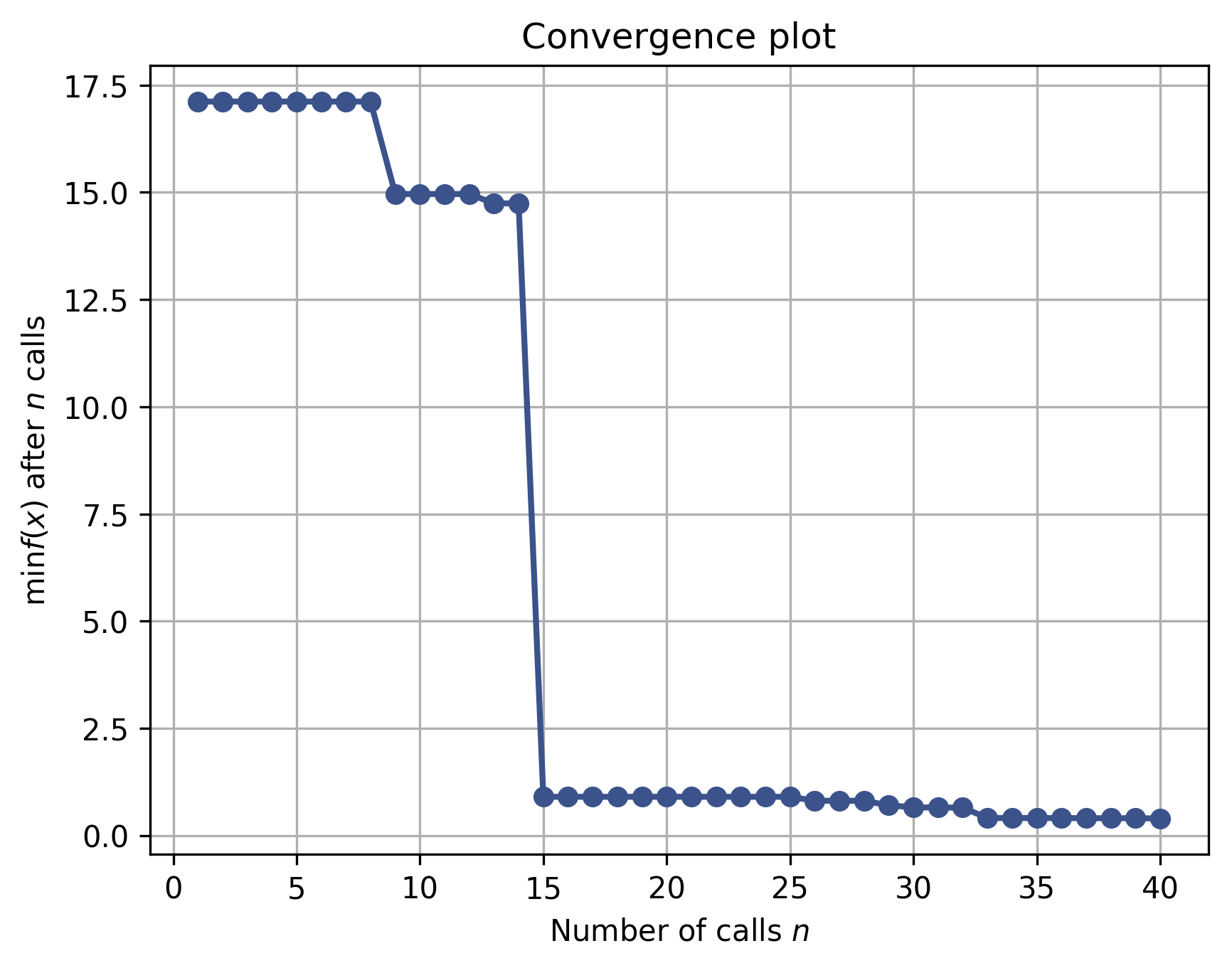
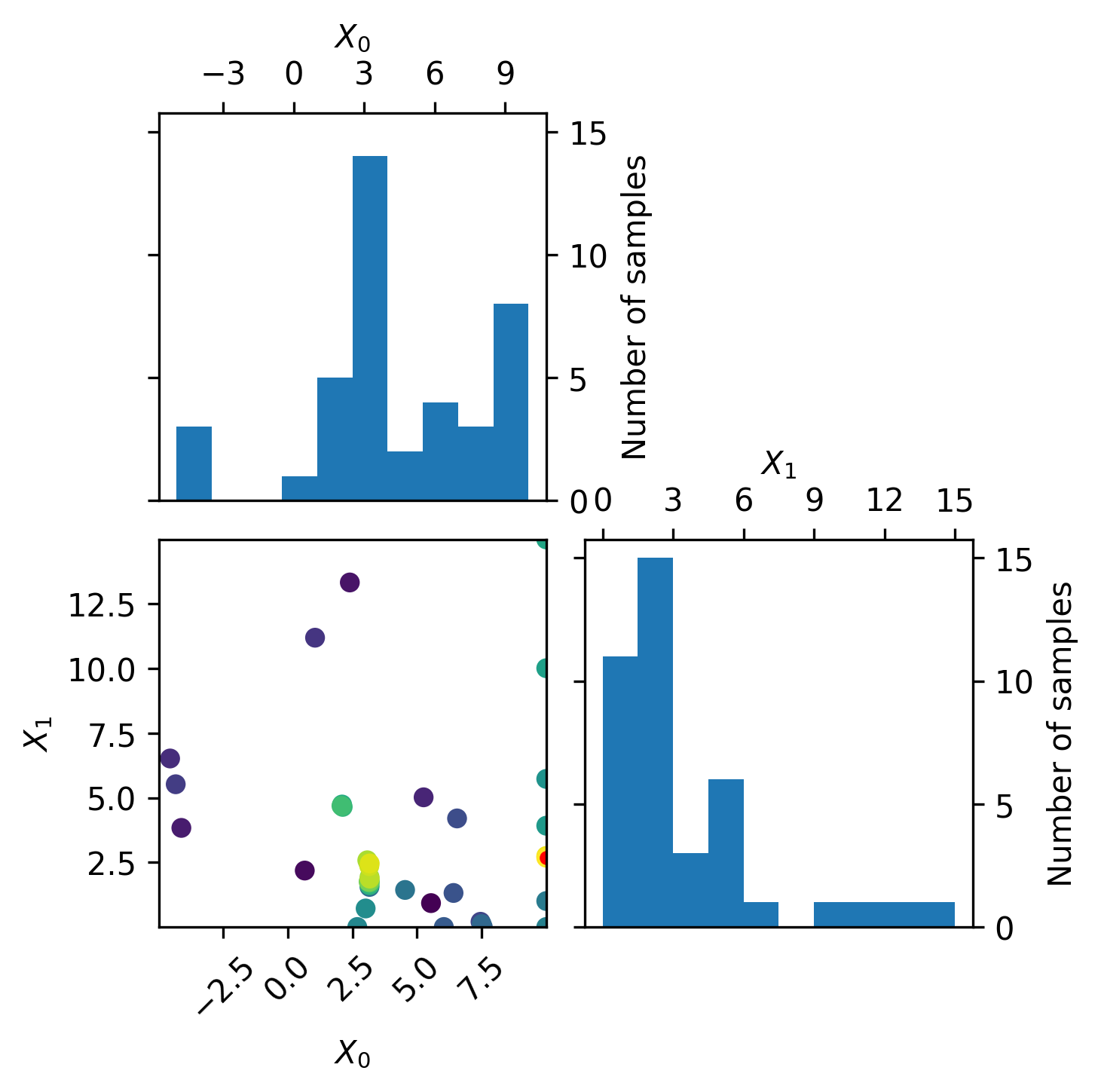
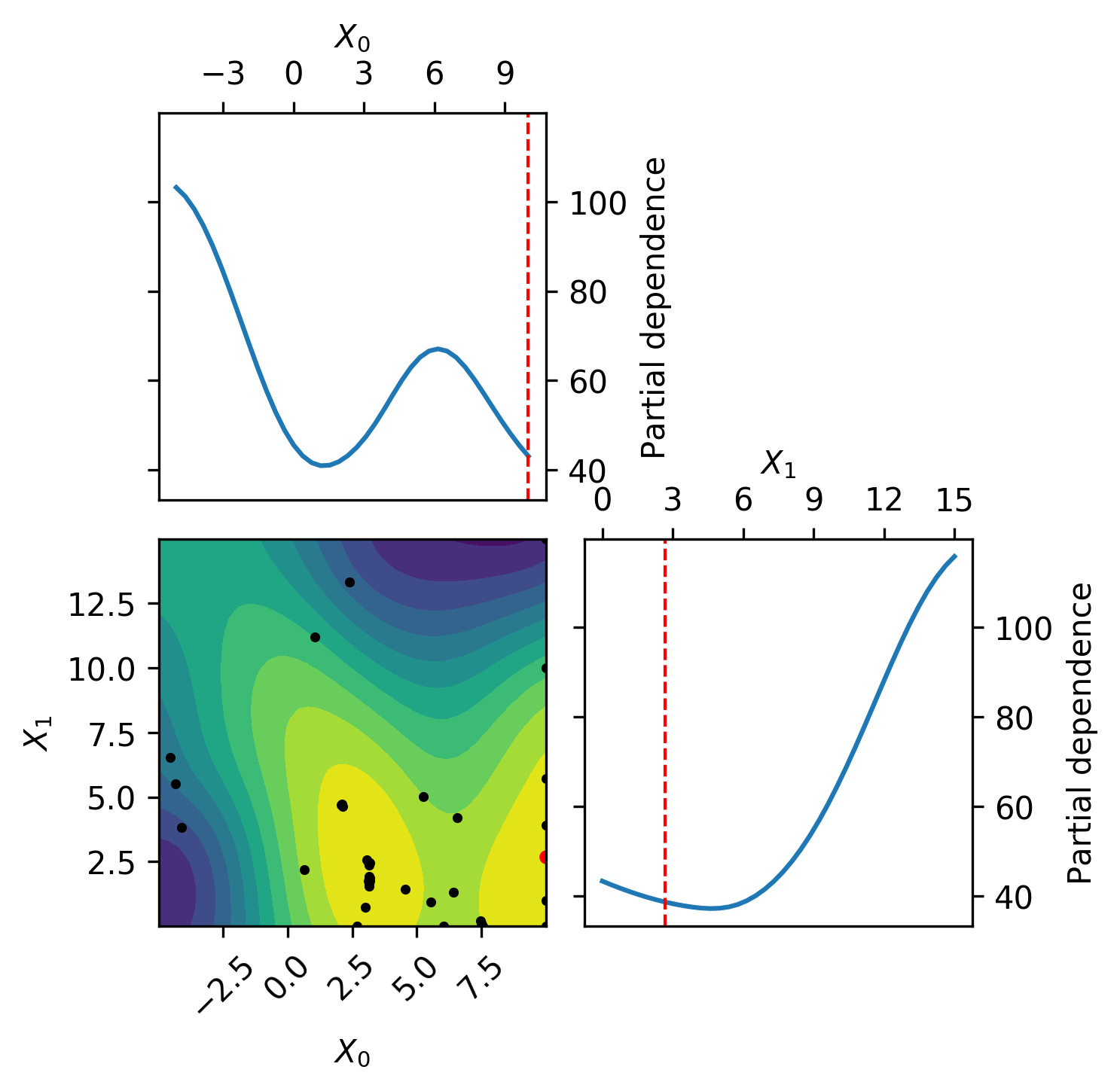
This toy example demonstrates parallel optimization using scikit optimize and law workflows.
In a real world example the objective will likely be a expensive to compute function like a neural network training or other computational demanding task. Here we will use the branin function as a benchmark.
For more information about the optimization strategy used in this example take a look at this scikit optimize tutorial.
Resources: luigi, law, scikit optimize, matplotlib
There are multiple ways to setup and run this example:
- Docker:
docker run -ti riga/law:example loremipsum - Local:
source setup.sh
pip install luigi scikit-optimize matplotlibsource setup.shlaw index --verboseYou should see:
loading tasks from 1 module(s)
loading module 'tasks', done

module 'tasks', 3 task(s):
    - Optimizer
    - OptimizerPlot
    - Objective

written 3 task(s) to index file '/examplepath/.law/index'law run OptimizerPlot --print-status -1No tasks ran so far, so no output target should exist yet. You will see this output:
print task status with max_depth -1 and target_depth 0

> check status of OptimizerPlot(branch=-1, iterations=10, n_parallel=4, n_initial_points=10, plot_objective=True)
|   - check TargetCollection(len=10, threshold=1.0)
|     -> absent (0/10)
The -1 value tells law to recursively check the task status. Given a positive number, law stops at that level. The task itself has a depth of 0.
law run OptimizerPlot --iterations 10 --n-initial-points 10 --n-parallel 4This should take a minute to process.
You can see the plots being created after each optimization step at data/OptimizerPlot.
By default, this example uses a local scheduler, which - by definition - offers no visualization tools in the browser. If you want to see how the task tree is built and subsequently run, run luigid in a second terminal. This will start a central scheduler at localhost:8082 (the default address). To inform tasks (or rather workers) about the scheduler, either add --local-scheduler False to the law run command, or set the local-scheduler value in the [luigi_core] config section in the law.cfg file to False.
law run OptimizerPlot --print-status -1When the optimization succeeded, all output targets should exist:
print task status with max_depth -1 and target_depth 0

> check status of OptimizerPlot(branch=-1, iterations=10, n_parallel=4, n_initial_points=10, plot_objective=True)
|   - check TargetCollection(len=10, threshold=1.0)
| -> existent (10/10)ls data/OptimizerPlot