Take your shopping list wherever you go.

Demo | GitHub | Backend


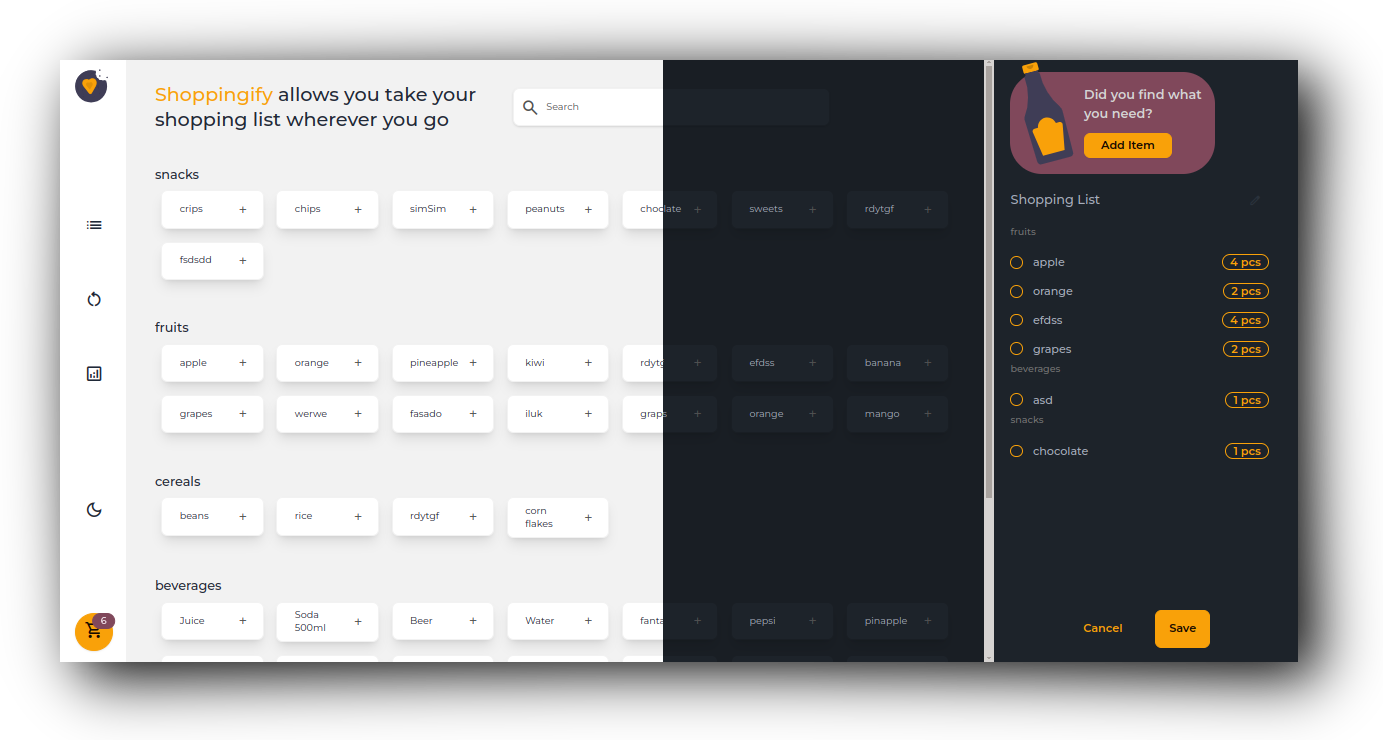
Table of Contents
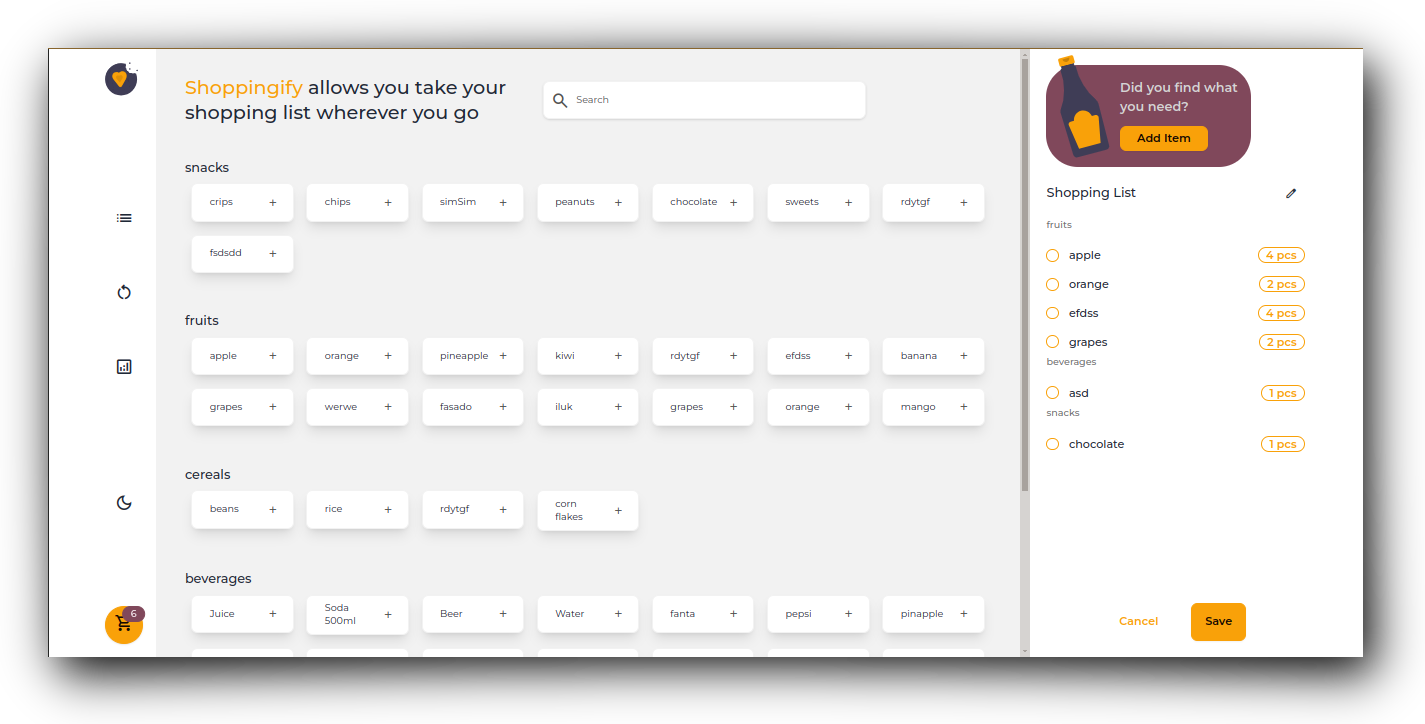
Shoppingify is designed to streamline every aspect of your grocery trips, from list creation and item management to insightful statistics and seamless collaboration.
-
📋 List View: Easily navigate through items organized under different categories.
-
➕ Add Item: Seamlessly input a new item with its name, category, note, and even attach an image.
-
🗂️ Category Selection: Choose from existing categories or add a new one if needed when adding an item.
-
🛒 Add to List: Effortlessly include items to your current shopping list.
-
🔢 Quantity Adjustment: Increase the quantity of items in the list as required.
-
🗑️ Remove Item: Remove unwanted items from your list with a simple action.
-
💾 Save/Update List: Save or update your list with a custom name; only one list can be active at a time.
-
🔄 Edit/Complete Toggle: Switch between editing mode, where you can modify your list, and completing mode for finalizing.
-
💡 Progress Saving: While in completing mode, save your progress by selecting items one by one.
-
❌ Cancel List: Cancel the active list if needed.
-
🕰️ Shopping History: View past shopping history and access detailed information about each instance.
-
📊 Statistics: Gain insights into your shopping habits with statistics such as top items, top categories, and monthly comparisons.
-
🔍 Search Functionality: Easily find items using the search feature for added convenience.
To clone and run this application, you'll need Git and Node.js (which comes with npm) installed on your computer. From your command line:
# Clone this repository
$ git clone https://github.com/qurriahSam/shoppingify

# Install dependencies
$ npm install

# Run the app
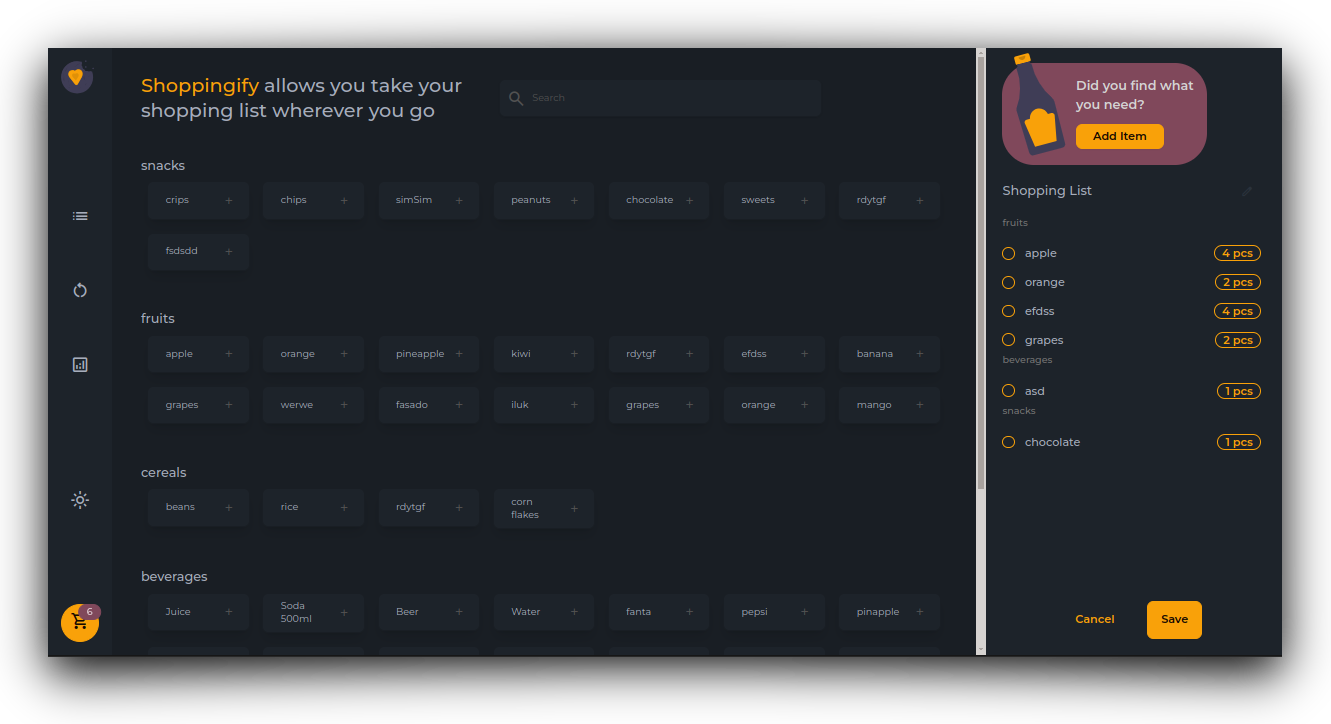
$ npm run devReady-made dark and light themes are available in Shoppingify
This app is open-sourced software licensed under the MIT license.
- LinkedIn Sam Kuria