License your projects with a nice CLI tool!




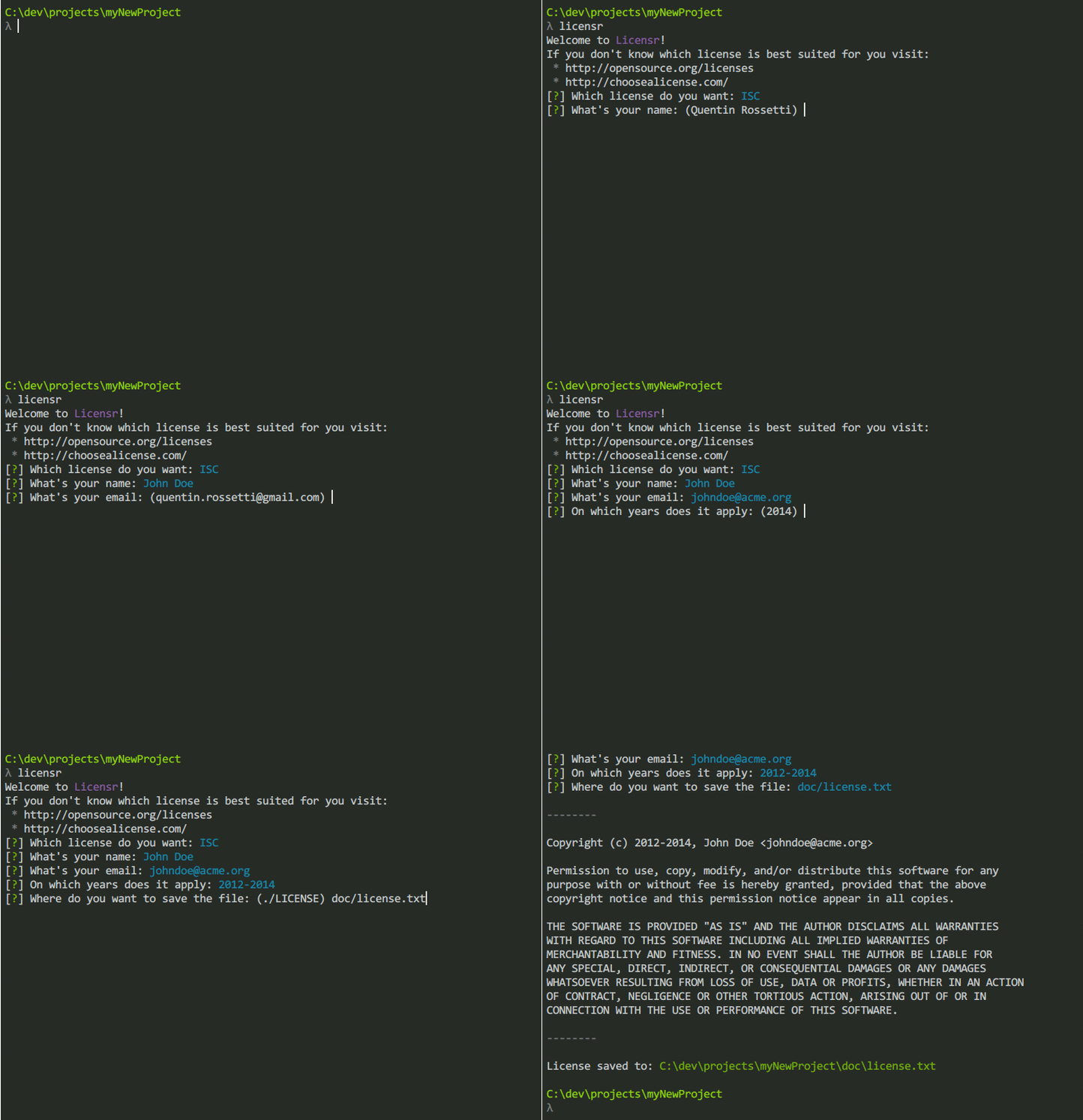
Just run licensr an follow the guide!
If you choose to use Licensr as a node module you can use super greats Promises or you can stick with the node's callbacks, it is you choice.
var licensr = require('licensr');

// Super cool Promise-style
licensr.command('git config --get user.name')
  .then(function (username) {
    // on fulfill
    console.log(username);
  }, function (err) {
    // on reject
    console.error(err);
  });

// Callback-style
licensr.command('git config --get user.name', function (err, username) {
  if (err) { return console.error(err); }
  console.log(username);
});Configure your git environement and install Licensr as global node module.
Git is not a requirement but it will autocomplete fields for you!
git config --global user.name "John Doe"
git config --global user.email johndoe@example.com
npm install -g licensrDisplays the introduction header.
Return values
introThe introduction text.
Run a command in the shell and get the result.
Arguments
cmdThe command to run.
Return values
stdoutThe result of the command.errThe error as issued bychild_process.exec.
Ask user about the license they want.
Return values
licenceA license's name.
Ask user about information required by the license.
Arguments
licenseA license's name.infoDefaultDefault values issued by a previous command.
Return values
answersInformation about the user.
Write the license.
Arguments
dataThe summary fo needed data.
Return values
errIf there is any error.contentYour pimped license!
With ❤️ from quentinrossetti