
hyper-night-owl is a beautiful theme for the Hyper terminal based on the Night Owl VS Code dark theme, which is optimized for working at night, accessibility, and colorblindness.
This code for this theme is based on the Verminal Hyper terminal theme.
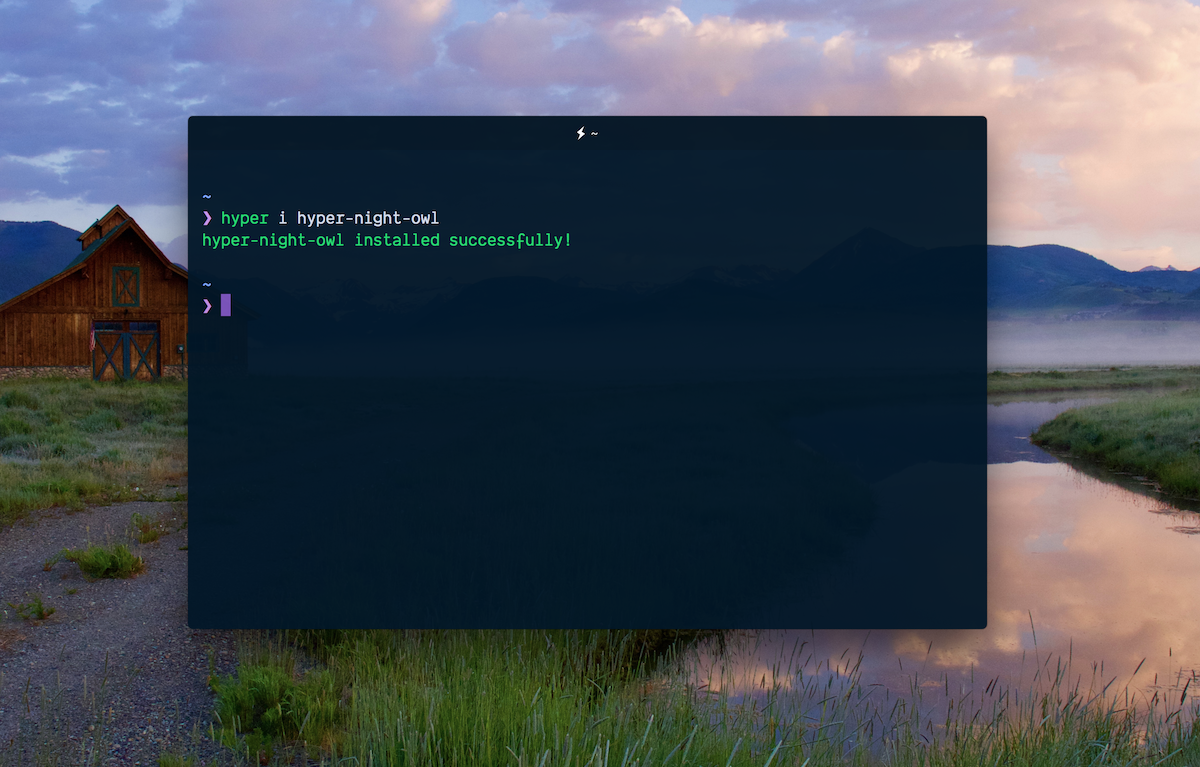





Installing the hyper-night-owl theme for your Hyper terminal couldn't be easier.
hyper i hyper-night-owl- Enjoy hyper-night-owl.
- Open
~/.hyper.jsin your favorite editor. - Add
hyper-night-owlto thepluginsarray. - Enjoy hyper-night-owl.
By default, hyper-night-owl aims to deliver a beautiful experience out of the box. By default, it does not supply a transparent background, however, if you'd like to have this, I recommend installing and configuring the hyper-opacity plugin.
If you would like to help improve this themes, you're more than welcome to contribute.