Apple Events Monitor — stream and parse Apple Events from macOS debug unified logs (com.apple.appleevents subsystem). This tool allows us to log activity by osascript that isn't captured by process creation telemetry.
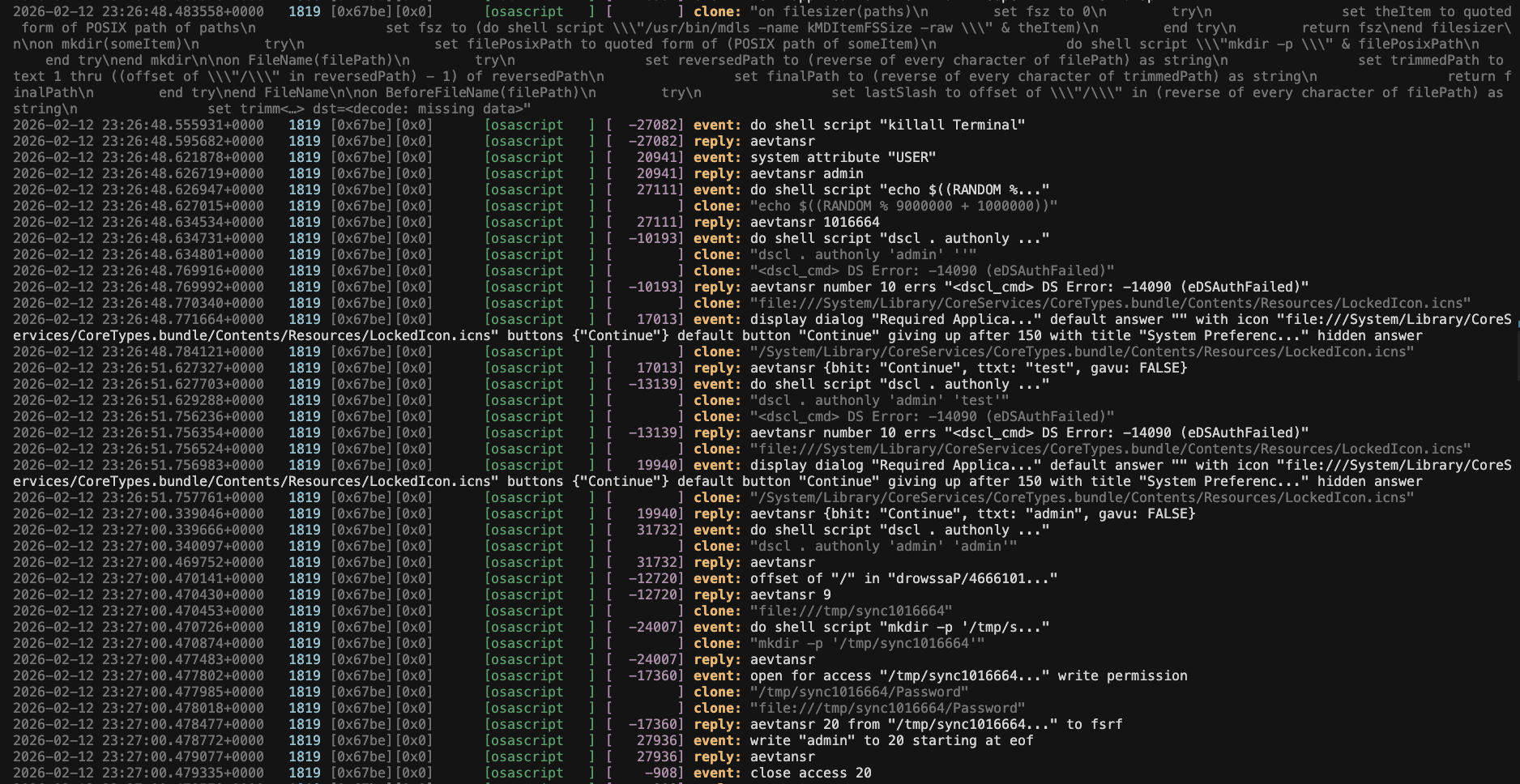
Read More: AEMonitor: Monitoring Apple Events for Malware Analysis and Detection
uv sync
uv run aemonitor streampython3 -m venv venv
source venv/bin/activate
pip install -e .
# aemonitor streamTo run the test suite with pytest:
uv sync --extra dev
uv run pytestaemonitor streamRun AppleScripts in another terminal to see events as they occur. Press Ctrl+C to stop.
aemonitor parse path/to/file.logarchive
aemonitor parse path/to/file.ndjson| Option | Description |
|---|---|
--style syslog |
Human-readable output with decompiled AppleScript (default) |
--style ndjson |
Raw enriched JSON output |
--predicate PREDICATE |
Extra NSPredicate to filter logs |
--no-color |
Disable colored output (useful when piping) |
To use this as a module, the main fields we need is eventMessage and processImagePath.
from aemonitor import enrich_unified_log

enrich_unified_log({
    "eventMessage": "sendToSelf(), event={syso,exec ...",
    "processImagePath": "/usr/bin/osascript"
})
# this adds an `appleEvent` field- macOS (uses
/usr/bin/logfor streaming and parsinglogarchivefile) - Python 3.10+
- To fully observe all events, you must enable private data in Unified Logs