CameraUpload no longer works #2573

Description

"Version 2.11.0-beta.1 release f280dd0" on a Samsung S4 with Android 5.0.1
When enabling Camer-Upload, I get a requester:
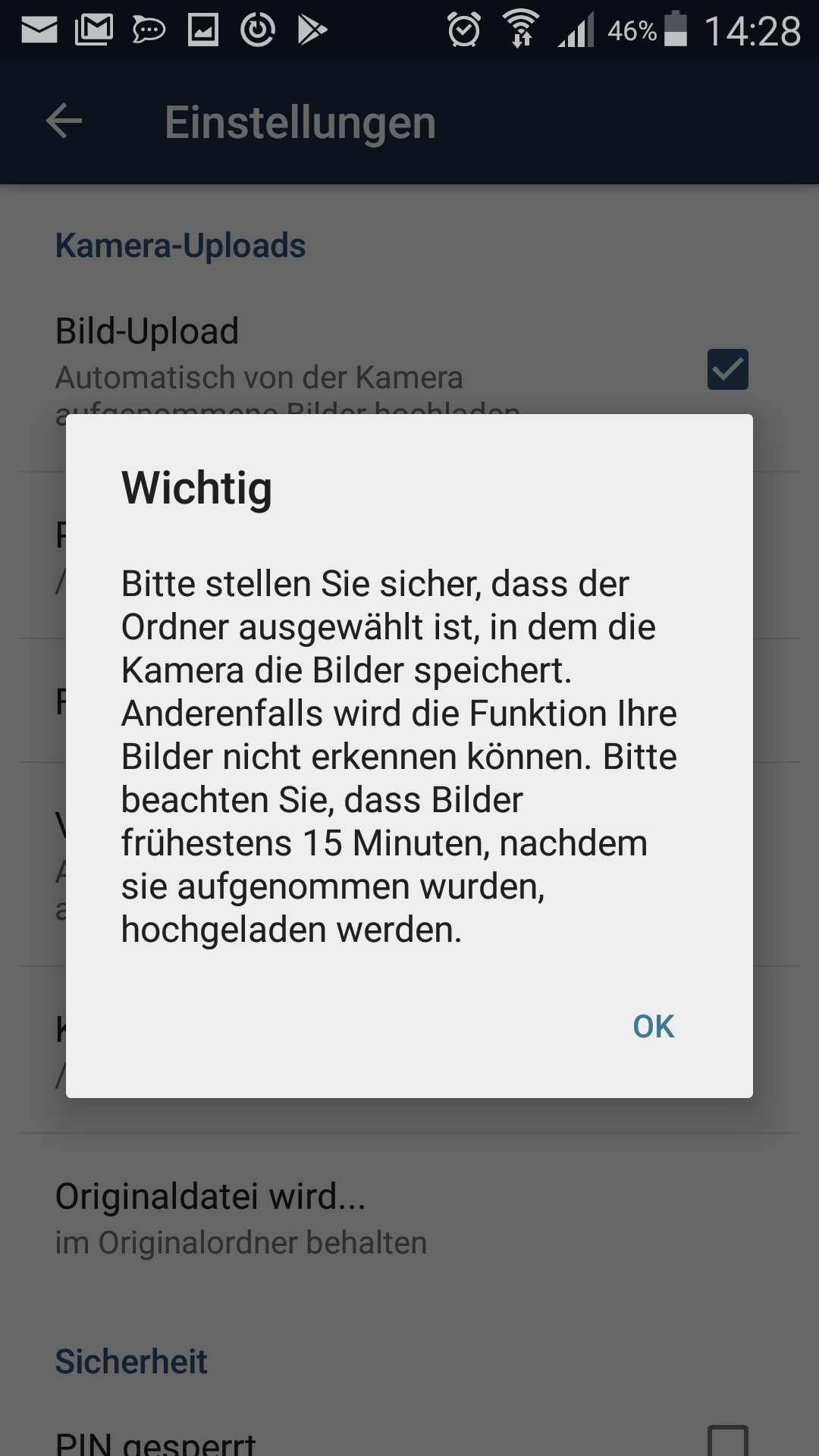
a) It asks the user to find the folder where the camera stores images. Please add some instructions how to find that folder. This is a tedious thing to do manually, no other app ever asked me this. The "Camera-Folder (Optional)" is /storage/emulated/0/DCIM/Camera which is some default or inherited?
b) The Camera-Folder is flagged "Optional", which contradicts the warning It should says "Important" instead of optional.
c) The requester says, uploads are now delayed 15 Minutes. This makes the CameraUpload mostly useless. Uploading manually is now usually faster.
I've joined the WLAN, made sure my CameraUpload folder exists on the server.
Taken a photo, waited one hour.
But no upload occurs.