
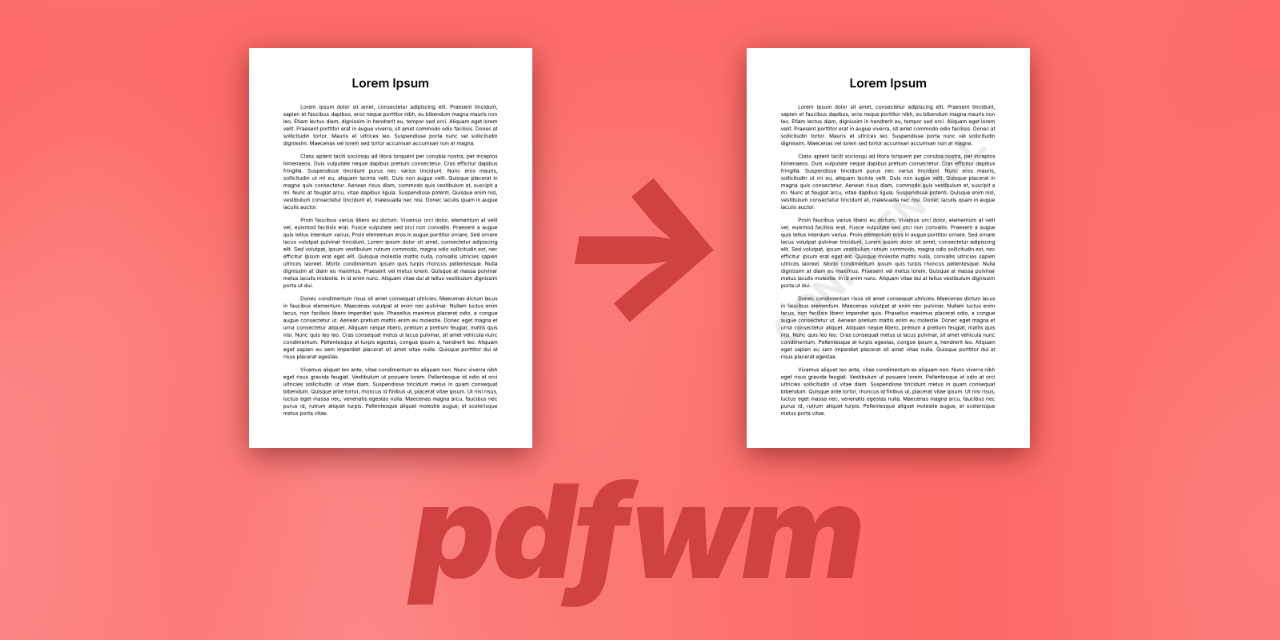
A Python library and command-line tool for adding text watermarks to PDF files. Supports batch processing, custom colors, and recursive directory processing.
- 🎨 Text Watermarks: Generate watermarks from custom text
- 🎯 Auto-sizing: Automatically fits watermark text to page dimensions
- 🌈 Color Customization: Support for RGB and RGBA hex color codes
- 📦 Batch Processing: Process multiple files with glob patterns
- 🔄 Recursive Mode: Preserve directory structure when processing
- 💾 Safe Overwrite: Optional in-place modification with temporary file safety
- 🔧 Library & CLI: Use as a Python library or command-line tool
- ✨ Type Hints: Full type annotation support
| Before Watermark | After Watermark |
|---|---|
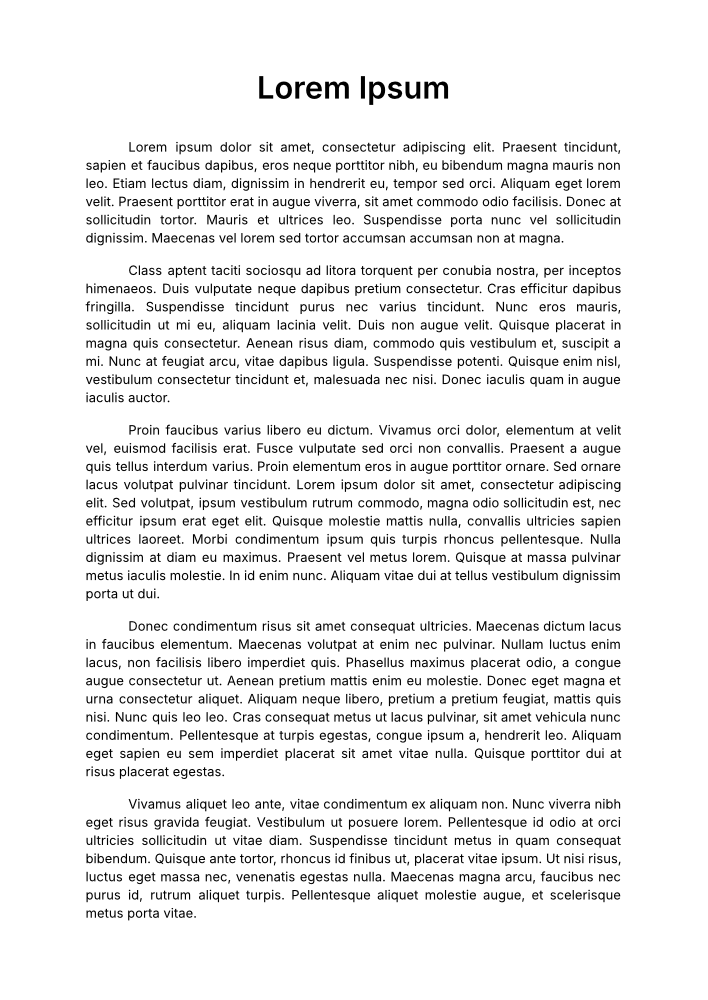 |
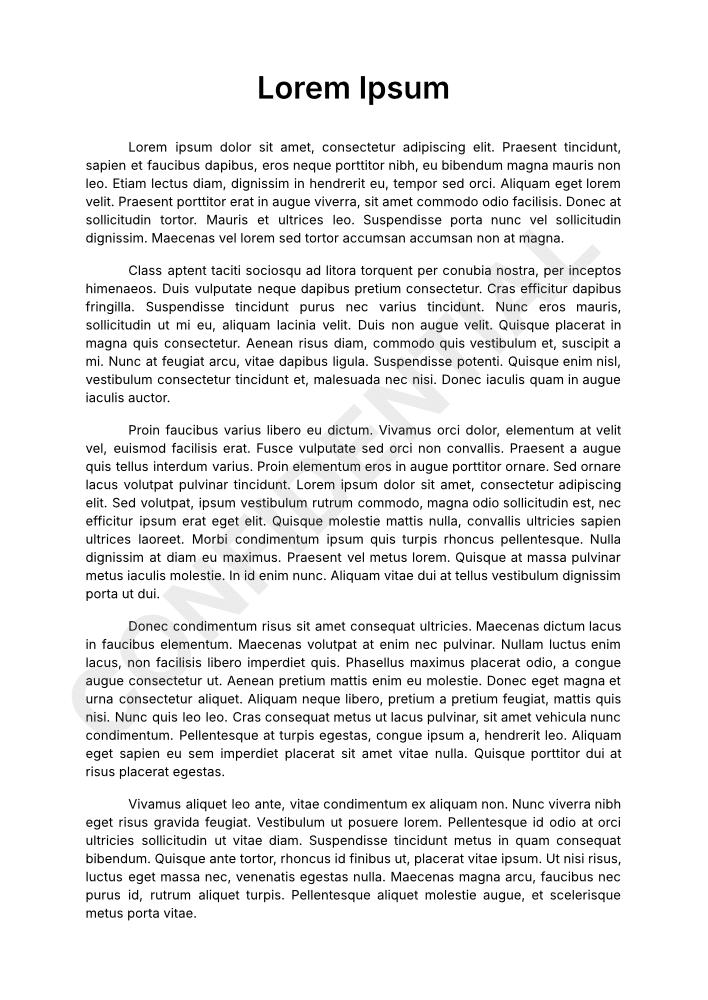 |
pip install pdfwmgit clone https://github.com/yourusername/pdfwm.git
cd pdfwm
pip install -e .Add watermark to a single file:
pdfwm -i document.pdf -o watermarked.pdf -t "CONFIDENTIAL"Process multiple files with glob patterns:
# Process all PDFs in current directory
pdfwm -i *.pdf -o output/ -t "DRAFT"

# Process PDFs recursively
pdfwm -i **/*.pdf -o output/ -t "DRAFT" --recursiveUse hex color codes (RGB or RGBA):
# Red with 50% opacity
pdfwm -i document.pdf -o output.pdf -t "CONFIDENTIAL" -c "#FF000080"

# Gray (default opacity)
pdfwm -i document.pdf -o output.pdf -t "DRAFT" -c "#808080"Modify files in-place:
pdfwm -i document.pdf -t "CONFIDENTIAL" --overwriteWhen not specifying output path:
pdfwm -i document.pdf -t "DRAFT" -s "_draft"
# Creates: document_draft.pdfpdfwm [options]
Options:
-i, --input FILE [FILE ...] Input PDF file(s). Supports wildcards.
-o, --output PATH Output file or directory
-t, --text TEXT Watermark text (required)
-c, --color HEX Watermark color (default: #80808019)
-s, --suffix SUFFIX Filename suffix (default: _watermarked)
-w, --overwrite Overwrite input files
-r, --recursive Preserve directory structure
--version Show version
-h, --help Show help message
from pdfwm import process_pdf

# Add watermark to a file
success, message = process_pdf(
    input_path="document.pdf",
    output_path="watermarked.pdf",
    watermark_text="CONFIDENTIAL"
)

if success:
    print(f"Success: {message}")
else:
print(f"Error: {message}")from pdfwm import process_pdf
# Apply watermark with custom color
success, message = process_pdf(
input_path="document.pdf",
output_path="output.pdf",
watermark_text="CONFIDENTIAL",
watermark_color="#FF000080" # Red with 50% opacity
)- Python 3.8+
- PyPDF2 >= 3.0.0
- reportlab >= 4.0.0
Install dependencies:
# For users
pip install -r requirements.txt

# For developers
pip install -r requirements-dev.txtMIT License - see LICENSE file for details.
Contributions are welcome! Please feel free to submit a Pull Request.
See CHANGELOG.md for version history.
Olivier Cléro - oclero@pm.me