详见:https://github.com/bfyes/Typora-plugin-on-Mac
Typora-plugin-on-Mac
在 macOS Typora 上运行 obgnail/typora_plugin,一键安装。
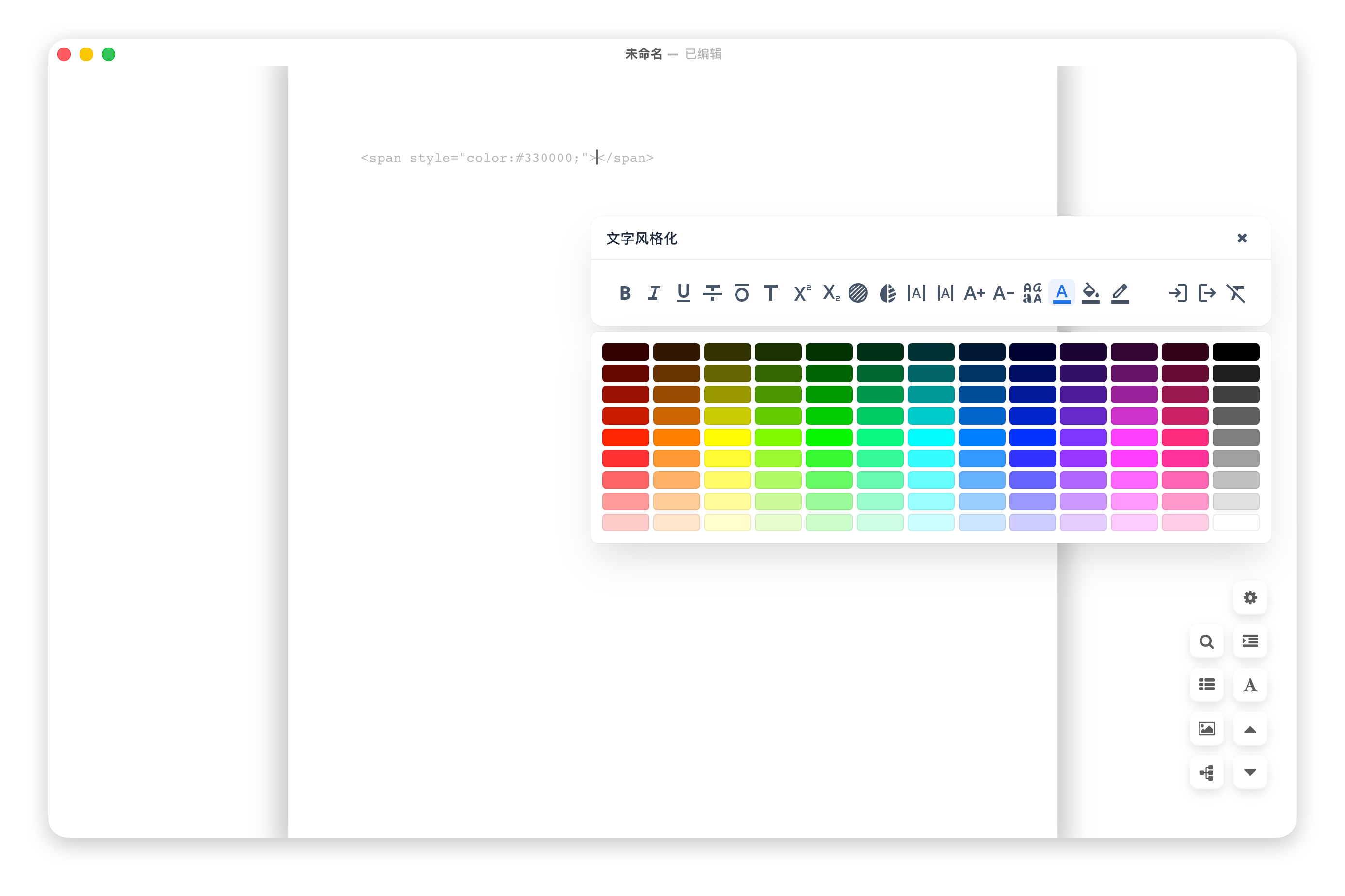
注意:目前无法实现右键菜单的全部实现,仅能实现简单功能如调整图片大小。调整字体大小/颜色等功能均正常实现。
右键菜单、侧边栏增强、updater、commander、ripgrep —— 这些深度依赖 Typora Electron 原生 API,WKWebView 无法完全模拟。
安装 / Install
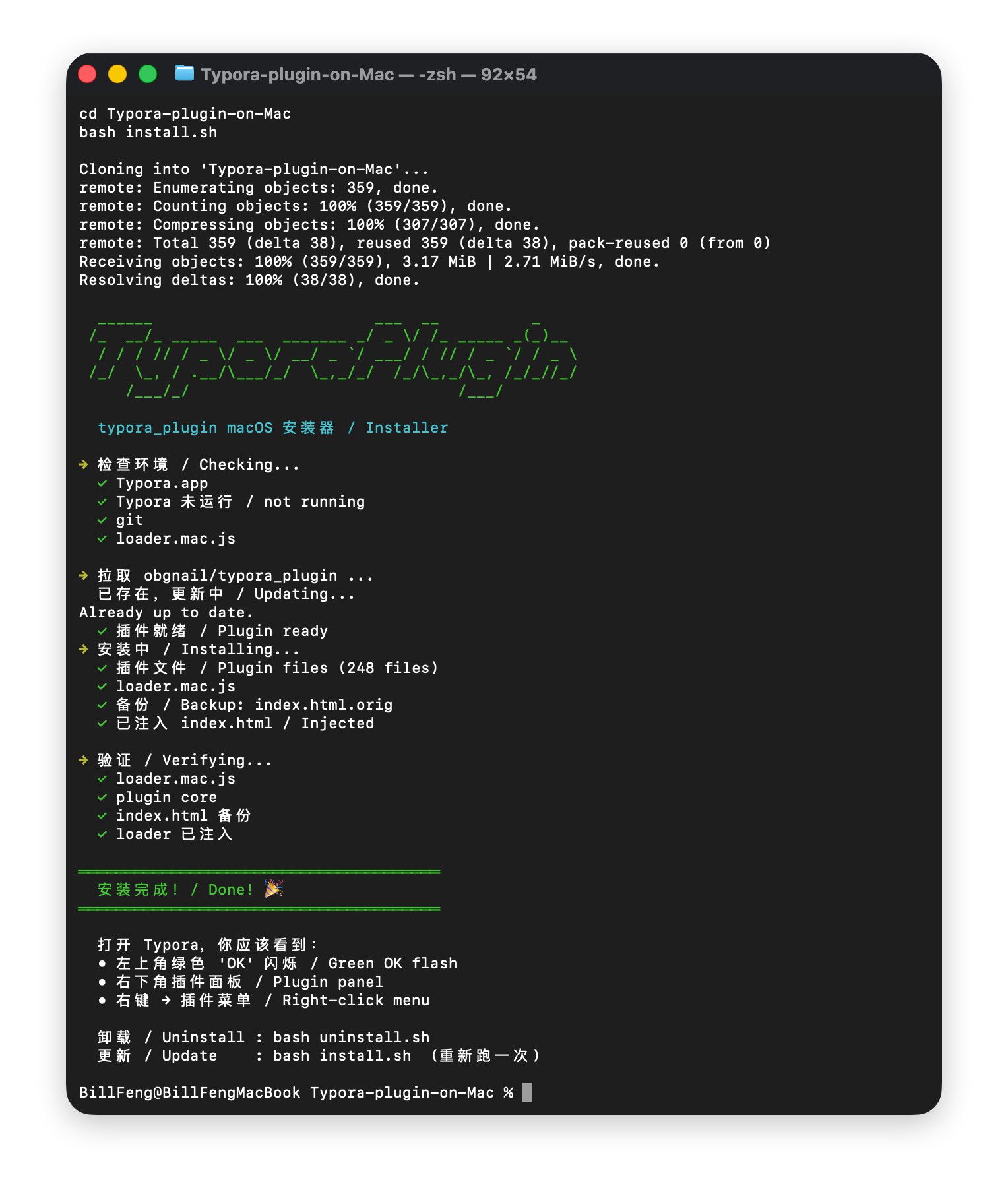
git clone https://github.com/bfyes/Typora-plugin-on-Mac.git
cd Typora-plugin-on-Mac
bash install.sh
已经过两次测试,可以直接安装插件。
重启 Typora。完成。/ Restart Typora. Done.
原理 / How
install.sh 会自动从 obgnail/typora_plugin 官方仓库拉取插件,然后注入适配器。不捆绑任何第三方代码。
install.sh clones the official plugin repo at install time. No third-party code is bundled.
能用的 / What Works
- 大多数核心功能
- 标签页、侧边栏增强、图片查看器、搜索、右键菜单
- 命令面板、暗色模式、图表渲染
- 设置持久化 — 通过 localStorage,重启不丢失
不能用的 / What Doesn't
updater / commander / ripgrep — 需要 shell/进程templater / resource_manager — 无法写文件(沙箱)
卸载 / Uninstall
相关 / Related
许可 / License
MIT — 适配器代码原创。插件归 obgnail/typora_plugin 所有。
详见:https://github.com/bfyes/Typora-plugin-on-Mac
Typora-plugin-on-Mac
安装 / Install
git clone https://github.com/bfyes/Typora-plugin-on-Mac.git cd Typora-plugin-on-Mac bash install.sh已经过两次测试,可以直接安装插件。
重启 Typora。完成。/ Restart Typora. Done.
原理 / How
install.sh会自动从 obgnail/typora_plugin 官方仓库拉取插件,然后注入适配器。不捆绑任何第三方代码。install.shclones the official plugin repo at install time. No third-party code is bundled.能用的 / What Works
不能用的 / What Doesn't
updater/commander/ripgrep— 需要 shell/进程templater/resource_manager— 无法写文件(沙箱)卸载 / Uninstall
相关 / Related
许可 / License
MIT — 适配器代码原创。插件归 obgnail/typora_plugin 所有。