petMe is connection between --> need someone to take of their pet for temporary ? + want pet But can't keep them forever ?
React Native (Expo CLI) , Firebase , Material UI
we have solution for that.. download petMe and follow these steps
- create Account on petME
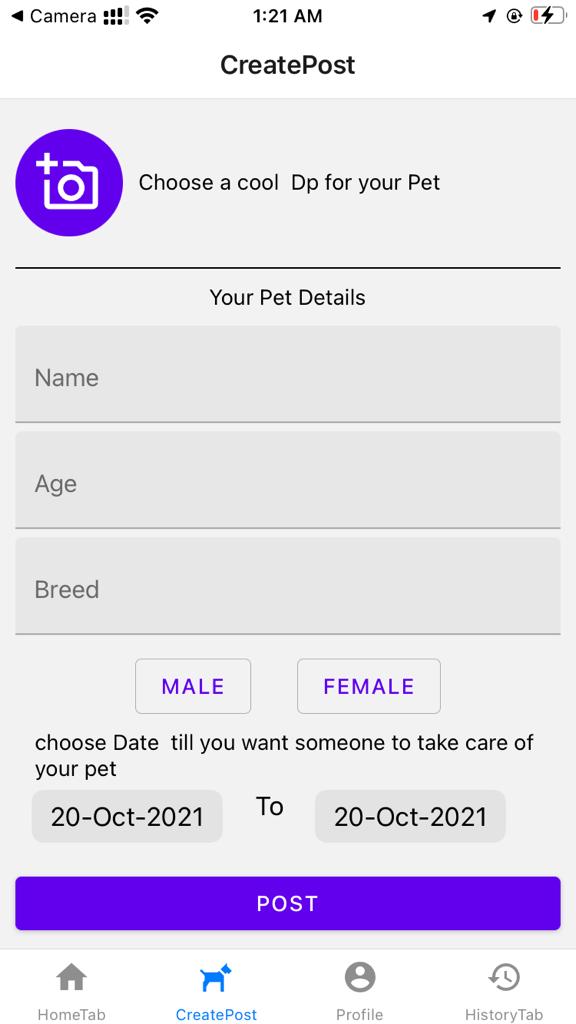
- post your pet details [pet photo , time till you want someone to take care , Location ... ]
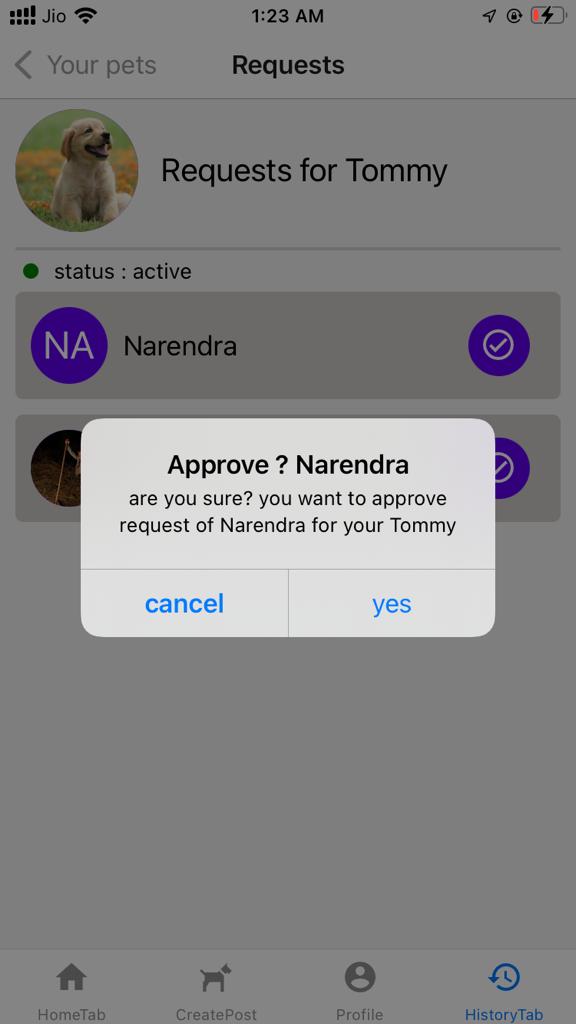
- review all you requests you recived to look after your pet by other pet lovers
- chat with them and decide drop point etc
- give them feedback after you get your pet back
- log in to petMe
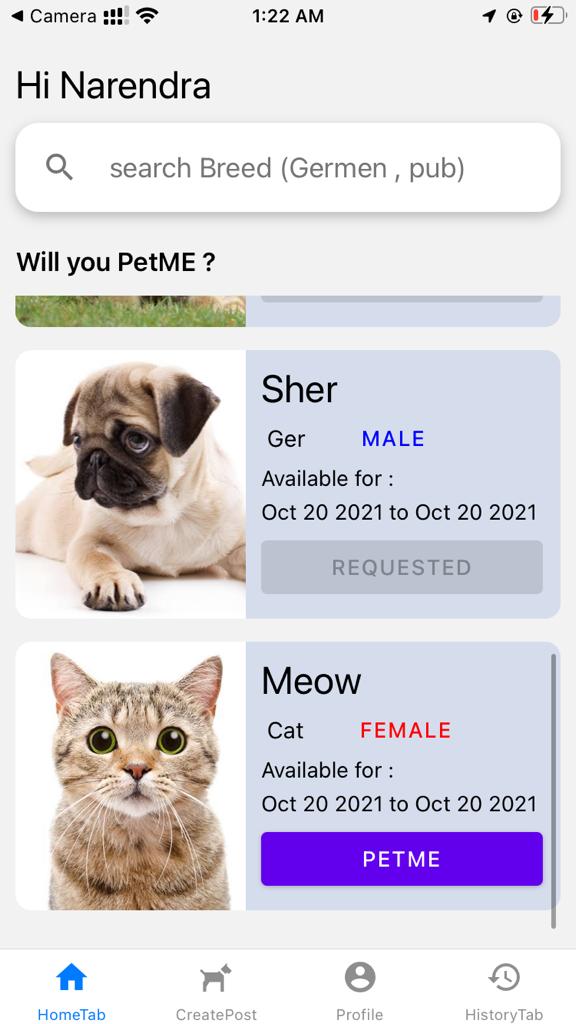
- see all pet requests , which are looking for someone to take care for a while
- message pet human
- get pet and love them
learnt React-Native and built petMe in 5 days
download expo go app from play store and then scan this qr code or go to : click me
this app can run on both Android and ios, but ios dont allow apps from outside App store. and petME is not available on app store yet so use android for preview
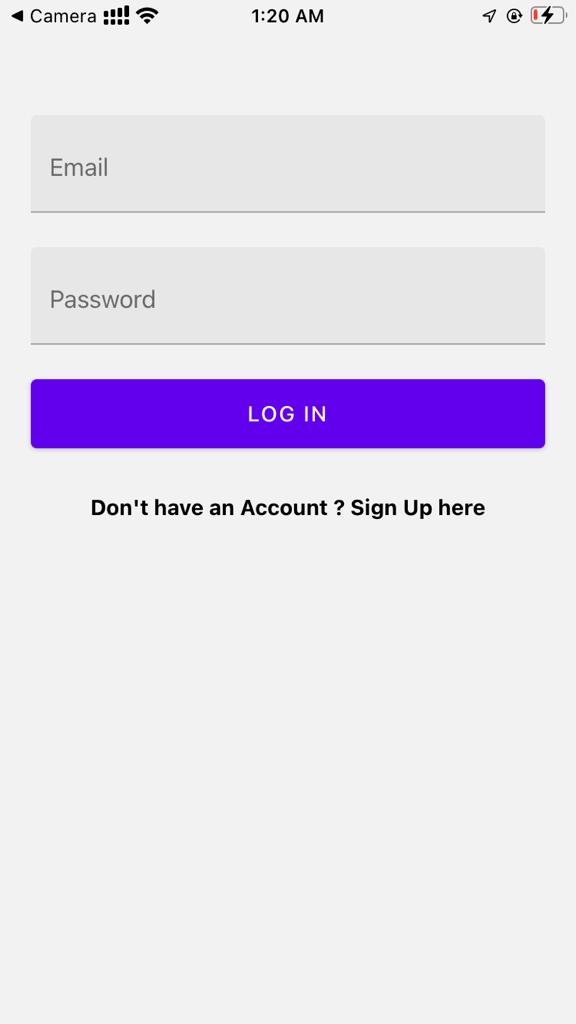
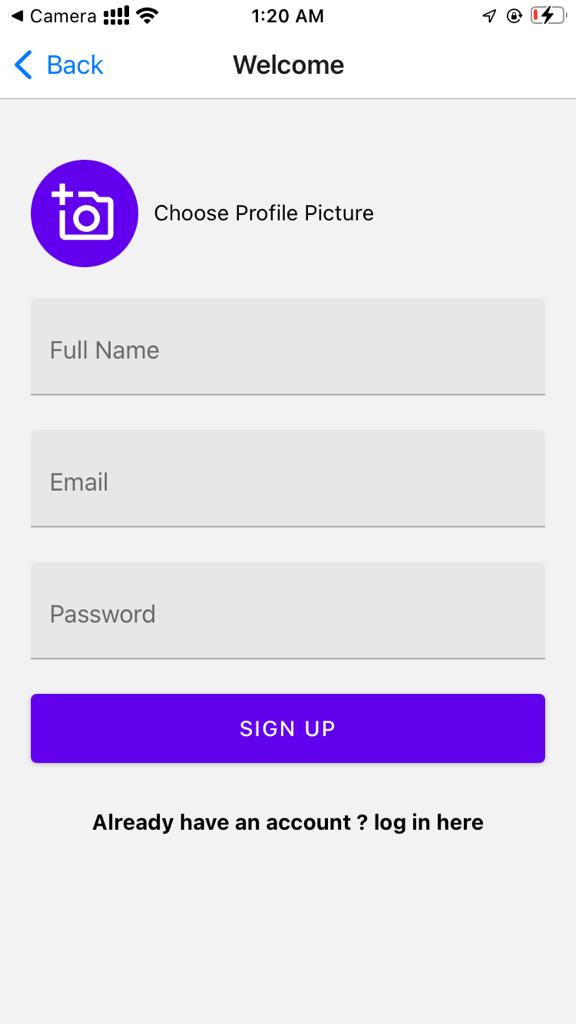
Home - Display List of all pets available , click on petMe to send request to owner
Create Post - Post request for your pet to look after you for a given time period
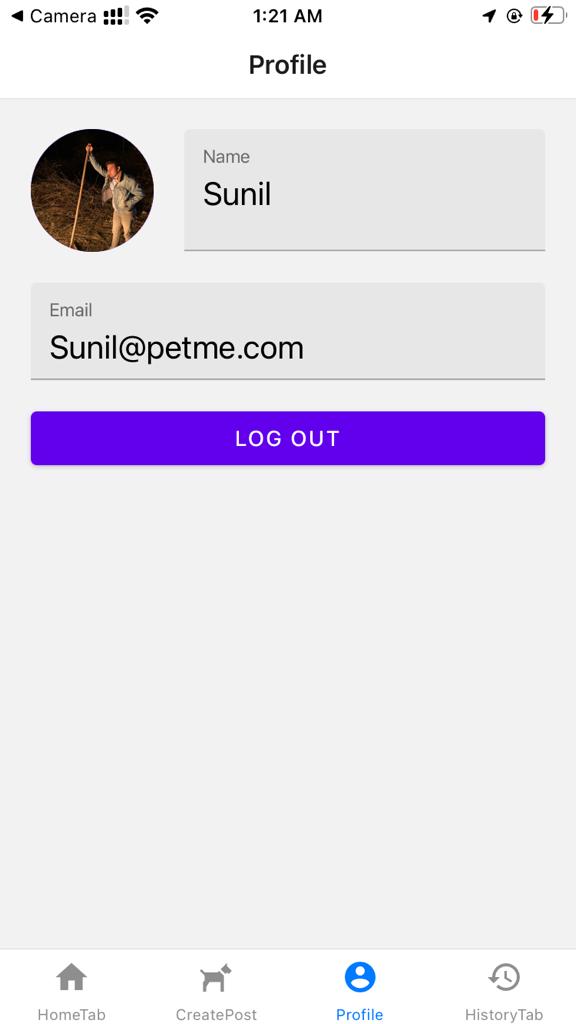
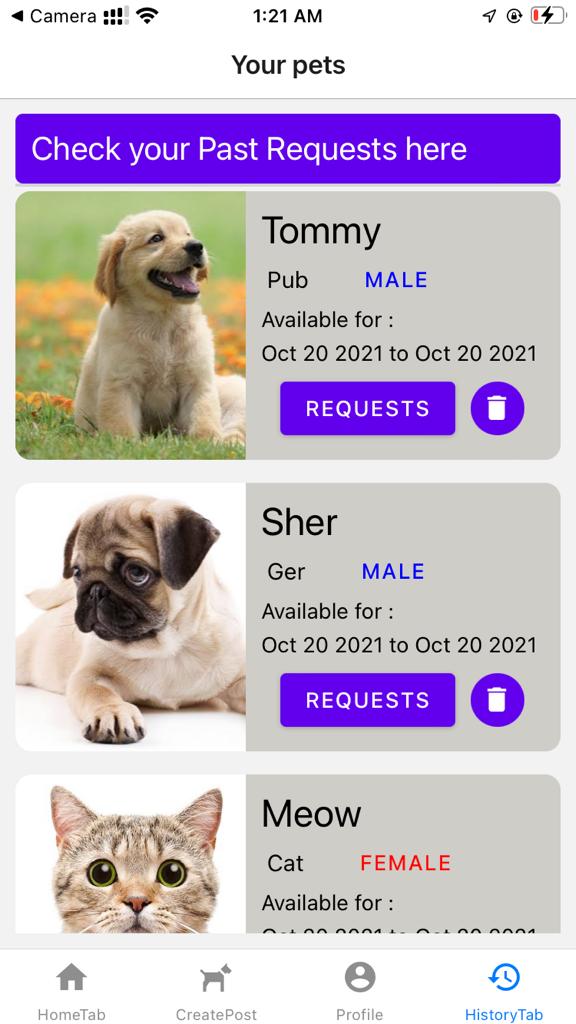
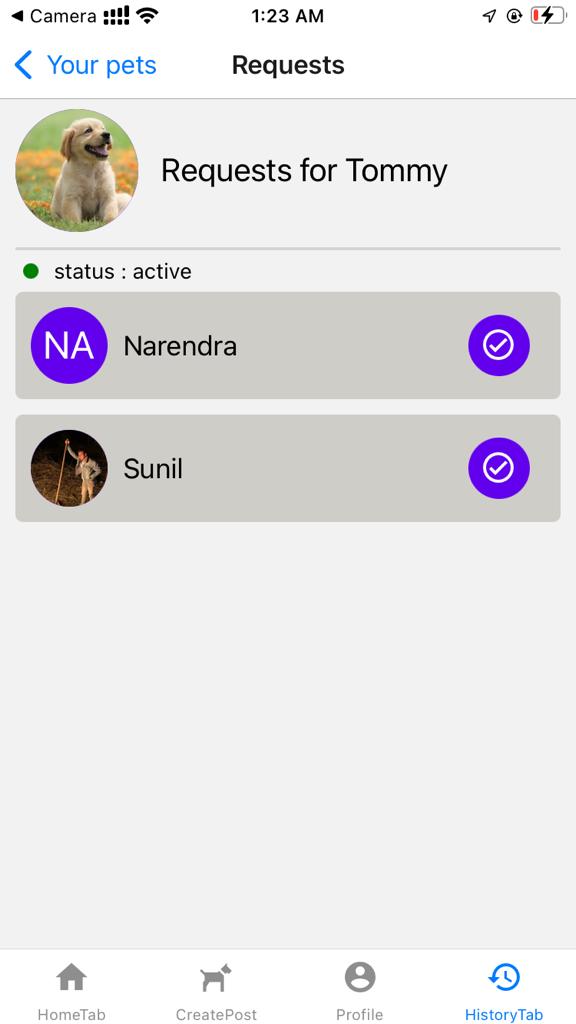
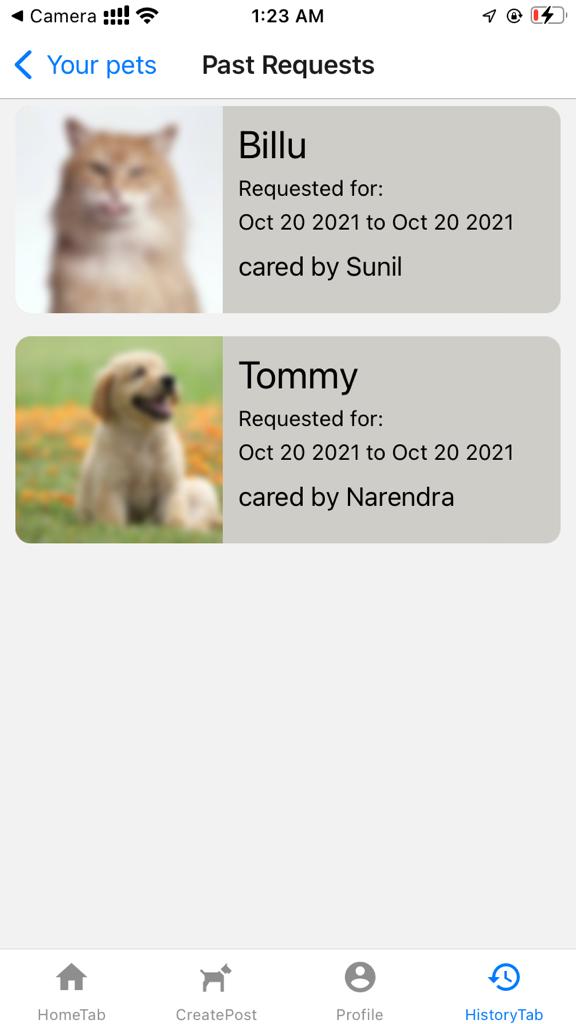
we Have used Expo CLI to create project
- get this repo on your machine
git clone https://github.com/napiyo/petME
- get all modules required
Not mentioning name of module here will automatically install all modules required which are in package.json under depedencies
npm install
- all dependecies installed are
"dependencies": {
    "@gorhom/bottom-sheet": "^4.1.3",
    "@react-native-community/datetimepicker": "3.5.2",
    "@react-navigation/bottom-tabs": "^6.0.9",
    "@react-navigation/native": "^6.0.6",
    "@react-navigation/native-stack": "^6.2.4",
    "expo": "~42.0.1",
    "expo-image-picker": "~10.2.2",
    "expo-status-bar": "~1.0.4",
    "firebase": "8.2.3",
    "react": "16.13.1",
    "react-dom": "16.13.1",
    "react-native": "https://github.com/expo/react-native/archive/sdk-42.0.0.tar.gz",
    "react-native-gesture-handler": "^1.10.3",
    "react-native-paper": "^4.9.2",
    "react-native-reanimated": "^2.2.3",
    "react-native-safe-area-context": "3.2.0",
    "react-native-screens": "~3.4.0",
    "react-native-web": "~0.13.12",
    "react-redux": "^7.2.5",
    "redux": "^4.1.1"
  },
- Add firebaseConfiguration.js
- you will need to add your firebaseConfiguration file and export firestore instance as db
- Run Project
- download expo go App from play store or App store (only for real devices ), if you're using emulator it will automatically install
to run on IOS from windows you'll need expo Go App
expo start
- it will show you a QR code in terminal and in browser scan it in expo go App for android and scan in camera app for ios