🔥 Fire Min – The Fun & Merry Concept Browser That Puts You First! 🎉
Designed for a smooth, distraction-free experience, Fire Min is packed with powerful features:
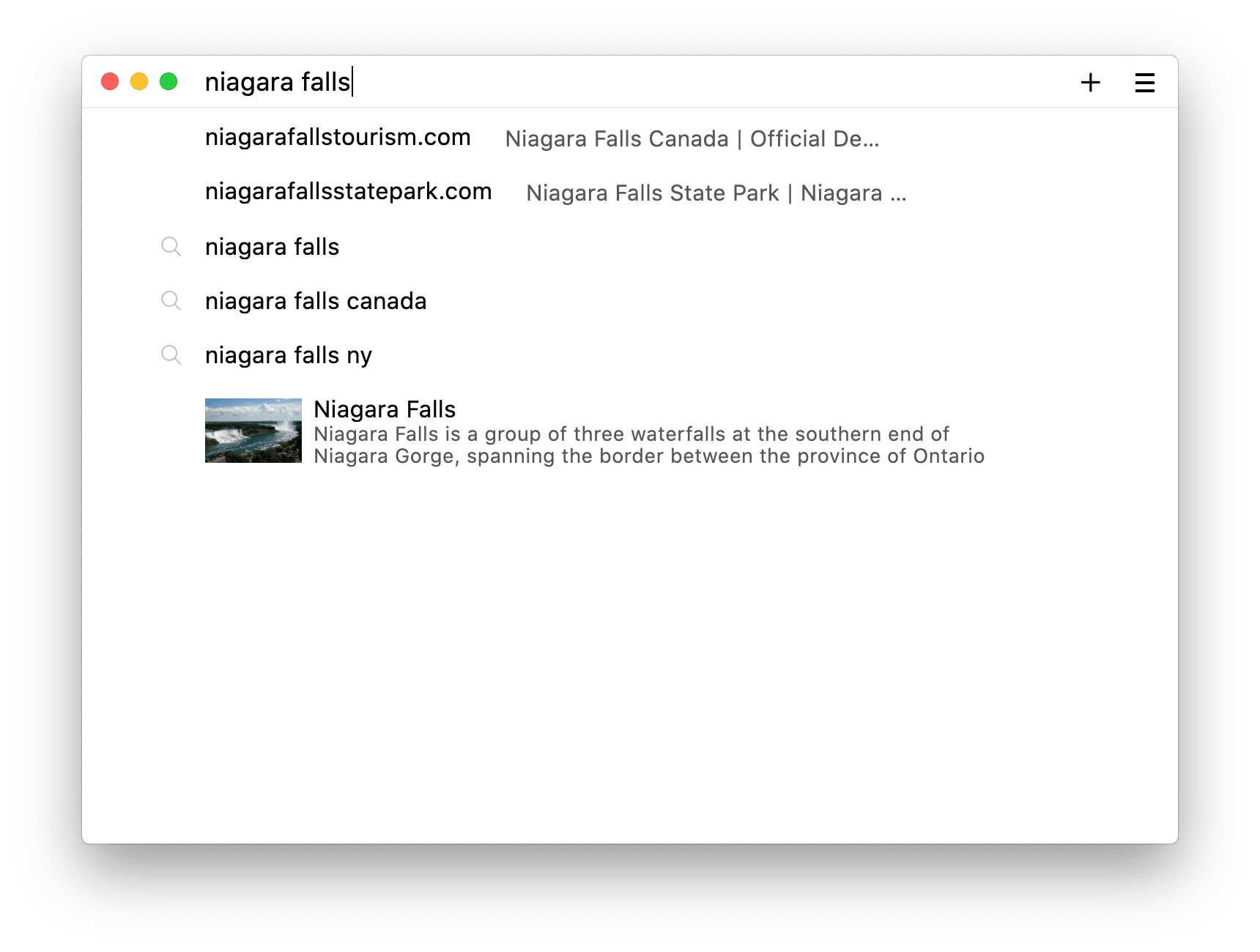
✨ Full-Text Search – Instantly find any page you’ve visited!
🛡️ Ad & Tracker Blocking – Browse freely without interruptions!
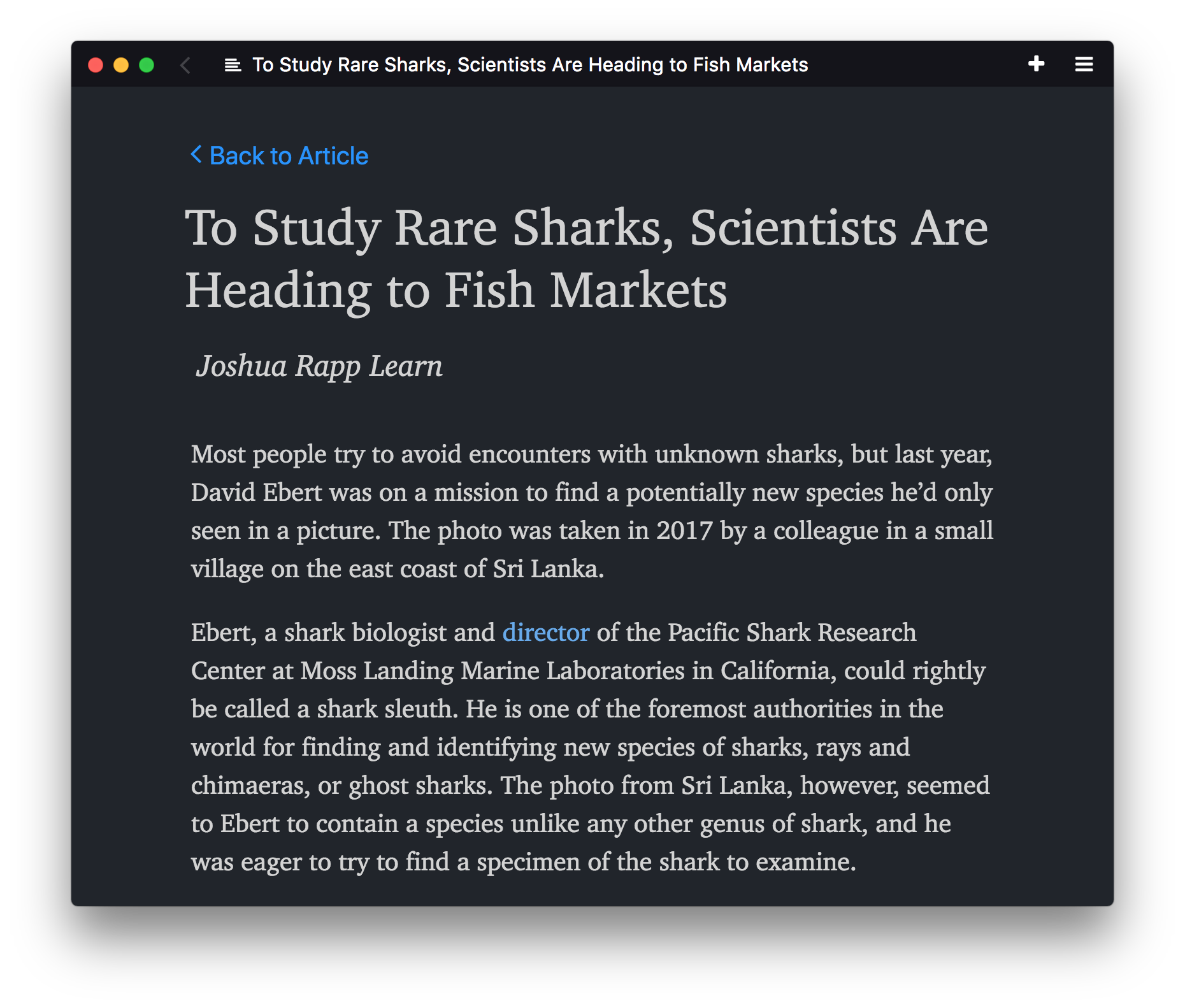
📖 Automatic Reader View – Focus on what matters most!
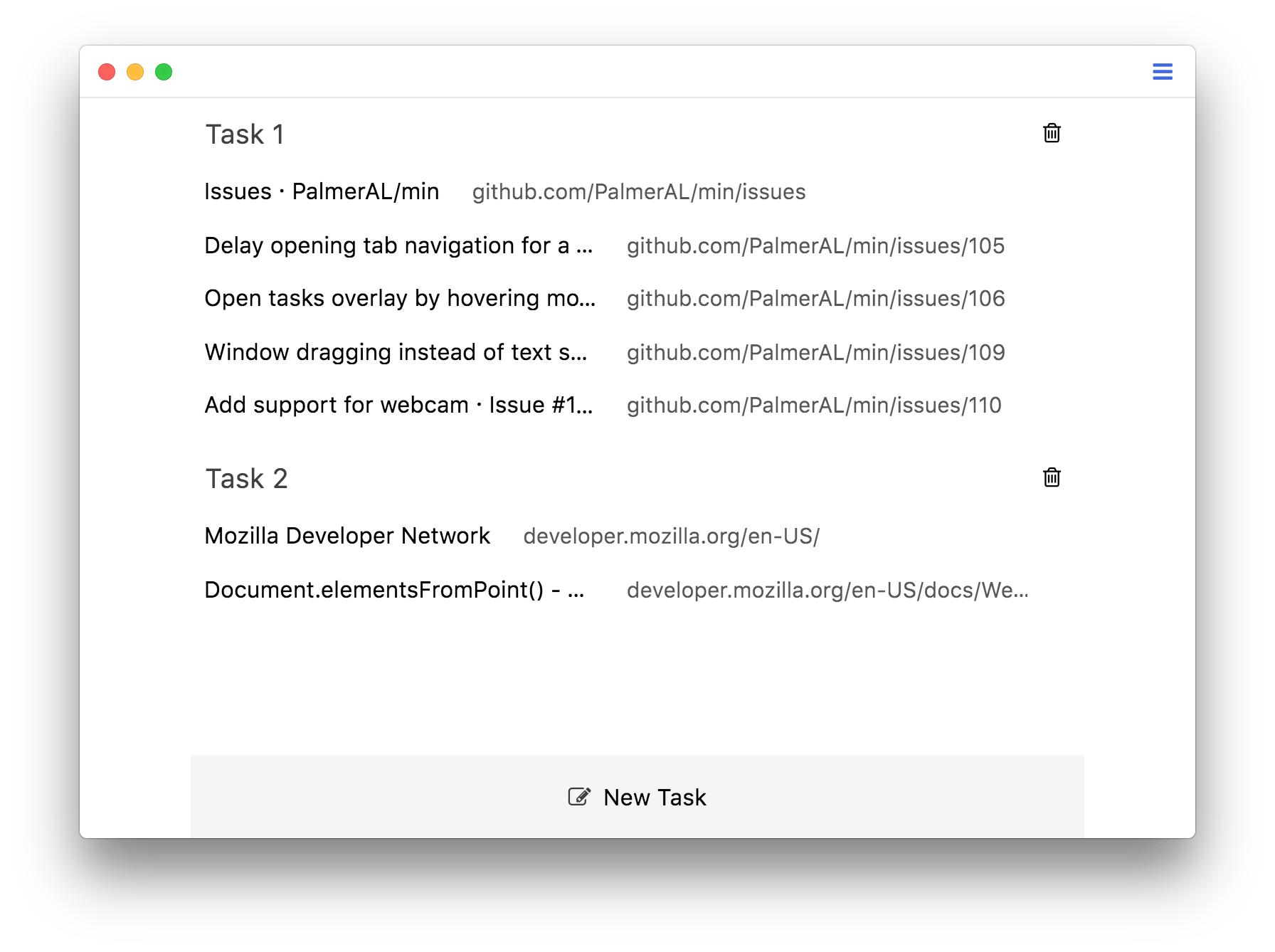
🗂️ Tasks (Tab Groups) – Organize like a pro with effortless tab management!
🏷️ Bookmark Tagging – Find saved pages in a snap!
🔐 Password Manager Integration – Secure, seamless logins every time!
🌙 Dark Theme – Browse in style, day or night!
🚀 Fast, fun, and fiercely private – Fire Min is your ultimate browsing companion! 🔥## Note Fire Min is designed for Windows First
.png)
Getting Fire Min is easy! Grab the prebuilt binaries or if you're feeling adventurous, scroll down to learn how to build it from source!
💾 .deb File: sudo dpkg -i /path/to/download
📦 RPM Build: sudo rpm -i /path/to/download --ignoreos
🖥️ Arch Linux: Install via AUR
🍓 Raspberry Pi: Install from Pi-Apps
Explore Fire Min’s powerful features with our wiki! 📚
✨ Learn all the keyboard shortcuts to browse like a pro.
💡 Check out frequently asked questions here.
🛠️ Customize your experience with userscripts—find guides and community scripts in the userscript documentation.
💬 Have questions or want to geek out with fellow users? Join our Discord server!
Want to make Fire Min even better? Here's how to get started:
1️⃣ Install Node.js
2️⃣ Run npm install to grab dependencies
3️⃣ Start Fire Min in development mode with npm run start
4️⃣ Made some changes? Refresh instantly with alt+ctrl+r (or opt+cmd+r on Mac)!
Once installed, use these magic spells (a.k.a. commands) to build Fire Min for your platform:
🪟 Windows: npm run buildWindows
🍏 Mac (Intel): npm run buildMacIntel
🍎 Mac (M1/M2+): npm run buildMacArm
🐧 Debian: npm run buildDebian
🍓 Raspberry Pi (32-bit): npm run buildRaspi
🤖 Linux (ARM 64-bit): npm run buildLinuxArm64
🎩 Red Hat: npm run buildRedhat
- Mac: Install Xcode & command-line tools. Set SDK to macOS 11.0+ (
export SDKROOT=...). - Windows: Install Visual Studio & configure it with
npm config set msvs_version 2019.
We 💖 our contributors! If you have a great idea, found a bug, or just want to help out, here’s how you can contribute:
Report it by opening a new issue!
- Follow the development instructions above.
- Check out the architecture guide.
- Stick to the Standard coding style (your editor likely has a plugin for auto-formatting!).
1️⃣ Find your language code here.
2️⃣ Create a new file in localization/languages named [your language code].json.
3️⃣ Copy everything from en-US.json.
4️⃣ Replace all English text with your translation.
5️⃣ Fire Min will automatically use your language if your system matches it!
- Open your language file in
localization/languages. - Look for
"null"values or"missing translation"comments. - Translate the corresponding English text from
en-US.json. - Submit a pull request with your updates!