A game inspired by classic Starflight space exploration game.
The window is split into a main view (left) and a right panel (menu + ship readouts). Ship status is the only mode that uses the full window.
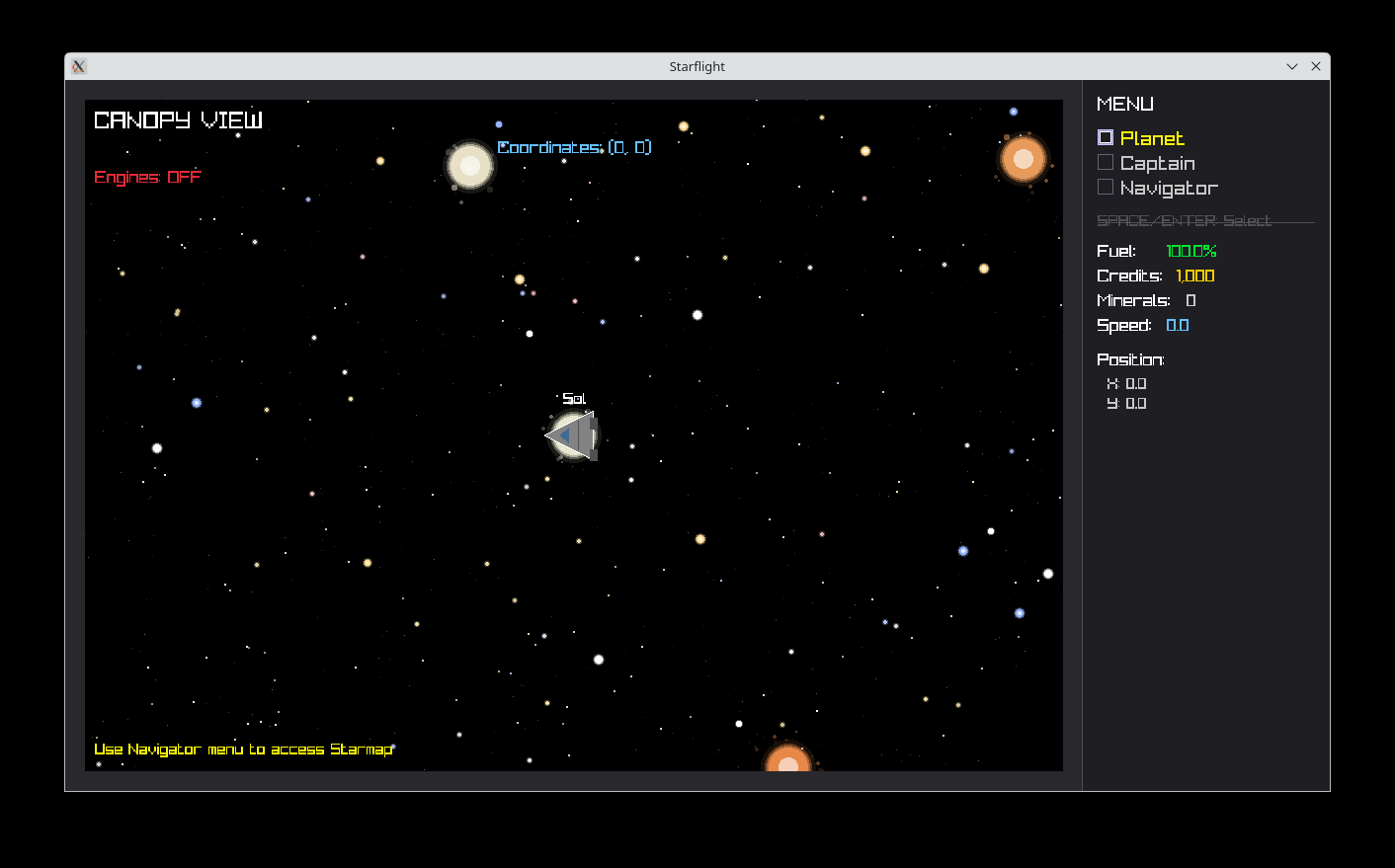
The sidebar shows the MENU (top-level) or NAVIGATOR (submenu), then a horizontal rule, then ship status: fuel, credits, minerals, speed, and position.
- Planet — Opens planetary encounter (full-screen planet view).
- Captain — No actions yet.
- Navigator — Opens the submenu:
- Maneuver — Flight mode in the canopy (engines on).
- Starmap — Tactical star map.
Use ↑/↓ to move the highlight, 1 / 2 / 3 for the top-level items, SPACE or ENTER to confirm. If the highlighted item already matches the current mode, the same key returns to canopy view. ESC steps back out of the Navigator submenu (where applicable).
The default bridge view: parallax starfield, nearby star systems in the canopy, and a framed viewport. Engines are off; the hint at the bottom points you to the Navigator menu for the starmap.
Same visuals as canopy view, but the ship flies: turn with A/D or ←/→, forward and reverse thrust with W/S or ↑/↓. Thrust uses fuel. ESC leaves maneuver and returns to canopy view.
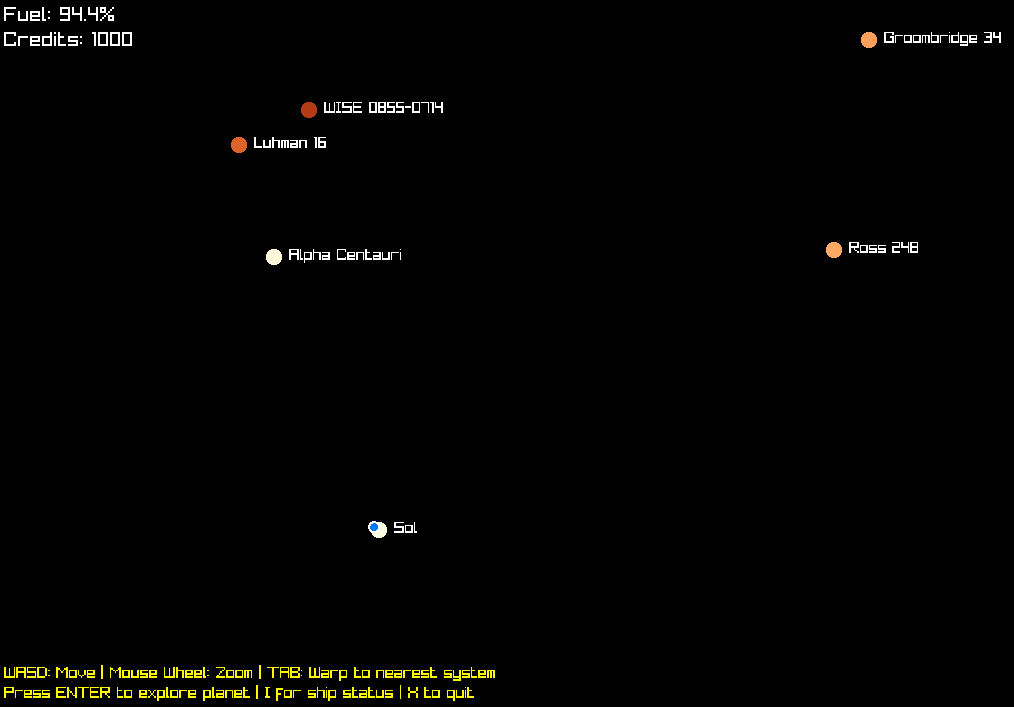
A zoomable 2D map of star systems with your ship marked. Pan the camera with WASD or arrow keys, zoom with the mouse wheel, and TAB to warp to the nearest system (uses fuel when the warp succeeds). ESC returns to canopy view. ENTER opens planetary exploration when the ship is at a star system’s position. I opens ship status. X quits.
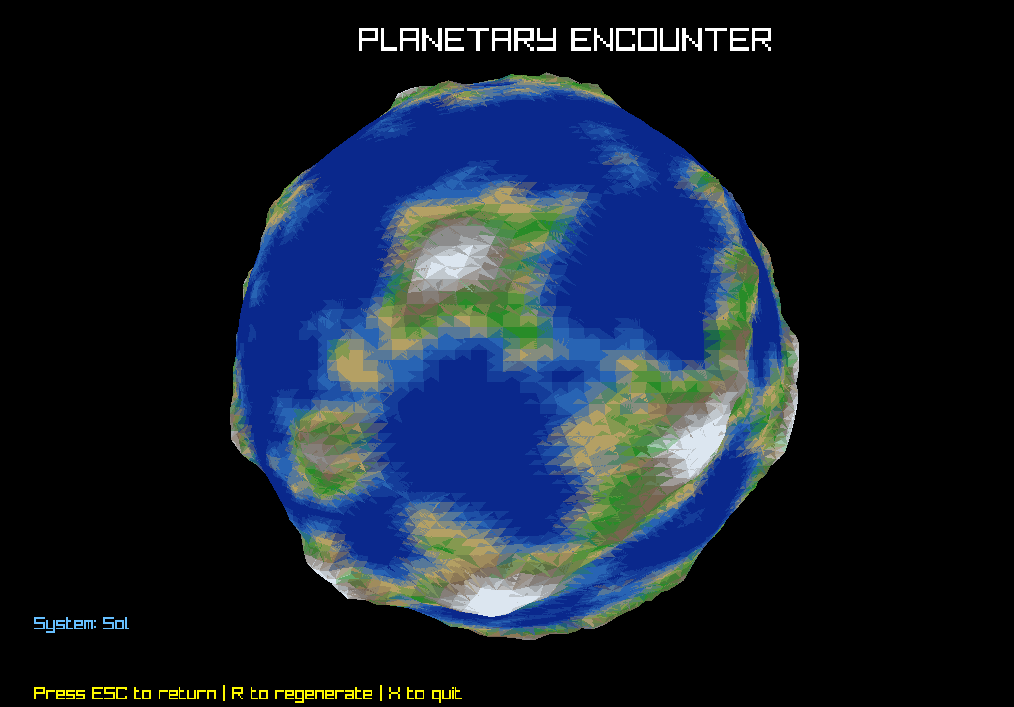
Opened from the menu’s Planet item. Full-bleed rotating planet render,