


-
Task-level
Maze enables fine-grained, task-level management, enhancing system flexibility and composability while supporting task parallelism to significantly improve the end-to-end performance of agent workflows.
-
Resource Management
Maze supports resource allocation for workflow tasks, effectively preventing resource contention both among parallel tasks within a single workflow and across multiple concurrently executing workflows.
-
Distributed Deployment
Maze supports not only standalone but also distributed deployment, allowing you to build highly available and scalable Maze clusters to meet the demands of large-scale concurrency and high-performance computing.
-
Multi-Agent Support
Maze can serve as a runtime backend for other agent frameworks. For example, it allows LangGraph to be seamlessly migrated to Maze and automatically gain task-level parallelism without modifying original logic. Example
- 2026-05: Maze now includes a thin ReAct workflow template on top of DynamicRun, with LLM decisions, tool calls, repair observations, workspace file/code tools, and agent traces recorded as Maze events.
- 2026-05: We support dynamic workflows with runtime
append_task, lifecycle events, persisted run history, and developer inspection. - 2026-05: Maze Playground now supports user workspaces, including file upload, download, preview, task-side file processing, and run artifact downloads.
- 2026-05: Maze Playground can generate workspace tasks from natural-language prompts through OpenAI-compatible LLM APIs.
- 2026-01: We support the sandbox feature! Docs
From PyPI (Recommended)
pip install maze-agentFrom source
git clone https://github.com/maze-agent/Maze.git
cd Maze
pip install -e .Launch Maze Head as maze server. The maze server can receive the workflow of the agent.
maze start --head --port HEAD_PORT
If there are multiple machines, you can connect other machines as maze workers to the maze head.
maze start --worker --addr HEAD_IP:HEAD_PORT
from maze import MaClient, task

# 1. Define task functions using the @task decorator.
@task(resources={"cpu": 1, "cpu_mem": 128, "gpu": 0, "gpu_mem": 0})
def greet(text: str = ""):
    return {"result": f"Hello {text}"}


@task(resources={"cpu": 1, "cpu_mem": 128, "gpu": 0, "gpu_mem": 0})
def uppercase(result: str = ""):
    return {"upper": result.upper()}


# 2. Create the Maze client.
client = MaClient("http://localhost:8000")

# 3. Create a workflow and wire task outputs into downstream inputs.
workflow = client.create_workflow()
greeting = workflow.add_task(
    greet,
    inputs={"text": "Maze"}
)
upper = workflow.add_task(
    uppercase,
    inputs={"result": greeting.outputs["result"]}
)

# 4. Submit the workflow and get results.
run_id = workflow.run()
workflow.show_results(run_id)from maze import MaClient, task
@task(resources={"cpu": 1, "cpu_mem": 128, "gpu": 0, "gpu_mem": 0})
def summarize(topic: str = ""):
return {"summary": f"Maze can build workflows dynamically for {topic}."}
client = MaClient("http://localhost:8000")
run = client.create_dynamic_run(max_tasks=10)
summary = run.append_task(
summarize,
inputs={"topic": "agent runtime"}
)
run.wait_for_task(summary)
run.finalize({"status": "done"})
print(run.status())from maze import MaClient, task
@task
def decide(prompt: str, history: list, tools: dict, step: int):
if not history:
return {"action": {"tool": "multiply", "args": {"a": 18, "b": 7}}}
result = history[-1]["observation"]["result"]["result"]
return {"action": {"final": f"The answer is {result}."}}
@task
def multiply(a: int, b: int):
return {"result": a * b}
client = MaClient("http://localhost:8000")
react = client.create_react_workflow(
llm_task=decide,
tools=[multiply],
max_steps=3,
)
answer = react.run("Use the calculator to compute 18 * 7.")
print(answer)ReAct workflows keep both LLM decisions and tools as Maze tasks, so the distributed task graph and the agent trace stay in the same DynamicRun history. See examples/react_workflow for a local repair demo and an OpenAI-compatible LLM demo.
In Maze Playground, files uploaded under workspace/files are staged into each task sandbox. Task code should read and write files with relative paths such as Path("input.csv"), Path("folder/data.json"), or Path("."); it should not hard-code workspace/files/....
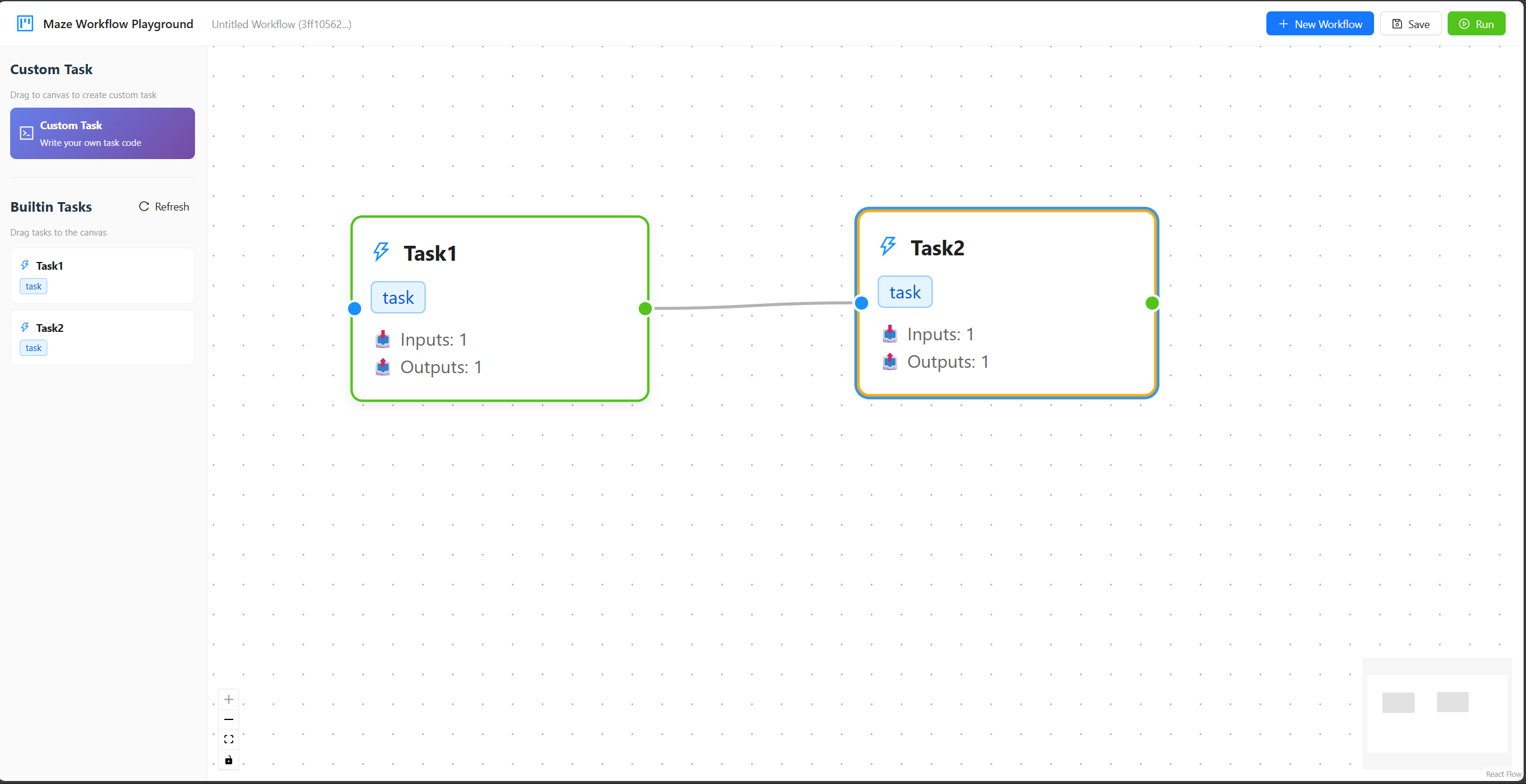
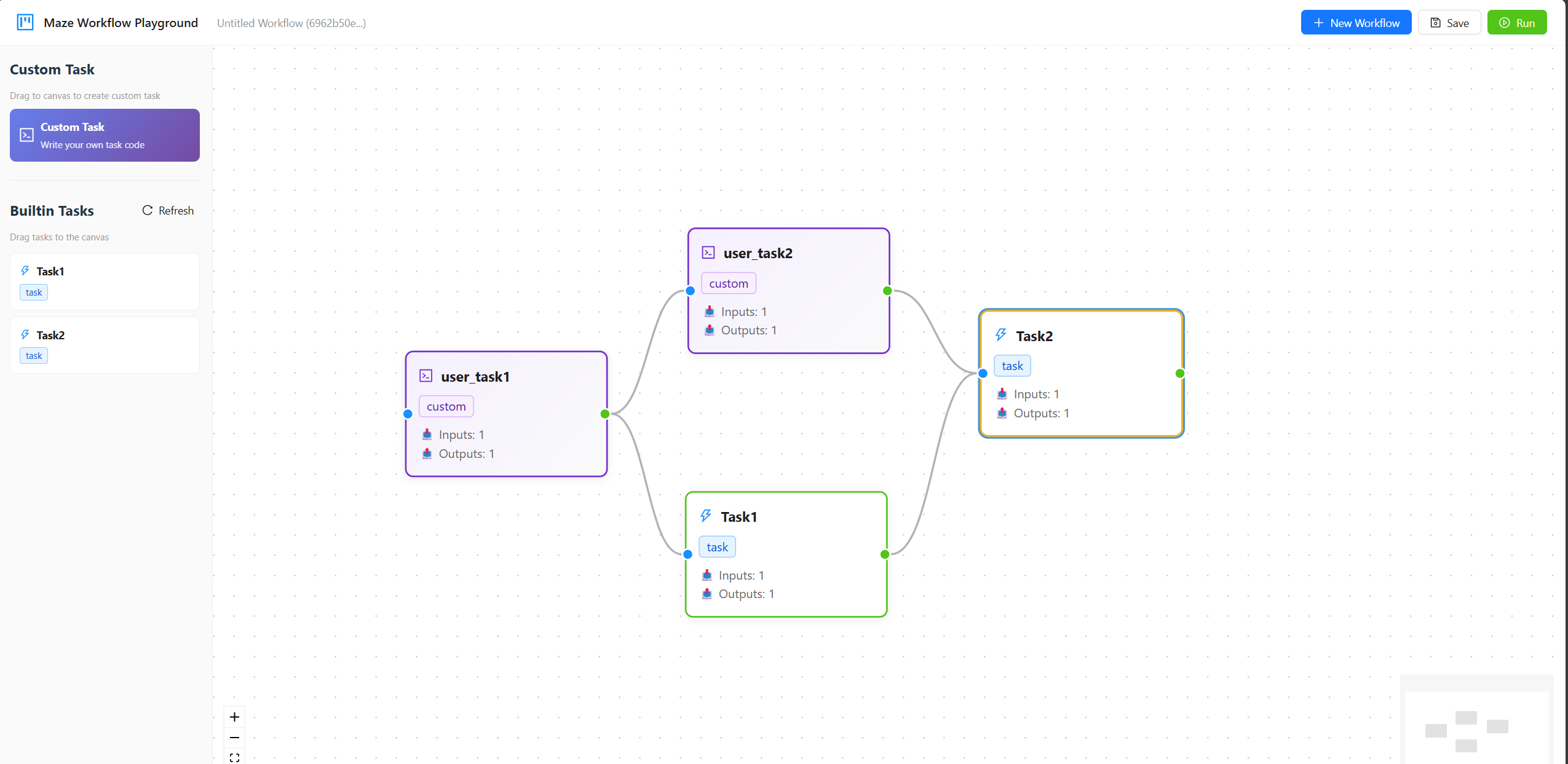
Maze Playground supports building workflows through a drag-and-drop interface, managing workspace files, generating workspace tasks from prompts, running ReAct workflow templates, and inspecting static and dynamic runs in one Runs view. You can start the playground with the following command option.
maze start --head --port HEAD_PORT --playground
The sidebar separates reusable building blocks into workspace tasks, builtin workflows, and builtin tasks. The current builtin workflow template is ReAct Workflow. The builtin agent utility tasks include Write File, Read File, and Exec Code, which operate under workspace/files and allow ReAct agents to create helper scripts, inspect files, and execute Python code through Maze tasks.
Here are two videos showing the process of using built-in tasks and uploading user-defined tasks in Maze Playground. For detailed usage instructions, please refer to the Maze Playground.
We thank contributors from Huazhong University of Science and Technology, Huawei, and other institutions for their support and contributions to this project.