
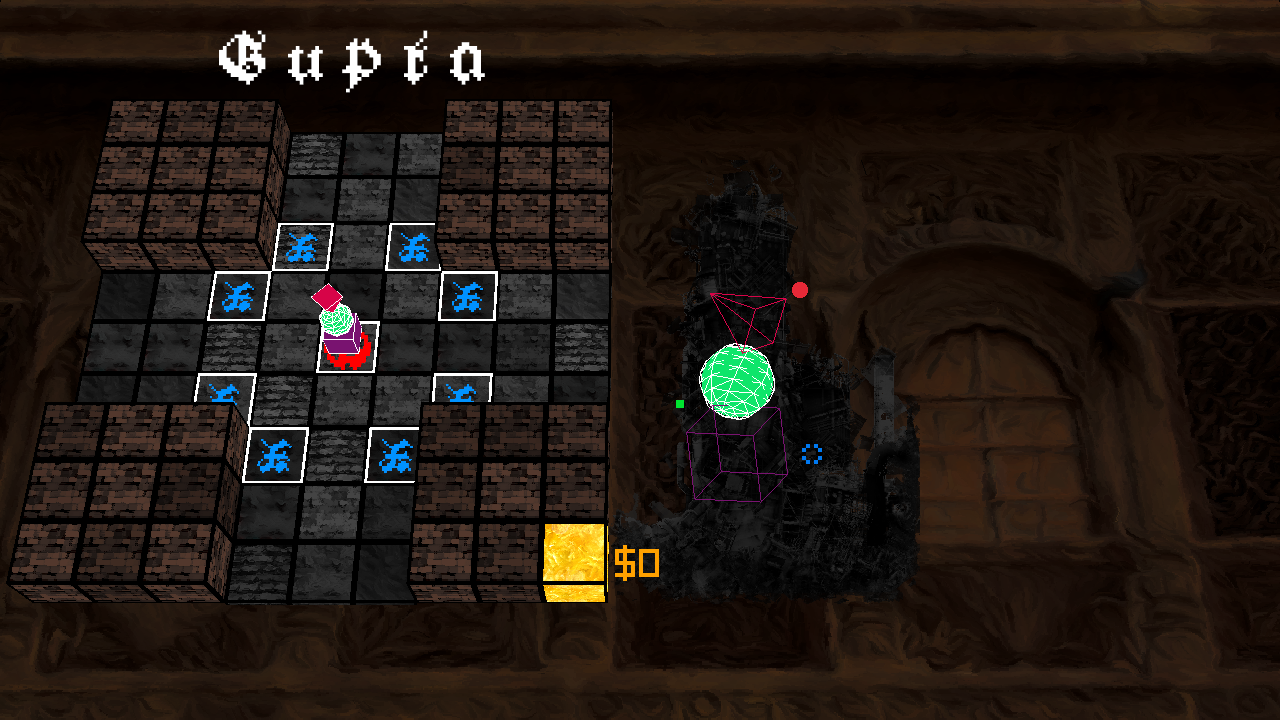
Roguelike game with chess-based movement. Programmed in C using Raylib. This game was created in 2 weeks for Experimental Game Jams. The theme was grid.
View the game page to view more info on the game itself, or to download it.
- First regardless of OS, clone the raylib repository. Then copy the files into a new folder in the project directory named
dependencies. NOTE: You may have to editCMakelists.txtand change the directory name of raylib depending on what version of raylib you have.
- Please make sure you're using an up to date version of MinGW (you can use the raylib installer if needed).
- After cloning raylib into the project directory:
- Create a build directory
mkdir build cd buildcmake .. -G "MinGW Makefiles"cmake --build .
- After cloning raylib into the project directory:
- Create a build directory
mkdir build cd buildcmake ..cmake --build .
Then make sure your compiled executable is in a new folder with the res folder.