Analog Clock View for android.
Analog clock is a simple and fully customisable analog clock for android. You can personalize it the way you want , in code or through XML. Enjoy
What things you need to install the software and how to install them
Min SDK : Api 21 Android Lolipop 5.0
First, add thouse lines into gradle :
Step 1. In build.gradle (Project Level) Add the JitPack repository to your build file :
	allprojects {
		repositories {
			...
			maven { url 'https://jitpack.io' }
		}
	}
Step 2. Add the dependency in build.gradle (app level) :
compile 'com.github.devMadrit:MKClockView:0.1.0'
End with an example of getting some data out of the system or using it for a little demo
- XML
    <com.legency.madrit.mkanalogclockview.MKAnalogClockView
        android:layout_width="300dp"
        android:layout_height="300dp"
        android:layout_centerHorizontal="true"
        android:layout_centerVertical="true"

        app:alwaysMovingHands="true"
        app:circleEnabled="true"
        app:secondsEnabled="true"
        app:handSecondsColor="#000"
        />
- Java code.
MKAnalogClockView mkAnalogClockView = (MKAnalogClockView) findViewById(R.id.mAnalogClock); // or

MKAnalogClockView mkAnalogClockView = new MKAnalogClockView(this);
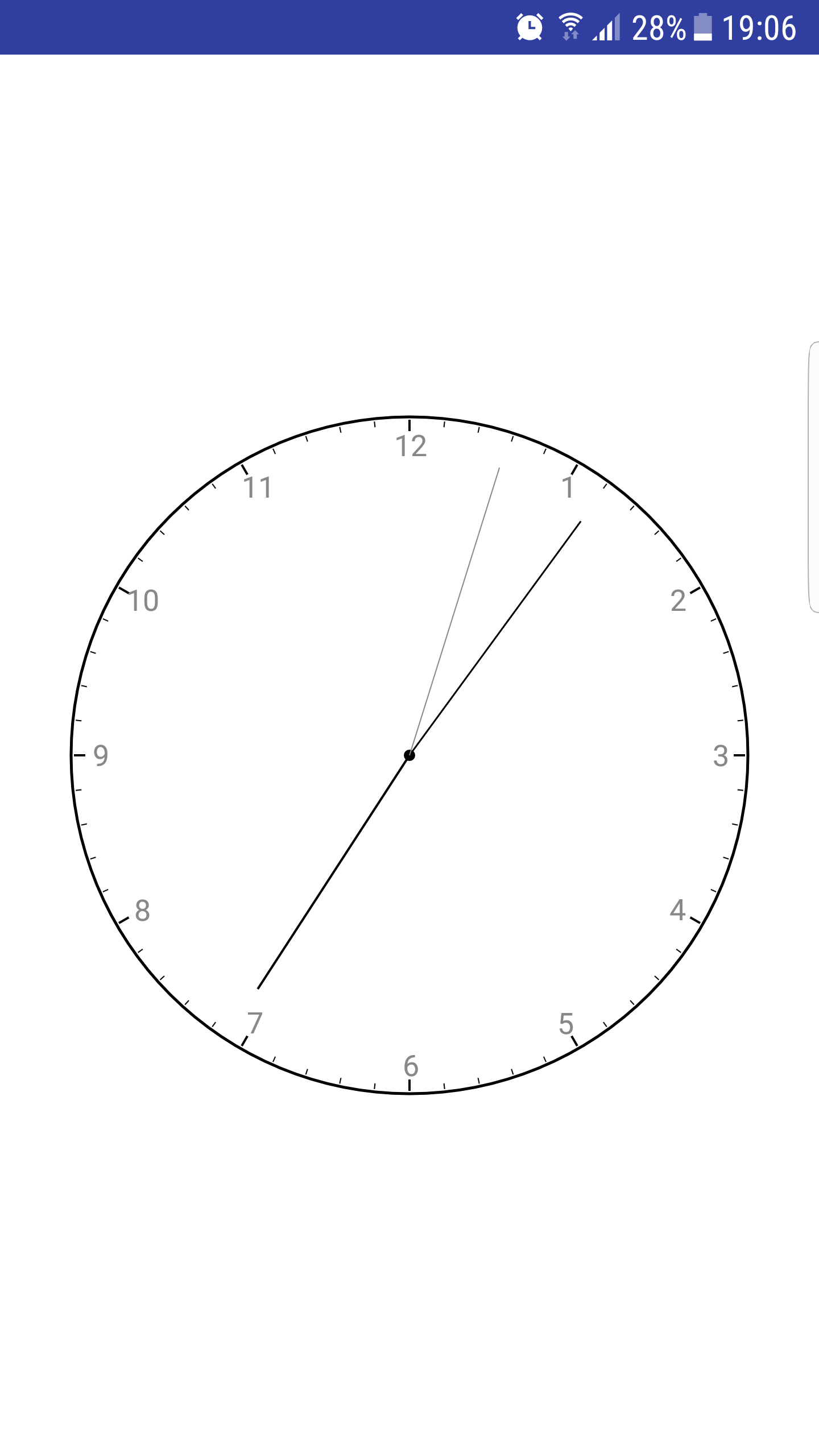
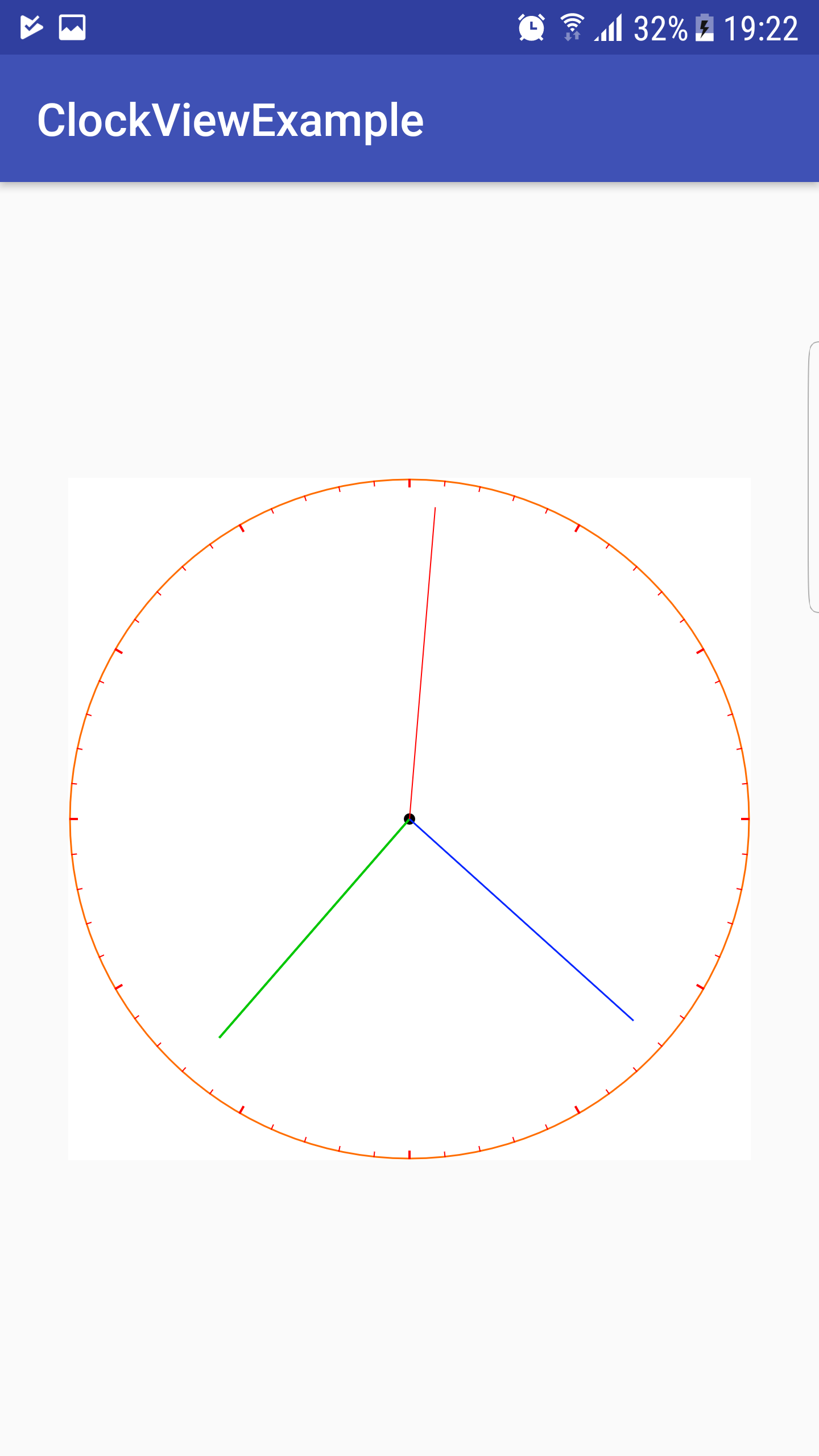
It is a good idea that width and height are equal , but it is not fully required Here you have a list of attributes to add to xml. The same attributes avaible in setters and getters through java code
    <declare-styleable name="MKAnalogClockView">
        <attr name="clockType" format="enum">
            <enum name="analog" value="0"/>
            <enum name="digital" value="1"/>
        </attr>

        <!--move hands always based to time , for example move seconds smoothly each milisecond-->
        <attr name="alwaysMovingHands" format="boolean"/>


        <!--analog clock circle customisation -->
        <attr name="circleEnabled" format="boolean"/> 	<!--if you want the circle around the clock -->
        <attr name="circleColor" format="color"/>  		<!--Color of circle  -->
        <attr name="circleStroke" format="integer"/>	<!--Stroke size  -->
        <attr name="circlePaintStyle" format="enum">	<!--Type of paint  -->
            <enum name="FILL" value="0"/>
            <enum name="STROKE" value="1"/>
            <enum name="FILL_AND_STROKE" value="2"/>
        </attr>

        <!--center of clock-->
        <attr name="centerEnabled" format="boolean"/>
        <attr name="centerColor" format="color"/>
        <attr name="centerSize" format="integer"/>
        <attr name="centerPaintStyle" format="enum">
            <enum name="FILL" value="0"/>
            <enum name="STROKE" value="1"/>
            <enum name="FILL_AND_STROKE" value="2"/>
        </attr>

        <!-- numbers around the clock, -->
        <attr name="numeralsEnabled" format="boolean"/>
        <attr name="numeralsFontSize" format="dimension"/>
        <attr name="numeralsColor" format="color"/>
        <attr name="numeralsSpacingToCircle" format="dimension"/> <!-- distance from the circle for numbers-->

        <!--Seconds line decorations, adding lines around the clock circle (no matter if the circle is enabled) to decorate seconds-->
        <attr name="secLinesDecorationEnabled" format="boolean"/>
        <attr name="secLinesDecorationHeight" format="dimension"/>
        <attr name="secLineDecorationColor" format="color"/>
        <attr name="secLineDecorationPaintStyle" format="enum">
            <enum name="FILL" value="0"/>
            <enum name="STROKE" value="1"/>
            <enum name="FILL_AND_STROKE" value="2"/>
        </attr>
        <attr name="secLineStroke" format="integer"/>

        <!--------------------HANDS----------------------->
        <!-- Hour Hand-->
        <attr name="handHourPadding" format="dimension"/> <!--Padding or distance from clock cirle (no matter if the circle is enabled) to the hand-->
        <attr name="handHourColor" format="color"/>
        <attr name="handHourPaintStyle" format="enum">
            <enum name="FILL" value="0"/>
            <enum name="STROKE" value="1"/>
            <enum name="FILL_AND_STROKE" value="2"/>
        </attr>
        <attr name="handHourStroke" format="integer"/>

        <!-- Minutes Hand-->
        <attr name="handMinutesPadding" format="dimension"/>
        <attr name="handMinutesColor" format="color"/>
        <attr name="handMinutesPaintStyle" format="enum">
            <enum name="FILL" value="0"/>
            <enum name="STROKE" value="1"/>
            <enum name="FILL_AND_STROKE" value="2"/>
        </attr>
        <attr name="handMinutesStroke" format="integer"/>

        <!-- Seconds Hand-->
        <attr name="secondsEnabled" format="boolean"/>
        <attr name="handSecondsPadding" format="dimension"/>
        <attr name="handSecondsColor" format="color"/>
        <attr name="handSecondsPaintStyle" format="enum">
            <enum name="FILL" value="0"/>
            <enum name="STROKE" value="1"/>
            <enum name="FILL_AND_STROKE" value="2"/>
        </attr>
        <attr name="handSecondsStroke" format="integer"/>

    </declare-styleable>
Version 0.1.0 // first release
- Madrit Kacabumi
This project is licensed under the MIT License
This view uses redraw often , so it is a little bit resource hungry , but it doesnt seem to affect the activity after all.