This repository was archived by the owner on Jan 16, 2026. It is now read-only.
This repository was archived by the owner on Jan 16, 2026. It is now read-only.
Display formatter: Display label source preferred order setting not sticking #2

Description

To reproduce:
- Spin up ISLE-DC instance and enable this module
- Add new field (field_testfield) with field type = Typed Labeled Text (plain)
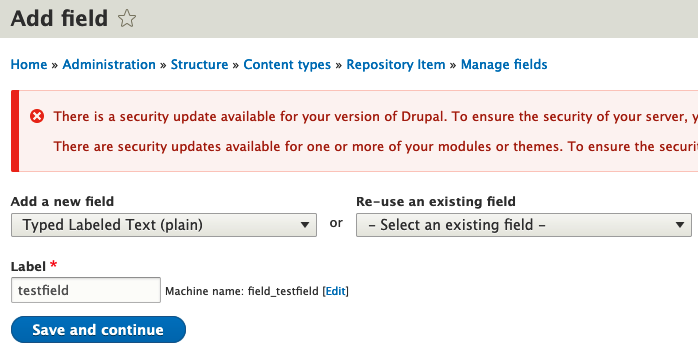
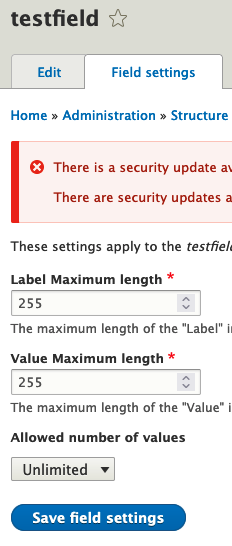
- Set Allowed number of values to Unlimited
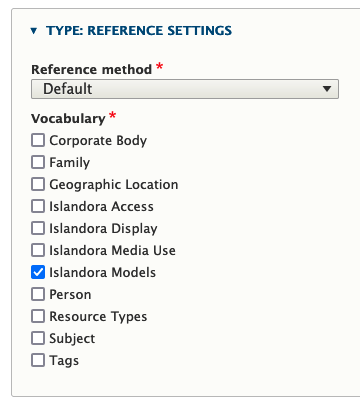
- Set Type Reference Settings to pull from Islandora Models vocabulary (for testing only, since that one is populated out of the box)
-
Enable field_testfield in Manage form display and SAVE
-
Enable field_testfield in Manage display and SAVE
-
Still in Manage display, click settings gear at right for field_testfield
-
Under DISPLAY LABEL SOURCE PREFERRED ORDER, drag the "Prefer the fields "Label value" when present" option to under "Ignore"
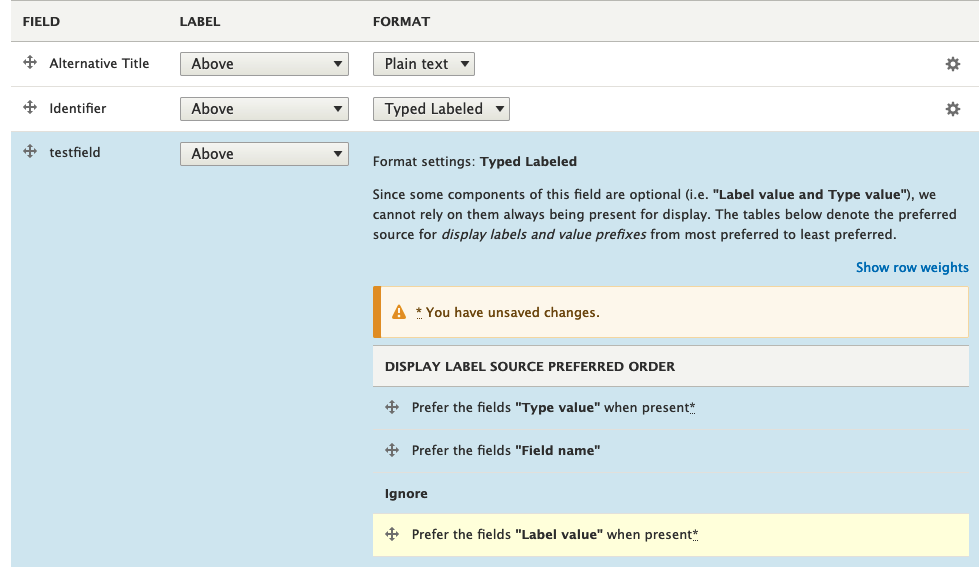
- Click "Update" then "Save" on the overall page
- Re-click the settings gear at right for field_testfield
- You should see "Prefer the fields "Label value" when present" back in the preferred order list, with no options ignored.
Effect
I'm stuck with this in the Entity view display / node.islandora_object.default config:
  field_testfield:
    weight: 2
    label: above
    settings:
      display_label_source:
        - type
        - field
        - label
I'm able to use the "Manage display" form in ECS to change the display on a field of the same field type to (in repo:
 field_identifier:
    weight: 4
    label: above
    settings:
      display_label_source:
        - type
        - field