
Curate, Annotate, and Manage Your Data in LightlyStudio.





The embedding plot shows how images relate to each other, with a preview on hover. A lasso selection filters the grid to one cluster. A search for "coffee" finds a match, and the annotation editor opens to label it.
⚡ Works smoothly with 2M+ images, embeddings included, on a single MacBook (M1, 16GB RAM).
LightlyStudio runs on your computer and opens in your browser. The following command downloads an example dataset with images, annotations, and evaluation results — no account needed.
pip install lightly-studio
lightly-studio quickstart- Local only: your images and datasets never leave your machine.
- Your own images: one Python call indexes them, then start the server. See the Image Dataset guide.
- Your own videos: see the Video Dataset guide.
- No install: open the quickstart in Colab
- A guided walkthrough: read the Tutorials below. Curate a Traffic CCTV Dataset for YOLO Training goes from raw images to a trained model.
- Runs on Python 3.9 to 3.14 on Windows, Linux, and macOS. Use Python 3.10 for plugin compatibility, for example SAM autolabeling.
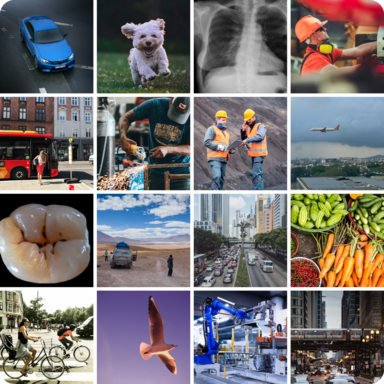
Image Dataset |
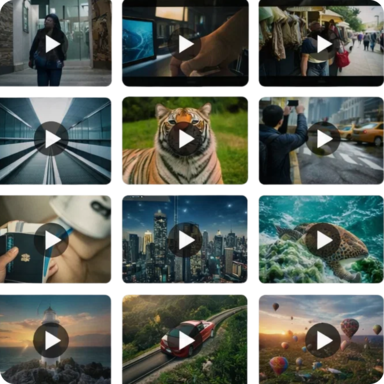
Video Dataset |
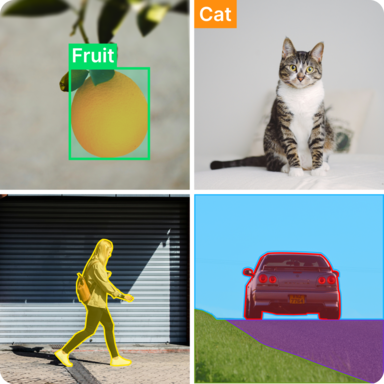
Annotation |

Curation |
Plugins |
Model Evaluation |
LightlyStudio is a browser app that runs on your own computer. Load your data into the local database with a Python script, then start the server and explore it in your browser.
Index a COCO dataset
Create a file named example_coco.py:
import lightly_studio as ls

# Download the example dataset (will be skipped if it already exists)
dataset_path = ls.utils.download_example_dataset(download_dir="dataset_examples")

dataset = ls.ImageDataset.load_or_create()
dataset.add_samples_from_coco(
    annotations_json=f"{dataset_path}/coco_subset_128_images/instances_train2017.json",
    images_path=f"{dataset_path}/coco_subset_128_images/images",
)

# Start the UI server on localhost:8001.
# Pass `host` and `port` parameters to customize it.
# Reopen the app later with `lightly-studio gui` instead of re-running this script.
ls.start_gui()
Run python example_coco.py and open the printed URL to inspect images with their annotations.
To import COCO segmentation masks instead of object detections, pass
annotation_type=ls.AnnotationType.SEGMENTATION_MASK to add_samples_from_coco().
Index a folder of images
Create a file named example_image.py:
import lightly_studio as ls

# Download the example dataset (will be skipped if it already exists)
dataset_path = ls.utils.download_example_dataset(download_dir="dataset_examples")

# Index the images, create embeddings, and store everything in the local database.
dataset = ls.ImageDataset.load_or_create()
dataset.add_images_from_path(
    path=f"{dataset_path}/coco_subset_128_images/images",
)

# Start the UI server on localhost:8001.
# Pass `host` and `port` parameters to customize it.
ls.start_gui()
Run python example_image.py and open the printed URL in your browser.
Other starting points: YOLO datasets, video folders, custom annotations, model evaluation, notebooks, and more in the docs.
Step-by-step guides covering complete workflows — from raw, unlabeled data to a trained and evaluated model:
- Curate a Traffic CCTV Dataset for YOLO Training: Explore embeddings, remove near-duplicates, auto-label with a detection plugin, and review annotations before training.
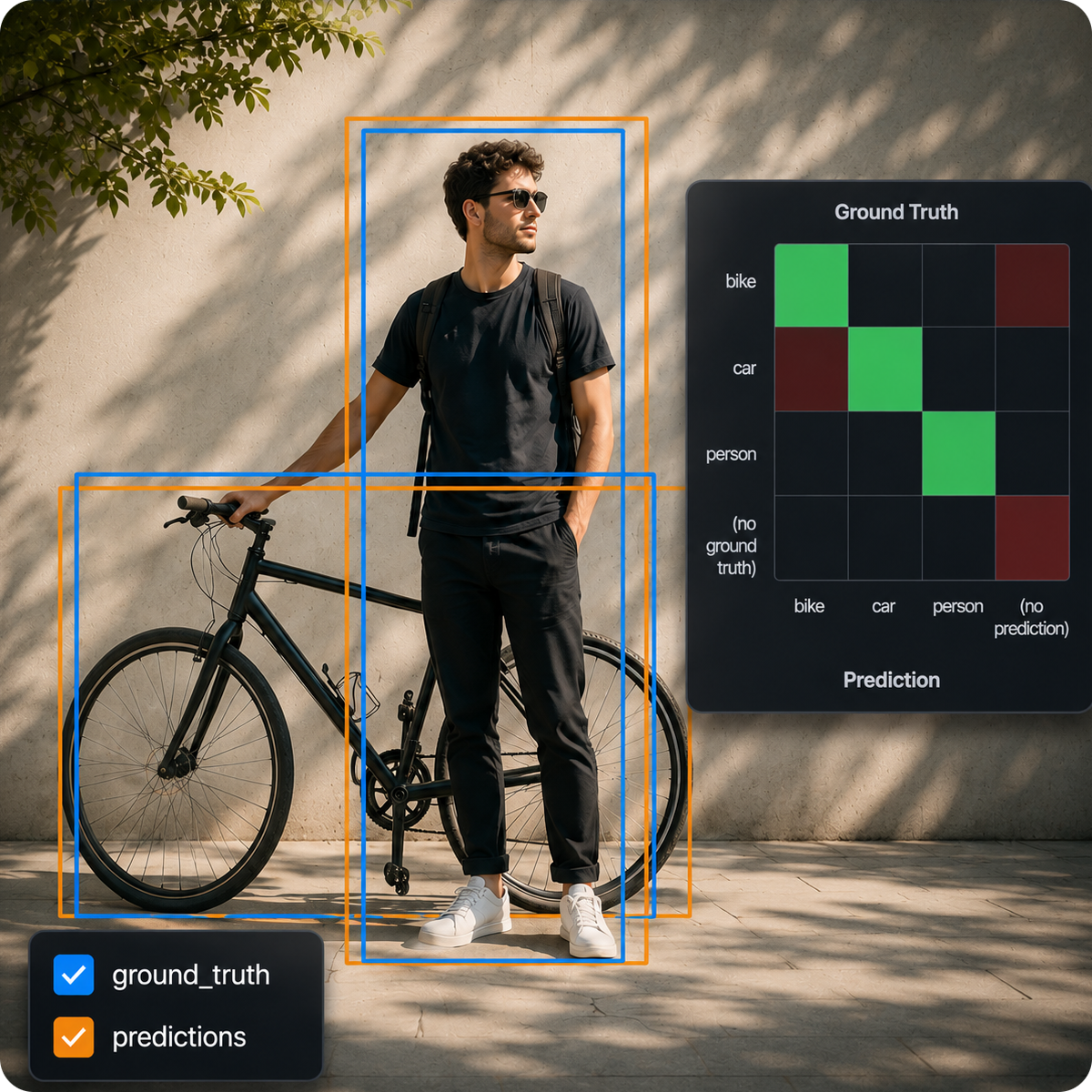
- Evaluate YOLO26 on Your Dataset with LightlyStudio: Compare predictions against ground truth, use the confusion matrix and embeddings to find failure patterns, and export issues for relabeling.
Set up a dataset
- Image datasets — index folders, COCO, and YOLO data
- Video datasets — index videos and work with frames
- Cloud storage — read from S3, GCS, or Azure
- Reuse datasets — append to an existing database, or point at a custom path
- Notebooks — run the GUI inside Jupyter or Colab
Work with your data
- Query, filter, and sort — build reusable subsets in Python
- Lightly Query Language — the query syntax for the GUI query editor
- Annotations, Tags, Metadata, Captions, Embeddings
- Sampling — pick the most typical and diverse samples to cut labeling cost
- Model evaluation — compare predictions against ground truth
- Plugins — auto-label with SAM and other models
- Export — write a query back out as COCO or YOLO
Everything in LightlyStudio is scriptable: index datasets, query and edit samples, sample subsets, and export the result. See the API reference.
We welcome contributions! Please check our issues page for current tasks and improvements, or propose new issues yourself.





