该whistle插件主要用于实现在请求request 和 返回response 时,对原来JSON请求里面请求/响应参数 特定key的value 进行JSON反序列化等自定义函数转换处理,同时在原来whistle界面新增tab展示支持。
-
该应用是whistle插件,需要先安装whistle:https://github.com/avwo/whistle
-
安装插件:
npm i -g whistle.json-hacker推荐使用淘宝镜像: npm i -g whistle.json-hacker --registry=https://registry.npm.taobao.org
可以针对特定请求参数里面的特定key对应的value 为JSON序列化的数据,可自动执行反序列化处理,并且展示 JSON Tree的方式。
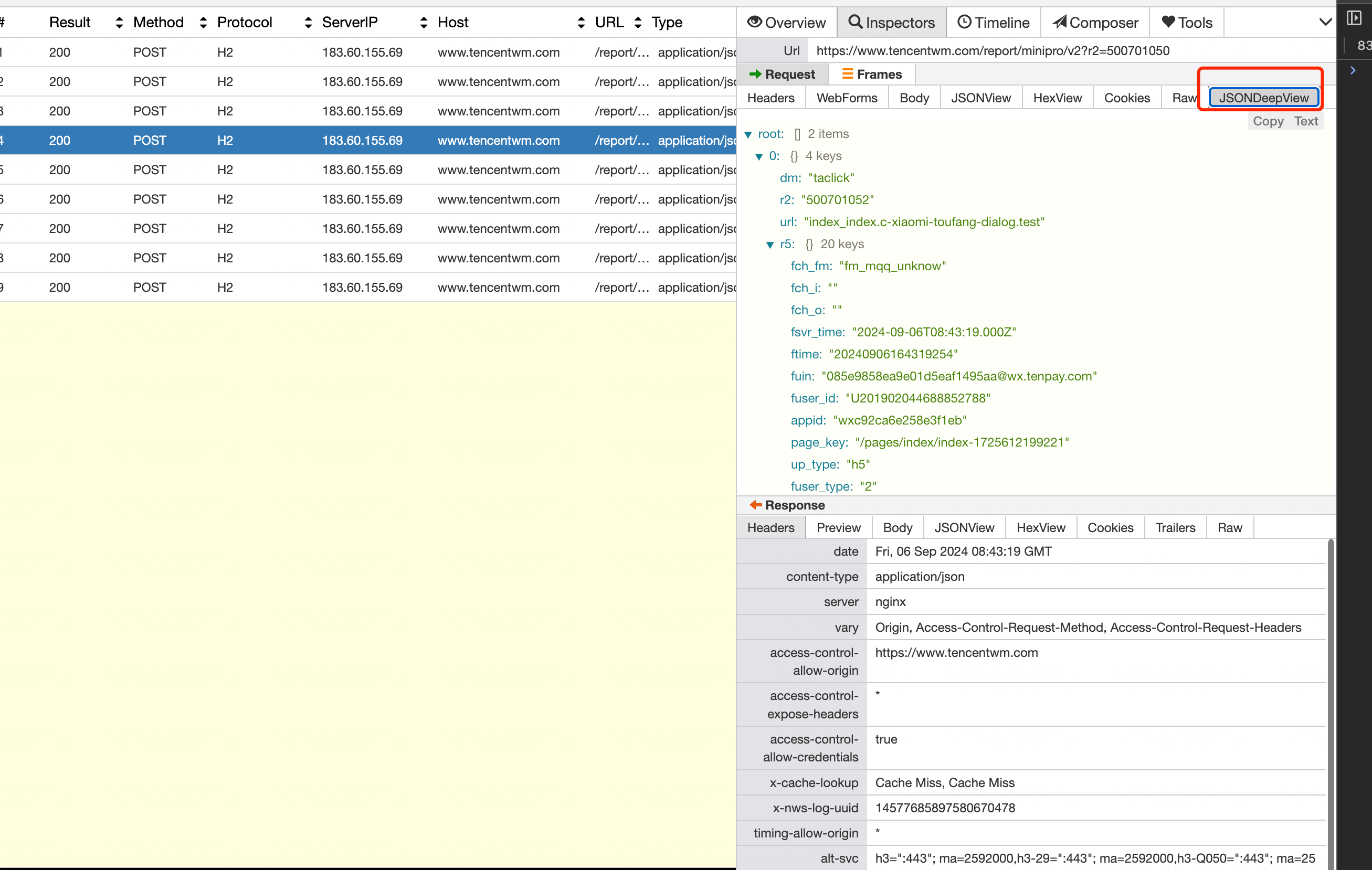
支持在whistle扩展 JSONDeepView tab界面快速展开和收回JSON展示
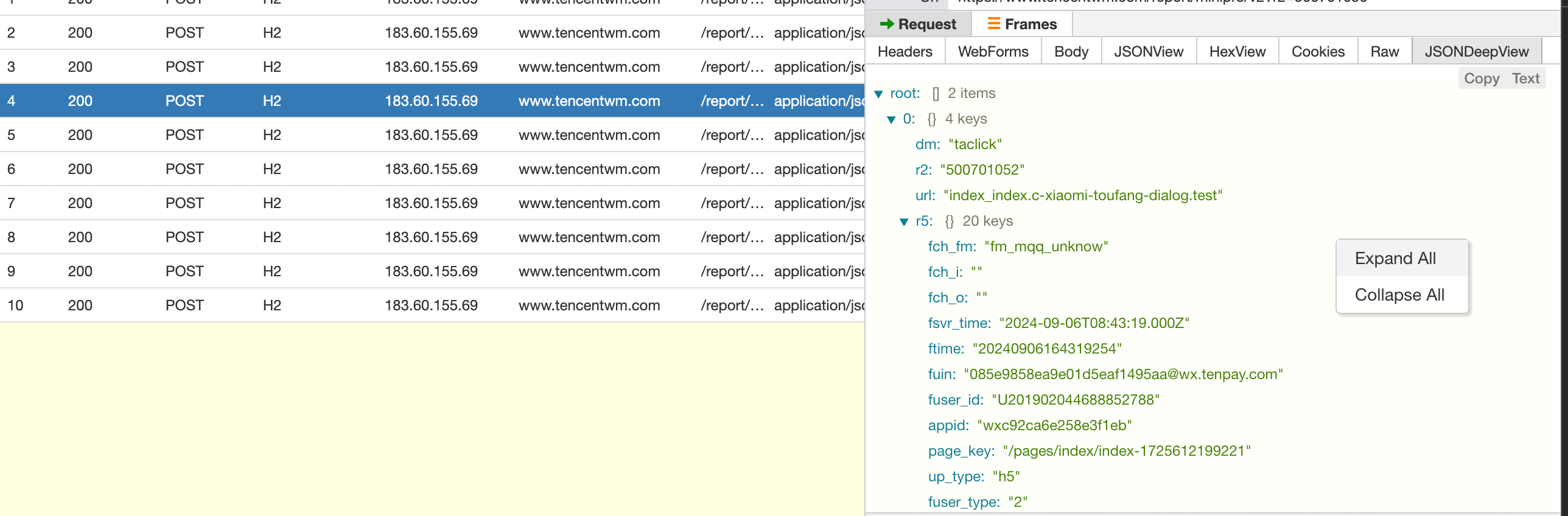
- Expand All: 展开 JSON Tree 所有节点
- Collapse All: 收回 JSON Tree 所有节点
也可以针对特定的JSON 节点手动点击展开/收回
在光标移动到对应的JSON 文件中,右上角会展示 Copy 按钮
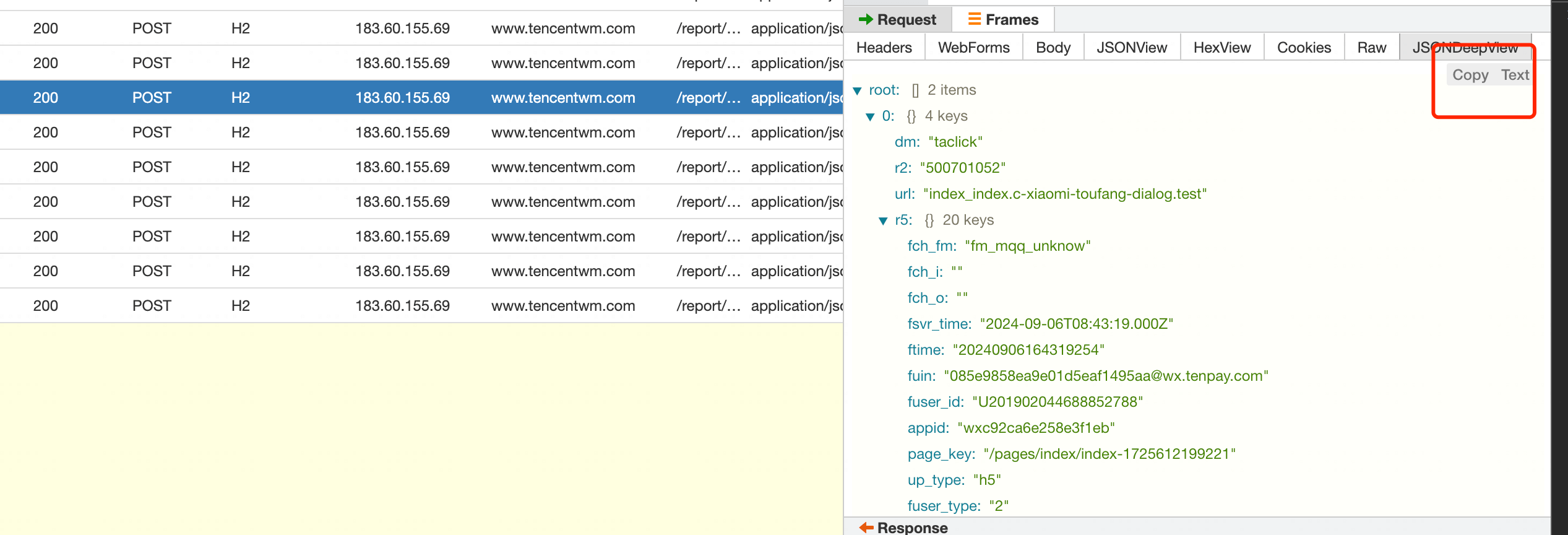
点击 Copy 按钮即可实现复制
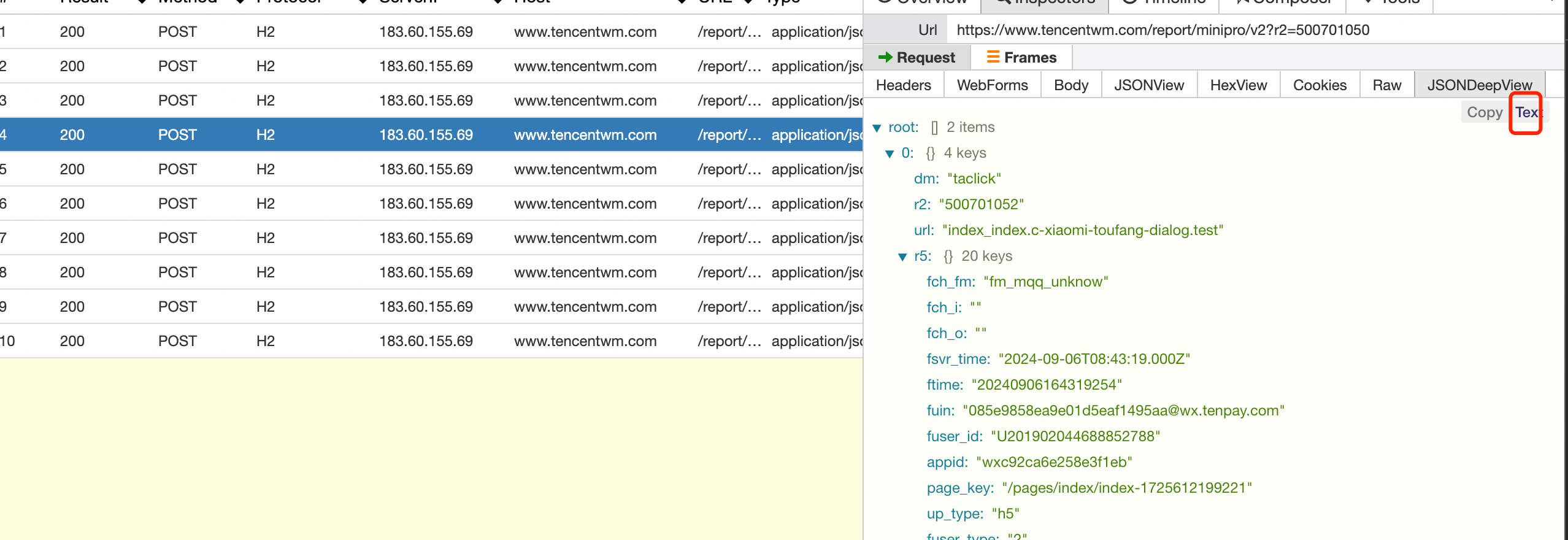
可以在 JSONDeepView tab 对JSON 文件进行 JSON <--> Text 的相互快速格式转换
- 当前是
JSON格式,则点击Text即可转换成 Text 文本格式 - 当前是
Text格式,则点击JSON即可转换成 JSON 对象格式
-
Q:支持从请求体里面的参数进行搜索吗? A:whistle本身就支持,可以在 whistle 的搜索框中,使用
b:关键字来进行搜索,比如b:U201902044688852788可以检索请求体里面有文本关键字为 U201902044688852788 的数据 -
Q: 发现切换到tab 数据为空或者无反应? A: 一般属于加载插件异常,重启一下whistle 即可
- 支持配置化方式传递 request key 和 对应的函数转换处理
- 支持配置方式对 Response 的key 进行转换函数处理,自动处理和展示 Response 转换后的 JSONDeepView tab