
Find good first issues right from your CLI!



Requires Python 3.6.1 or higher.
$ pip3 install good-first-issues --upgradeThe CLI uses the alias gfi to run commands.

- Install Good First Issues
- Contents
- Usage
- Contributing
The CLI requires GitHub Personal Access Token to make requests to the GitHub API.
You don't have to select any scopes, add a Note for your token and select Generate token.
Provide token to CLI:
$ gfi configToken is stored locally on /home/<username>/.gfi/good-first-issues file.
Token in envrionment variable:
Store the token with the name GFITOKEN in your environment.
GitHub provides API to fetch user and organization data. Personal Access Token is required for authentication and data fetching.
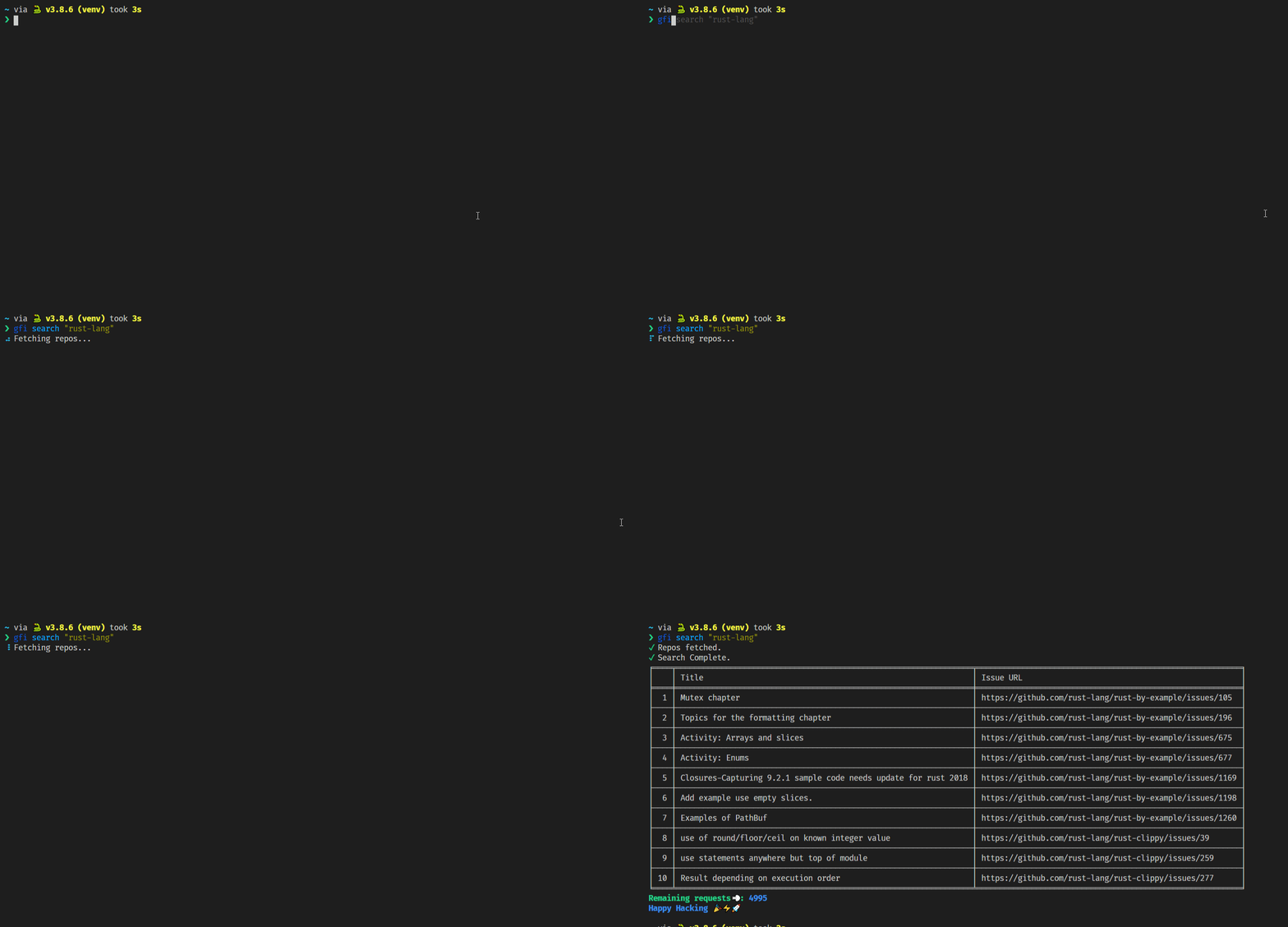
To look for issues, use the gfi search command.
$ gfi search "rust-lang"Demo

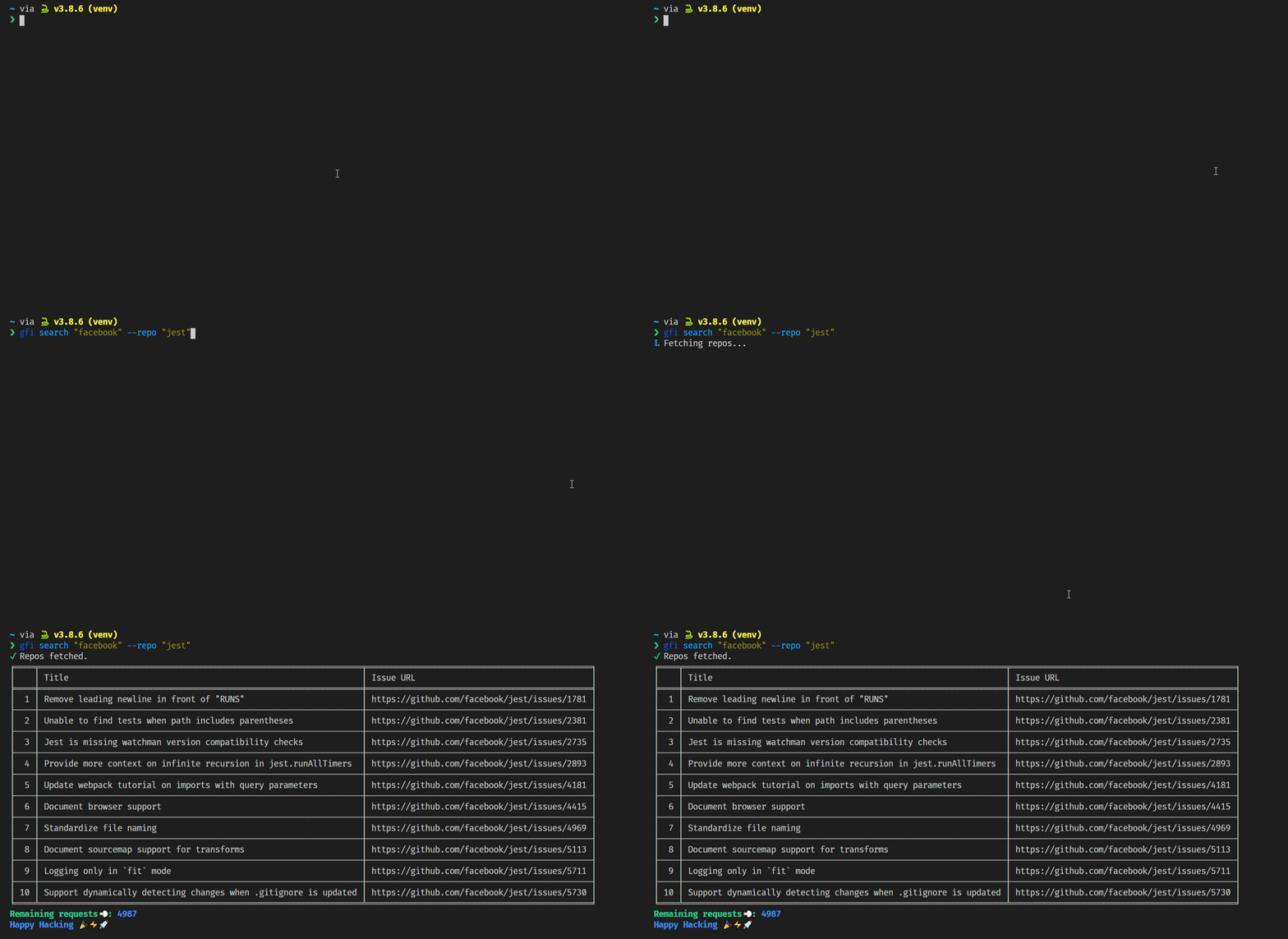
$ gfi search "facebook" --repo "jest"Demo

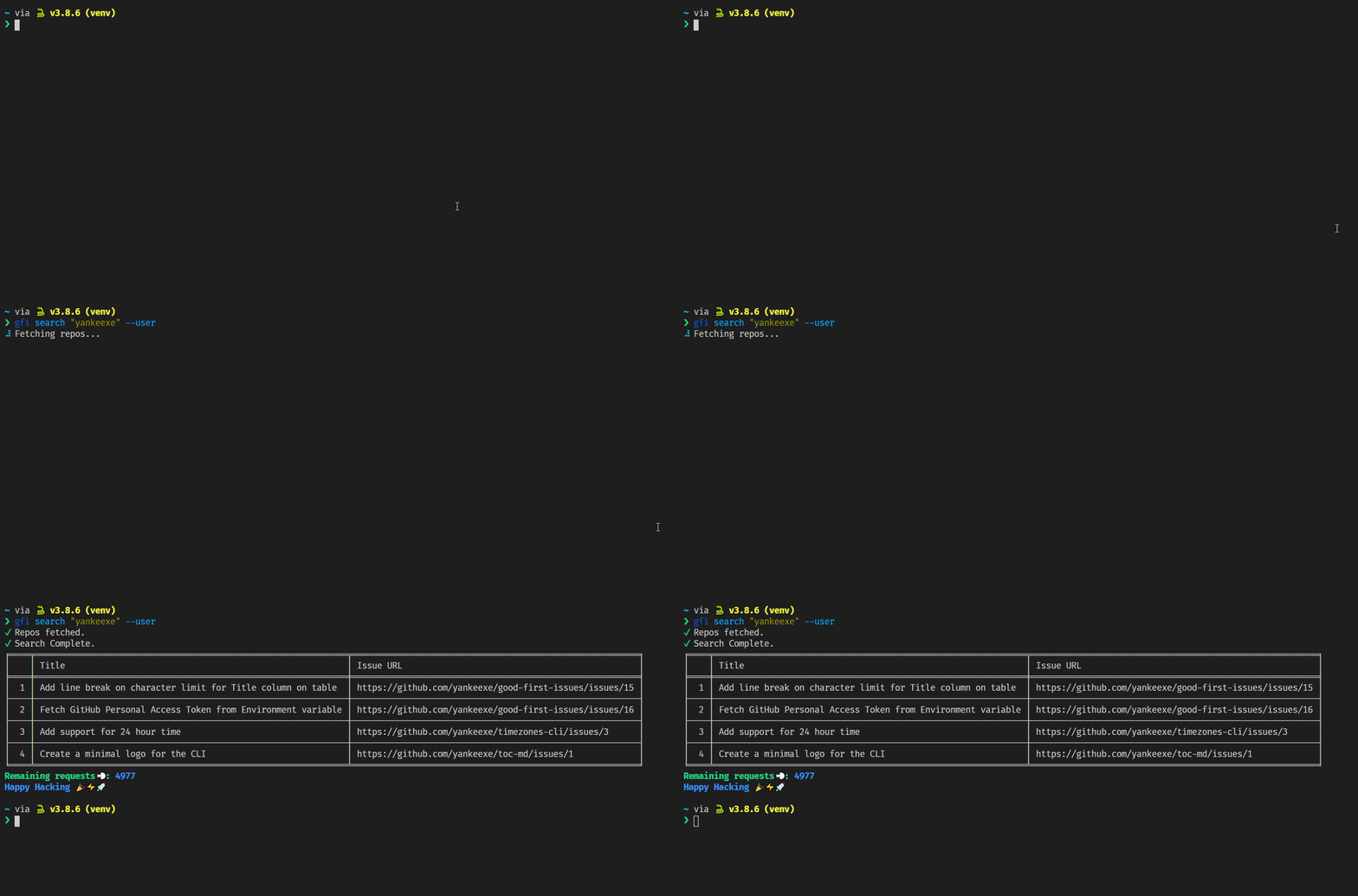
$ gfi search "yankeexe" --userDemo

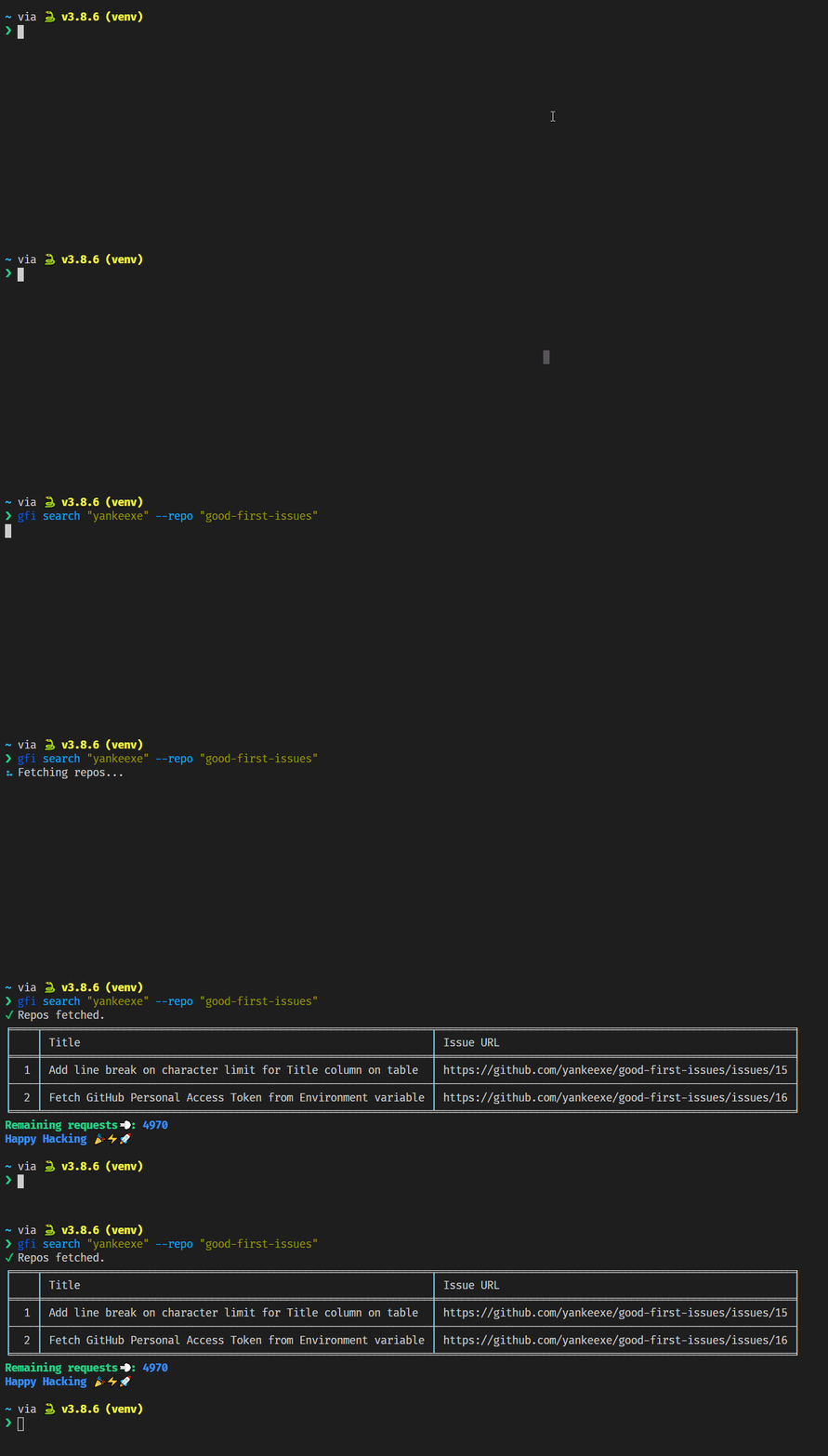
--user flag not required here.
$ gfi search "yankeexe" --repo "good-first-issues"Demo

$ gfi search --hacktoberfest

$ gfi search -hf
Demo
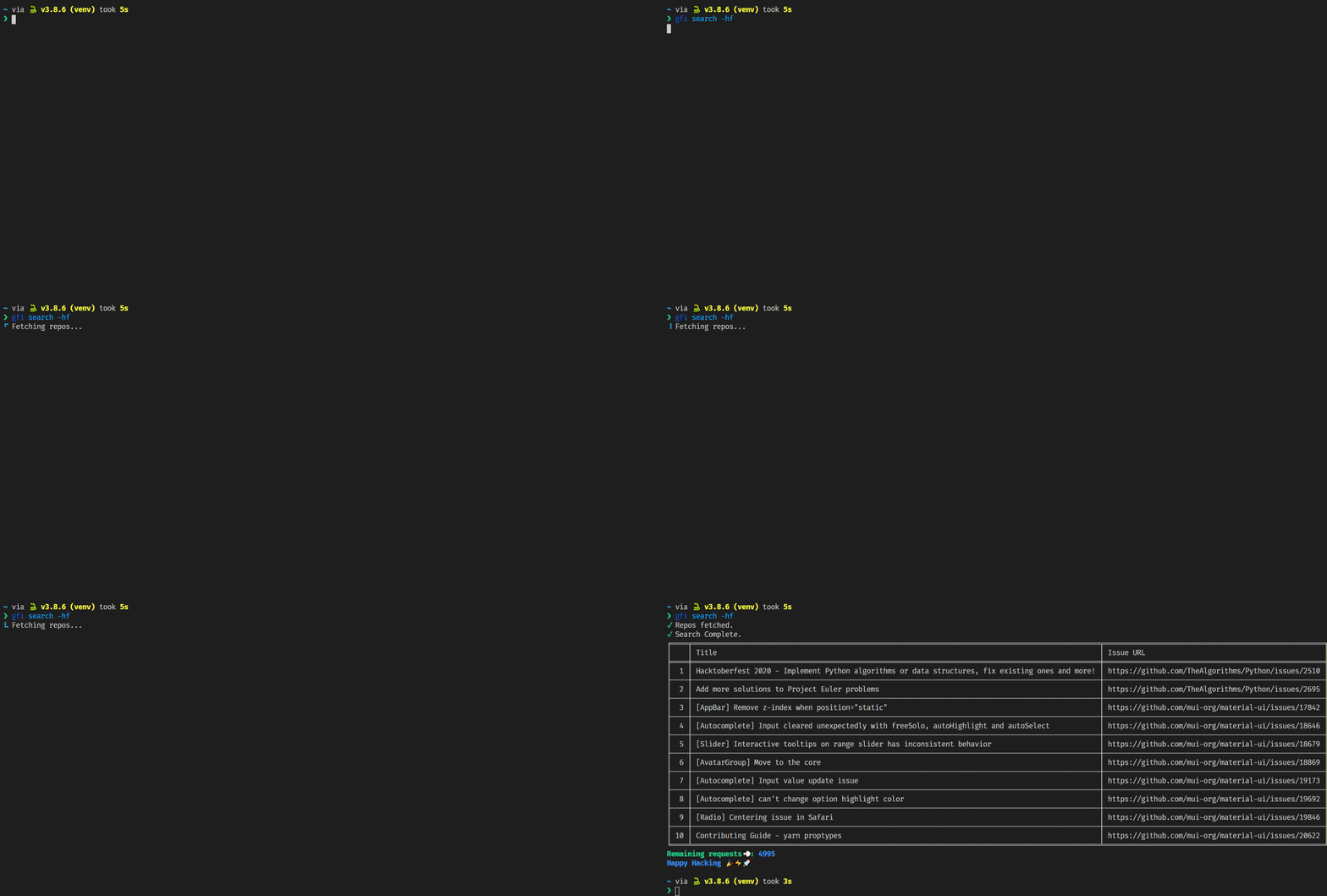

Query all repos with topic 'hacktoberfest' in an organization.
$ gfi search "facebook" --hacktoberfestDemo
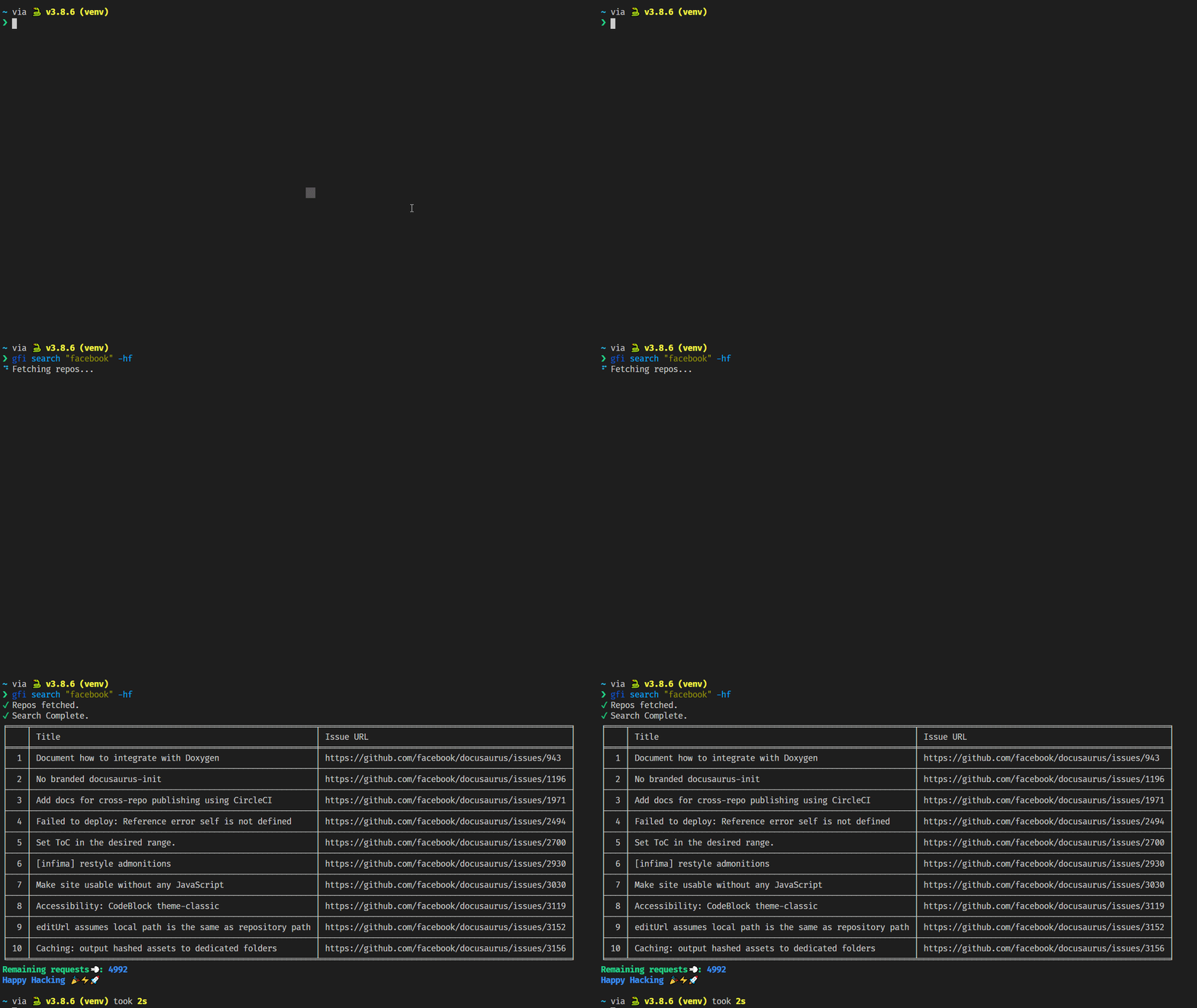

Query all repos with topic 'hacktoberfest' in a user profile.
--user flag not required here.
$ gfi search "yankeexe" --hacktoberfestDemo
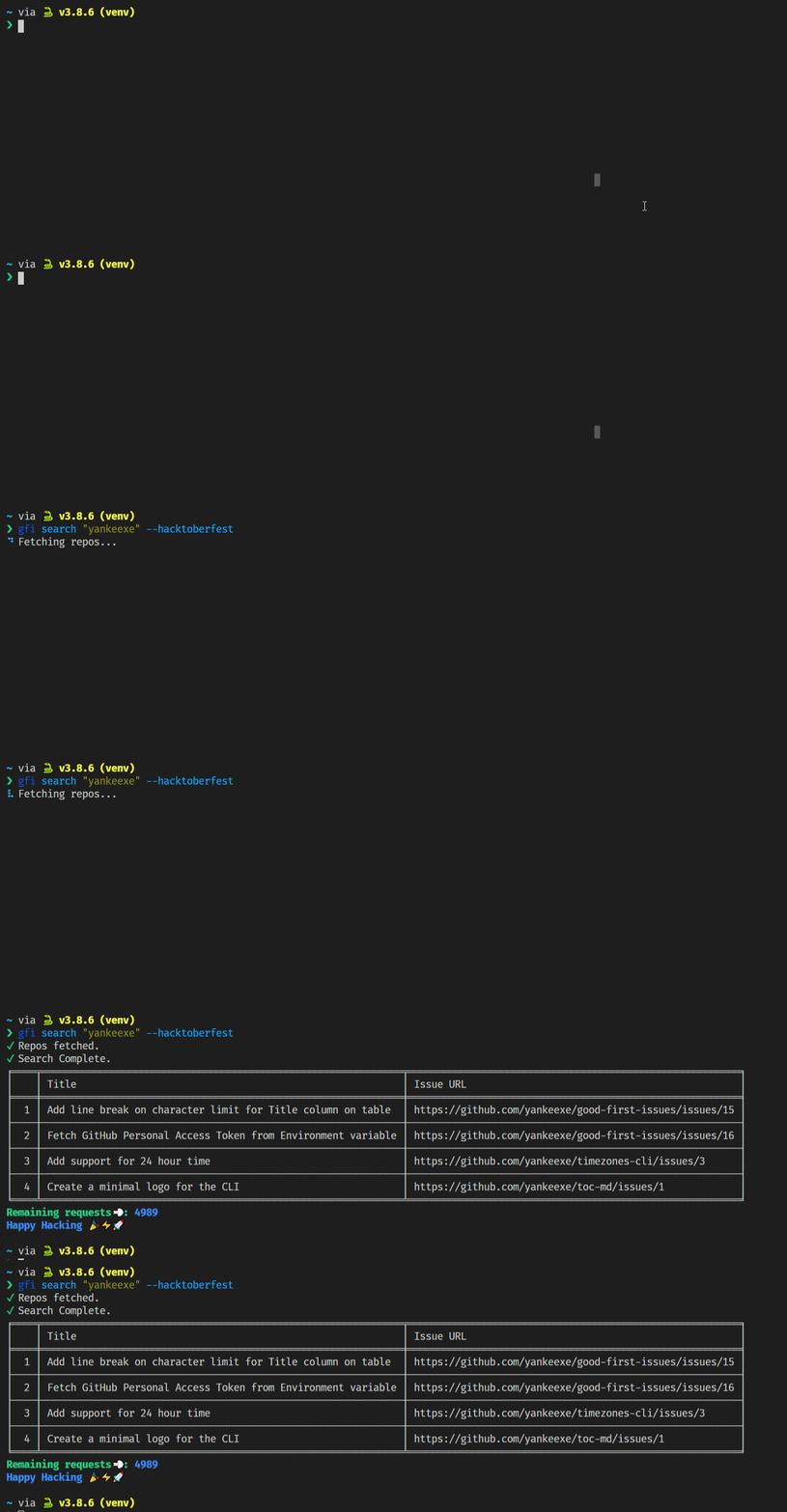

The output is limited to display 10 issues by default. Use --limit flag to set the number of issues for output or --all for no limits.
Limit the issues to 12
$ gfi search "facebook" --limit 12Demo
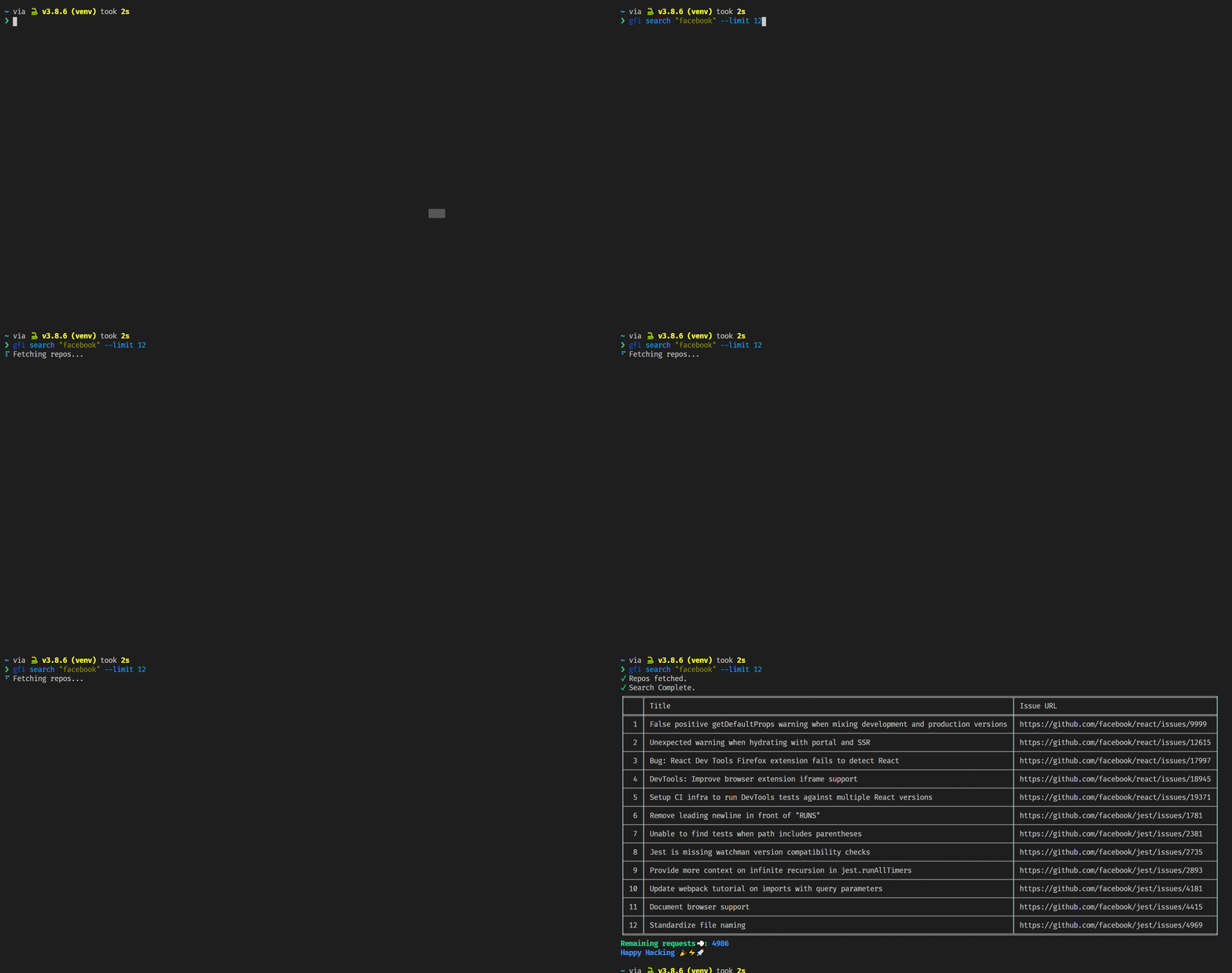

View all issues found.
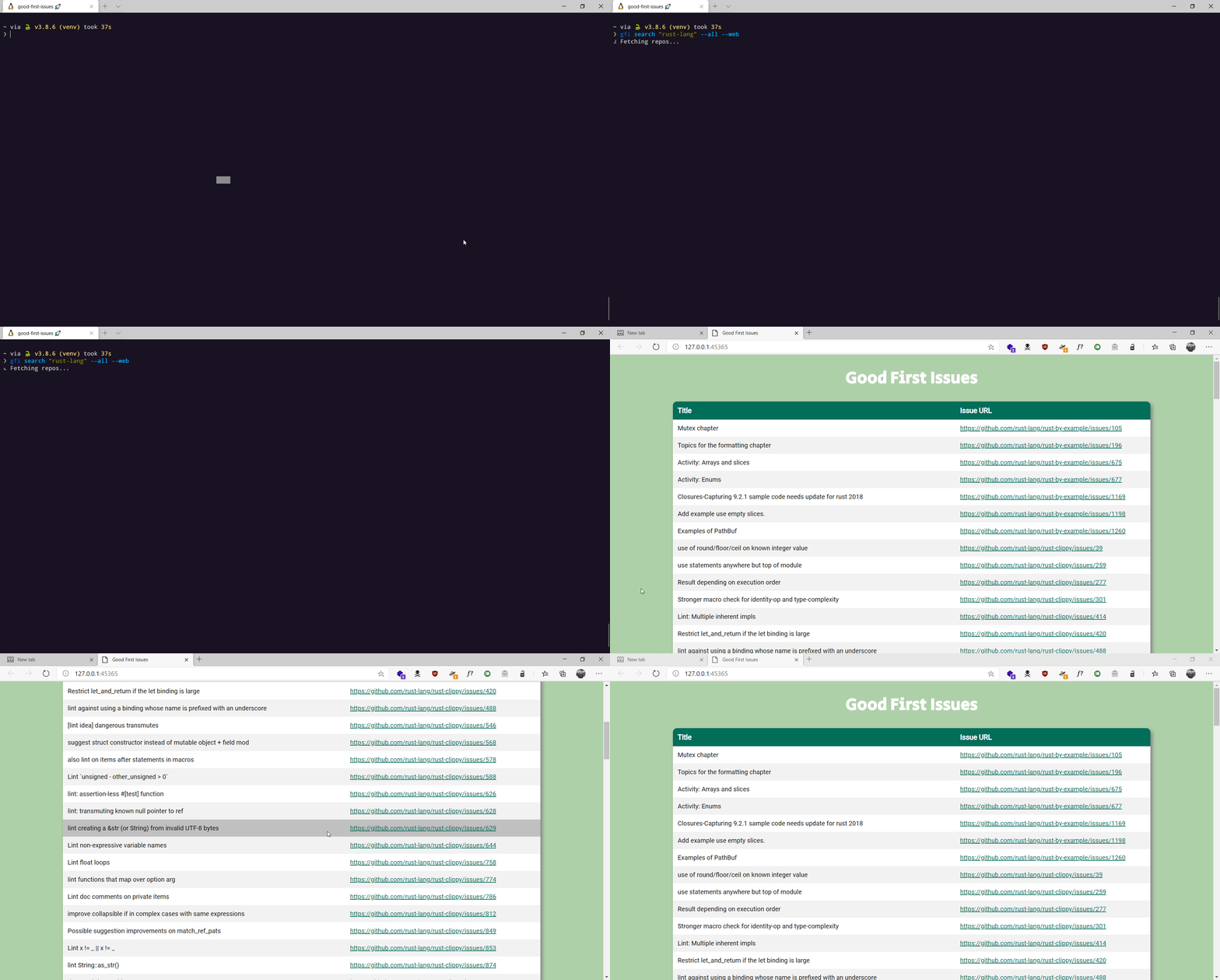
$ gfi search "rust-lang" --allIt's hard to navigate through all the issues when you have the --all flag enabled, you can view the issues on your browser with ease using the --web flag.
$ gfi search "facebook" --all --webDemo

For guidance on setting up a development environment and how to make a contribution to good-first-issues, see the contributing guidelines.