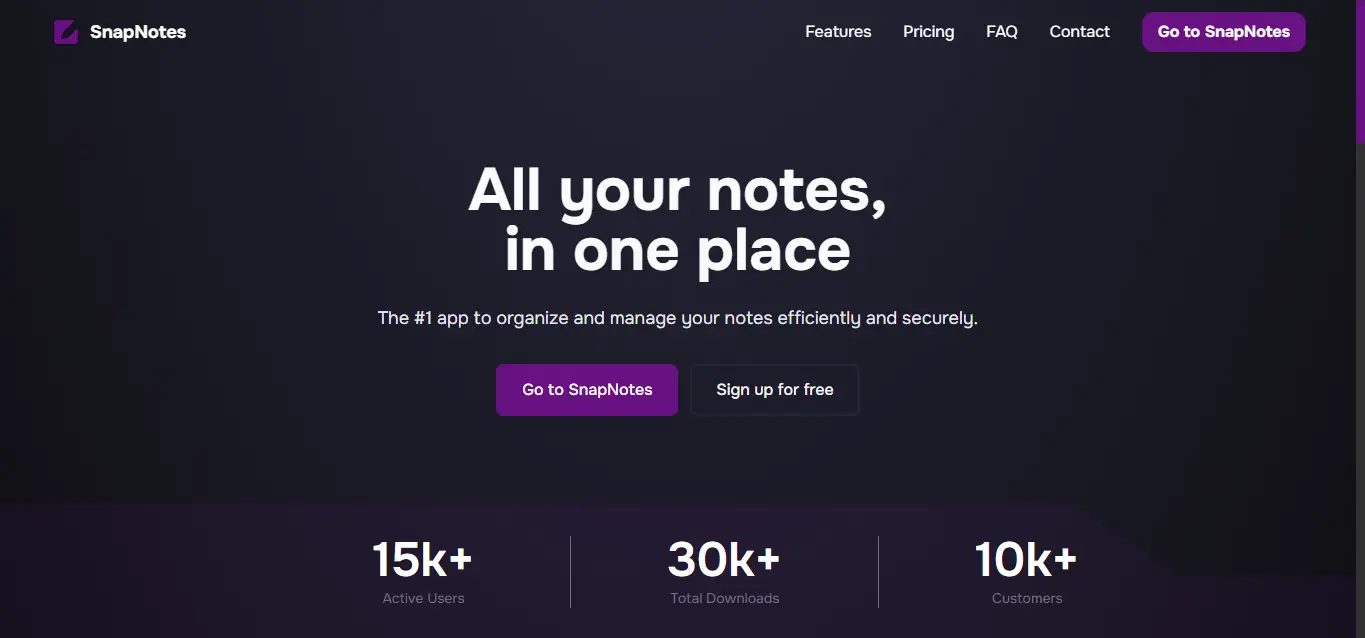
A modern note-taking application that allows you to capture, organize, and manage your notes with ease.
frontend: Next.js + React + Tailwindbackend: Express + Prisma + PostgreSQL
- Authentication with cookie-based sessions
- Notes CRUD (create, read, update, delete)
- Pin/unpin notes
- Plan/subscription update flow from billing
snap-notes/
├─ frontend/            # Next.js app
├─ backend/             # Express + Prisma API
├─ pnpm-workspace.yaml
└─ README.md
- Node.js 20+
- pnpm 10+
- PostgreSQL database
- Clone the repository.
git clone https://github.com/yourusername/snap-notes.git
cd snap-notes- Install dependencies.
pnpm installCreate frontend/.env using frontend/.env.example:
NEXT_PUBLIC_BACKEND_URL=
NEXT_PUBLIC_STRIPE_PUBLISHABLE_KEY=
Create backend/.env using backend/.env.example:
APP_URL=
PORT=
CORS_ALLOWED_ORIGINS=
DATABASE_URL=
AUTH_JWT_SECRET=
AUTH_COOKIE_NAME=
STRIPE_SECRET_KEY=
STRIPE_WEBHOOK_SECRET=
RESEND_API_KEY=
EMAIL_FROM=onboarding@resend.dev
CSRF_SECRET=
To get STRIPE_WEBHOOK_SECRET for local development, use the Stripe CLI:
stripe listen --forward-to localhost:3001/payments/webhookCopy the whsec_... secret it prints and set it as STRIPE_WEBHOOK_SECRET.
Note for testing: Backend tests run against a real Postgres database. See the Testing section for setup.
From the workspace root:
pnpm --filter backend exec prisma generate
pnpm --filter backend exec prisma migrate deploy
For local development with new migrations:
pnpm --filter backend exec prisma migrate devRun each service in a separate terminal from the workspace root.
Terminal 1 (backend):
pnpm --filter backend devTerminal 2 (frontend):
pnpm --filter frontend devOpen http://localhost:3000.
Backend tests are integration tests that run against a real Postgres database — they do not mock Prisma. The test database is separate from your development database.
- Create a Postgres database for tests:
createdb snapnotes_test- Create
backend/.env.testwith these keys:
DATABASE_URL=postgresql://postgres:postgres@localhost:5432/snapnotes_test
AUTH_JWT_SECRET=test-jwt-secret
AUTH_COOKIE_NAME=snapnotes_session
STRIPE_SECRET_KEY=sk_test_dummy
STRIPE_WEBHOOK_SECRET=whsec_test
APP_URL=http://localhost:3000
RESEND_API_KEY=re_test
EMAIL_FROM=noreply@example.com
CSRF_SECRET=test-csrf-secret
Any whsec_... value works for STRIPE_WEBHOOK_SECRET — tests don't hit Stripe.
- Run the tests:
pnpm --filter backend testThe test script runs prisma db push against .env.test before Vitest, so the schema is synced automatically.
When the backend is running, interactive API docs are available at http://localhost:3001/docs (Swagger UI).
# frontend
pnpm --filter frontend dev
pnpm --filter frontend build
pnpm --filter frontend test
pnpm --filter frontend test:run
pnpm --filter frontend format
pnpm --filter frontend format:check
pnpm --filter frontend lint

# backend
pnpm --filter backend dev
pnpm --filter backend test
pnpm --filter backend lint
pnpm --filter backend lint:fix
pnpm --filter backend format
pnpm --filter backend format:checkThis project is licensed under the MIT License. See LICENSE.