You signed in with another tab or window. Reload to refresh your session.You signed out in another tab or window. Reload to refresh your session.You switched accounts on another tab or window. Reload to refresh your session.Dismiss alert
Sorry for not including the detail for how to use this.
When you install the extension, there is a little button 'Launch 🚀' on the bottom right corner in VS Code.
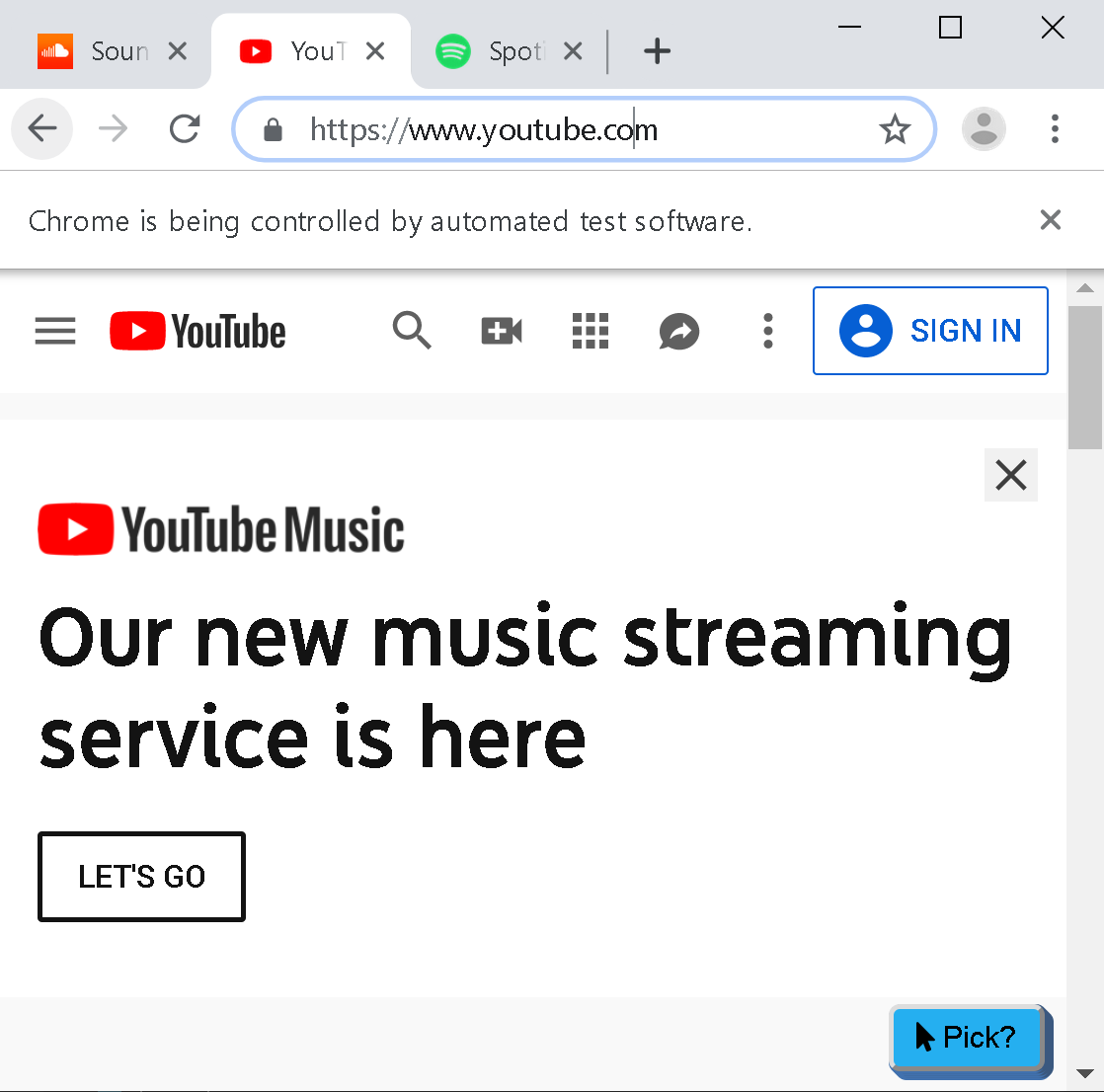
This button would bring up a Chrome or Chromium browser (I haven't test it with Chromium yet, I'm not sure if it would work). Note that, Chrome/Chromium needs to be installed first.
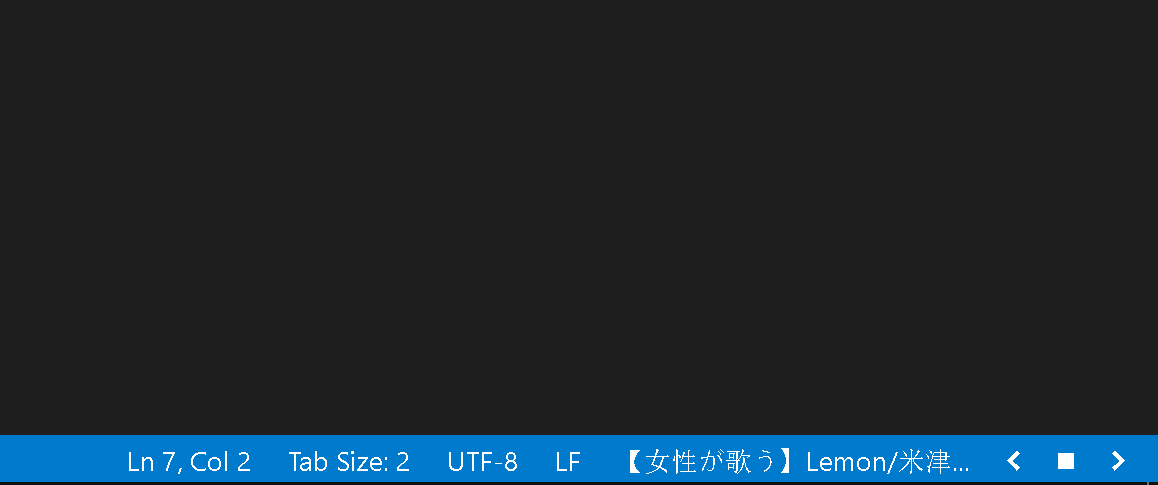
You will see a button on the bottom right in the browser. You have to click it to let the extension know which tab that you want to control. By clicking it, you will see the playback control buttons show up in VS Code a long with the tab title.
Enjoy!
@lanly-dev how can i pause song in the vscode....how can i change the mapping of keyboard shortcuts...i checked in settings.json and there is no setting related to it.

Activity
lanly-dev commentedon Sep 15, 2019
Sorry for not including the detail for how to use this.
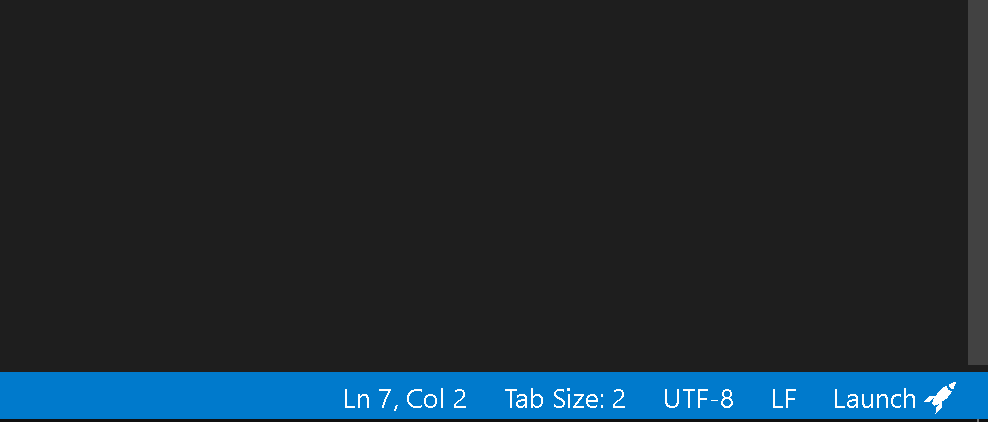
When you install the extension, there is a little button 'Launch 🚀' on the bottom right corner in VS Code.
This button would bring up a Chrome or Chromium browser (I haven't test it with Chromium yet, I'm not sure if it would work). Note that, Chrome/Chromium needs to be installed first.
You will see a button on the bottom right in the browser. You have to click it to let the extension know which tab that you want to control. By clicking it, you will see the playback control buttons show up in VS Code a long with the tab title.
Enjoy!
winsonet commentedon Sep 15, 2019
oh~~thanks!
Xart3misX commentedon Feb 26, 2020
how do i change the browser (mozzila firefox)
lanly-dev commentedon Feb 26, 2020
RegenJacob commentedon Aug 21, 2020
can i change the browser to brave?
lanly-dev commentedon Aug 22, 2020
@RegenJacob Yes, you need to edit on these 2 settings in order to use Brave browser:
lmptm.browserPath: Specify the preferred browser executable file path.lmptm.ignoreDisableSync: Ignore --disable-sync, this option is specifically for Brave browser.educbraga commentedon Aug 22, 2020
Hi! Is it possible to change it to Non-Incognito mode? I'm using Google Chrome :)
lanly-dev commentedon Aug 24, 2020
@educbraga there is a setting to turn it off:
lmptm.incognitoMode:Specify whether to launch browser in incognito/private mode.night05fury commentedon Nov 4, 2020
can i use it on microsoft edge??
lanly-dev commentedon Nov 5, 2020
@night05fury yes, for the new Edge that based on Chromium.
DroidZed commentedon Nov 19, 2020
What if I wanted to close the tab ? Can I have it continue playing the music after I linked it with spotify ?
lanly-dev commentedon Nov 20, 2020
@DroidZed No, it doesn't work like that. You could minimize the browser though.
DroidZed commentedon Nov 20, 2020
Yes, well I don't mind that. Thanks for making this plugin ! It's the only one that works and accepts free accounts ^^
gshanbhag525 commentedon Jul 4, 2021
@lanly-dev how can i pause song in the vscode....how can i change the mapping of keyboard shortcuts...i checked in settings.json and there is no setting related to it.
lanly-dev commentedon Jul 14, 2021
Alt+Windows+DownArrow to toggle play/pause.
For changing the key mapping, take a look at https://code.visualstudio.com/docs/getstarted/keybindings
jwalkerinterpres commentedon Oct 4, 2024
Why would you link to an issues page ... when you could just explain how to use the plug-in right where you ask the question?
lanly-dev commentedon Oct 5, 2024
hm.... maybe I didn't want to write more back then?