
A dark VS Code theme with warm amber accents — calm, focused, and easy on the eyes.


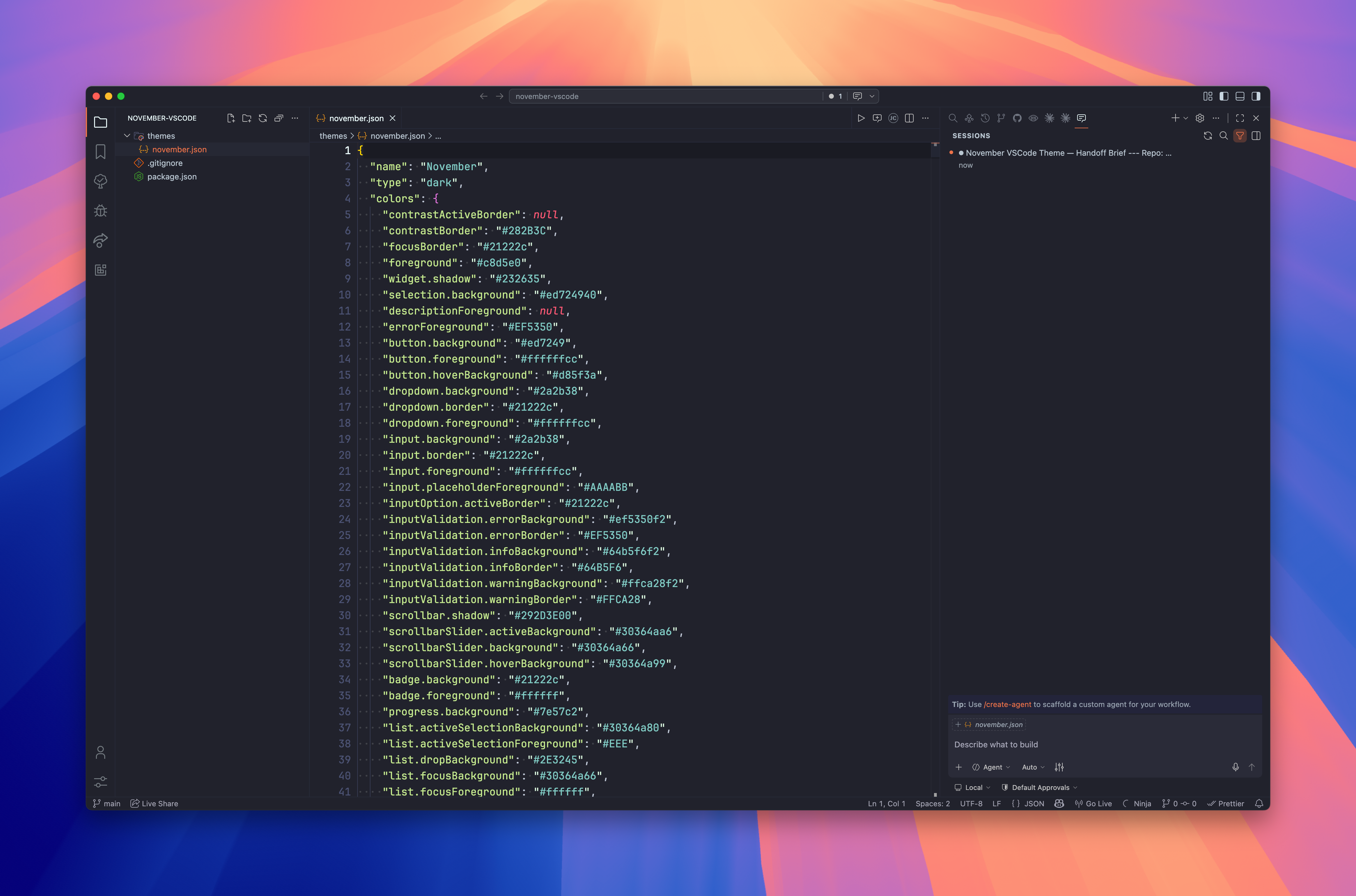
| Role | Colour | Hex |
|---|---|---|
| Background |  |
#21222c |
| Selection |  |
#30364a |
| Borders |  |
#272a38 |
| Accent |  |
#ed7249 |
| Foreground |  |
#c8d5e0 |
| Muted |  |
#b8c5d0 |
Via Marketplace
- Open VS Code
Cmd+Shift+X→ search November- Install →
Cmd+Shift+P→ Preferences: Color Theme → November
Via CLI
code --install-extension kud.november-vscode{
"workbench.colorTheme": "November",
"editor.fontFamily": "'JetBrains Mono', monospace",
"editor.fontLigatures": true,
"editor.cursorBlinking": "smooth"
}# Install tooling
npm install
Hello!
# Preview — symlink the repo into your VS Code extensions folder, then reload the window
ln -s "$(pwd)" ~/.vscode/extensions/november-vscode
# Package a .vsix for local testing
npm run package
# Check what will be bundled
npm run ls# Bump version, commit, tag, and push
npm run release:patch # bumps patch (x.x.N)
npm run release:minor # bumps minor (x.N.0)
npm run release:major # bumps major (N.0.0)
# Package and open the marketplace upload page
npm run marketplaceMIT © kud