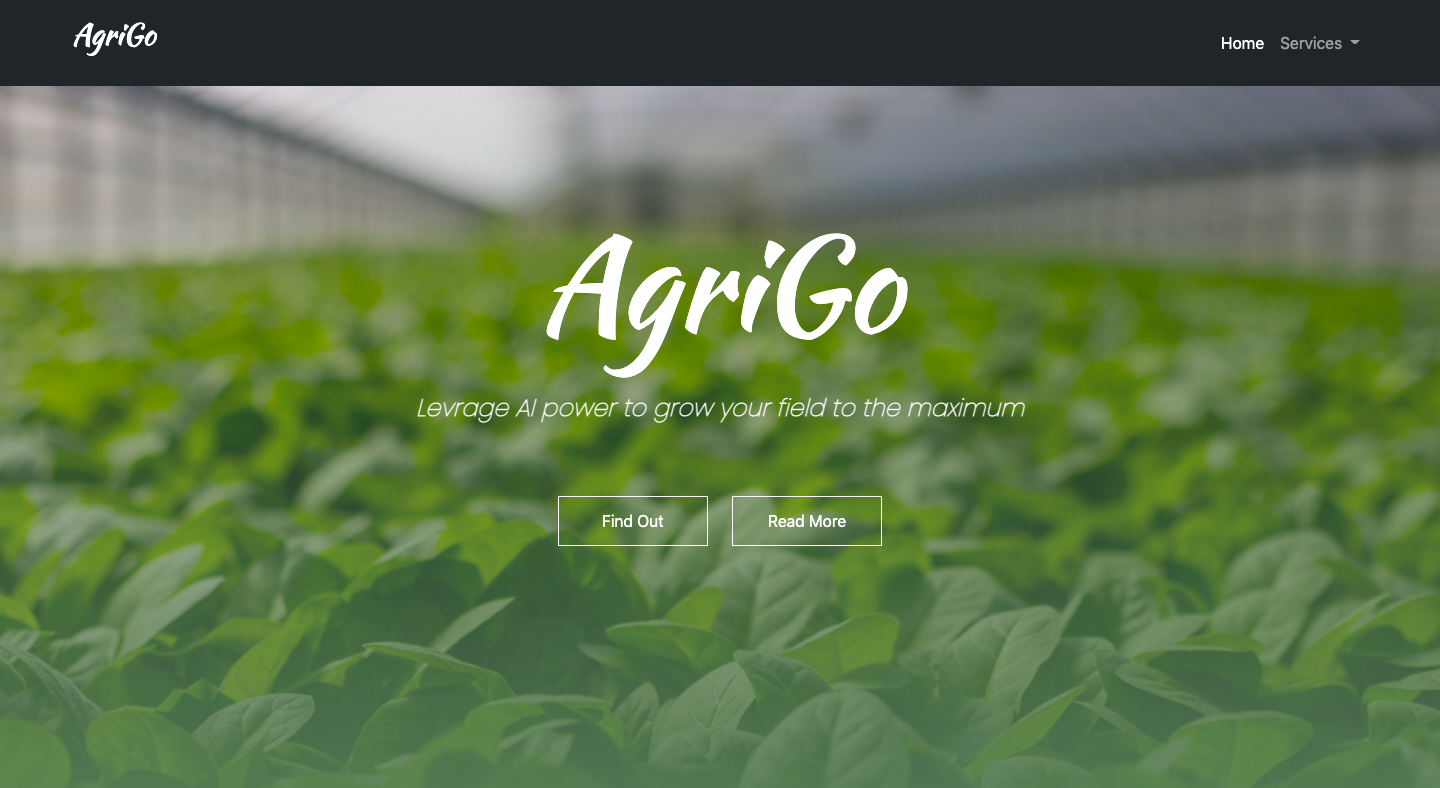
Agriculture faces a host of challenges, from unpredictable weather conditions to soil degradation and plant diseases. These issues can reduce crop yields, increase costs, and impact food security. AgriGo is a web application designed to bridge the gap between modern agricultural practices and advanced technologies like machine learning and deep learning. By providing tools for crop disease detection, fertilizer recommendations, and crop selection advice, AgriGo empowers farmers to make data-driven decisions and optimize their farming processes.
Farming is becoming increasingly complex due to:
- Limited access to expert advice for small-scale farmers.
- Inefficiency in crop selection based on soil and environmental conditions.
- Lack of knowledge about fertilizers to use for specific soil and crop types.
- Crop diseases going undetected, leading to reduced productivity.
AgriGo addresses these challenges with an easy-to-use platform that integrates scientific analysis into daily agricultural practices.
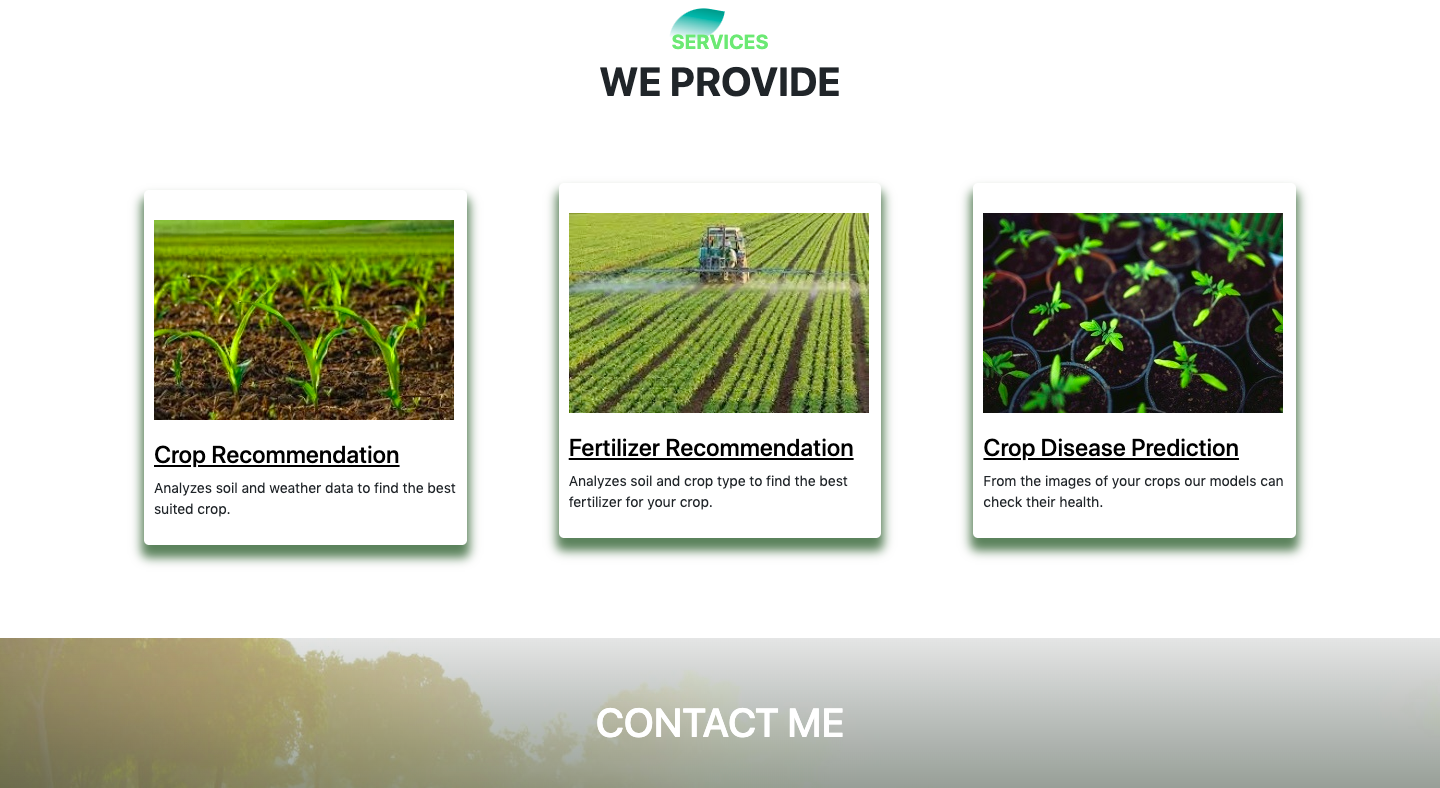
AgriGo analyzes soil properties like nitrogen, phosphorus, potassium (NPK) levels, moisture, temperature, and rainfall to suggest the most suitable crops for your farm. This ensures optimized crop selection tailored to your unique environmental conditions.
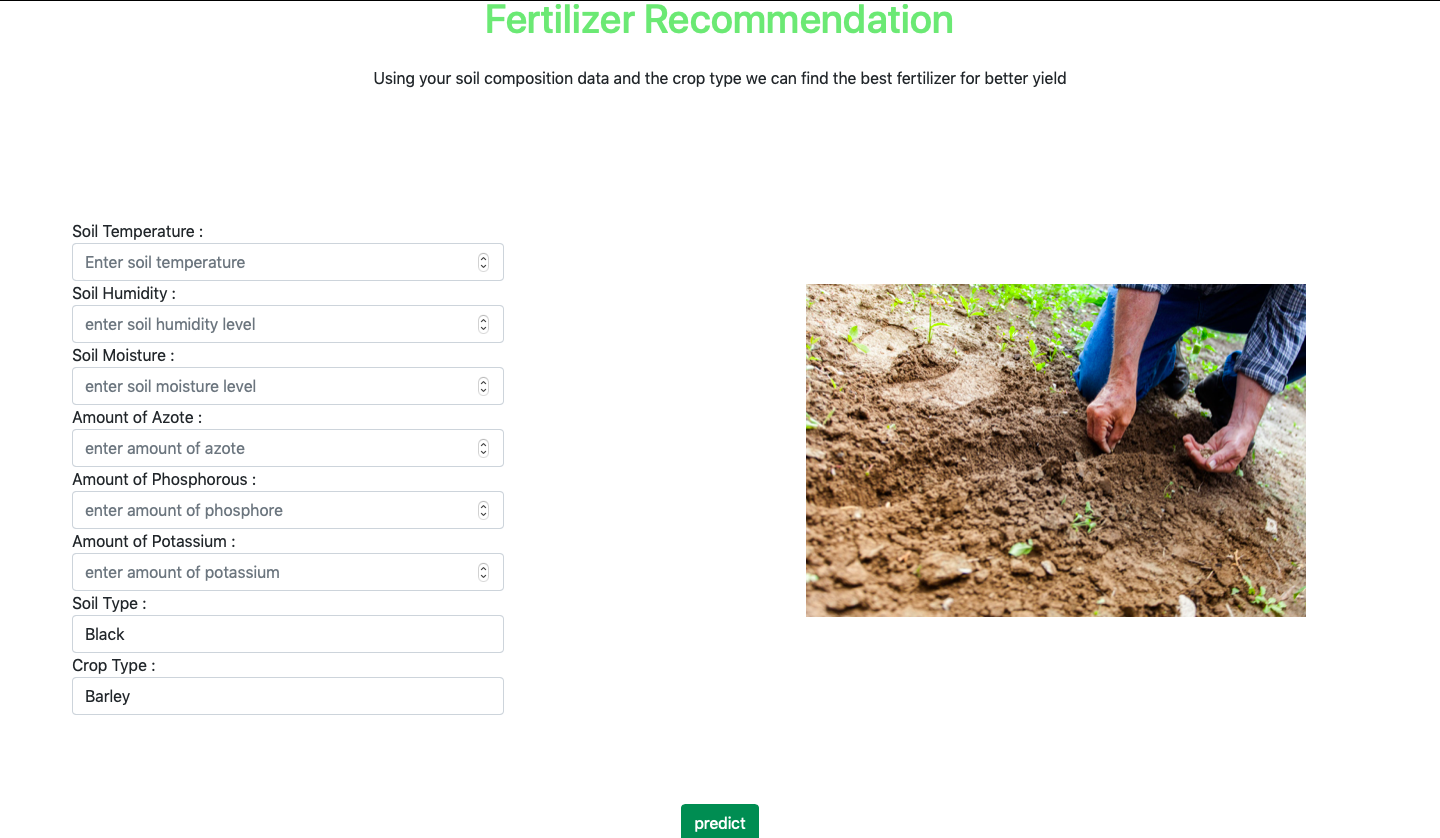
Using data such as soil type, pH, temperature, and the selected crop, AgriGo provides precise fertilizer recommendations. These suggestions help maintain soil health, improve crop growth, and maximize overall yield efficiency.
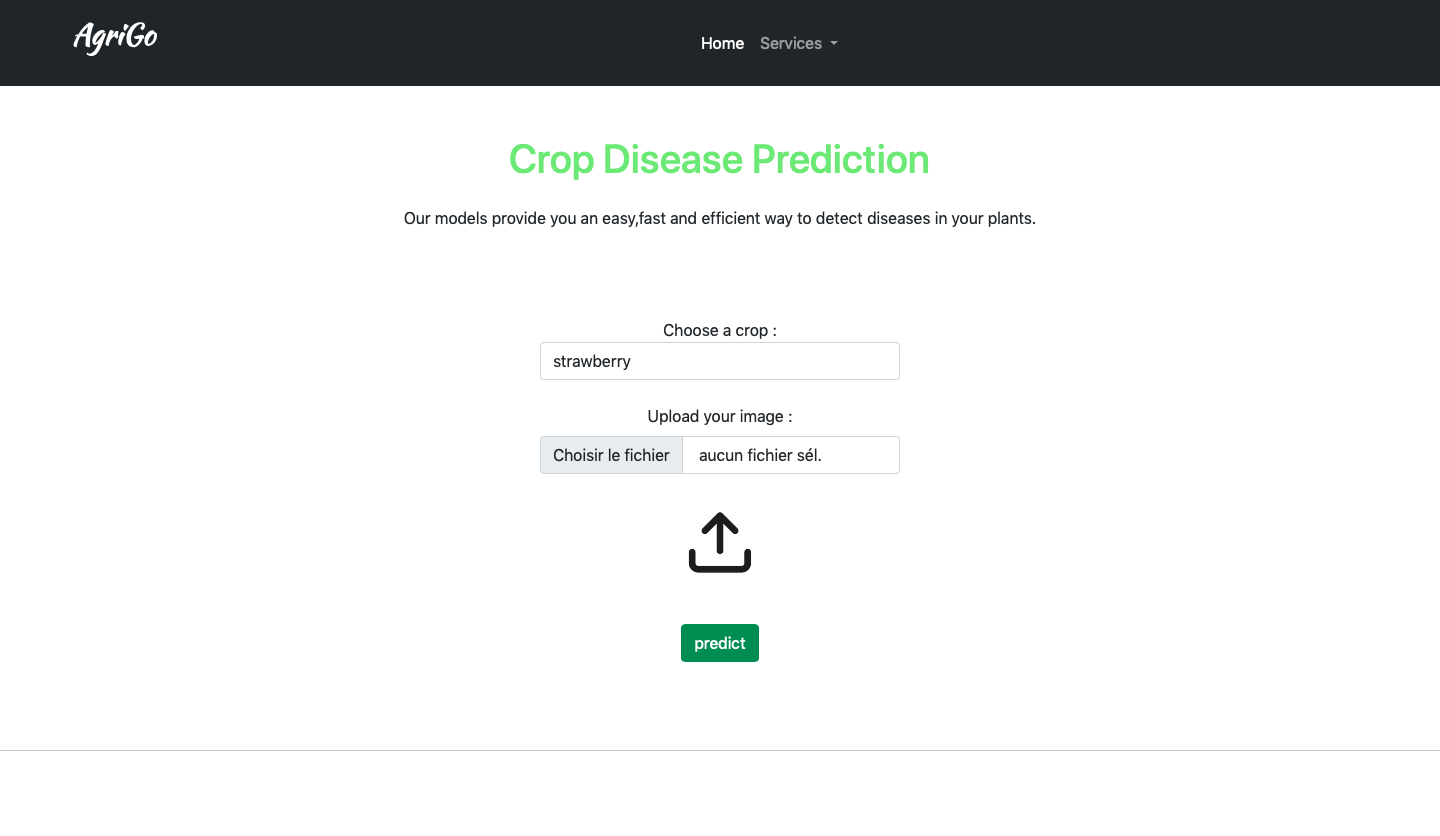
With just an uploaded image of your crop, AgriGo’s AI-powered image recognition system identifies diseases and evaluates plant health. This allows for quick interventions to protect your crops and prevent widespread damage.
git clone https://github.com/kaymen99/AgriGo.git
cd AgriGo-
Create and activate a virtual environment:
python -m venv venv
source venv/bin/activate  # On Windows: venv\Scripts\activate
-
Install dependencies:
pip install -r requirements.txt
-
Start the server:
python app.py
Visit the app at http://localhost:5000.
-
Build the Docker image:
docker build -t agrigo-webapp . -
Run the container:
docker run -p 5000:5000 agrigo-webapp
Visit the app at http://localhost:5000.
The datasets used for this project are sourced from Kaggle:
For questions or support, please contact me: aymenMir1001@gmail.com
Distributed under the MIT License. See LICENSE.txt for more information.