Extract your images from Word easily, using this program
This code uses docx2txt, a Python library that processes Word files
You can install that using the requirements.txt file provided in the code bundle, as follows:
pip install requirements.txtOnce this is done, you can start extracting images.
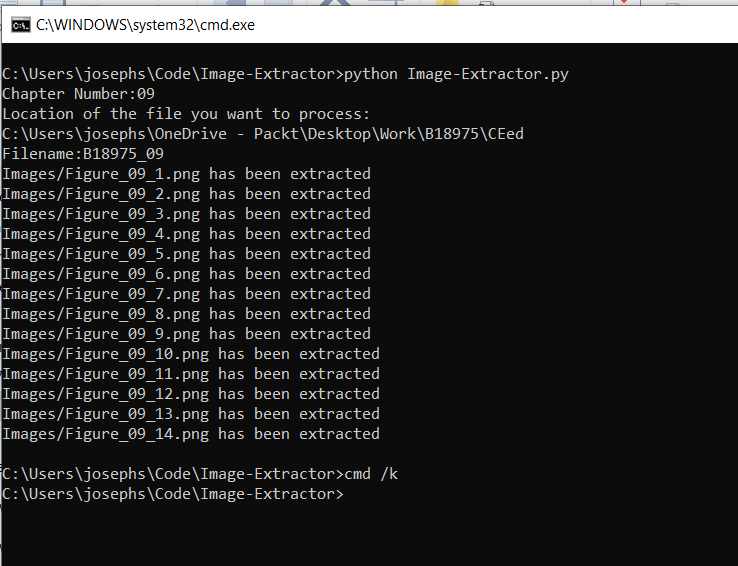
Run the file (run.cmd):
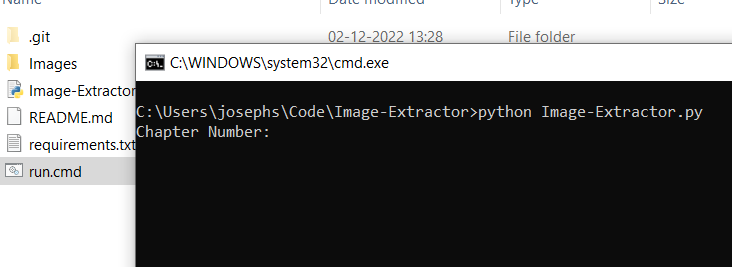
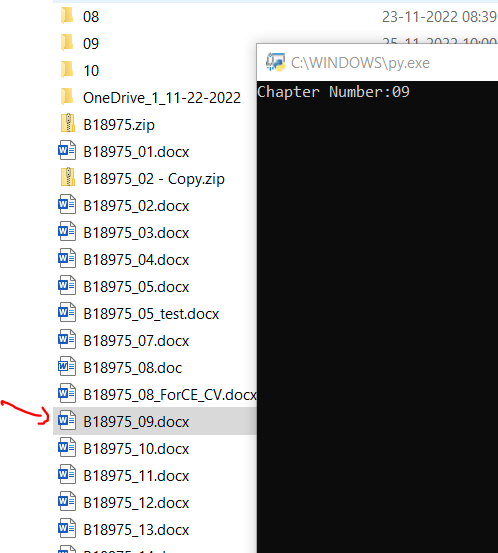
Input the chapter number:
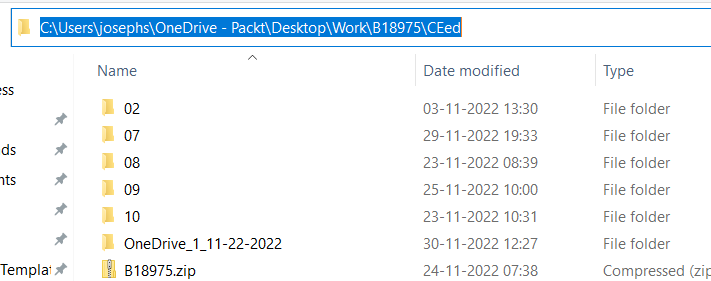
Input the path where the file is:
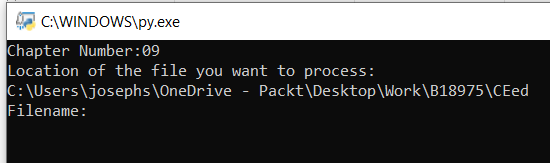
Input the name of the file (without extension):

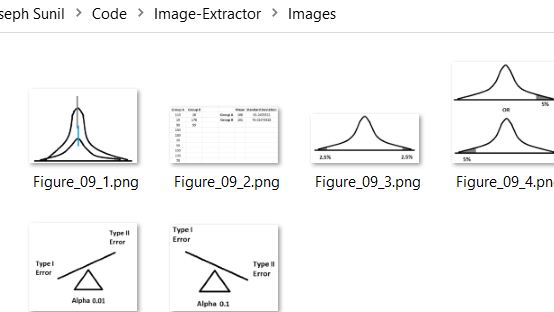
Watch the magic happen! Once the files are extracted, you can find them in the Images folder.
Images folder:
- GUI application
- Formula extraction
I'm a Senior Development Editor with a passion for coding, and making daily tasks easier