Order management solution, for retail stores. My second Full Stack app in 2020 😄.
Also, you can check out my first Full Stack app: orders-manager-php.
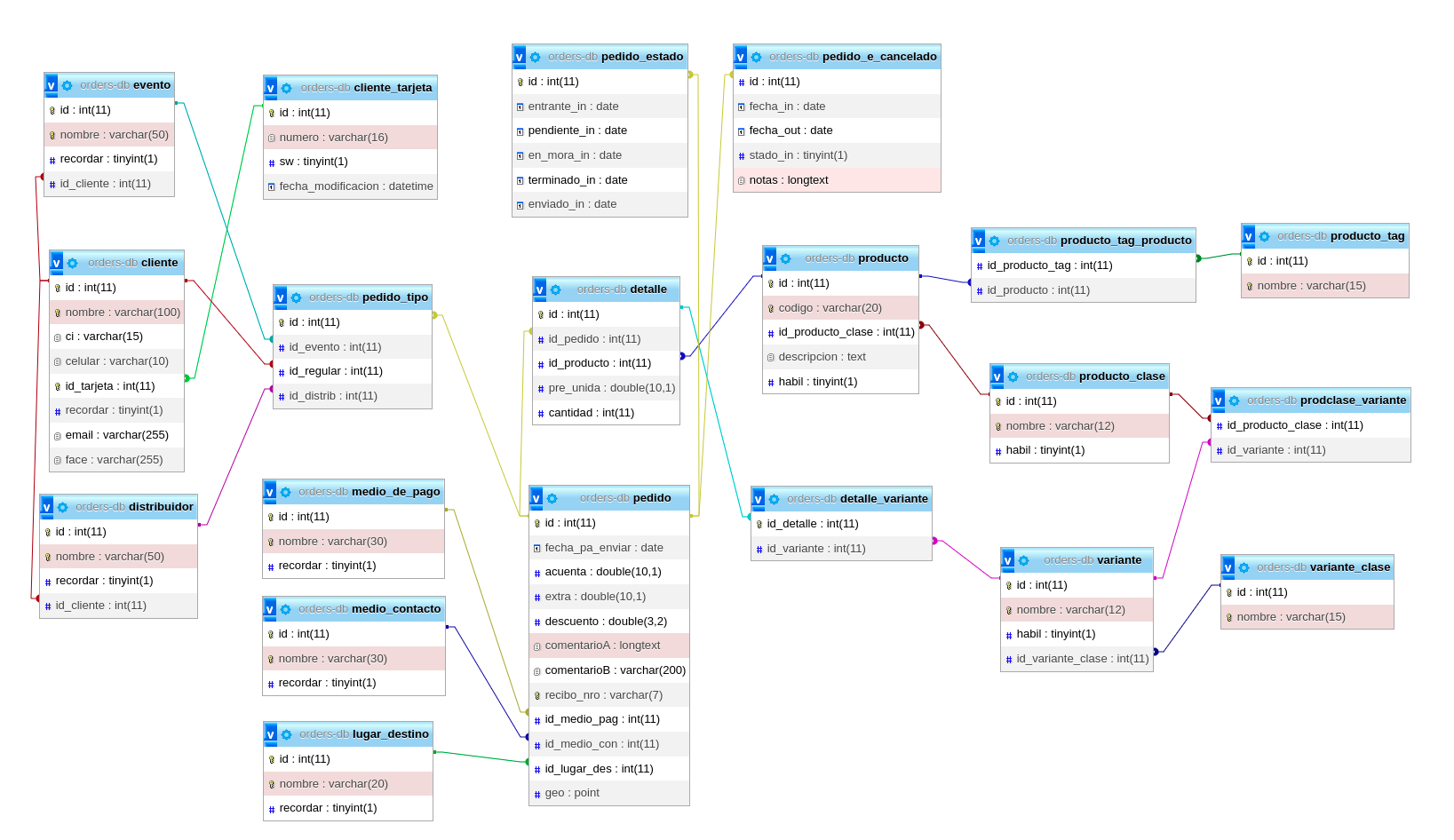
This project is a web application for managing orders, customers, products, and suppliers. It was developed for a retail store.
The project was initially created using NetBeans IDE 8.2 in 2020 and later transitioned to VSCode in 2022. It uses Java 8 with JSP and Servlets and utilizes a MariaDB 10.4 database, while Apache Tomcat 8.5 serves as the server. Deployment can be easily accomplished using Docker.
For more information on deploying Tomcat applications, you can refer to this quick article: tomcat-root-application.
Some of the features are:
- Manage customers, products, suppliers, and orders.
- Generate PDF invoices and order itineraries.
- Review customer and product details.
- Review order status: incoming, approved, shipped, payment debts, canceled.
- Review order location on a map.
- JS Libraries: jQuery, ChartJS, Datatables, Vue.js, Fraction.js, Leaflet, Date Range Picker
- Programming Language: Java
- CSS Libraries: W3.CSS
- Icon library: Font Awesome
- Database: MariaDB
- Wiki world map: OpenStreetMap
- Typesetting system: Latex
- Project management tool: Maven
- Server: Apache Tomcat
- Dev Environment: VSCode with dev containers in Zorin OS
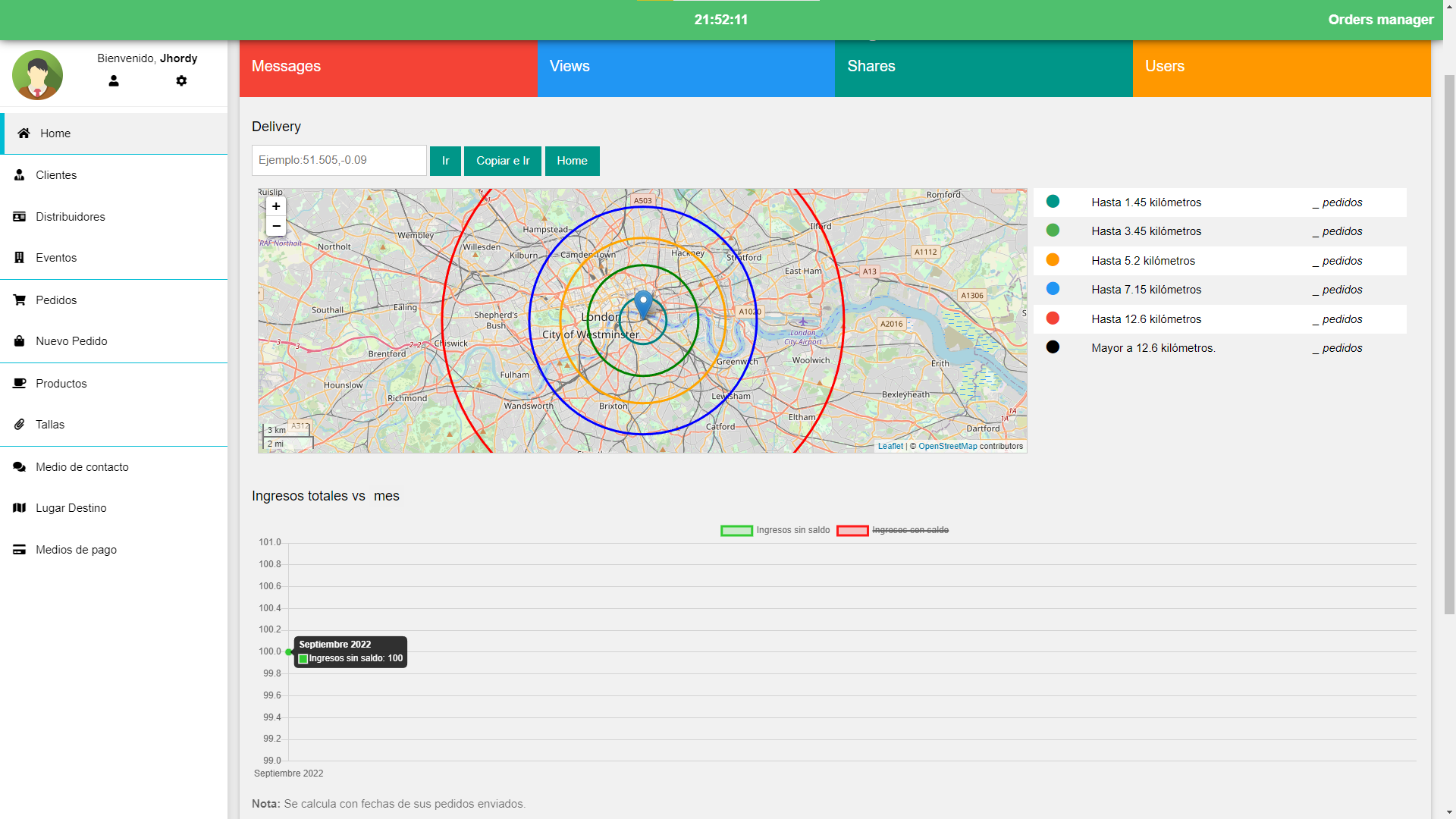
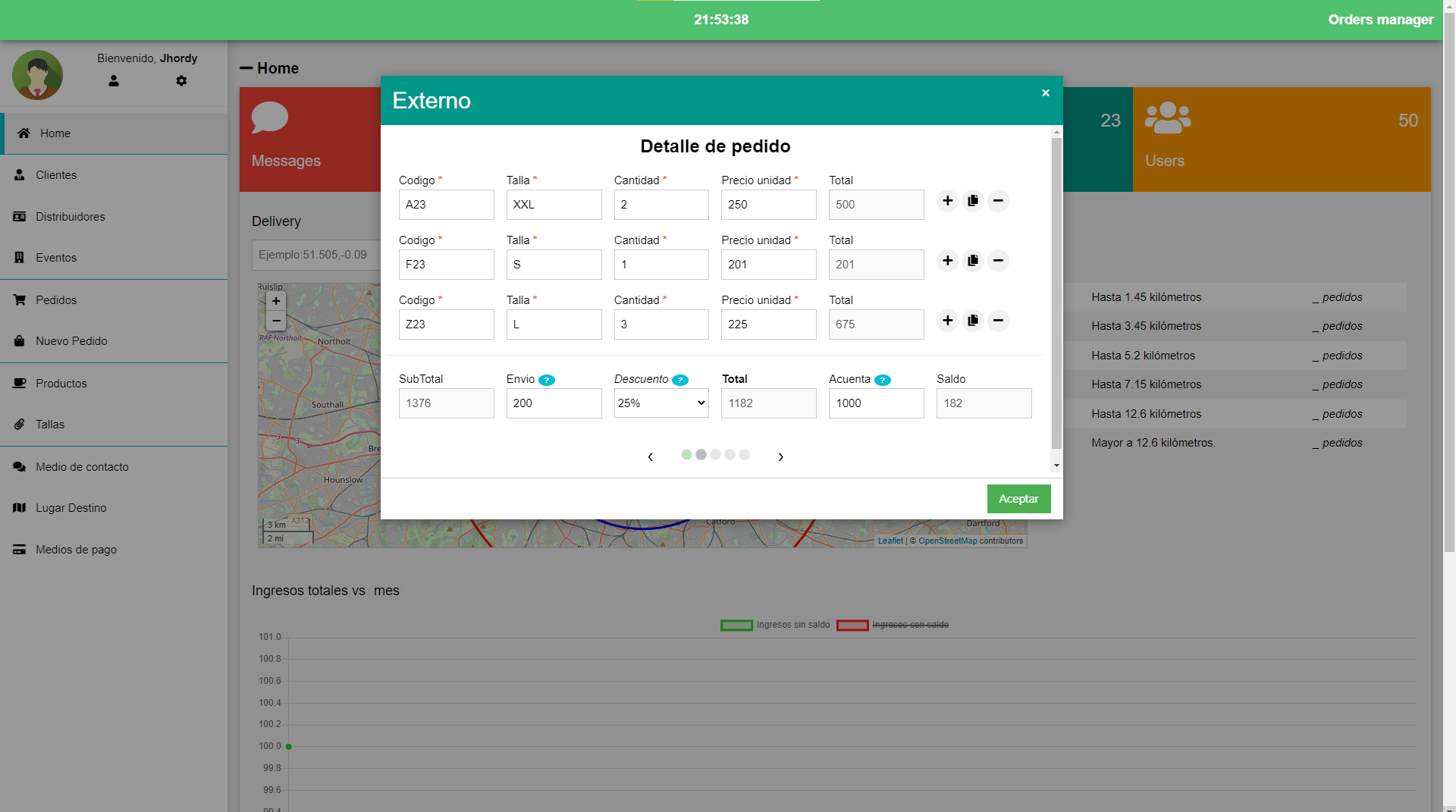
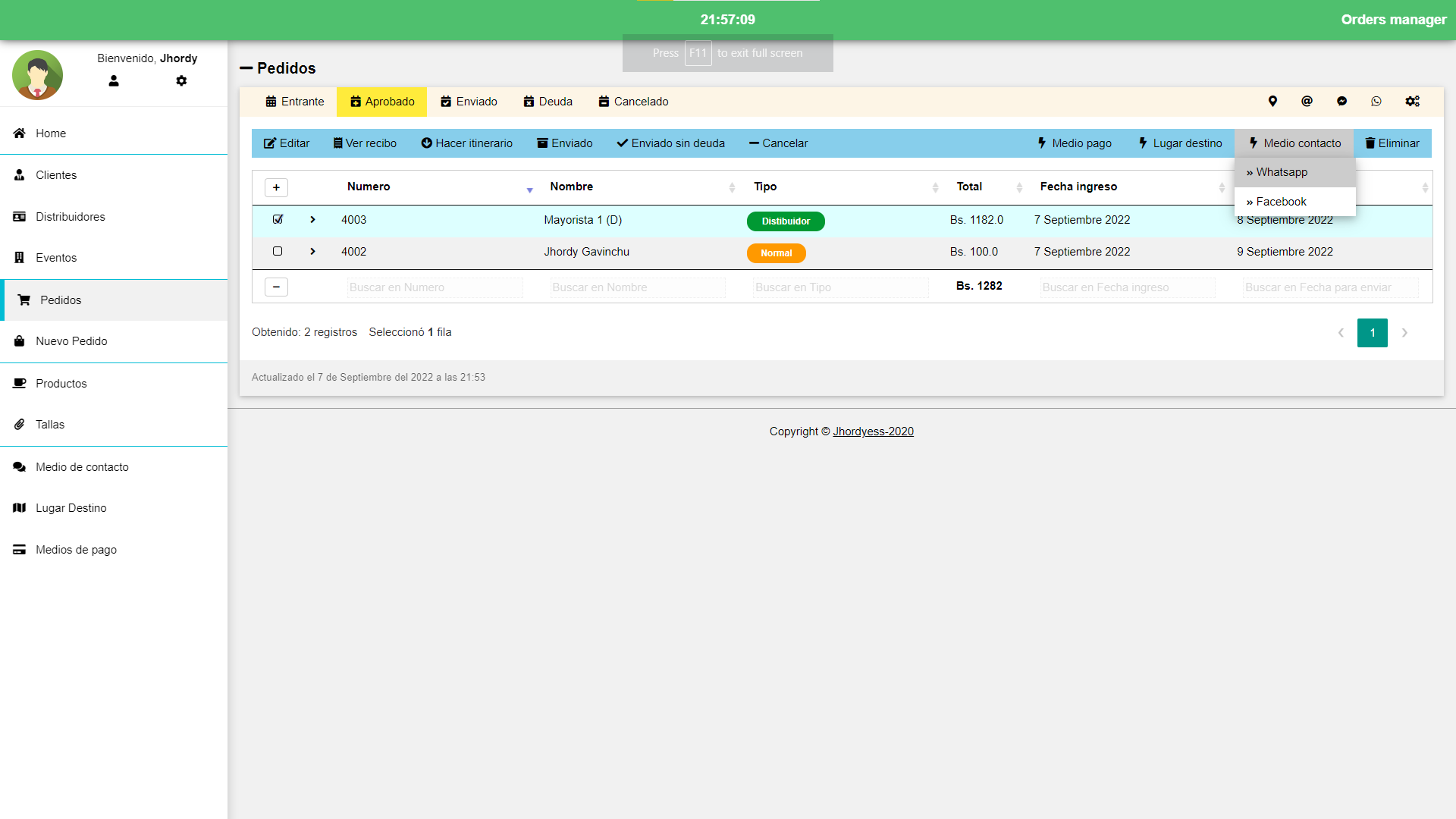
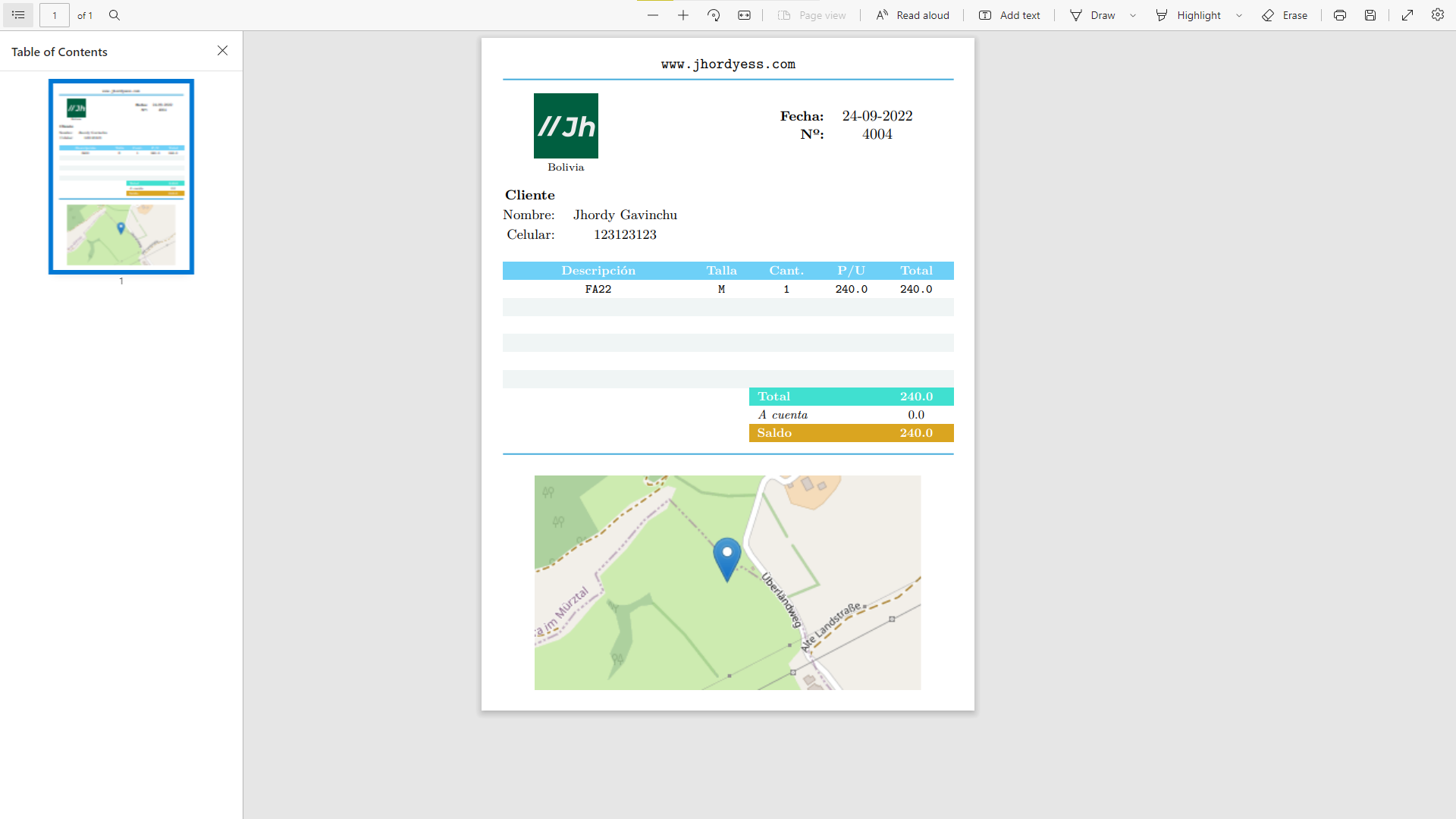
You can use the VSCode dev containers to run the project in a containerized environment.
You need to have installed Docker and VSCode, and the Dev Containers extension.
- Clone this repository
git clone git@github.com:jhordyess/orders-manager-java.git- Open the project in VSCode
code orders-manager-java-
Create a
.envfile in the root folder by copying the example from the.env.examplefile. -
Open the integrated terminal (Ctrl+Shift+`) and run the following command:
docker compose -f docker-compose.dev.yml up -d-
Open the command palette (Ctrl+Shift+P) and select the option
Dev Containers: Open folder in Container. -
Select the folder
java-appand wait for the container to be built. -
Open the integrated terminal (Ctrl+Shift+`) and run the following command:
bash dev.sh- Open the browser and visit http://localhost:8080/
To run the project in production mode, remember to create the .env file in the root folder by copying the example from the .env.example file.
Then, run the following command:
docker compose -f docker-compose.prod.yml up -dTo stop or remove the containers, use the following commands:
docker compose -f docker-compose.prod.yml downTake note that this production configuration is just for testing purposes, and maybe need some changes to be used in a real production environment.
- The project was originally created in Spanish, and still needs to be translated.
- Migrate MariaDB 10.4 to 10.6(LTS).
- Migrate Tomcat 8.5 to 9 or 10 by upgrading Java version to 11 or 17.
- Unnecessary event field for order registry.
- Improve Dashboard
- Fix login, users and roles.
If you would like to contribute to the project, open an issue or make a pull request on the repository.
© 2022 Jhordyess. Under the MIT license. See the LICENSE file for more details.
Made with 💪 by Jhordyess