Skip to content

Latest commit


History

3 Commits

Folders and files

NameName
Last commit message
Last commit date


Repository files navigation

PurchaseHelper

Sample app to explain the In-App purchase implementation in Android using Play-billing library
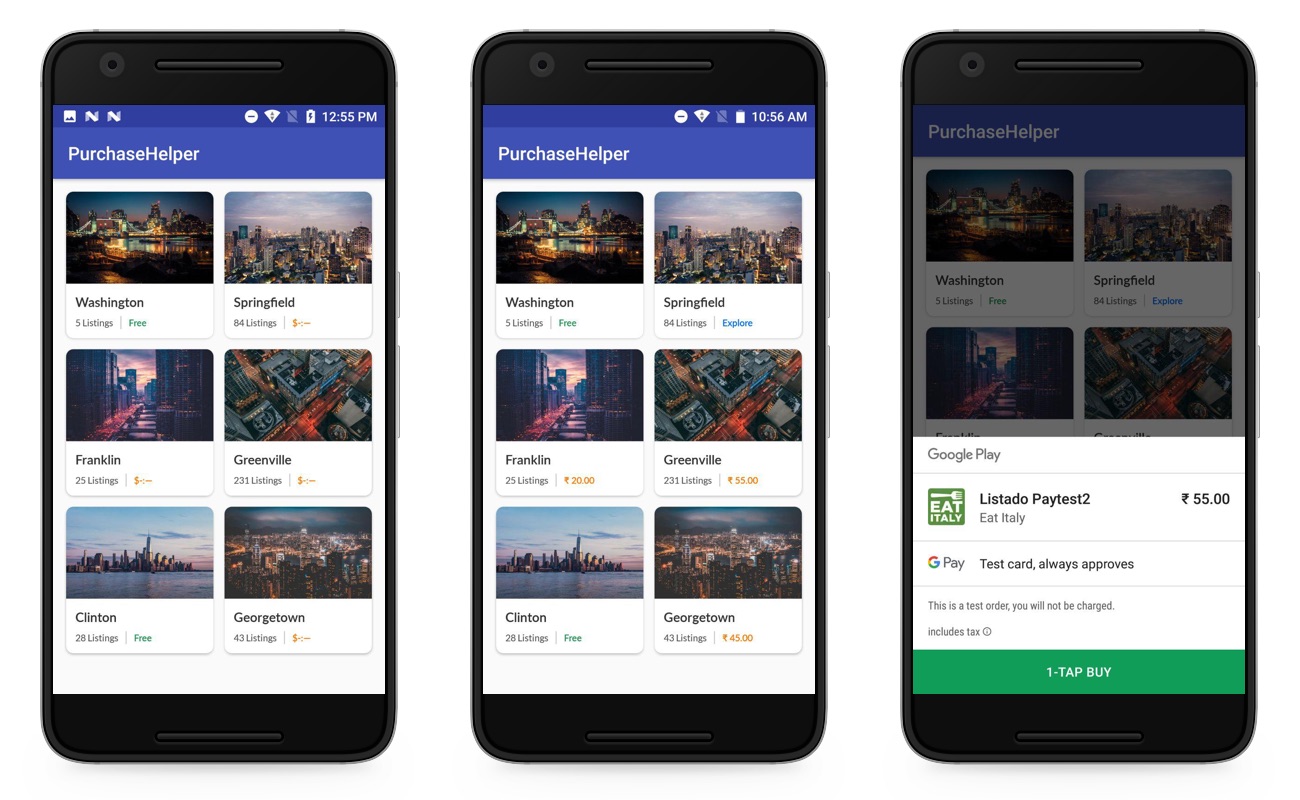
ScreenShot

Note:

Before executing the project you have to change the “applicationId” in the build.gradle(app) and also the “product_id” in the city_list.json file which is in the assets folder.

For more information, check out my detailed guide here : https://droidmentor.com/inapppurchase-subscription/

About

Sample app to explain the In-App purchase implementation in Android using Play-billing library

Topics

Resources

Stars

35 stars

Watchers

3 watching

Forks

Releases

Packages

Contributors

Languages