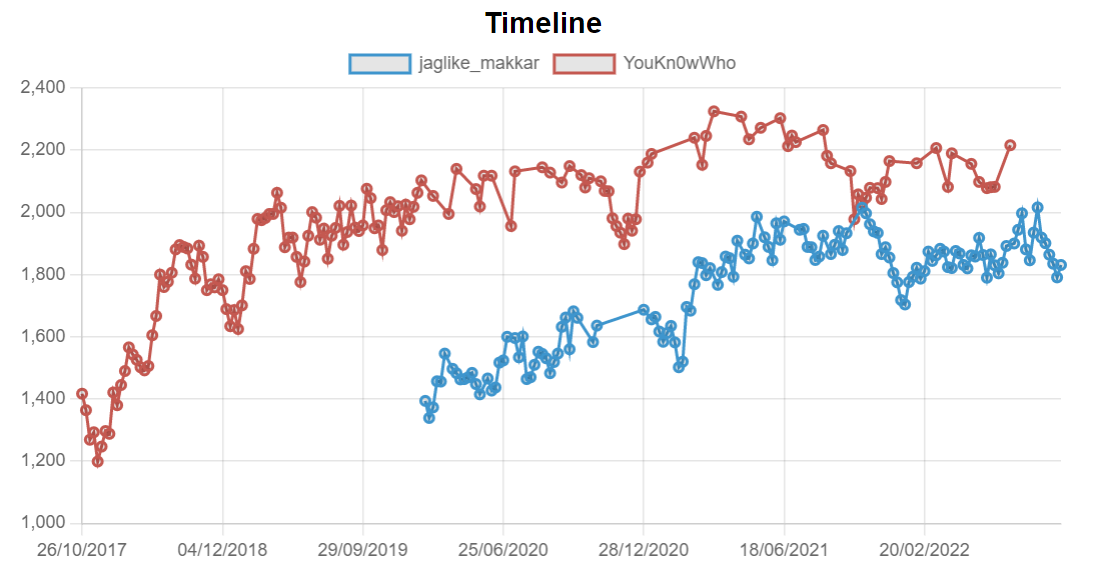
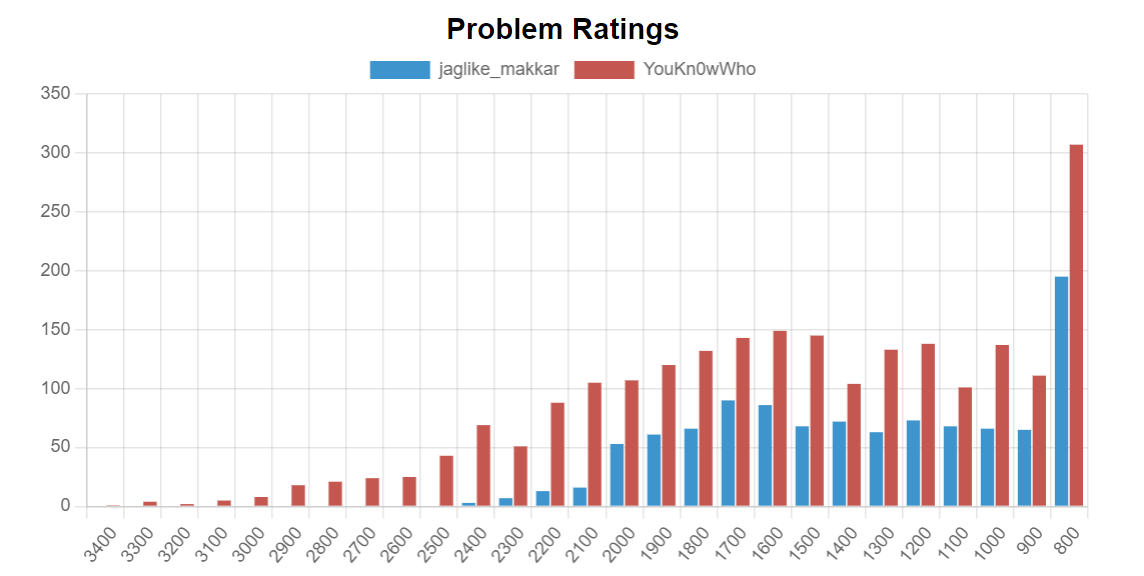
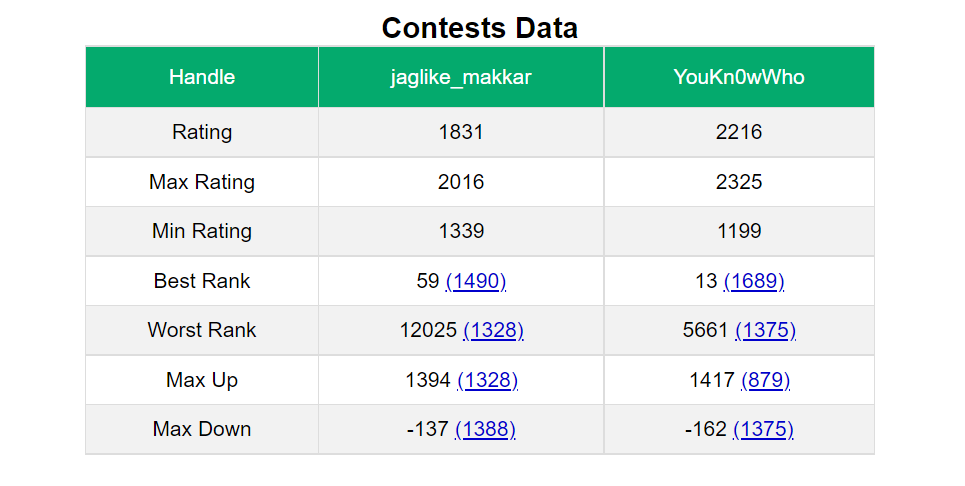
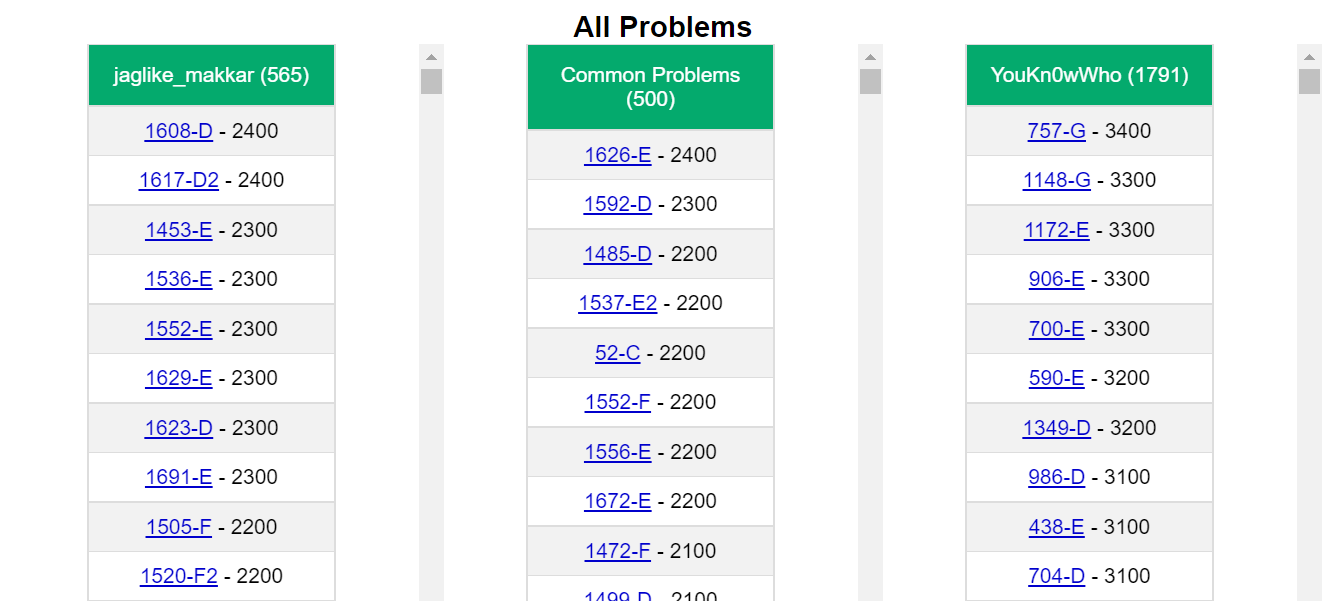
Extension to analyze and compare your Codeforces performance with others.
- Download and extract the repository in your local machine.
- Go to
Chrome -> 3 dots -> More tools -> Extensionsand turn on theDeveloper Mode. - Click on
Load unpackedand select the folder you extracted. - In the extensions list, find
Codeforces Compareand enable it if unabled. - Login on Codeforces and go on someones profile page.
- You will see a new Compare tab next to handle name tab. Click on it.
To see only recent data, click on extension and enter the number of months in the popup.