Unofficial. All-in-one voice and text chat for gamers that's free, secure, and works on both your desktop and phone.
This AppImage is built using only the official release provided at https://discord.com
The base software has been unofficially repackaged as an AppImage for demonstration purposes, for the original authors, to promote this packaging format to them. Consider this package as "experimental". I also invite you to request the authors to release an official AppImage, and if they agree, you can show this repository as a proof of concept.
This repository was inspired by https://github.com/srevinsaju/discord-appimage and it was conceived as a continuation of that work with the adoption of a more recent AppImage runtime with no dependency on libfuse2, a simpler, more compact, flexible and intuitive build scheme, so as to facilitate the improvement of the forks, if you will want to create one.
The AppImages from the "historic" repository of srevinsaju can be installed in "AM" using the -e option, or by downloading the existing script and changing ivan-hc/Discord-appimage with srevinsaju/discord-appimage and then installing the local scripts with -i, dragging them into the terminal.
Their replacement in "AM" with my AppImages are intended to innovate the AppImage format with new technologies, ensuring the continuity that the author of the other repository said he could not guarantee due to too many commitments that keep him away from github.
I hope you can appreciate my work and my commitment to this project.
As of December 16, 2025, this AppImage has been replaced in the "AM" package manager in favor of this one:
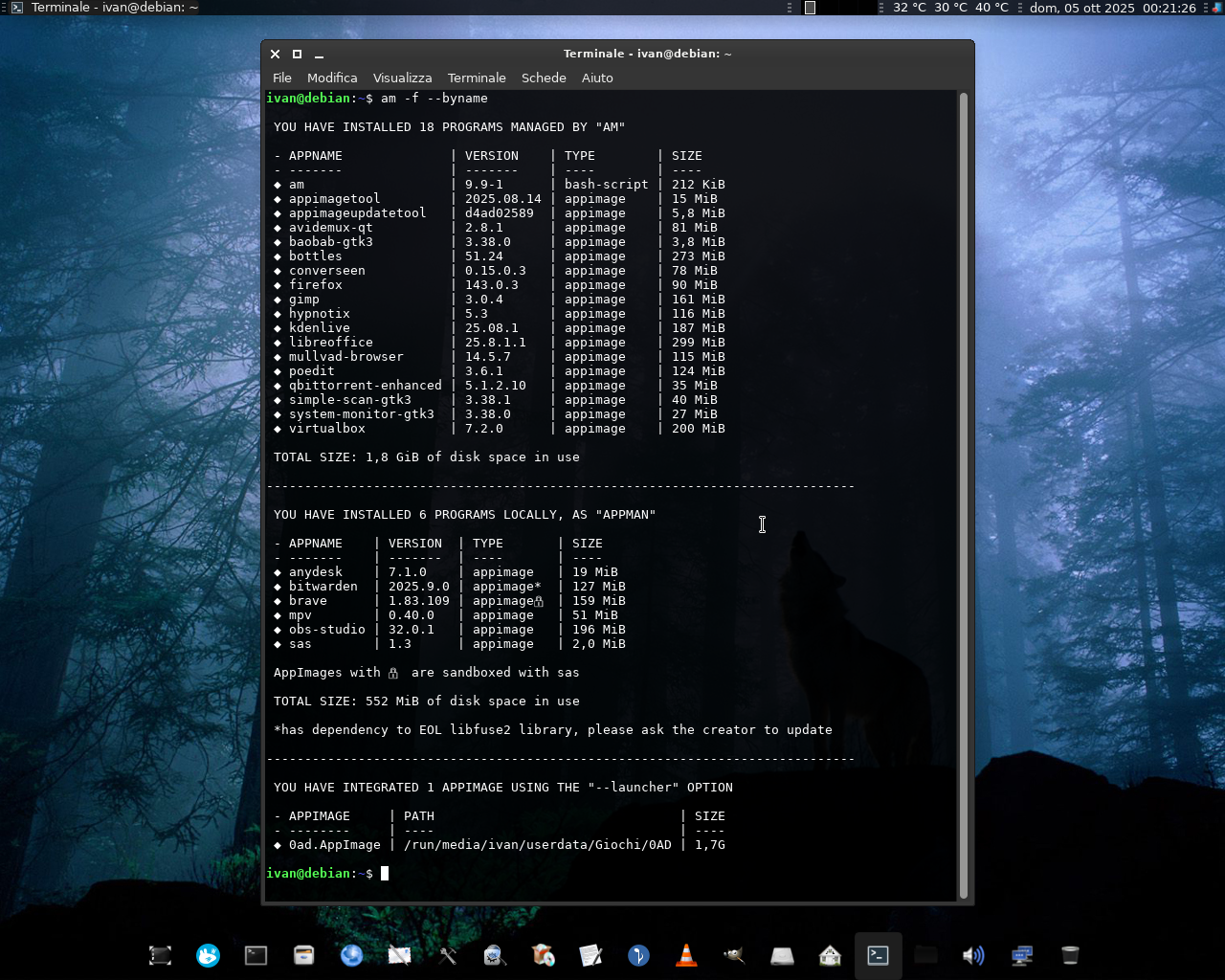


"AM"/"AppMan" is a set of scripts and modules for installing, updating, and managing AppImage packages and other portable formats, in the same way that APT manages DEBs packages, DNF the RPMs, and so on... using a large database of Shell scripts inspired by the Arch User Repository, each dedicated to an app or set of applications.
The engine of "AM"/"AppMan" is the "APP-MANAGER" script which, depending on how you install or rename it, allows you to install apps system-wide (for a single system administrator) or locally (for each user).
"AM"/"AppMan" aims to be the default package manager for all AppImage packages, giving them a home to stay.
You can consult the entire list of managed apps at portable-linux-apps.github.io/apps.
Go to https://github.com/ivan-hc/AM for more!
| Install "AM" | See all available apps | Support me on ko-fi.com | Support me on PayPal.me |
|---|
