- Introduction
- Accessing the WebApp
- Features
- Mobile Support
- Development
- Contributors
- Built with
- License
CompuTester is a versatile web application designed to help users quickly test and diagnose issues with their personal devices. This multilingual tool provides essential functionality to check the status of peripherals such as webcams, microphones, speakers, and keyboards. Additionally, it offers valuable information about network details, IP addresses, user agents, and browser versions. Whether you are a repair technician, a power user, or simply trying to troubleshoot device issues, CompuTester can provide valuable insights and help you get back up and running quickly.
You can access CompuTester by visiting the official website: https://computester.net.
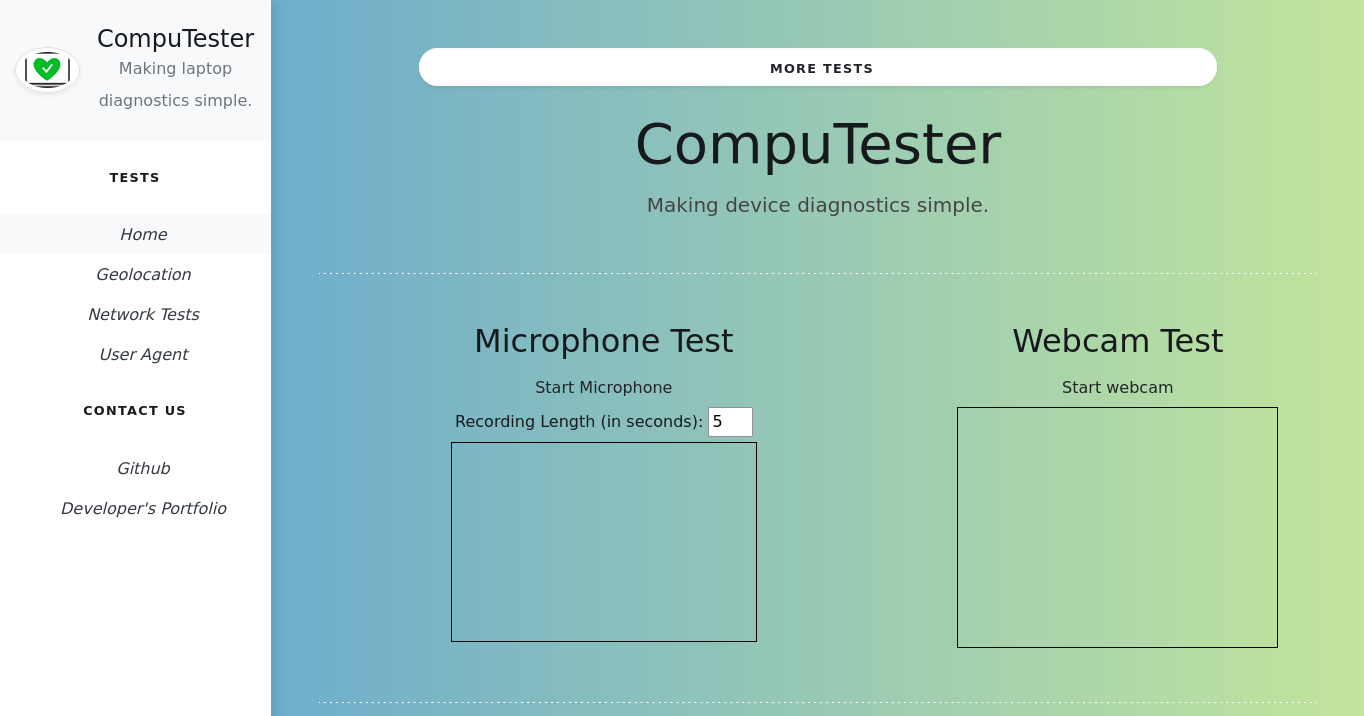
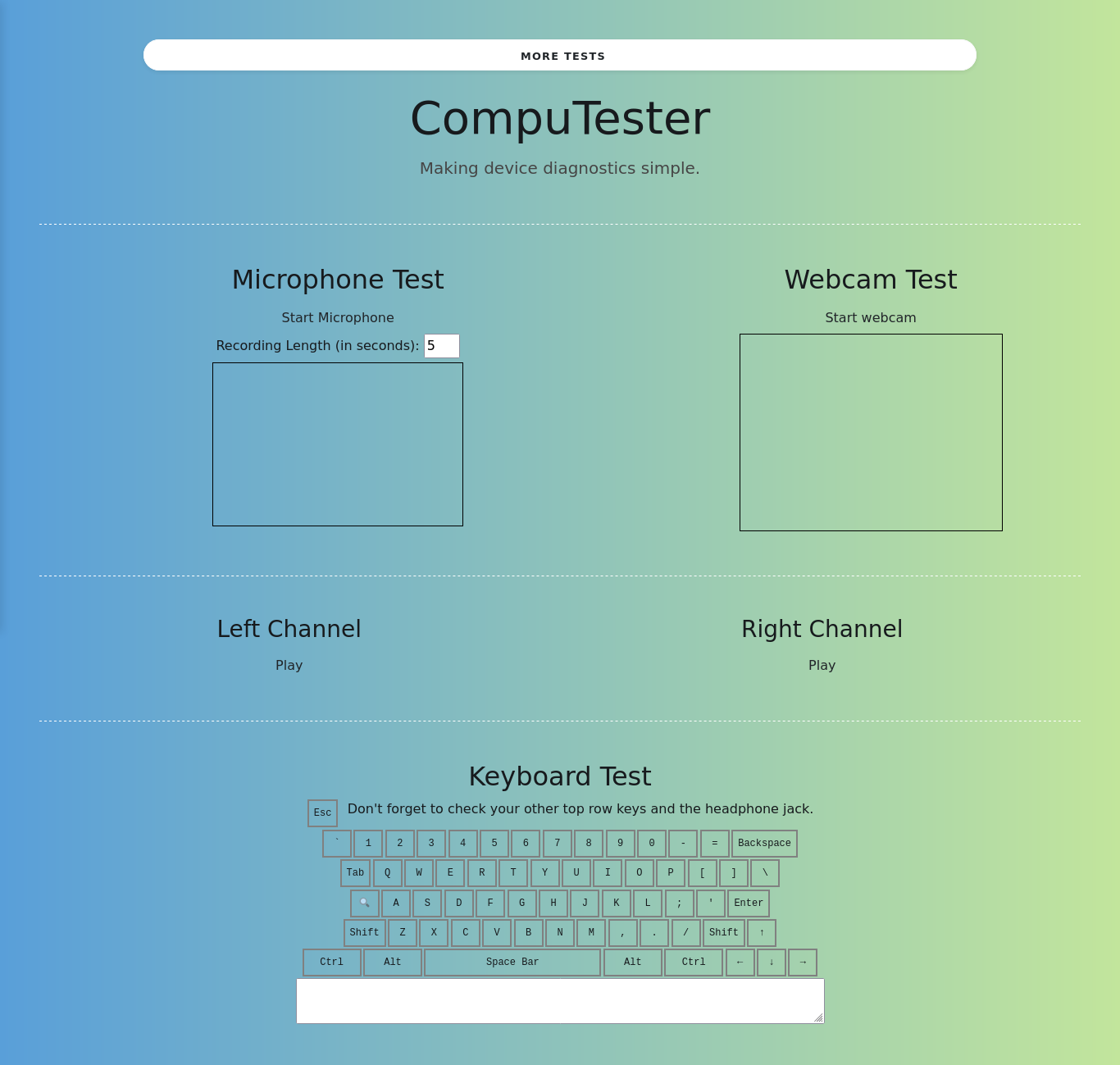
The CompuTester landing page offers four core tests for diagnosing laptop issues:
- Webcam Test: Quickly determine the status of your webcam.
- Microphone Test: Check if your microphone is functioning correctly.
- Speaker Test: Ensure your speakers are working as expected.
- Keyboard Test: Validate the functionality of your keyboard.
- Dark Mode: Users can toggle between light and dark mode to adjust the appearance of the interface to their preference. Dark mode can be activated by clicking the "Dark Mode" button, providing a more comfortable viewing experience in low-light conditions.
These tests are particularly useful for fast diagnostics of laptops and were initially designed for repairing and refurbishing Chromebooks.
CompuTester provides additional module tests that expand its diagnostic capabilities. These tests are invaluable when diagnosing specific device issues.
- Module Test 1:
- Module Test 2:
- Module Test 3:



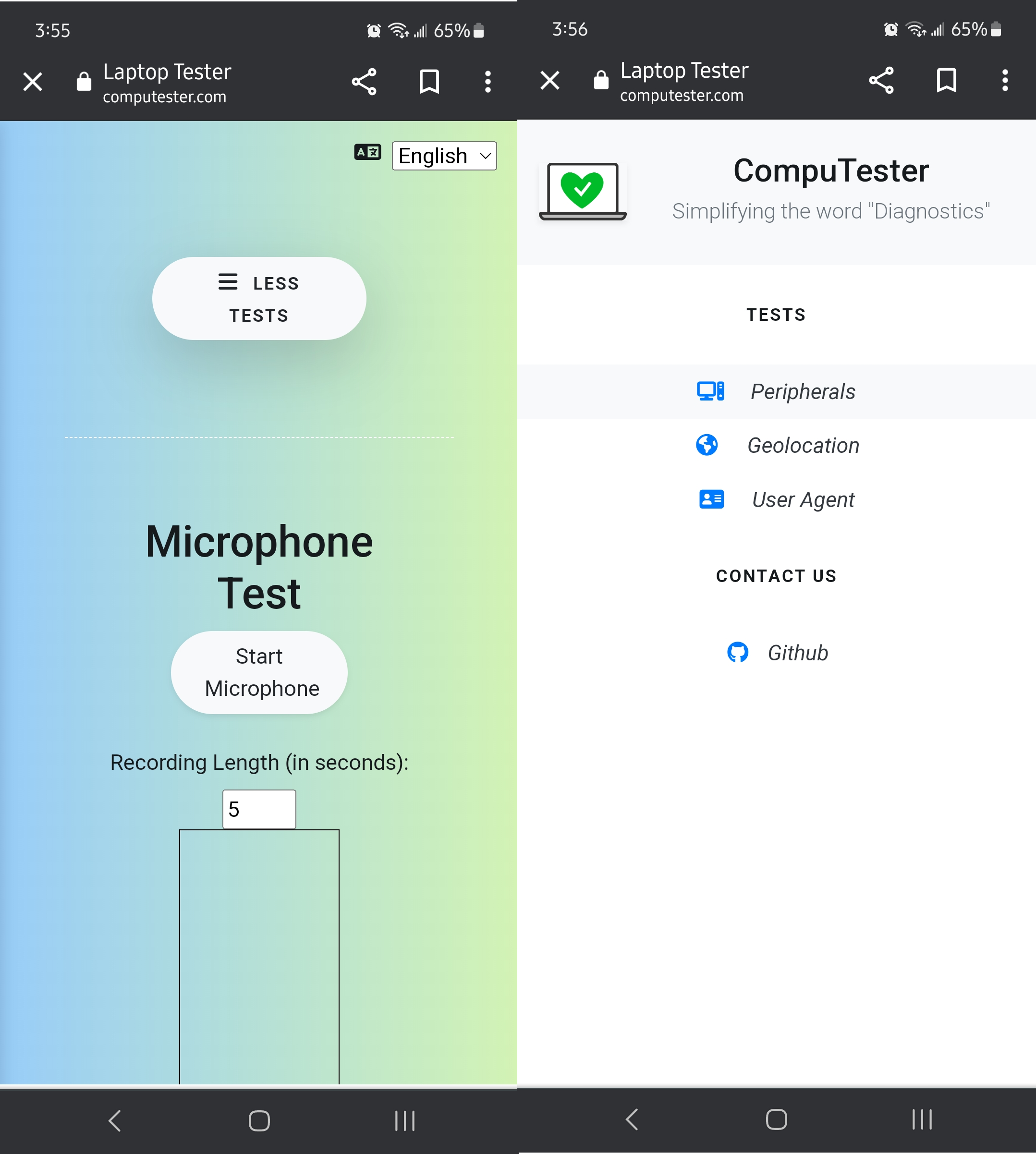
CompuTester is compatible with devices of all sizes and operating systems. The development team is continuously working to improve mobile support. Due to the limitations of not having a physical keyboard, the keyboard test is not available on touchscreen devices at this time.
We welcome contributions from the community! If you'd like to fix a bug or enhance an existing module test, follow these steps:
- Fork the repository.
- Create a new branch (
git checkout -b improve-feature). - Make the necessary changes in the files.
- Add comments to explain the changes made.
- Commit your changes (
git commit -am 'Improve feature'). - Push to the branch (
git push origin improve-feature). - Create a Pull Request.
If you encounter a bug or unexpected behavior, please open an issue here and provide a description of the issue.
If you have a new function or feature request, you can also open an issue here. Please note that CompuTester is designed to run on a wide range of devices and is a "static" web app without a backend. Because of this, some limitations regarding tests are to be expected
- jQuery - Ajax: jQuery simplifies HTML document traversing, event handling, animating, and Ajax interactions for rapid web development.
- Bootstrap: Offers an extensive list of components and bundled JavaScript plugins.
- i18Next: An industry-leading localization library that allows developers to efficiently translate projects in a scalable and maintainable way.
 Irving Molina
CompuTester is licensed under the MIT License. For more details, please refer to the License file.
MIT © Irving Molina