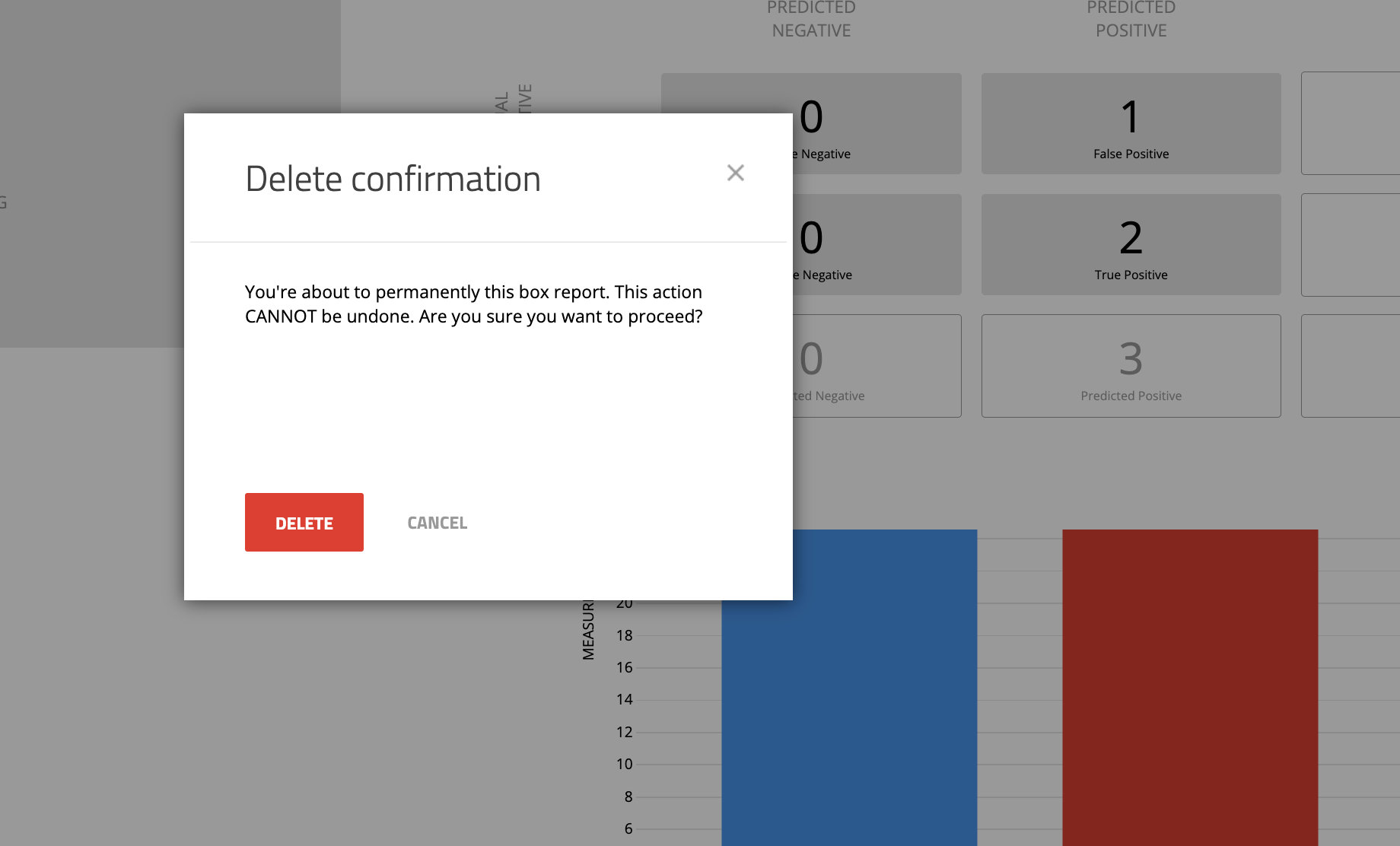
Delete Box Report pop up message is not clear. #1872


Description

Steps that you should follow in order to see the bug, ie.
- Go to 'Box Reports' page.
- Click on any report from the list.
- Click on "Delete Report button"
- A pop up screen is appeared.
- Delete message in pop up screen is not clear.
Expected
It should show the Proper message that report is going to be delete.
My setup
- Device: Laptop
- OS: macOS
- Browser: Chrome