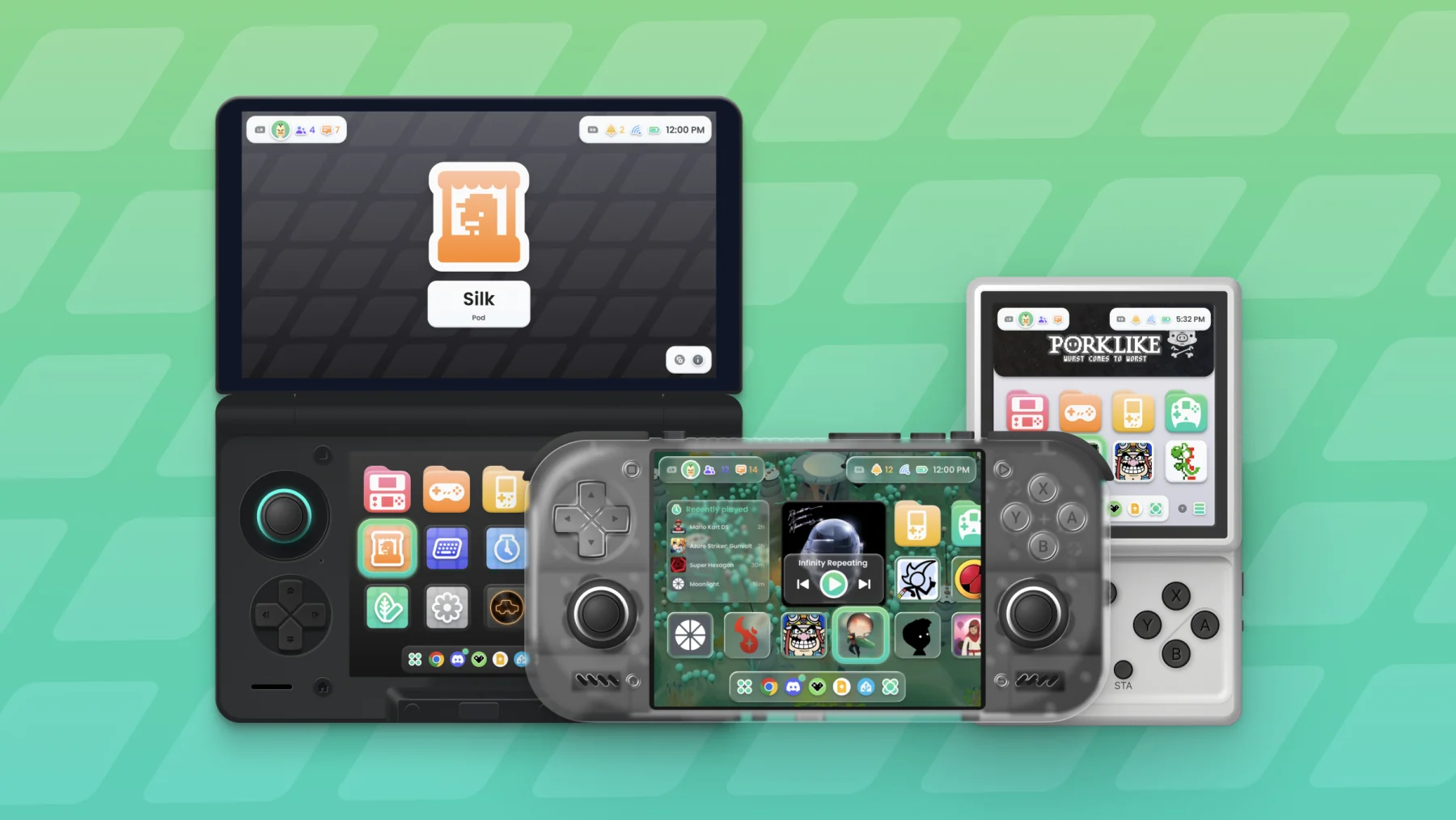
A customisable Android frontend for retro gaming handhelds.




Cocoon is an emulation frontend (similar to EmulationStation & Pegasus) which acts as an application to organise your library and launch games through Emulators.
While we currently only have an Android release, we are actively working on cross-platform releases such as Linux and Windows.
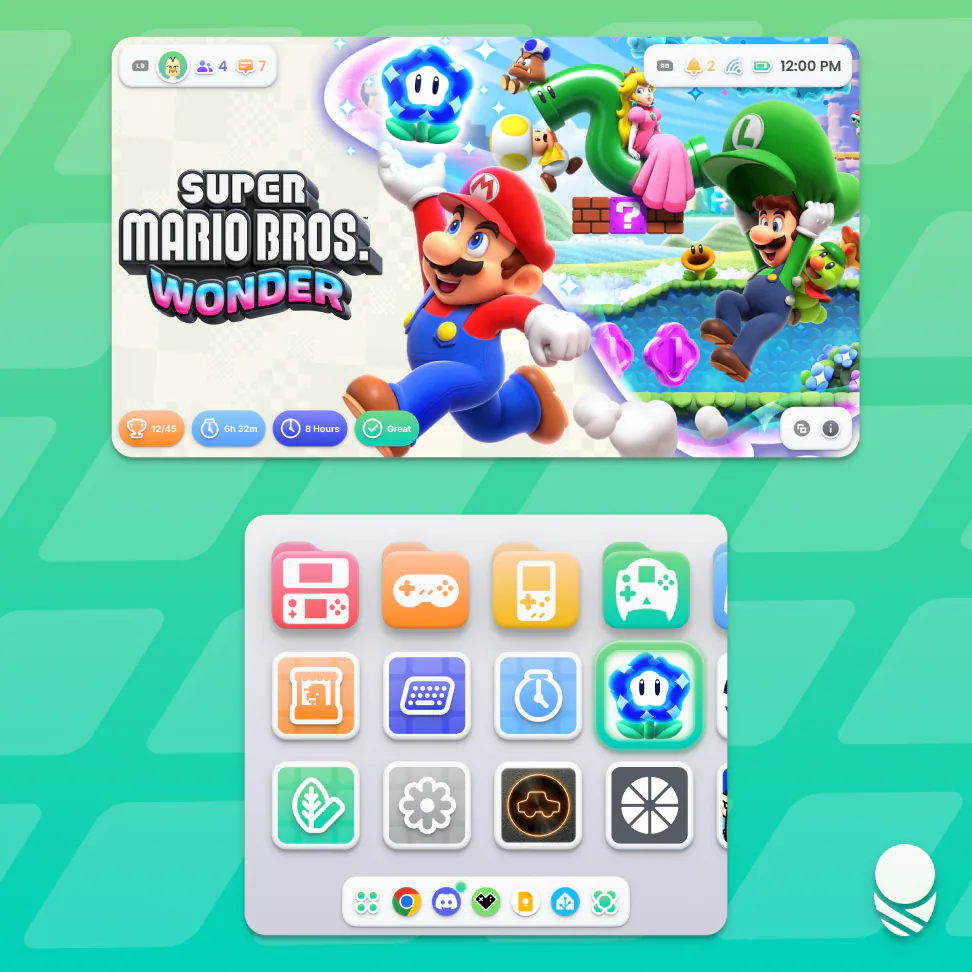
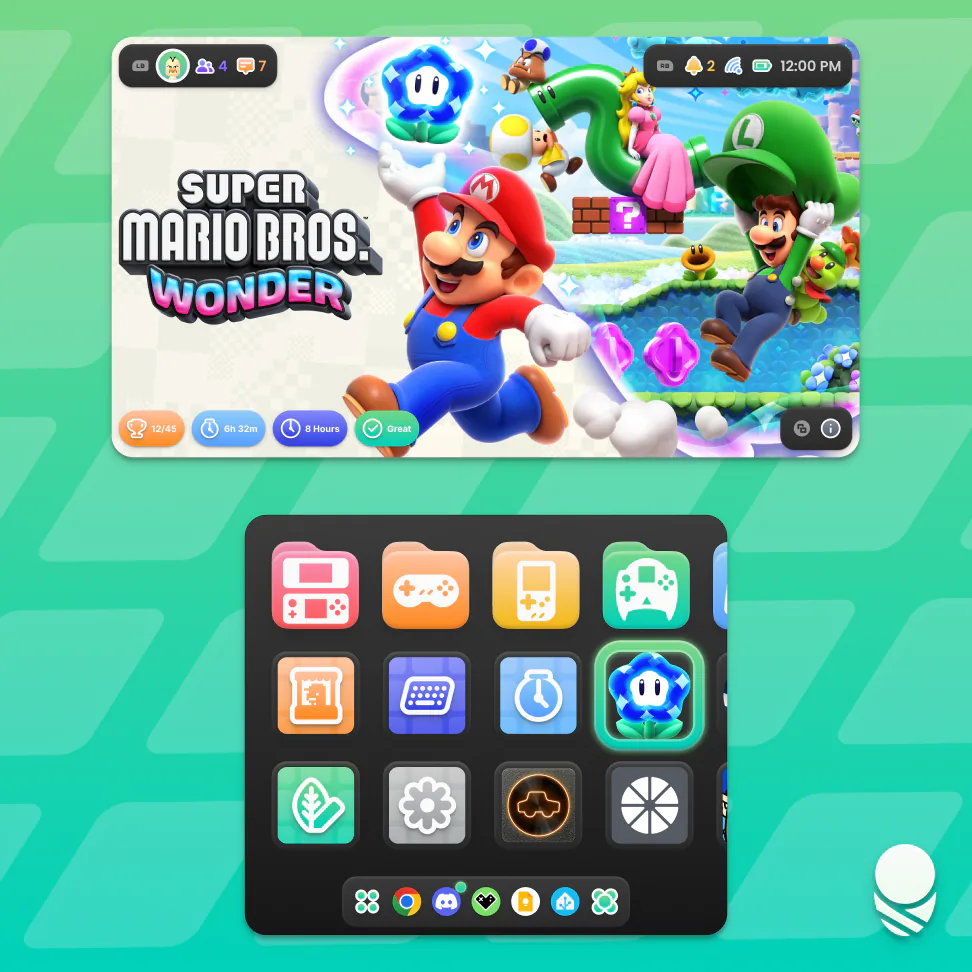
- Customisable grid: Each zoom level has its own saved layout. Page Mode provides a fixed grid made from discrete, swipeable pages, with control over the number of rows and columns.
- Widgets: Place Cocoon’s clock, Recently Played, Last Played, music player, image pin, Picnic, Log, and Random Game widgets alongside your games, or use a native Android widget from any app.
- Single and dual screen: Single-row layouts are available in Standard, Carousel, and Cover Flow styles. Cocoon supports single and dual-screen devices including the AYN Thor, Anbernic RG DS, and AYANEO Pocket DS.
- External displays: Cocoon moves cleanly between single and dual-screen layouts, and a docked setup can use up to five rows to make the most of the larger display.
- Search and organisation: Search the game library, multi-select games, and bulk move or remove them. Games can live in multiple folders through shortcuts.
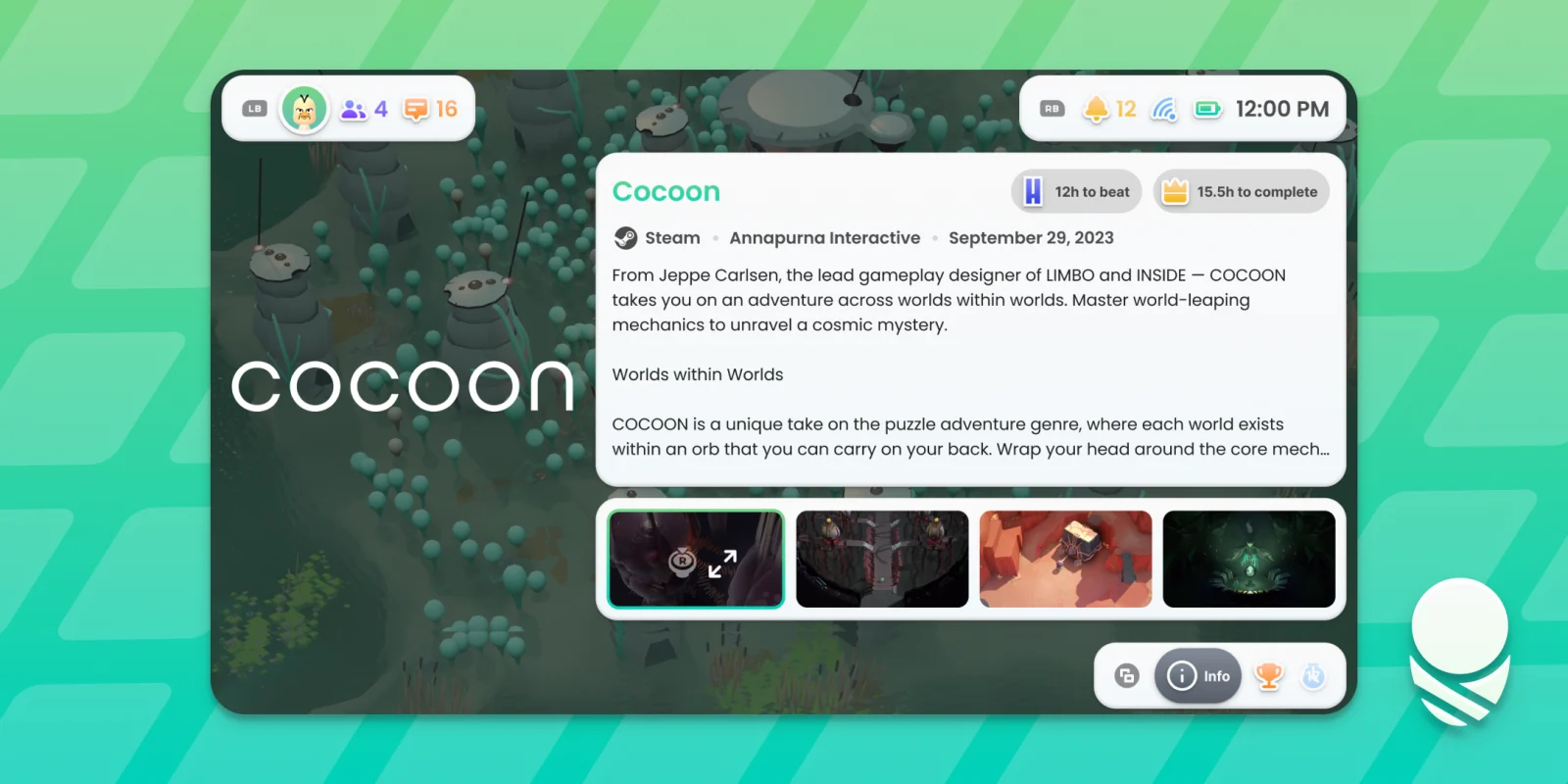
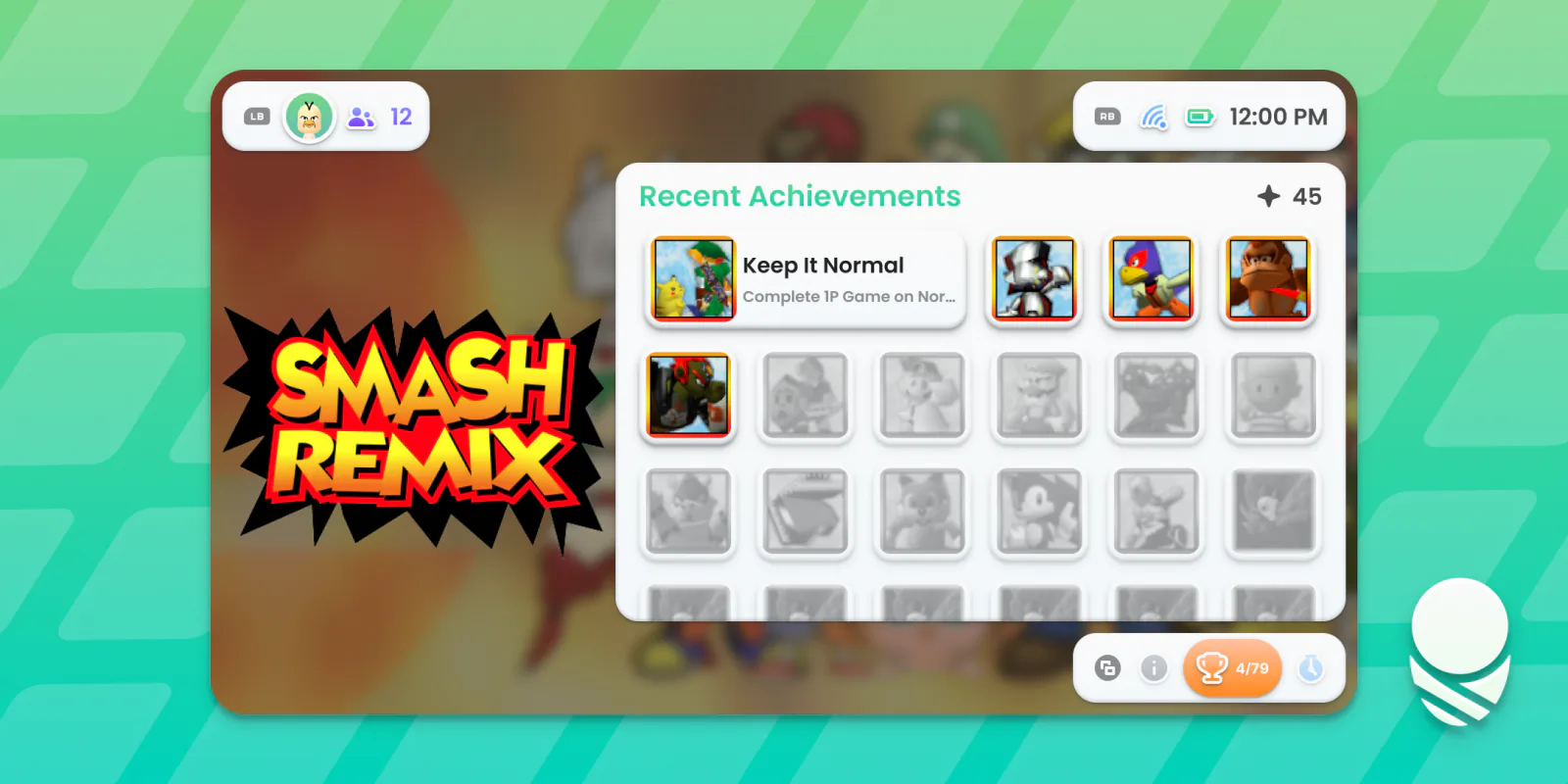
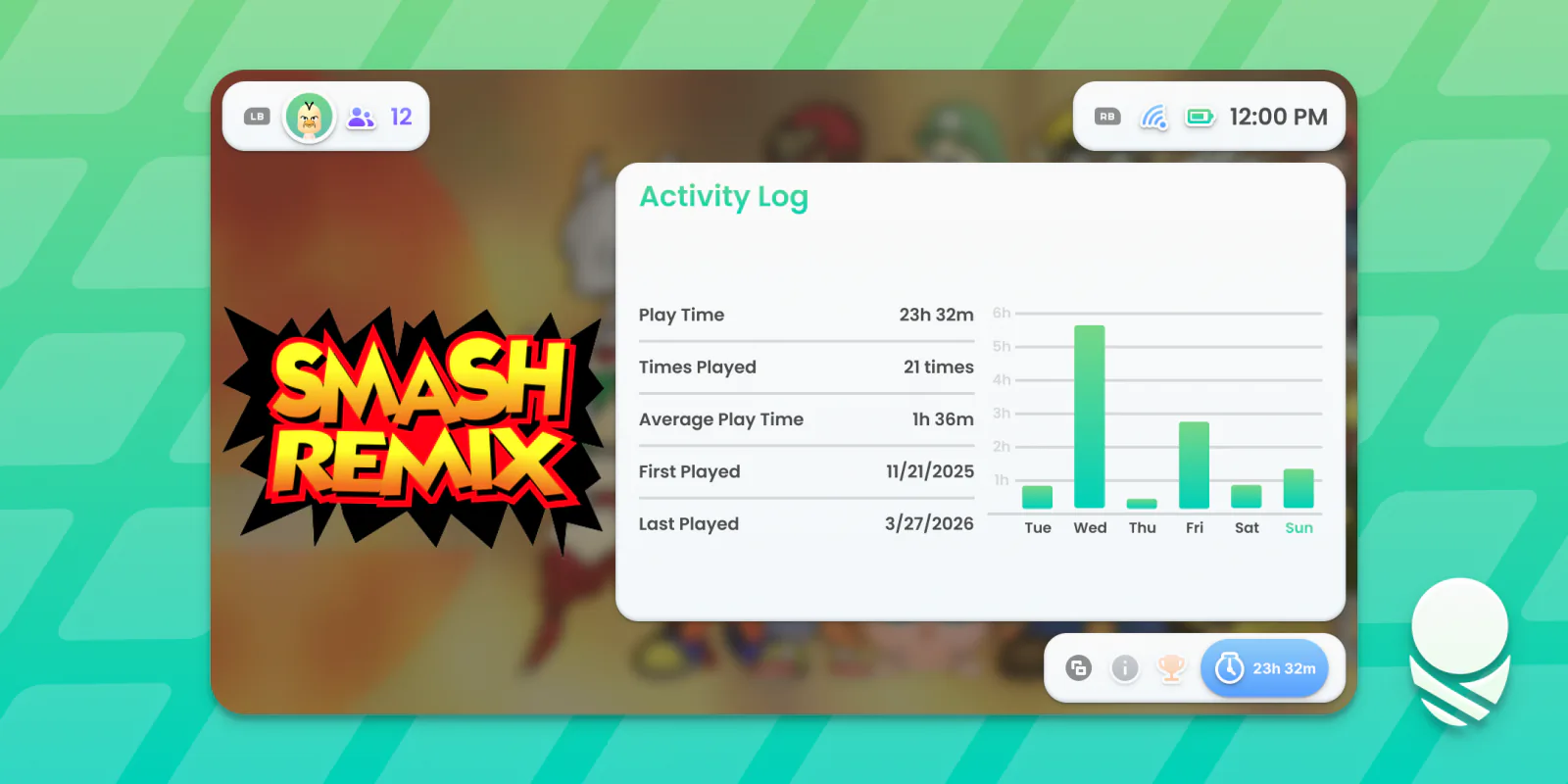
- Game info: The info screen has three tabs: Game Info, Achievements, and Activity Log. Game Info includes a description, gameplay or trailer video, screenshots, and HowLongToBeat badges.
- Achievements: The Achievements tab shows recently earned RetroAchievements, completion progress, and Steam achievements.
- Activity: The Activity Log tab breaks your tracked playtime into useful stats and a graph of your playing habits throughout the week.
- Now Playing: On dual-screen devices, Now Playing displays game art, session info, and quick access to the dock.
- Sessions: Cocoon tracks playtime down to the second. Sessions pause when Cocoon loses focus of the game and resume automatically when the game comes back into focus.
- Pods: Pods are mini apps for single and dual-screen devices. Log tracks playtime and game statistics, while Picnic organises screenshots by game.
- Scraping: Scraping sources include LaunchBox, IGDB, HowLongToBeat, ScreenScraper, and SteamGridDB. Sources can be arranged by priority, with control over the included media types.
- Status and social: Quickly toggle Wi-Fi, Bluetooth, Do Not Disturb, and more without leaving Cocoon. You can see Discord friends and their game activity, Steam friends with game activity and messages, plus Android conversations from Discord and any other supported messaging app.
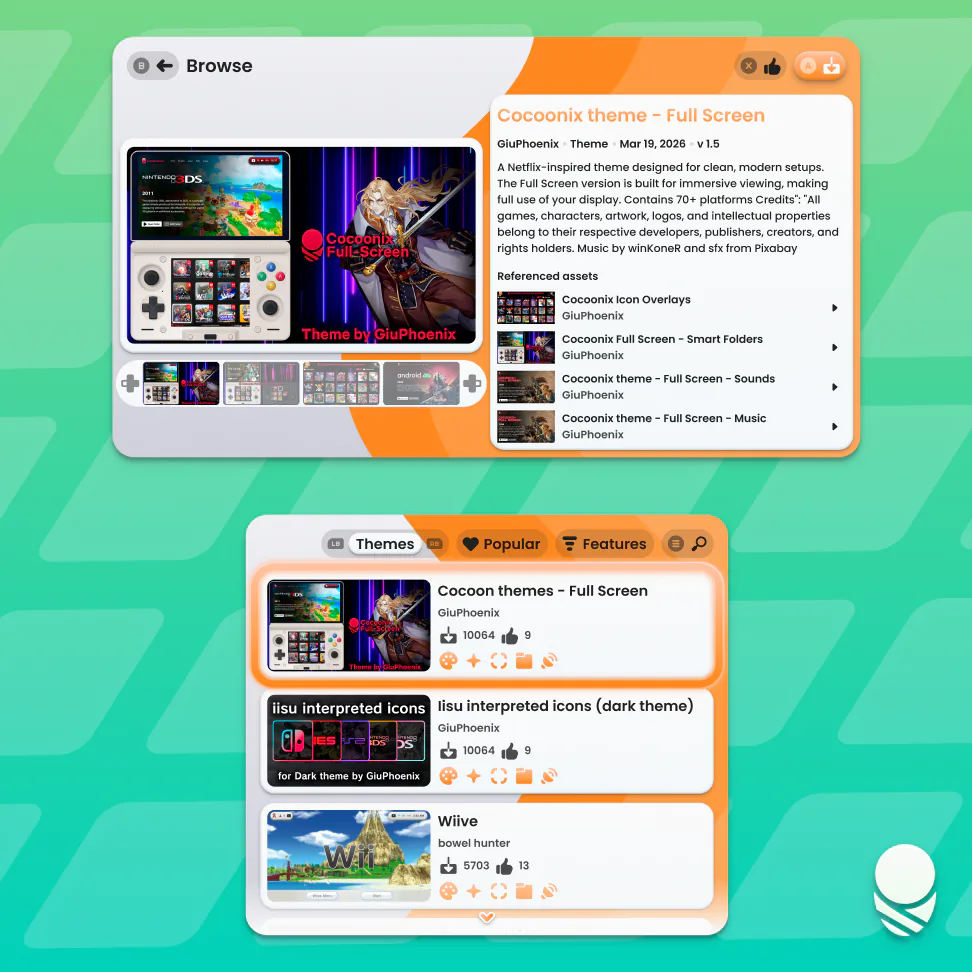
Silk Pod is Cocoon’s community theme and asset store. Browse, download, and install themes and asset packs made by other users, or submit your own.
Themes are modular and dynamically loaded. Choose individual colours, wallpapers, icons, smart folder artwork, sound effects, and music from different themes to create your own combination.
The Theme Studio provides a live dual-screen preview and exports ready-to-use ZIPs for Cocoon or Silk Pod. The Glass surface material includes controls for blur, refraction, tint, and rim highlight.

- Download the latest APK from Releases.
- Enable Install from Unknown Sources in Android settings.
- Install the APK.
The setup wizard walks you through everything you need to get up and running.
See the Cocoon Wiki for setup guides. The complete platform list is available in platforms/index.json.
For bug reports and feature requests, please use GitHub Discussions. For general help and community chat, join our Discord.
- ScreenScraper.fr: Game metadata and ROM information
- SteamGridDB: High-quality game artwork
- Daijisho: A great curated collection of platforms and players that we use as a base