

Clip is a full-stack bookmark manager built with Django (Python) and enhanced with AI. It lets users securely store and organize favorite website links, mobile apps, desktop apps, etc., in the form of bookmarks with minimal effort.
Featuring AI-powered content analysis, infinite scroll for seamless browsing. Bookmark with names, descriptions, URLs, tags, and import/export functionality while also providing an intuitive admin dashboard.







| Home | Signin |
|---|---|
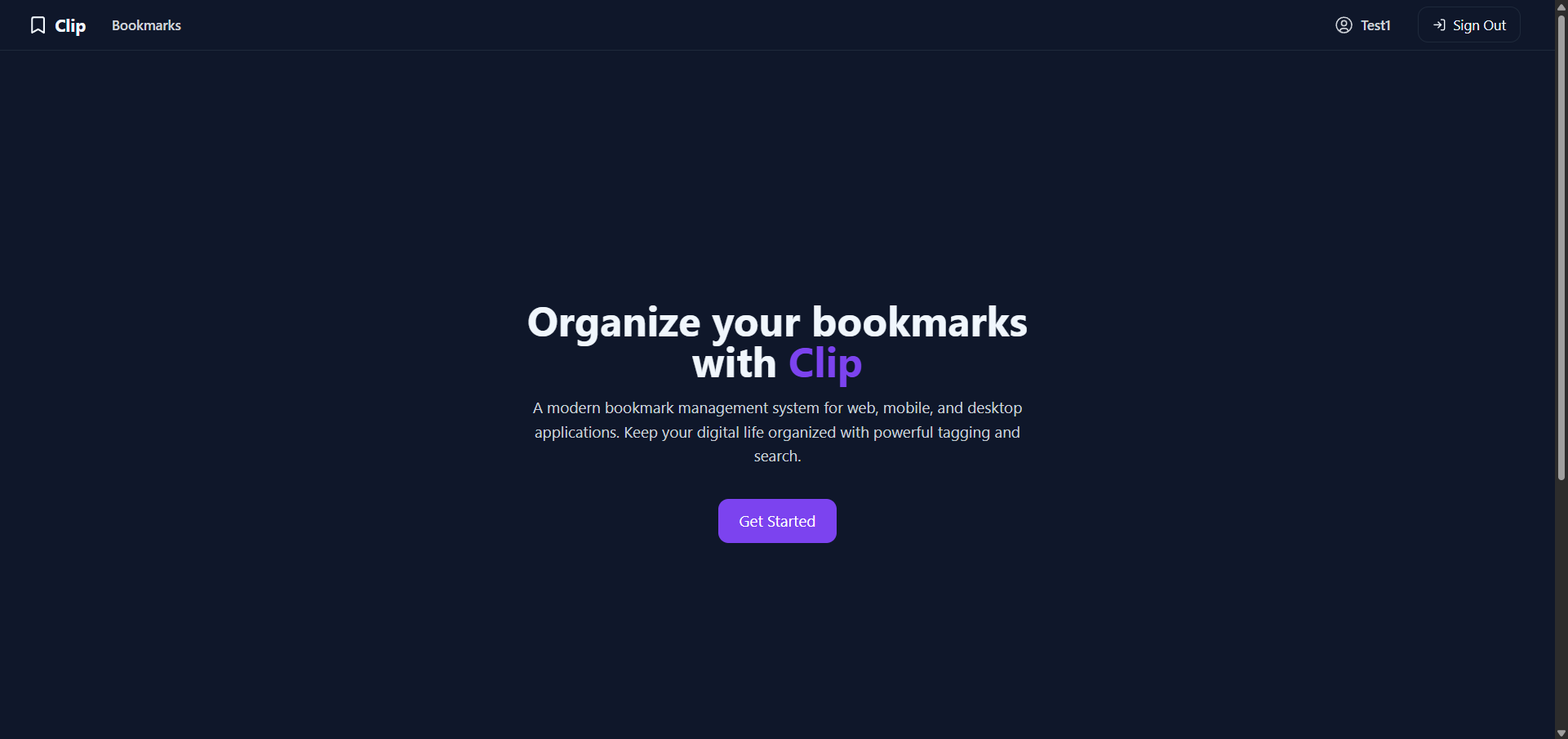 |
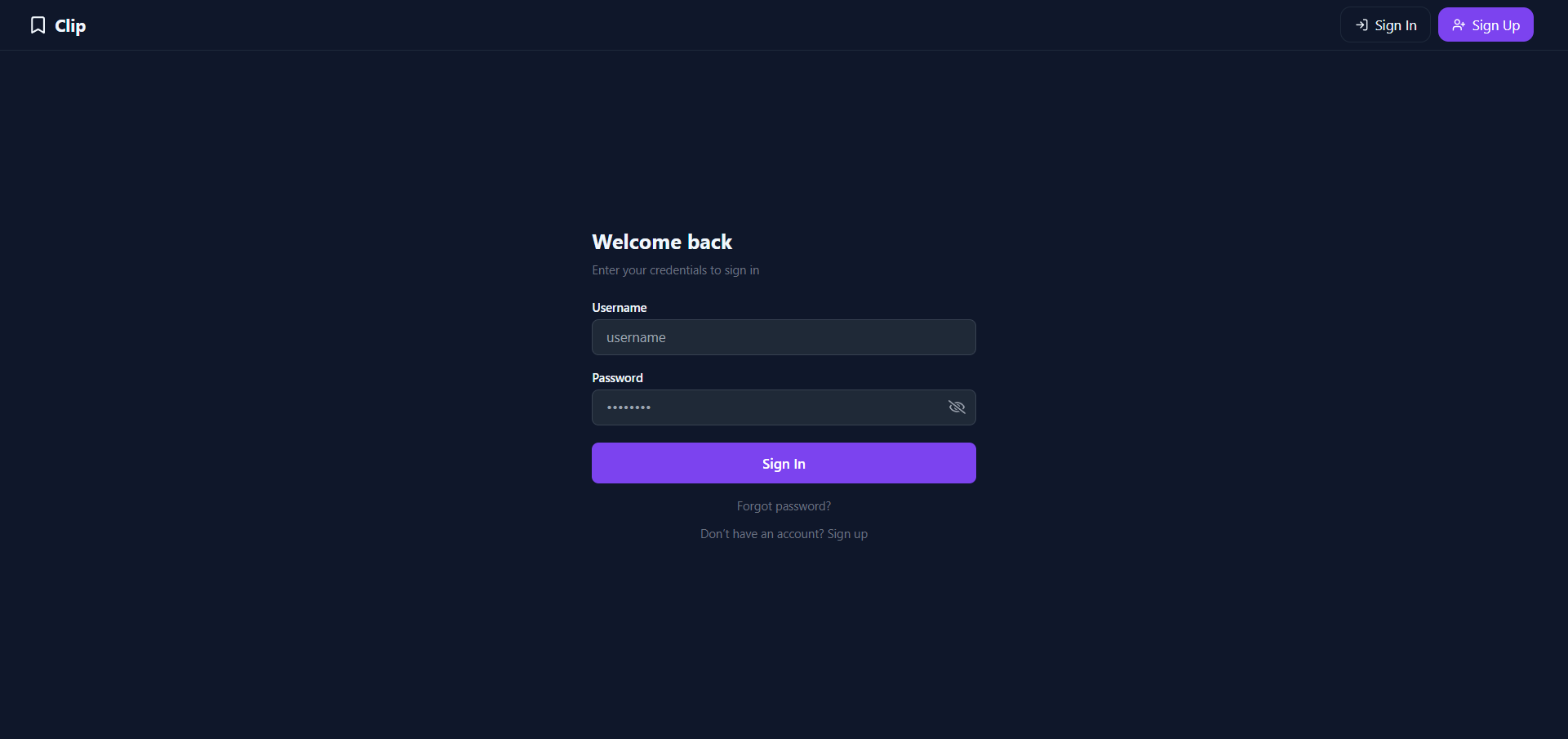 |
| Dashboard | Profile |
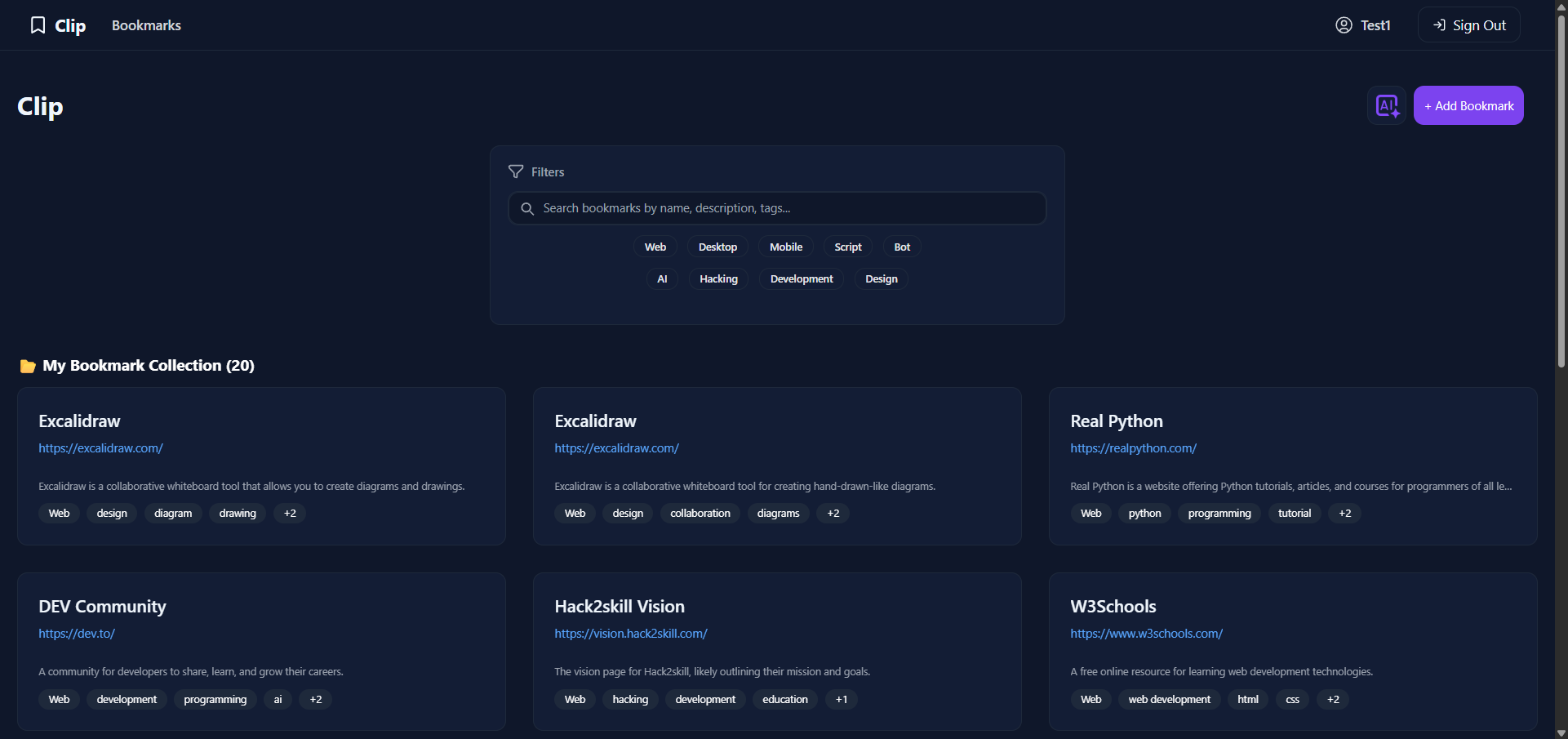 |
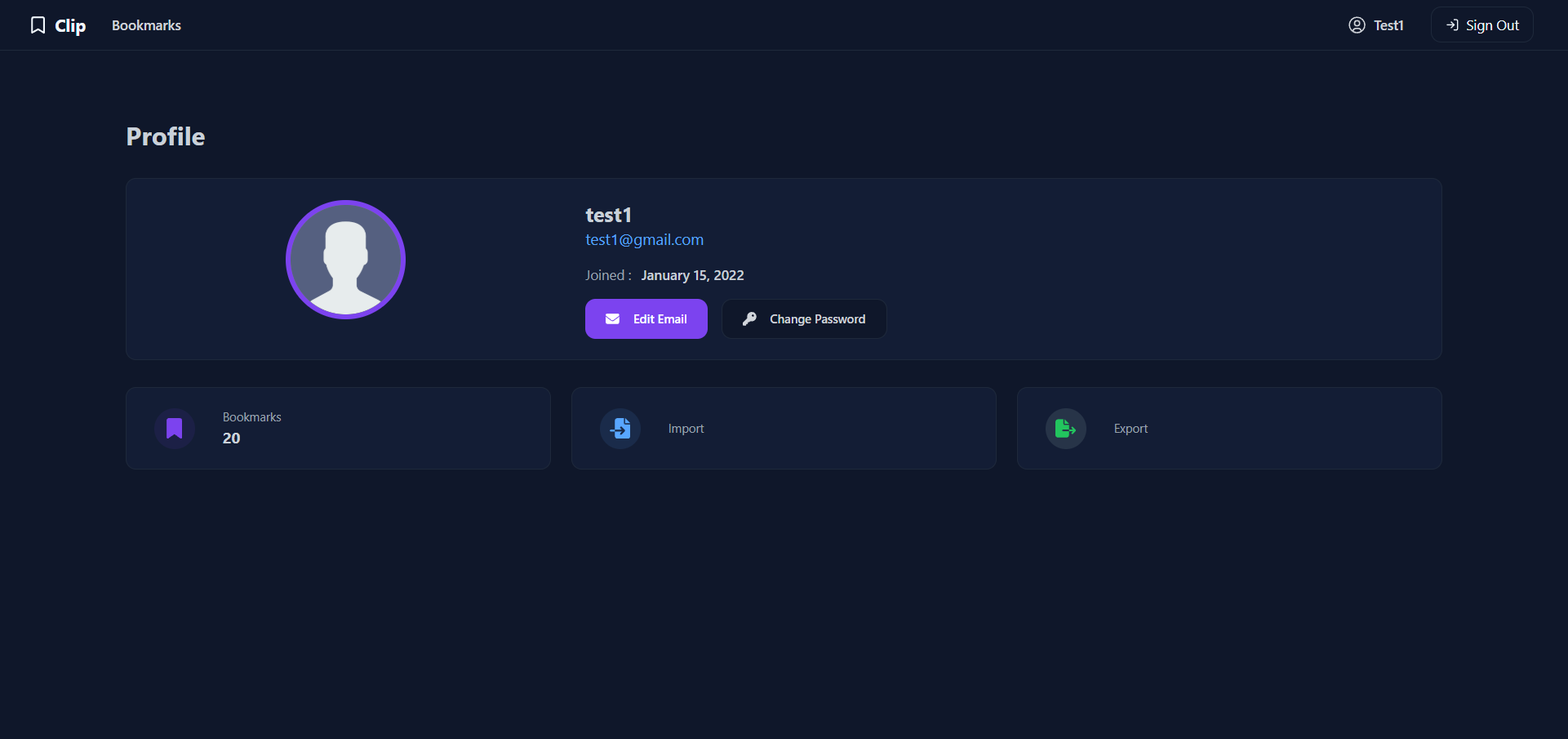 |
| Feature | Description | Status |
|---|---|---|
| 🤖 AI Auto-fill | Automatically generates a bookmark's title, description, and tags from a URL using the Gemini API. | ✅ |
| 📜 Infinite Scroll | Seamlessly browse all your bookmarks on the dashboard without clicking through pages. | ✅ |
| ✏️ Full CRUD | Create, read, update, and delete bookmarks with ease. | ✅ |
| 🔍 Search & Filter | Instantly find any bookmark with a powerful search and filtering system. | ✅ |
| 📂 Import / Export | Easily back up or transfer your collection with JSON file import and export. | ✅ |
| ⚙️ Admin Dashboard | A complete admin panel to manage all users and their bookmarks. | ✅ |
| Category | Technology |
|---|---|
| Backend | Python, Django |
| Database | PostgreSQL, SQLite3 (for development) |
| Frontend | HTML, Tailwind CSS, JavaScript |
| AI Integration | Google Gemini API |
Follow these steps to set up the project locally:
- Python 3.10+
- Git
-
Clone the Repository:
git clone https://github.com/im-junaid/Clip.git cd Clip -
Create a Virtual Environment:
python3 -m venv venv
source venv/bin/activate  # On Windows: venv\Scripts\activate
-
Install Dependencies:
pip install -r requirements.txt
🔄 Use SQLite (development only)
Inclip/settings.py, comment out the PostgreSQLDATABASESblock and uncomment (or add) the SQLite configuration:DATABASES = { 'default': { 'ENGINE': 'django.db.backends.sqlite3', 'NAME': BASE_DIR / 'db.sqlite3', } }
> **Note:** If you are not using PostgreSQL, the project will default to using PostgreSQL.
Optimized fast searching and filtering is not supported by SQLite3
-
Set Up Environment Variables: Create a
.envfile in the project root and add the following:DEBUG="True" SECRET_KEY="your-secret-key" ALLOWED_HOSTS="127.0.0.1,localhost" # Google Gemini API Key GEMINI_API_KEY="your-gemini-api-key" # Email settings (optional) EMAIL_HOST_USER="" EMAIL_HOST_PASSWORD="" # PostgreSQL DB (optional) DB_NAME="" DB_USER="" DB_PASSWORD="" DB_HOST="" DB_PORT=5432
-
Apply Migrations:
python manage.py makemigrations
python manage.py migrate
-
Create Superuser (Admin Account):
python manage.py createsuperuser
-
Run the Development Server:
python manage.py runserver
Visit: http://127.0.0.1:8000
├── accounts/         # User authentication & profile management
│   ├── static/       # (e.g., profile.js)
│   └── templates/    # (e.g., signin.html)
│
├── bookmark/         # Core bookmark app
│   ├── static/       # (e.g., dashboard.js)
│   └── templates/    # (e.g., dashboard.html)
│
├── clip/             # Django project settings & URL configuration
├── manage.py         # Django management script
└── requirements.txt  # Python dependencies
This project is licensed under the MIT License. See LICENSE for more information.
Project Link: https://github.com/im-junaid/Clip